Hello everyone,
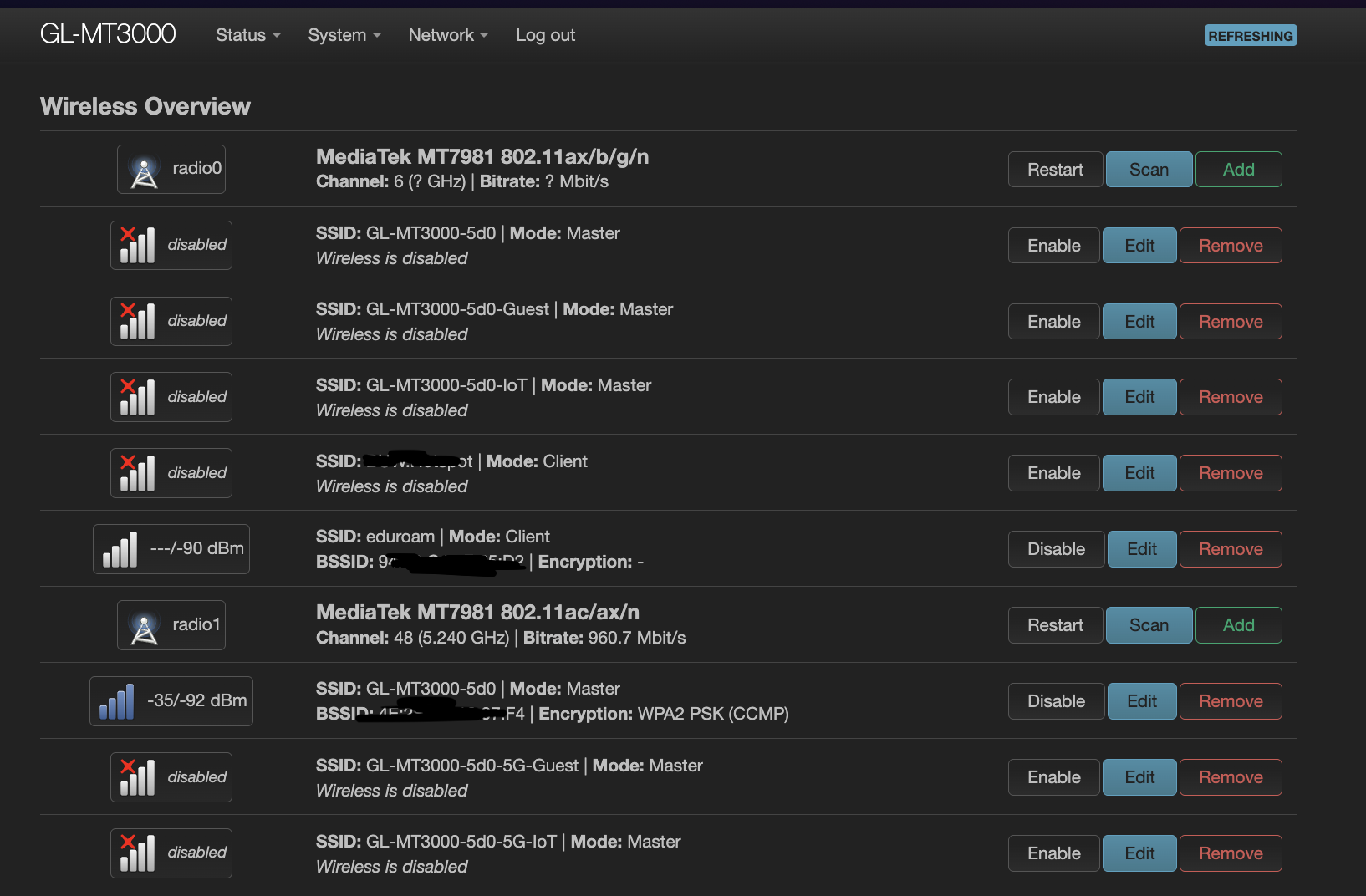
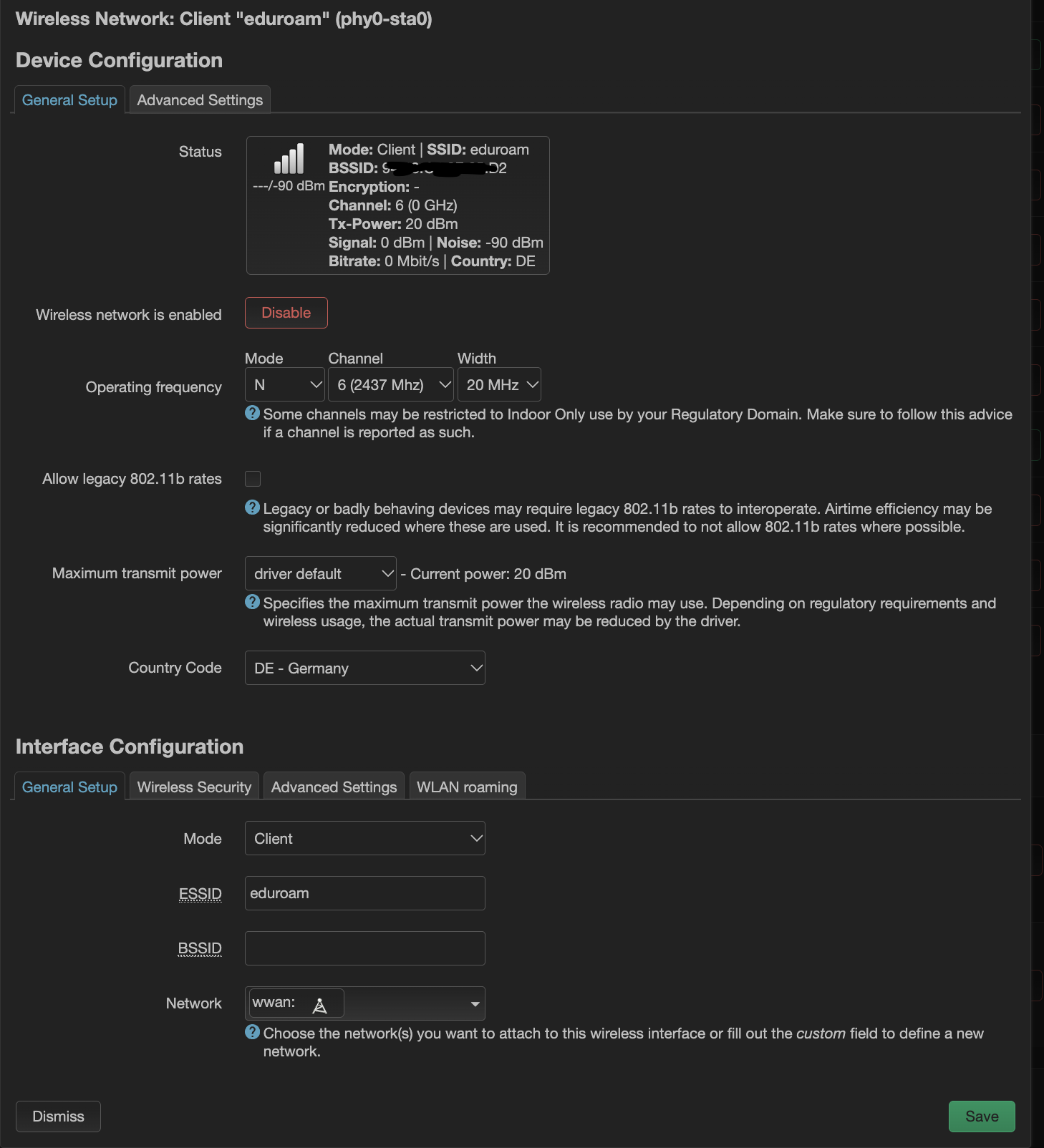
I am struggling to connect my GL-MT3000 (Beryl AX) to my university's eduroam network in Repeater/Client mode. I am configuring this through the advanced LuCI interface.
Here is my current setup and what I have tried so far based on previous forum threads:
-
Updated the system and installed wpad-openssl to unlock WPA2-EAP encryption.
-
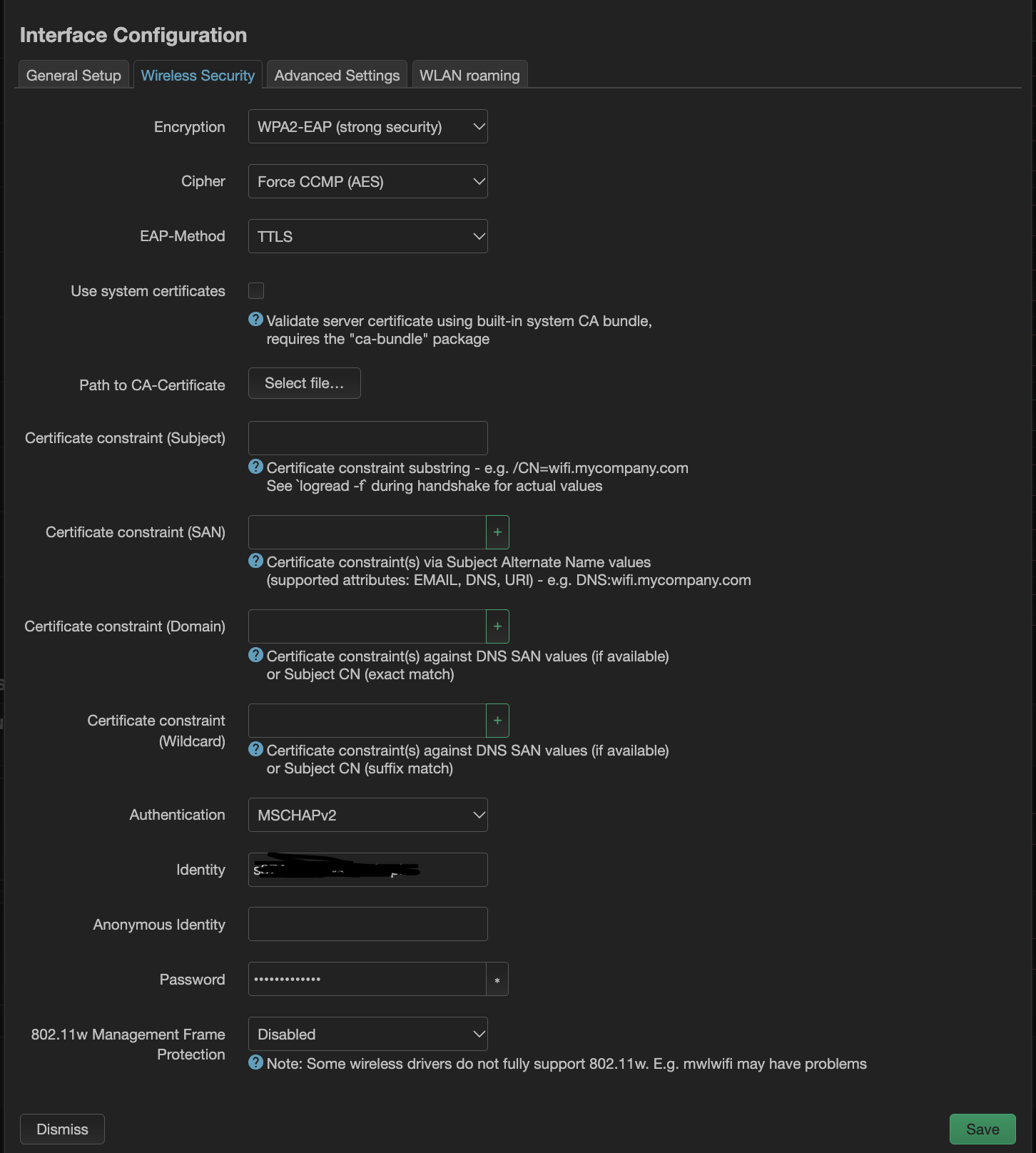
Configured the wireless security settings: EAP-Method: TTLS, Authentication: MSCHAPV2.
-
Extracted and uploaded my university's CA certificate (via the eduroam CAT script) in the "Path to CA-Certificate" field. Unchecked "Use system certificates".
-
Entered my correct student identity and password. Also tried filling in the Anonymous Identity.
-
Set 802.11w Management Frame Protection to both "Disabled" and "Optional".
-
Cleared the BSSID field to avoid roaming issues.
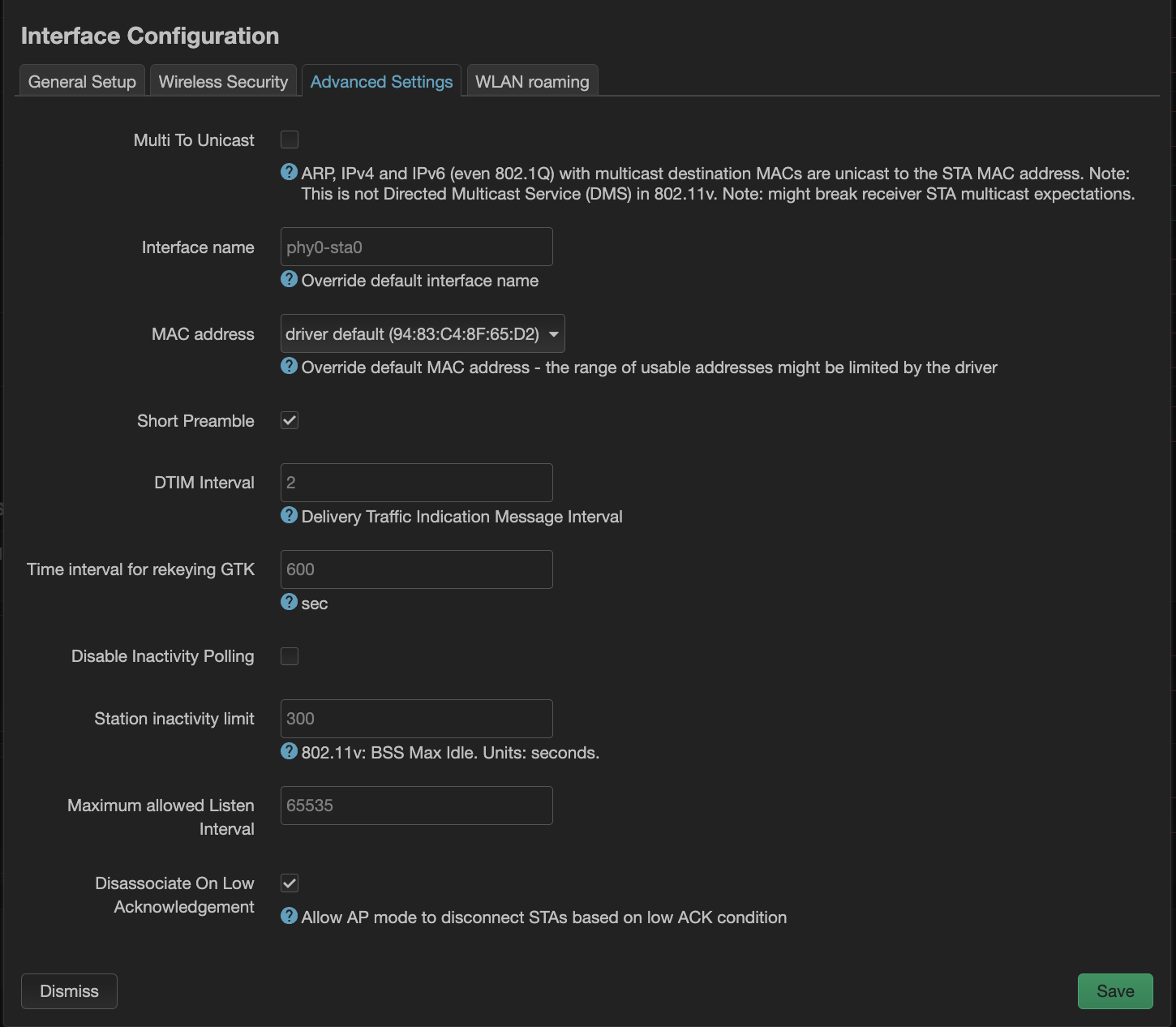
Symptoms: The router refuses to associate. In LuCI, the interface status stays at "Wireless is not associated" and it never gets an IP address. On the Wireless Overview page, the Encryption field briefly shows "WPA2 802.1X (CCMP)" but then drops to and loops.
Right now on screenshot there are not any CA oraz anonymous pass, but i tried also with this setup
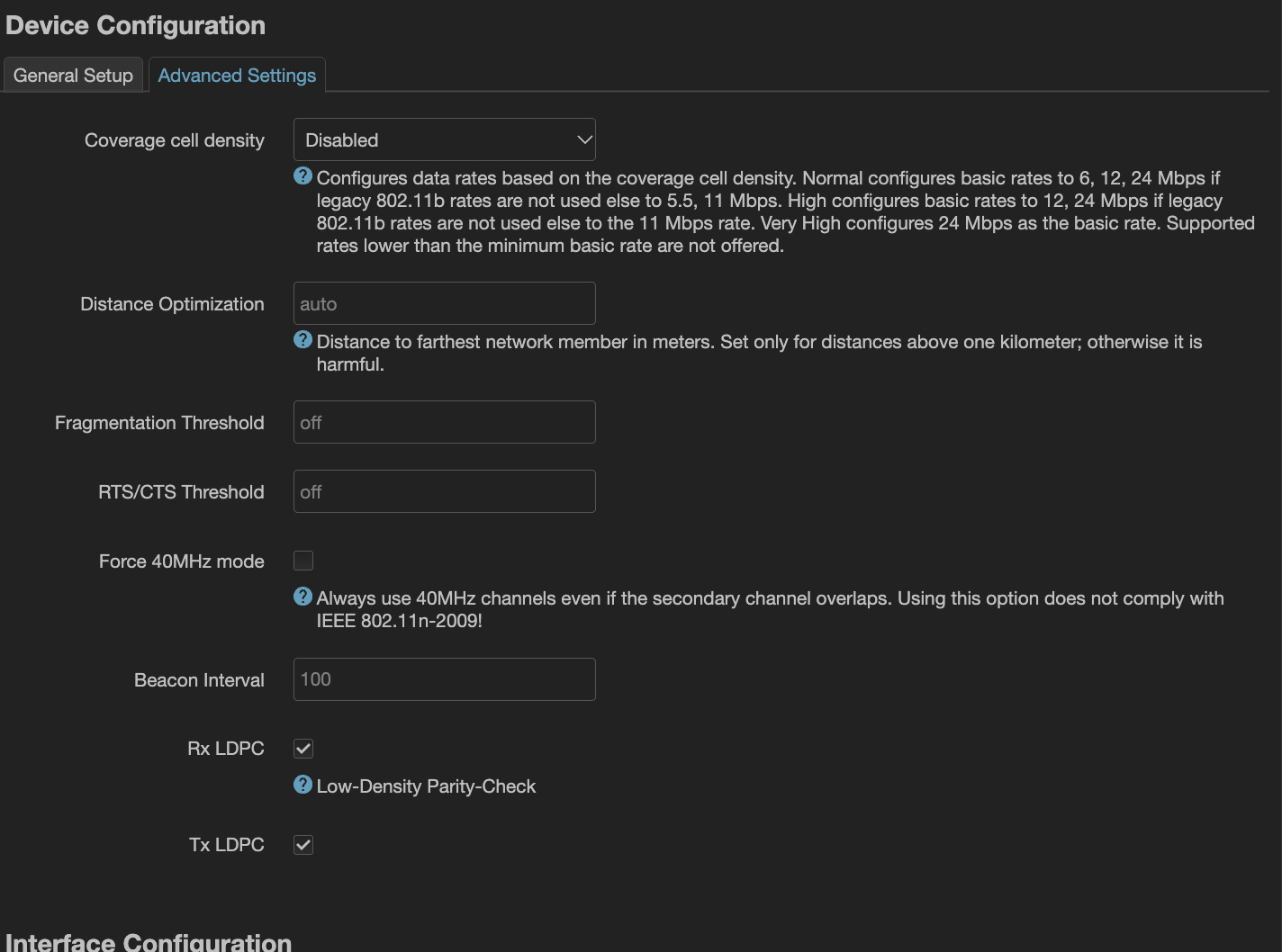
I have attached screenshots of my LuCI interface configuration. Has anyone successfully bypassed this MT7981 driver issue on the current firmware? Any help is greatly appreciated.
Hi,
Thank you for sharing your configuration details. Please refer to our EAP network connection guide for the recommended setup procedure.
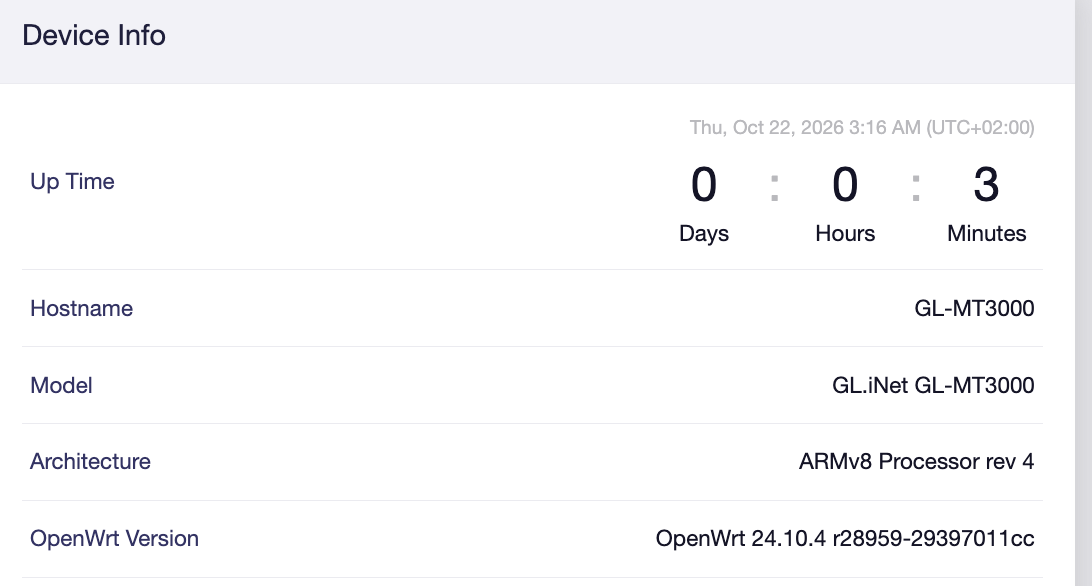
Please note that the GL-MT3000 does not support EAP connections on the default GL.iNet firmware. We provide native OpenWrt 24 firmware for this model that adds EAP support.
Could you please try using the native OpenWrt 24 firmware and follow the guide to configure the Eduroam connection, to see if it works?
Thank you for your understanding and cooperation.
Hey man,
I installed openwrt 24 firmware, first thing i did, i read a lot of topics on this forum about eduroam soo that`s why i had it already
Even on this native OpenWrt 24 firmware, with the wpad-openssl package installed and the correct university CA certificates configured via LuCI (WPA2-EAP, TTLS/MSCHAPv2), the router still drops the connection. The MT7981 driver fails to maintain the EAP association and loops without ever obtaining an IP address from the eduroam network. Since I am already following the recommended setup on OpenWrt 24 and hitting a wall, could you please escalate this to the engineering team? It appears to be a driver-level incompatibility with enterprise EAP authentication on the MT3000.
Hi,
Sorry for the late reply, and thank you for confirming.
To help our team investigate further, could you please collect the following information?
- Please try connecting to eduroam again, wait approximately 1–2 minutes, and leave the router in the failed connection state.
- Log in to the router via SSH and run the following commands.
date
iw dev
for iface in $(iw dev | awk '$1=="Interface" {print $2}'); do
    iw dev "$iface" link
done
ubus call network.interface dump
ps w | grep -E '[r]epeater|[w]pa_supplicant|[h]ostapd'
- Then go to SYSTEM → Log → Export Log in the web admin panel, and send us the exported log file along with the command output via private message.
Once we receive the information, our team will investigate further. Thank you for your patience and cooperation.
How to send private messages: