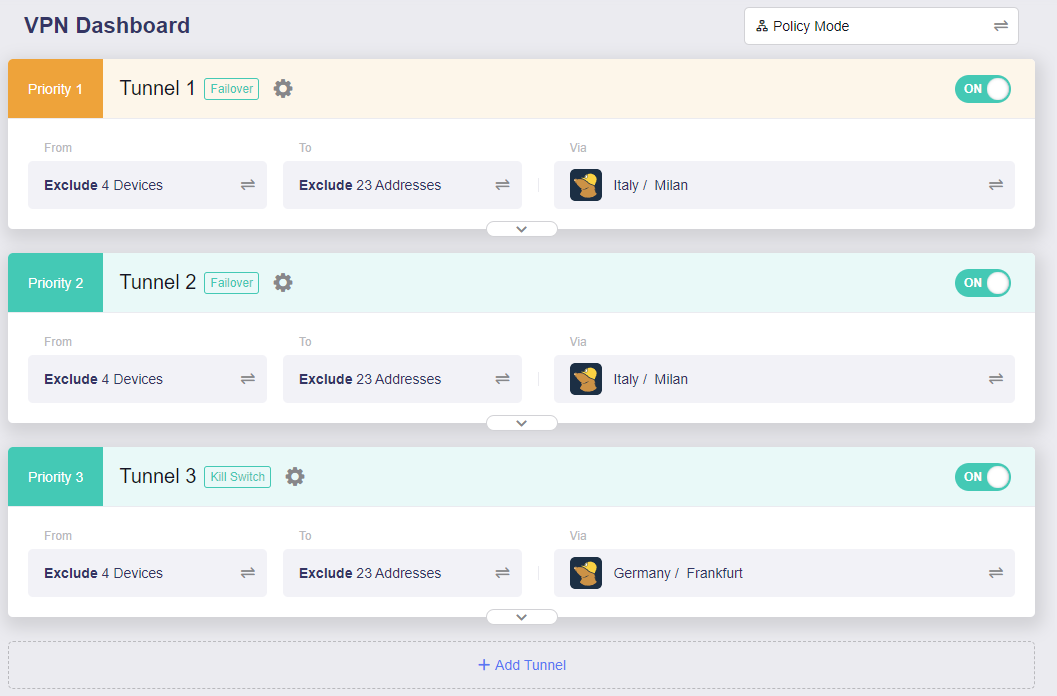
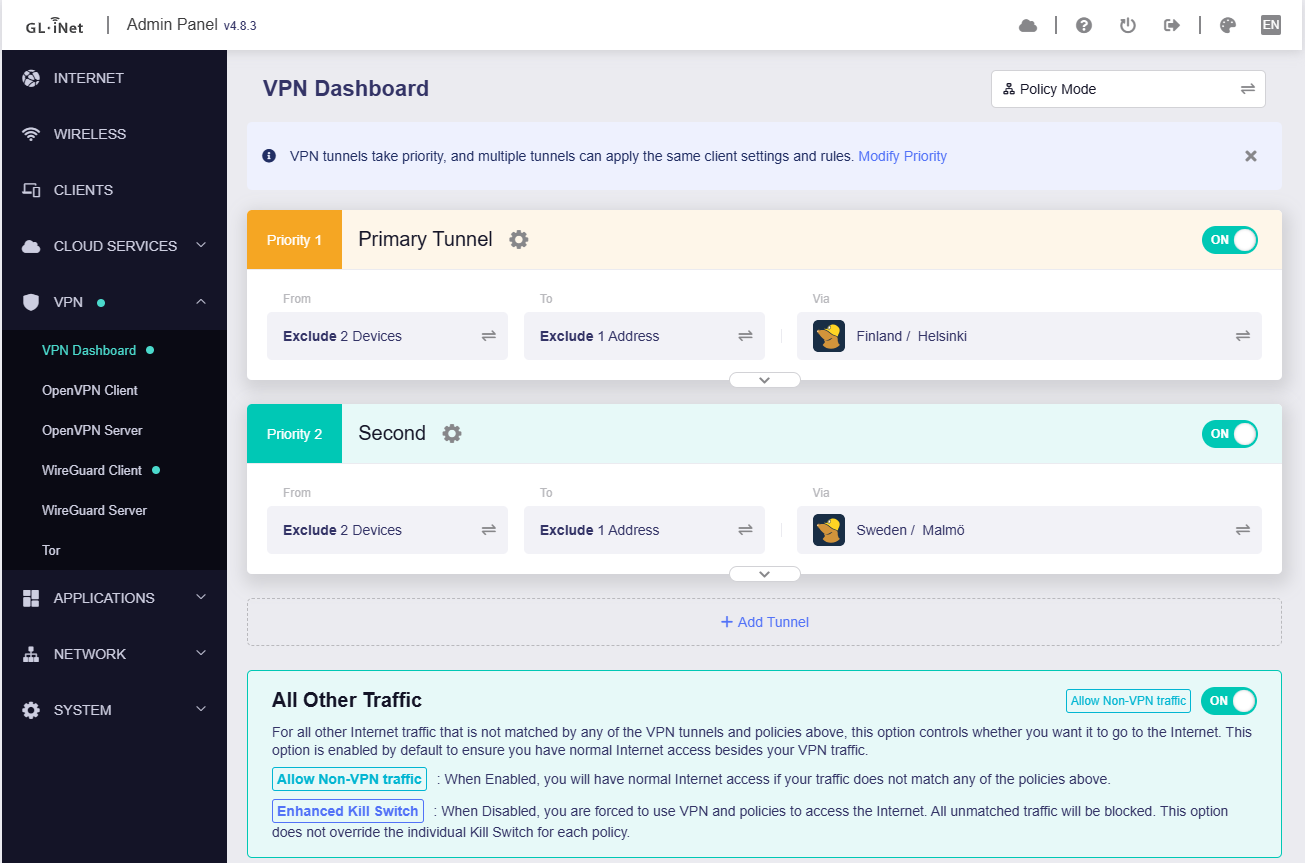
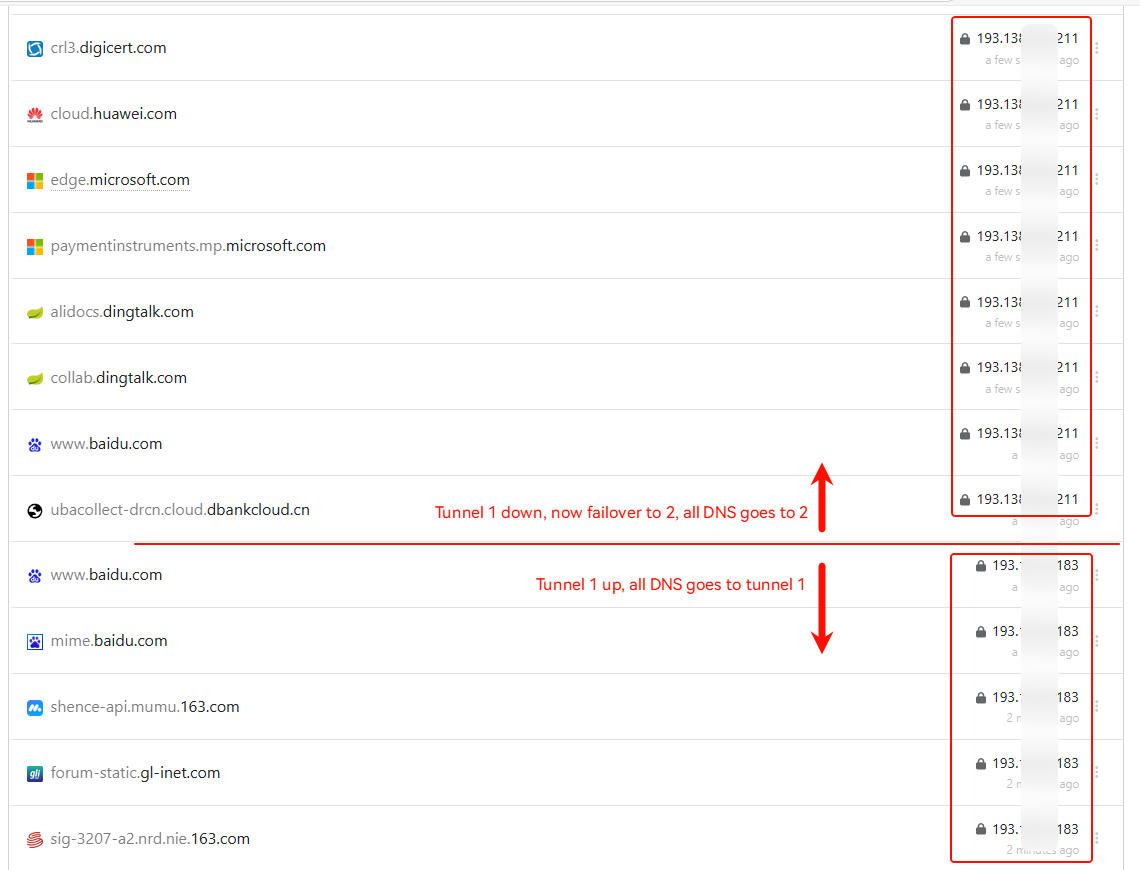
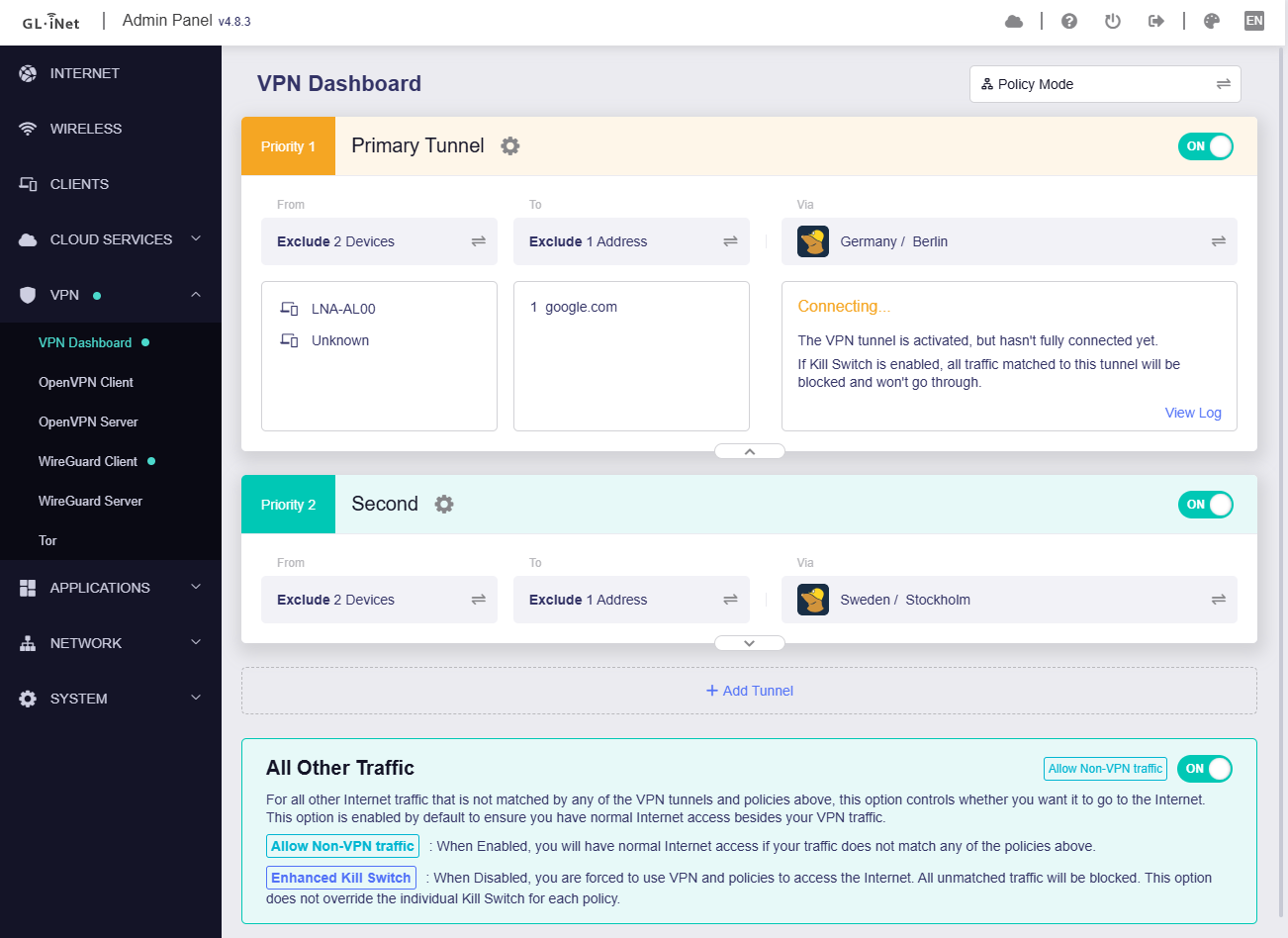
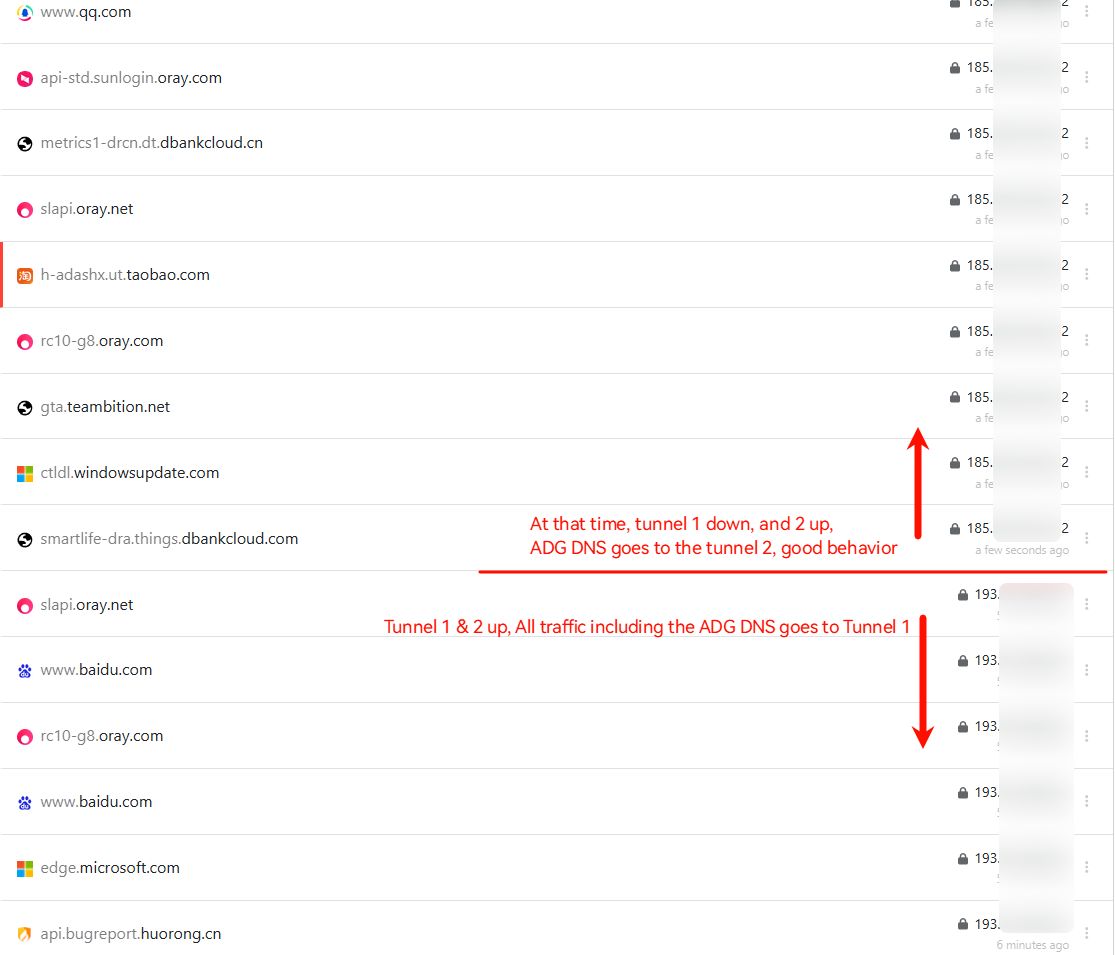
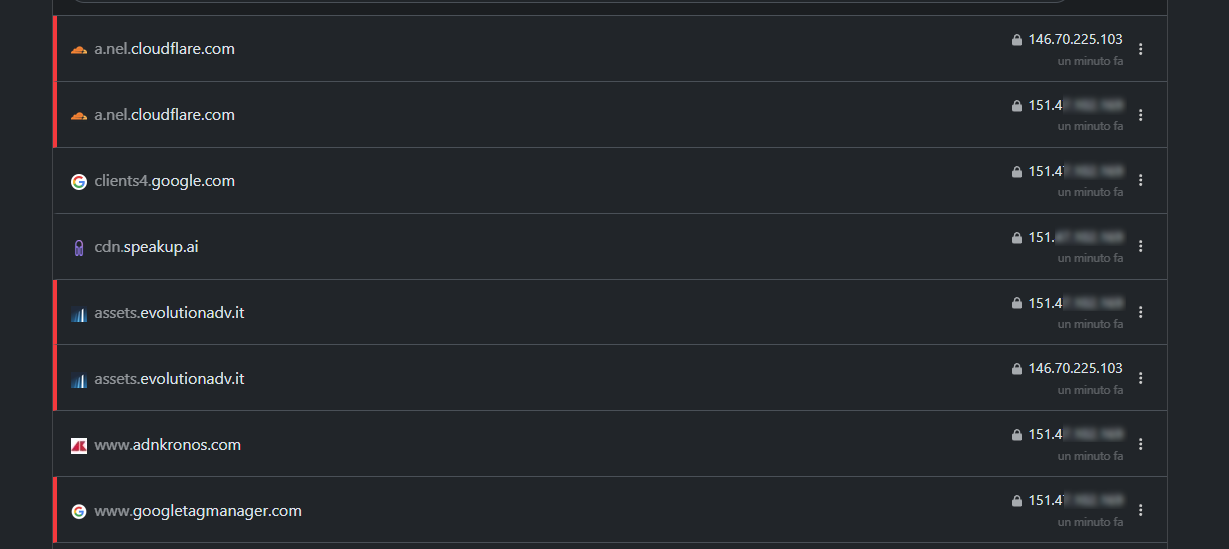
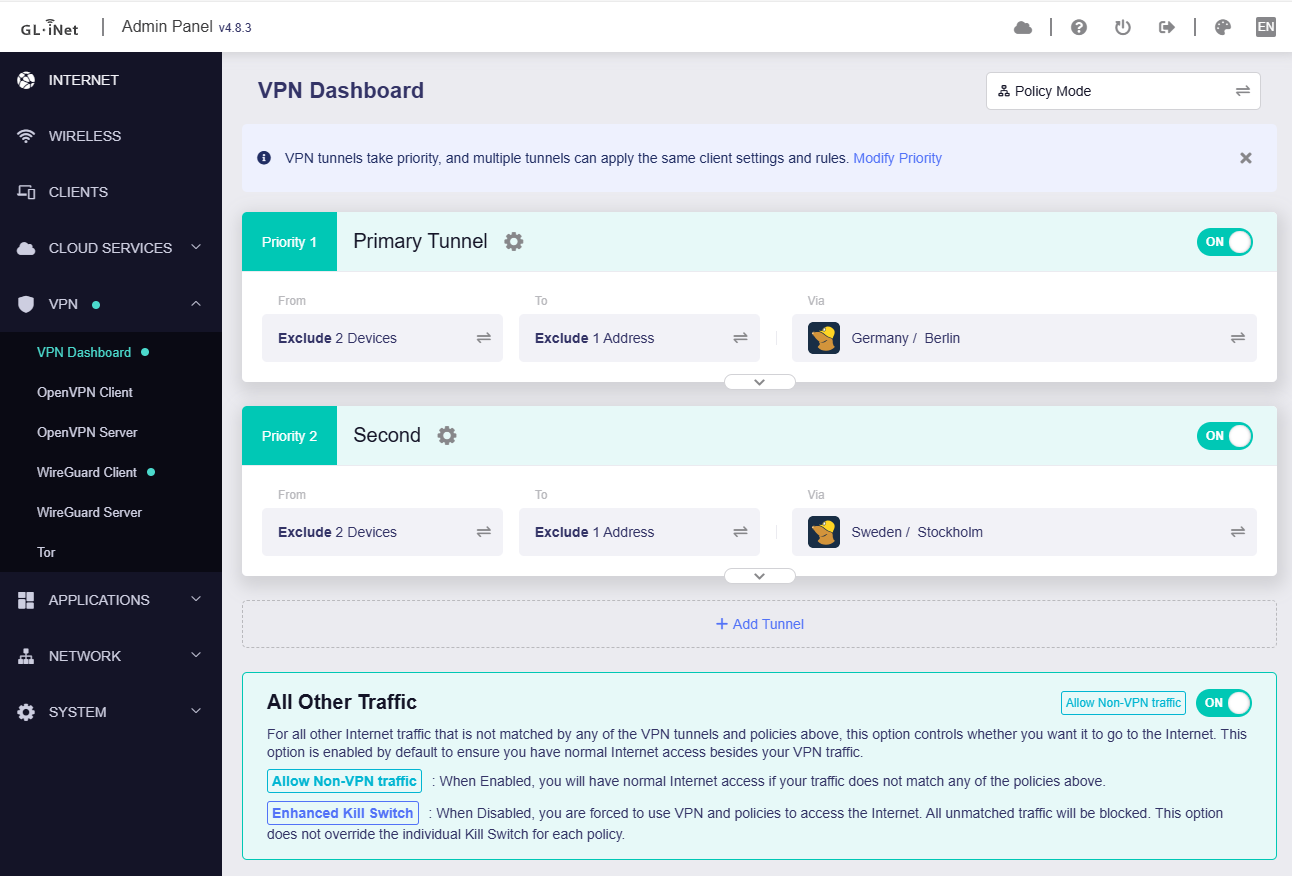
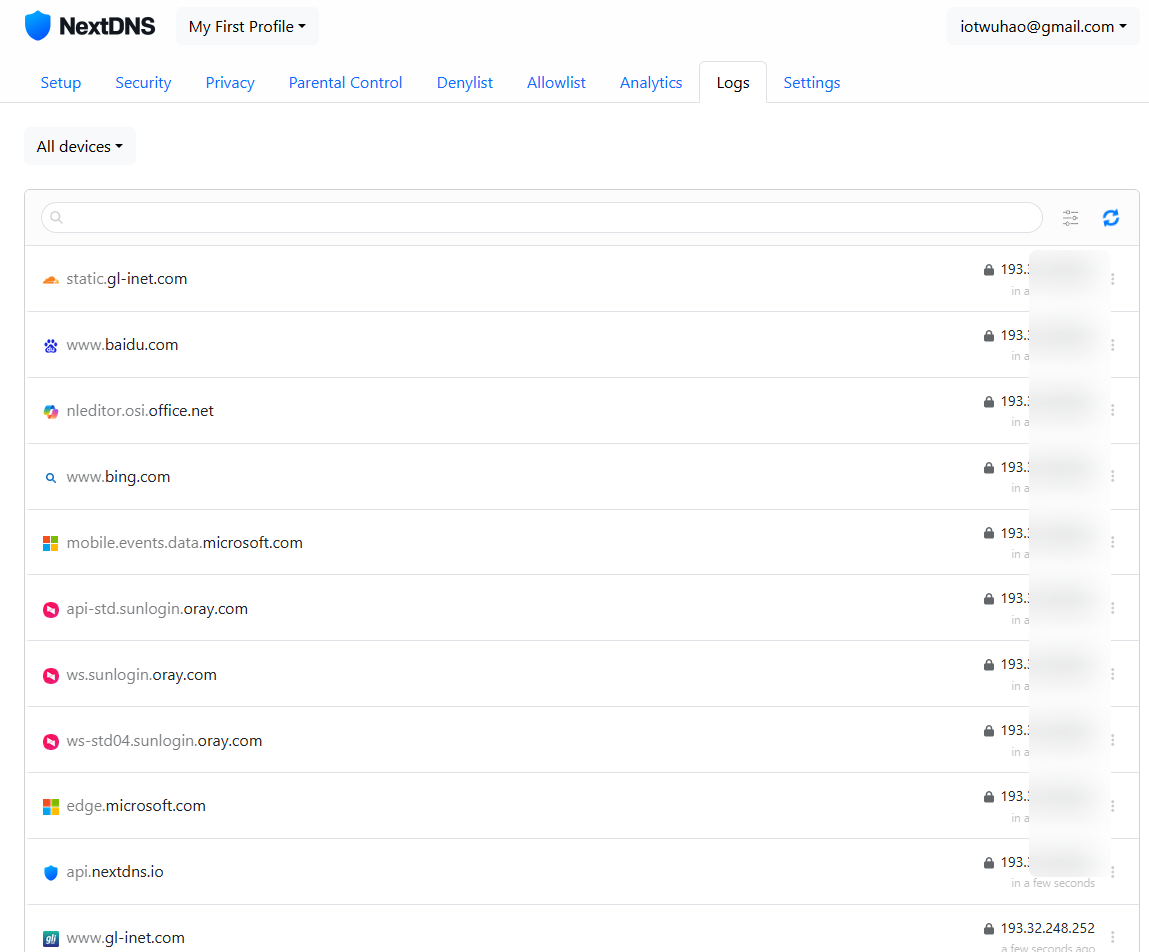
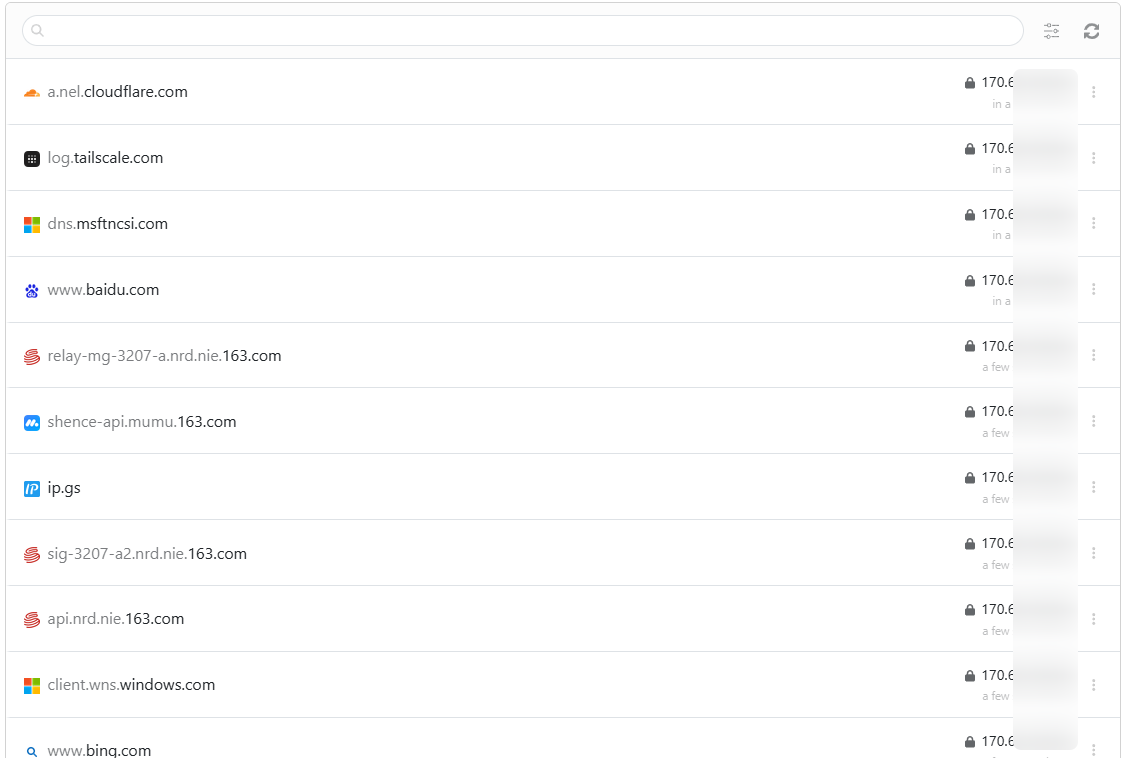
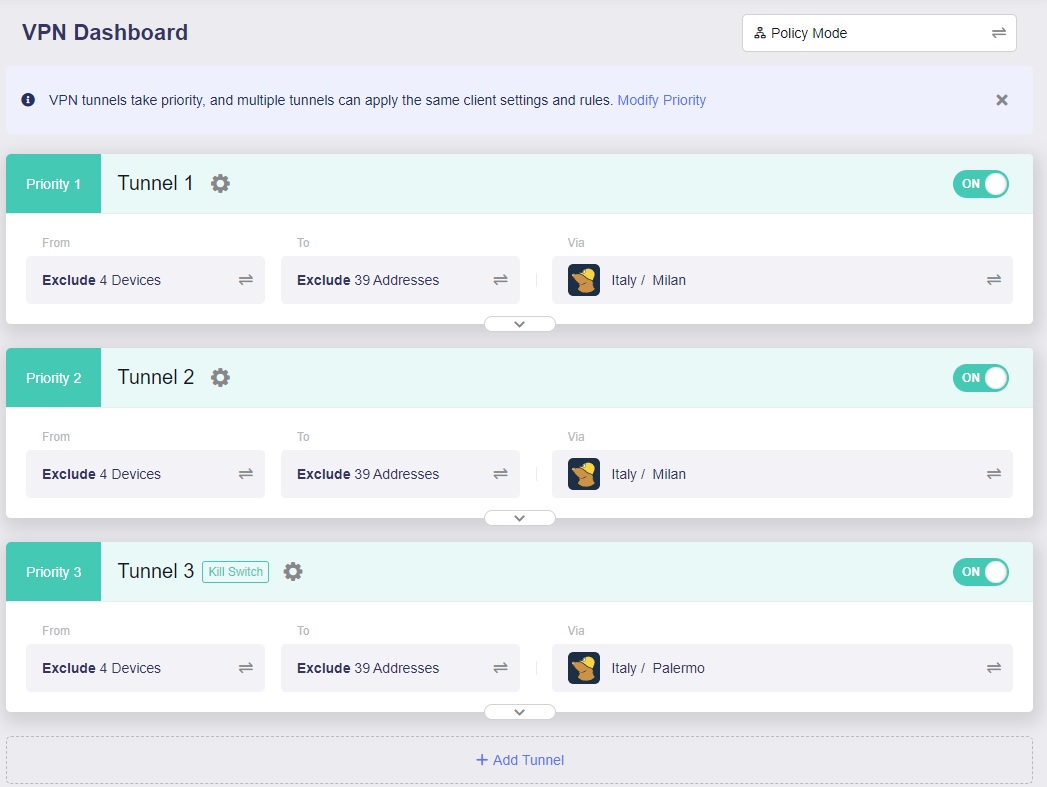
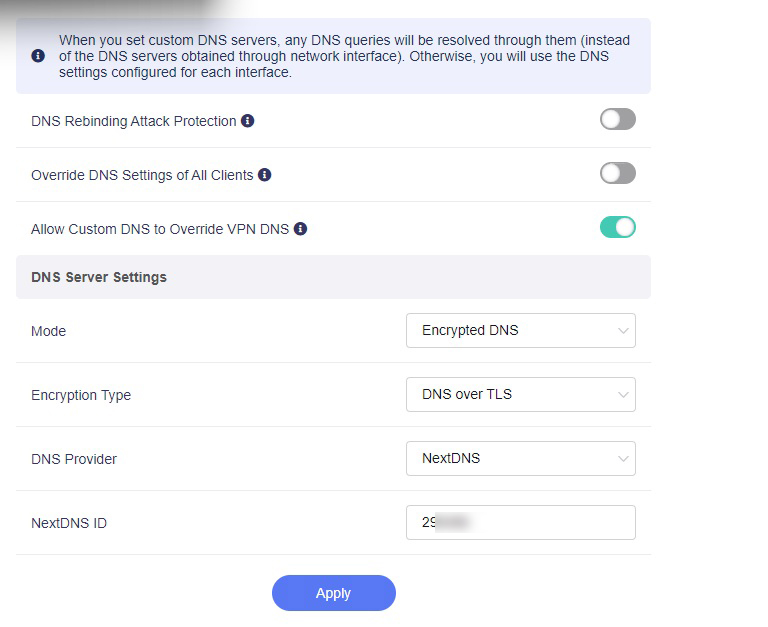
This morning Mullvad's Tunnel 1 went down so Tunnel 1 is supposed to jump to Tunnel 2 since is in failover mode. And it does, but then again in Nextdns logs I see my Wan address, not Tunnel 2 address.
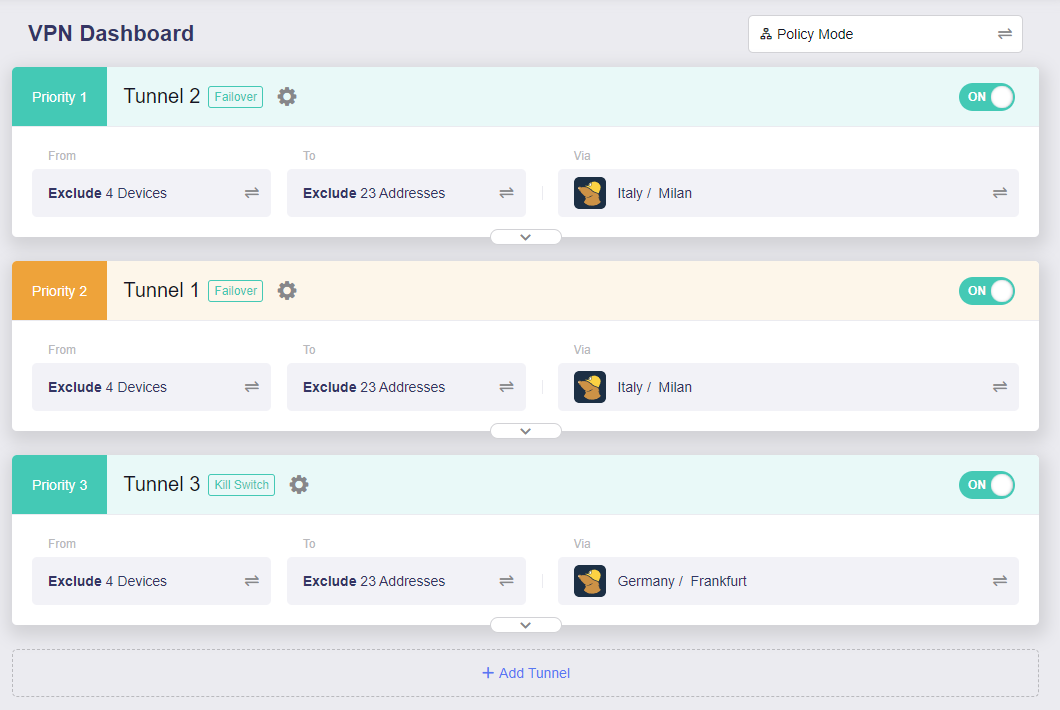
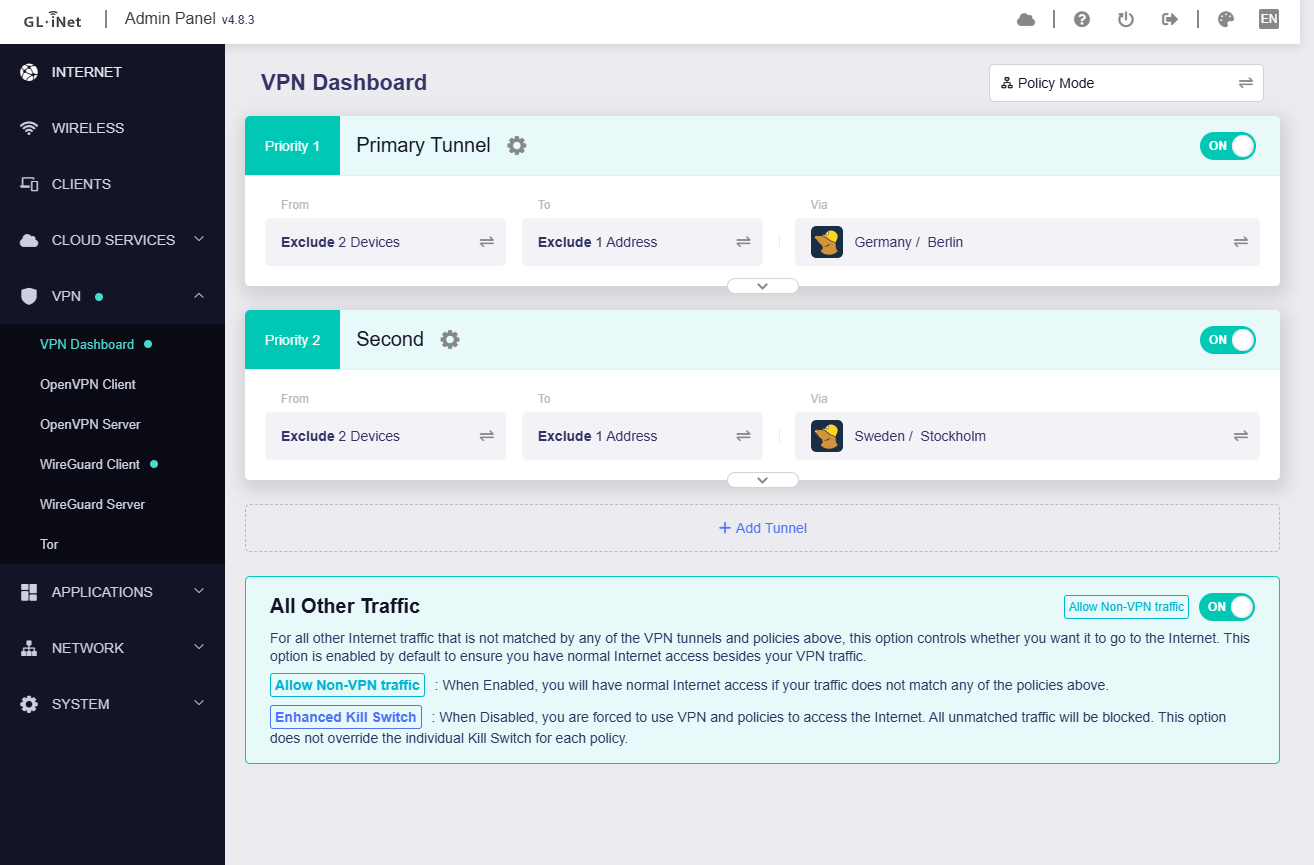
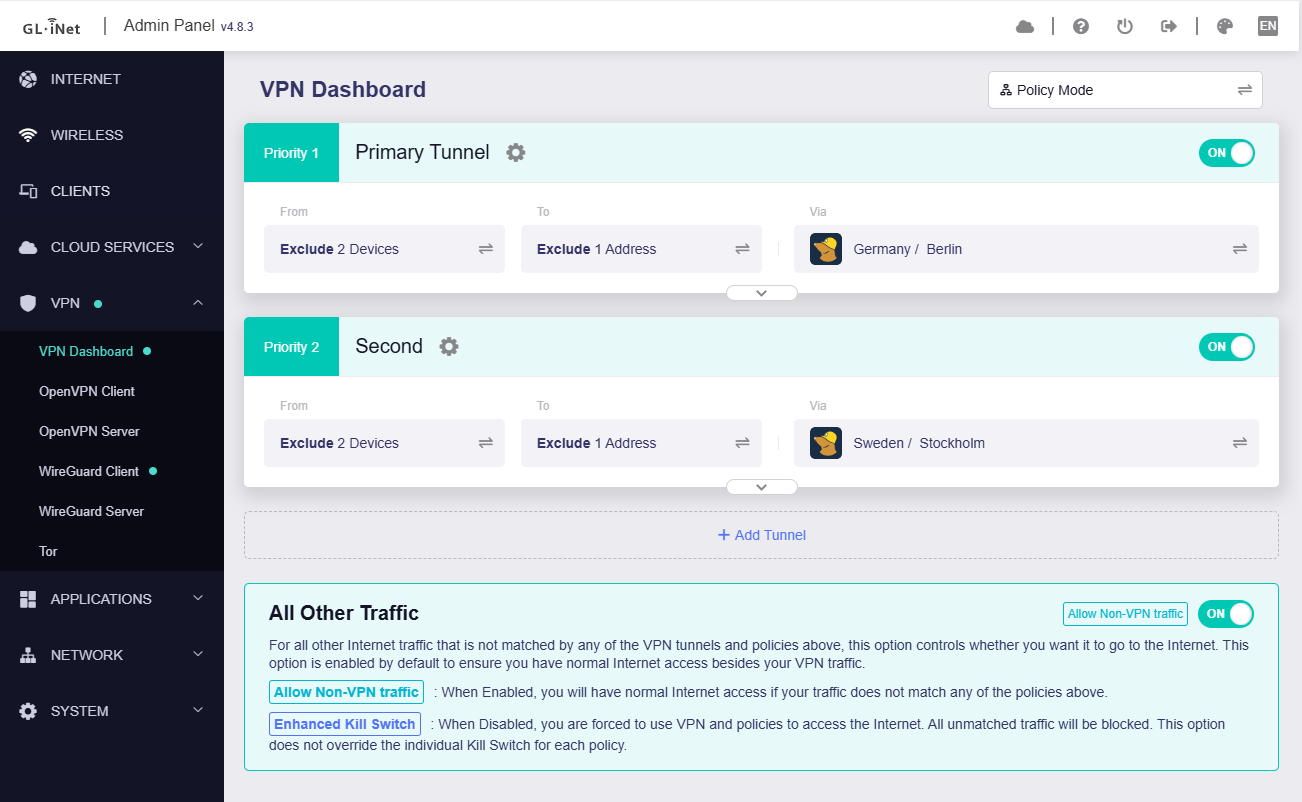
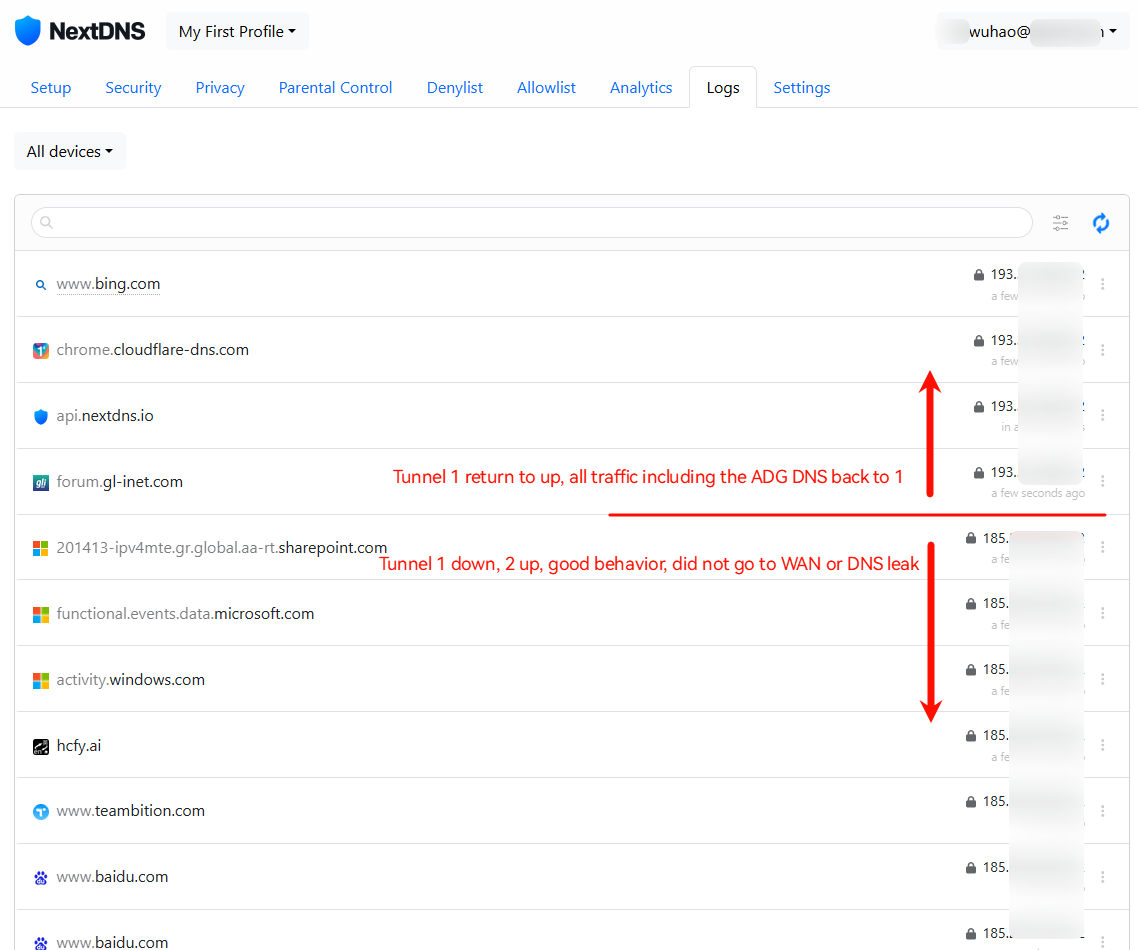
Switching priority this way everything is working normally again without leaks:
Nah. Flint2 & 3 are more than enough for this setup in a home enviroment.
Yeah, obviously if you are using a lot of blocklist on Adguard Home there will be surely some problems but in this case filtering is done by NextDNS, not AdguardHome.
Setup is rock solid this way, I even reached 5 Months of continuous power-ON with Flint2 without a single problem and Flint3 is doing an excellent job too (and I have an average DNS resolution time of 7ms without any error)!
Just tried latest snapshot 4.8.3 2025-09-22, there are definitely leaks if the first tunnel is down and has the highest priority.
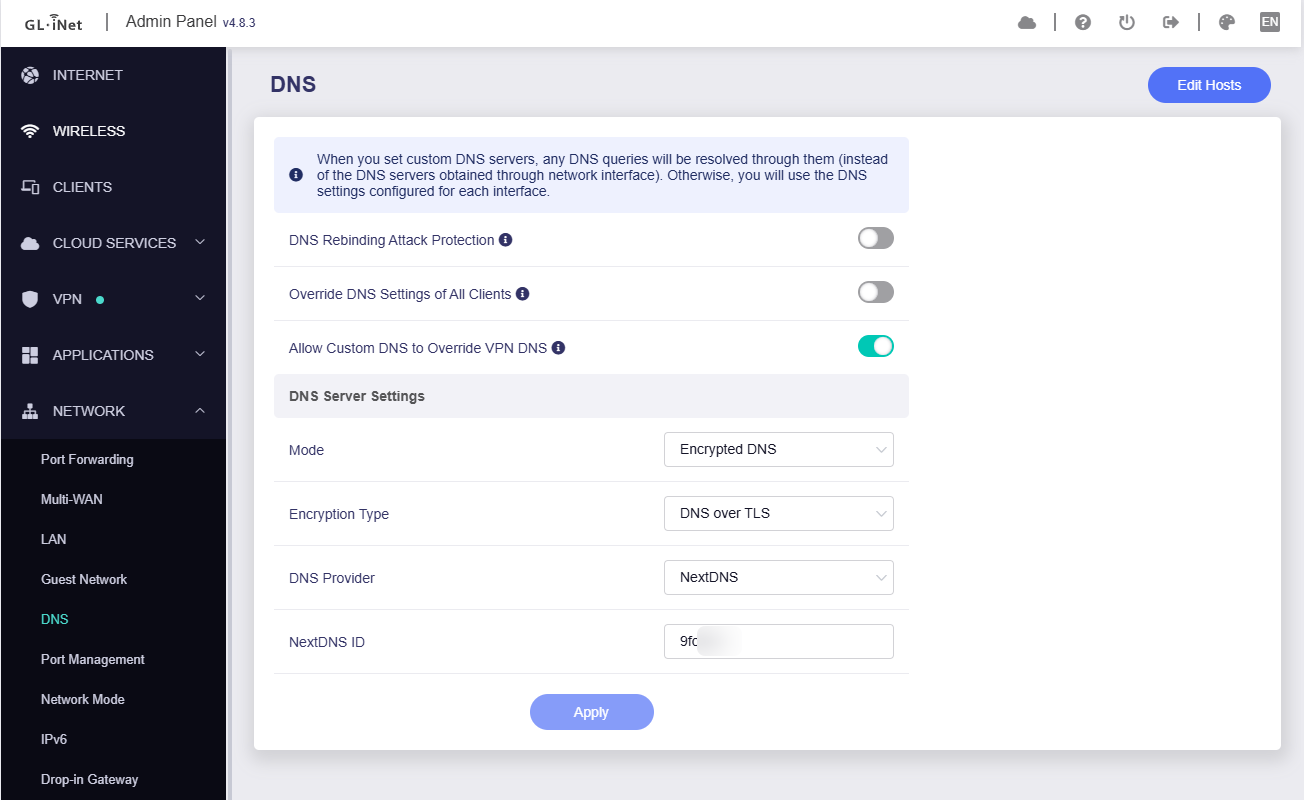
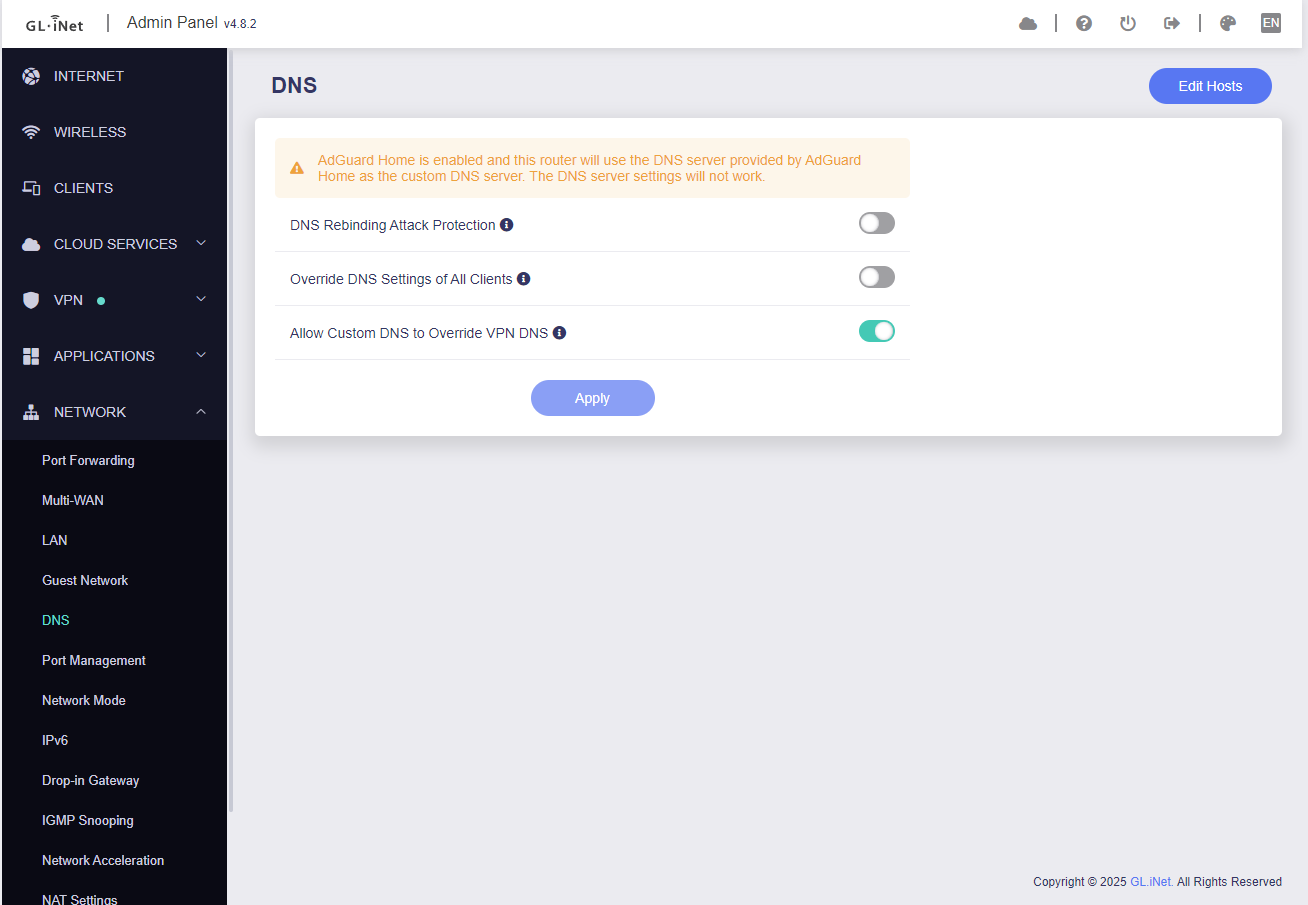
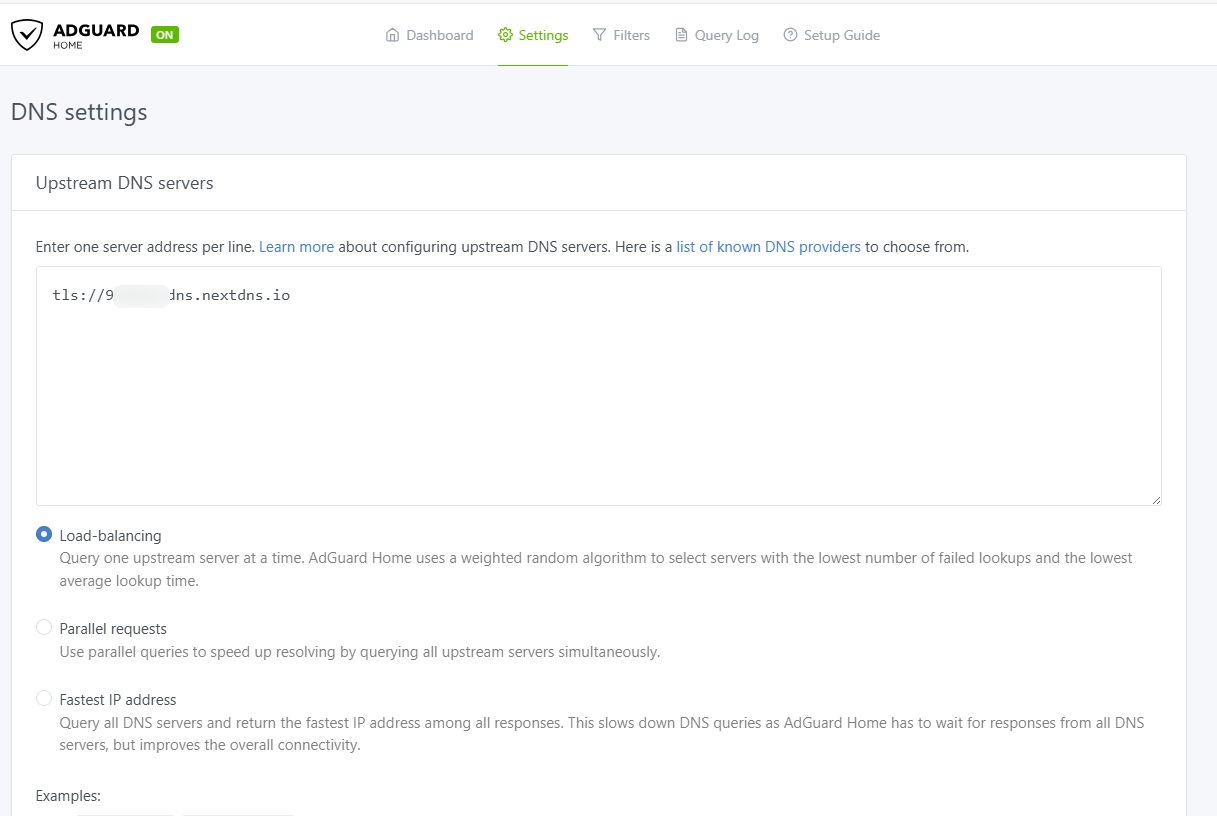
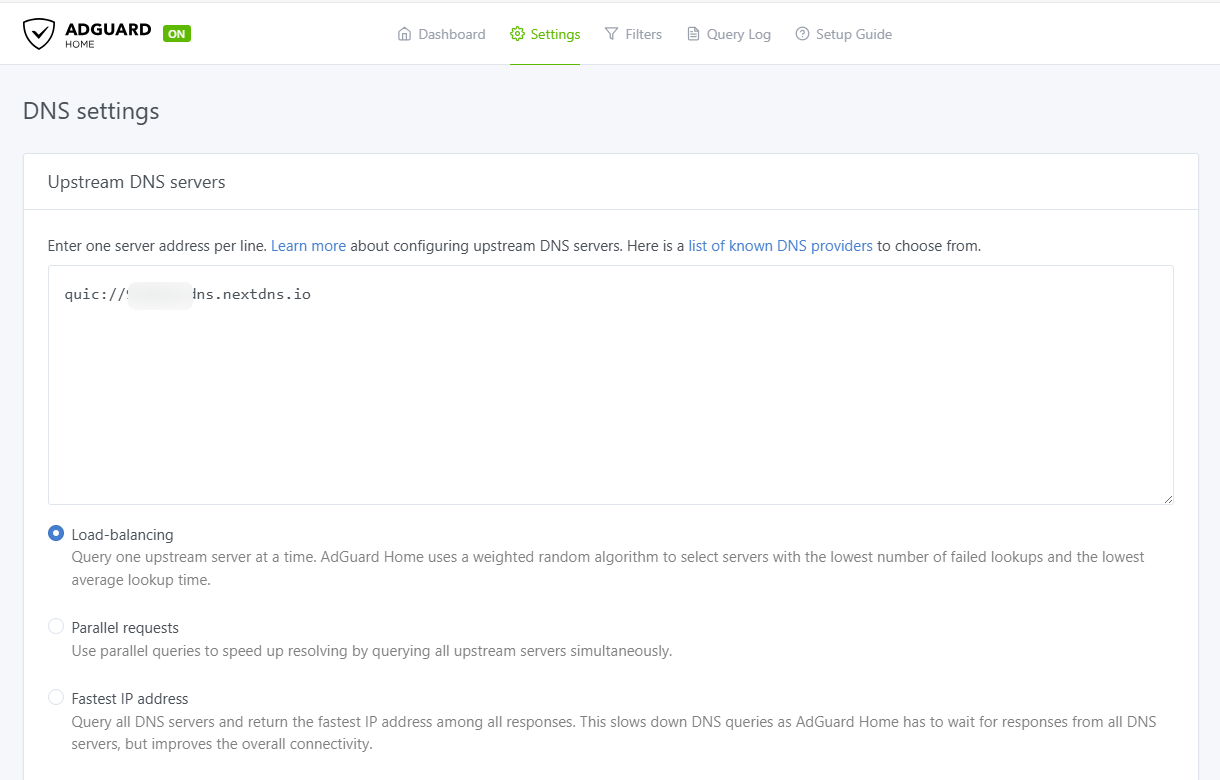
Just try it with Adguard Home enabled with NextDNS as you upstream resolver.
Bruce,
like the original problem of this thread, to make the leaks appear you have to test it for a certain amount of time while browsing, especially if you are using TLS. If you want to trigger it faster, just use QUIC.
For me it's still easily reproducible even after a reset and the beahviour is absolutely identical to the original post of this thread but now it happens when the first tunnel is down: at some point I have mixed IPs from WAN and WG tunnel on NextDNS logs.
ADG's upstream DNS server is configured as QUIC in this test, and the issue you mentioned does not reproduce.
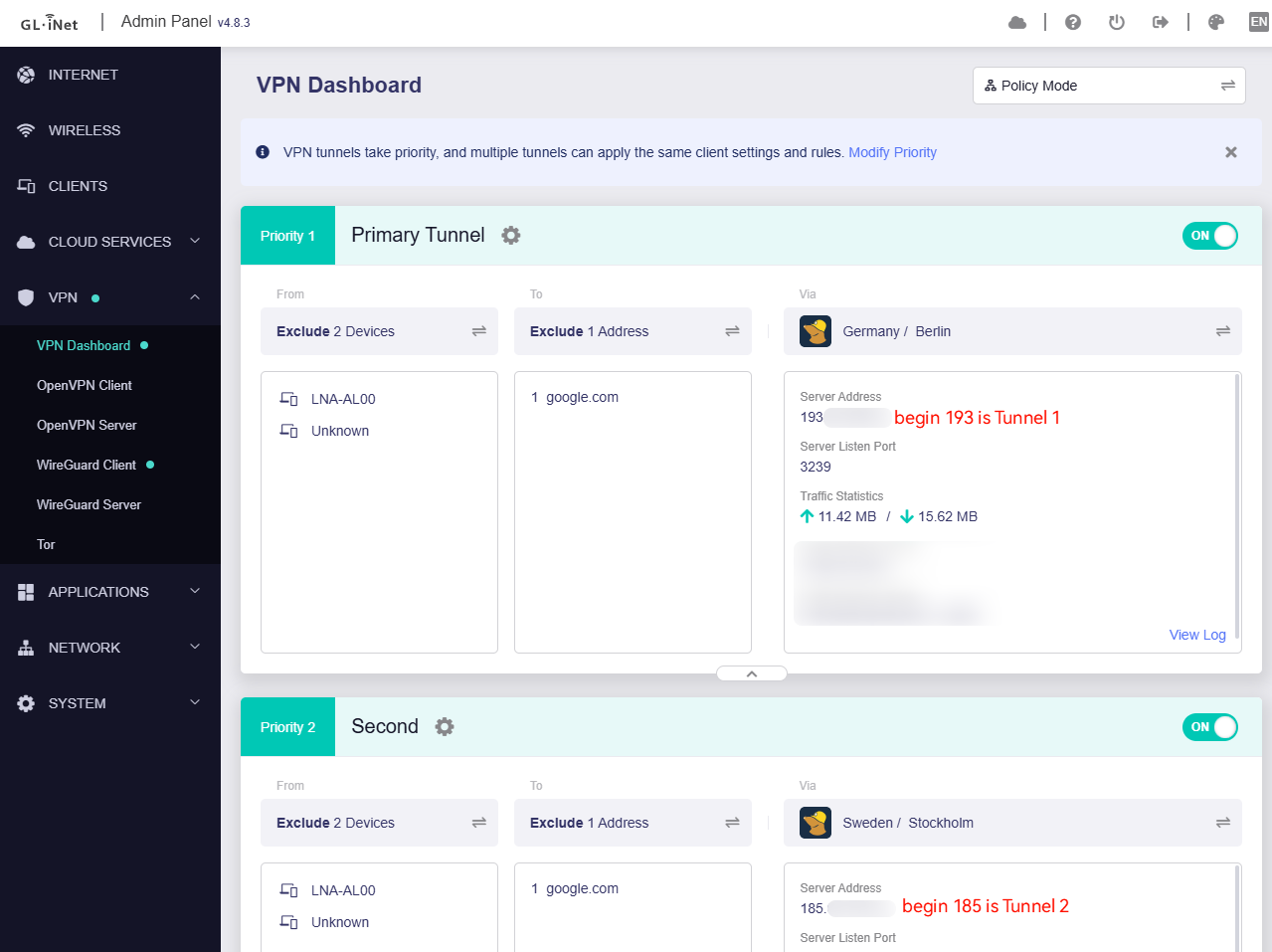
About the domain resolutions from the WAN's DNS requests (display in your NextDNS log), are they in your VPN policy exclude list?
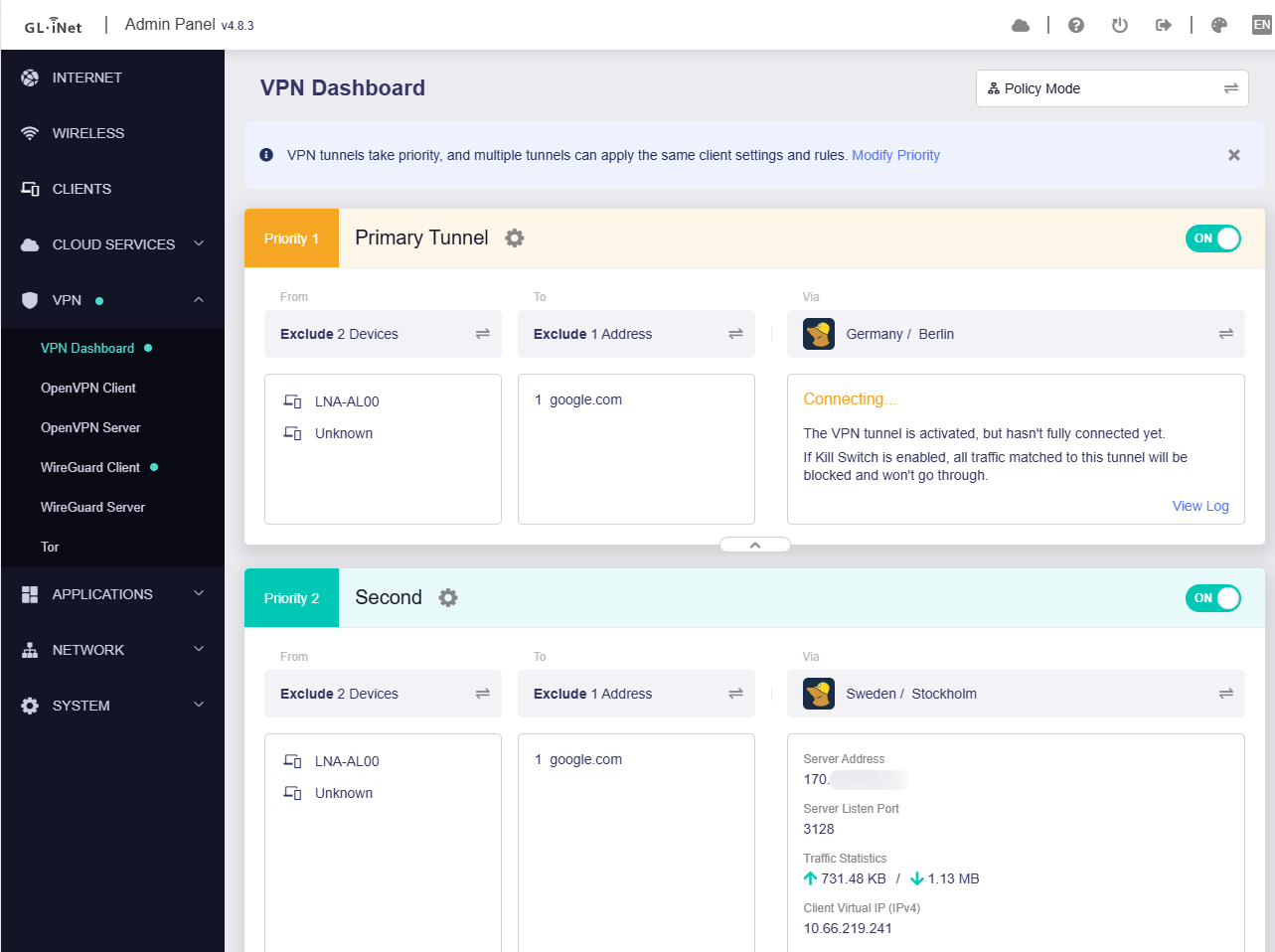
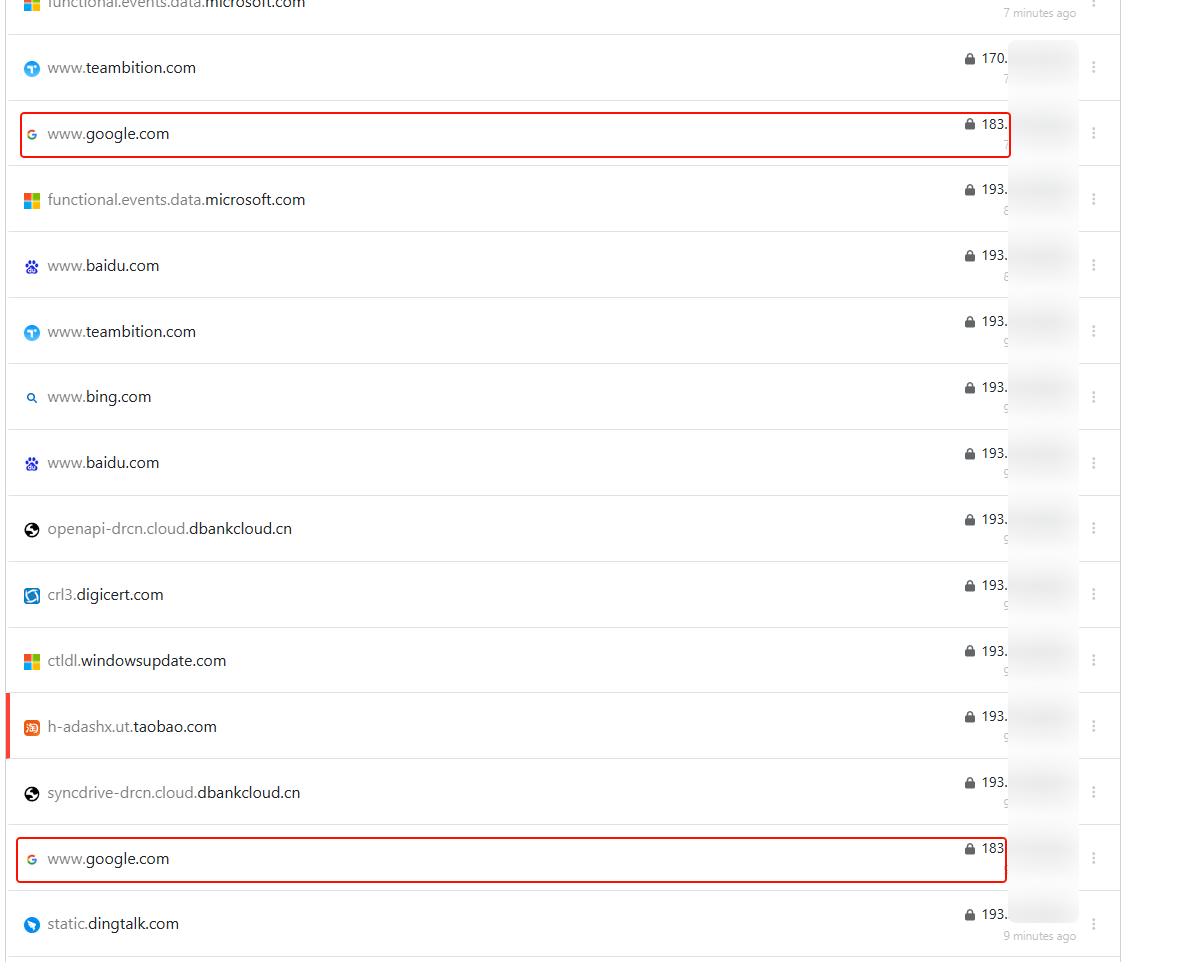
The server IP of Tunnel 1 starts with 193
The server IP of Tunnel 2 starts with 170
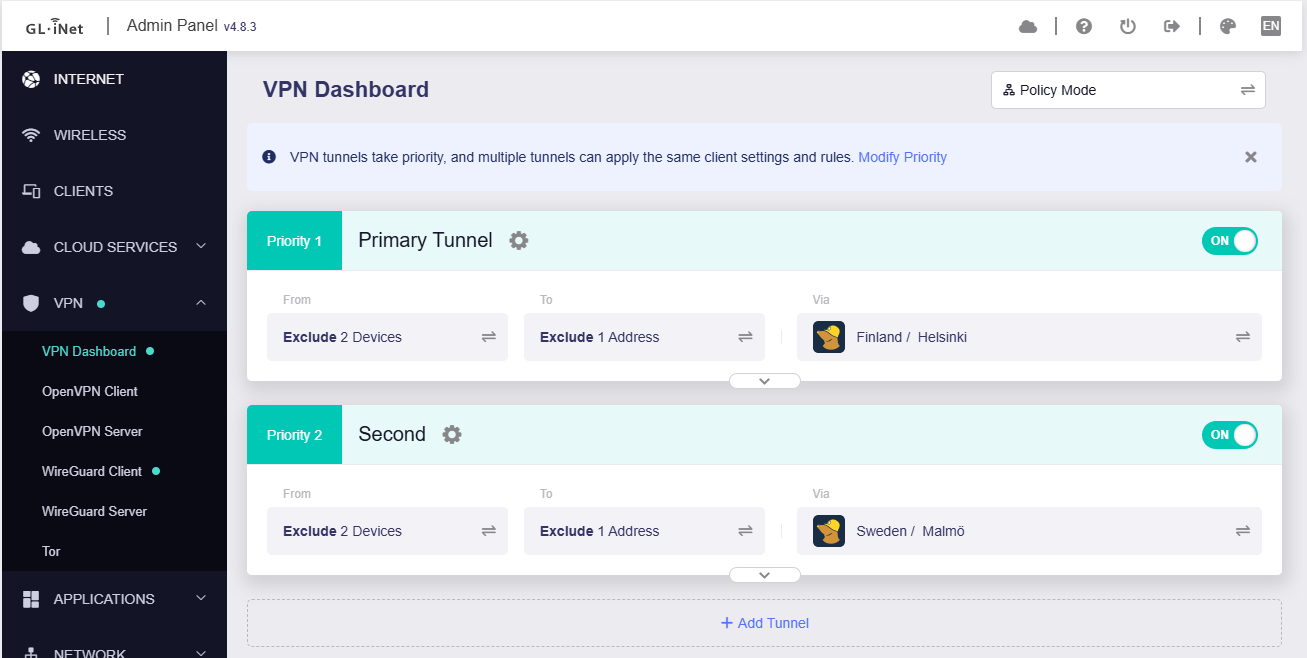
During the test period, there are 2 DNS requests google.com go to the WAN port, that is normal behavior, since in my VPN policy configuration, google.com is in the exclude list.
Thank you Bruce, sorry for the very late reply.
After checking, seems that the problem is related to upgrading Adguard Home with Admon's script.
After updating, even if an address is in policy configuration (exclude), on NextDNS logs I see my Tunnel IP instead of WAN for excluded addresses, while stock Adguard Home version from firmware shows correctly the WAN IP address...
Unfortunately I am extremely busy at work atm and I can't test it further for now...
Probably the ADG update has changed some APIs and affected dnsmasq mark to split.
If there are no special needs, I think the ADG version from the firmware is a better choice.
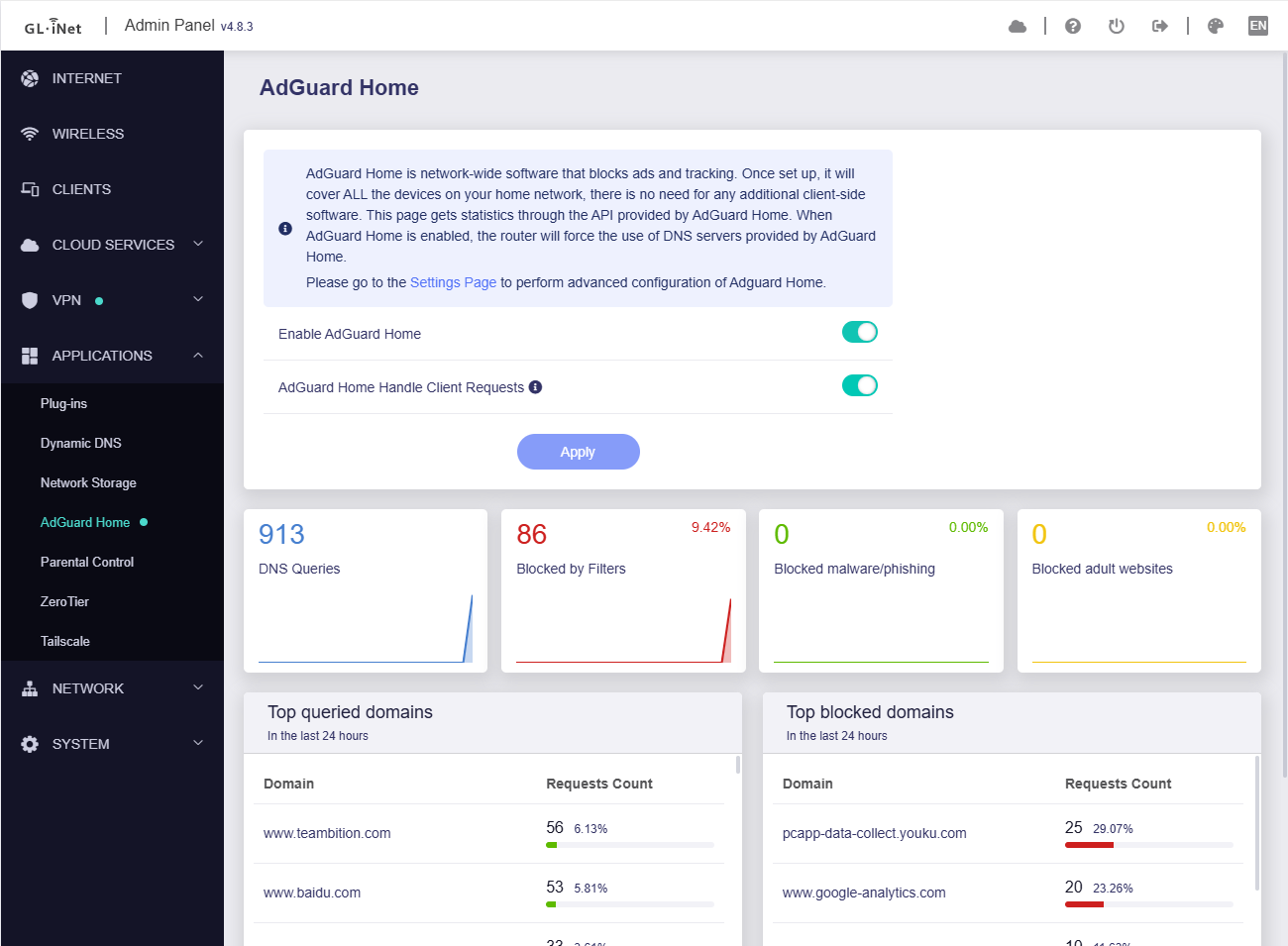
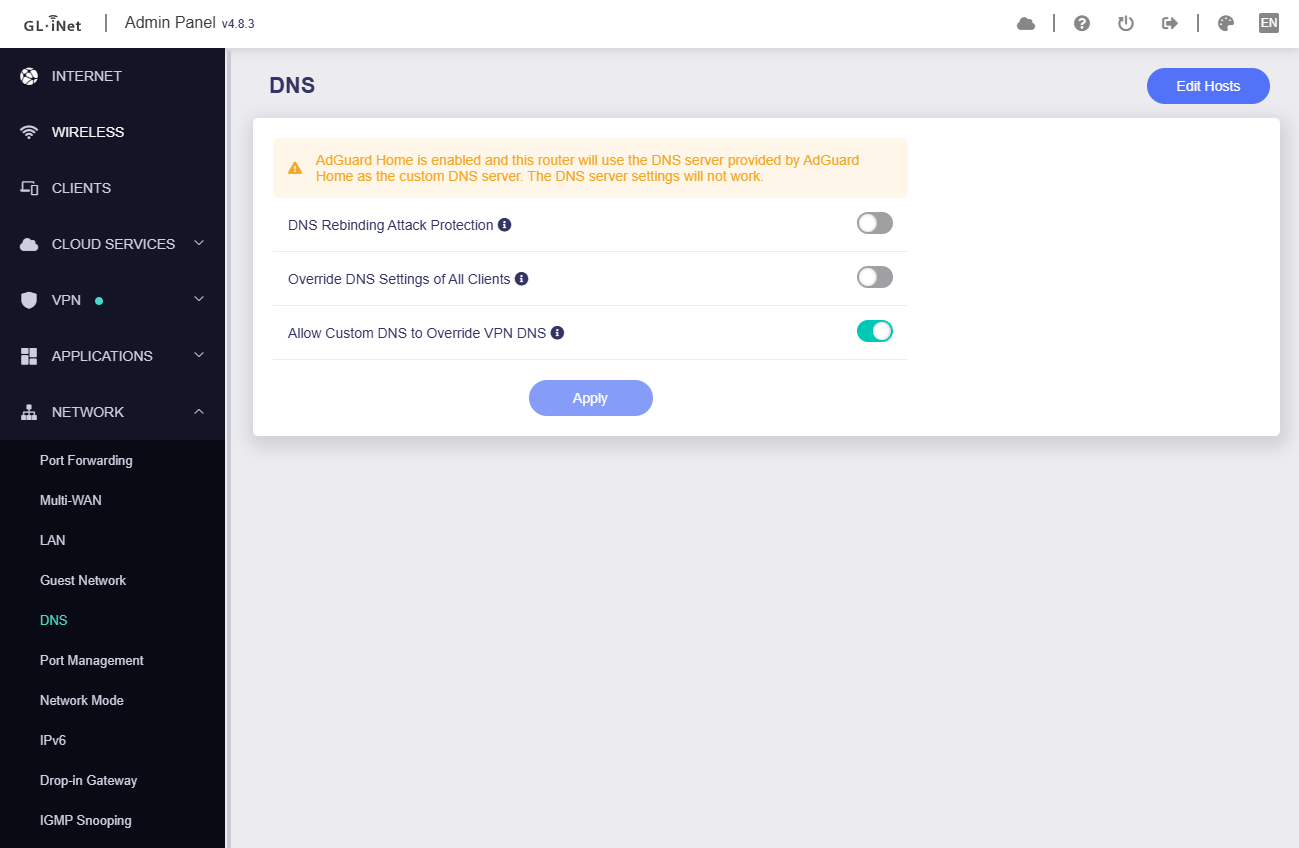
May I know if your VPN tunnel has spilt rules (specified domian/IP)? If there are rules, did you enable "AdGuard Home Handle Client Requests" option when enabling ADG?
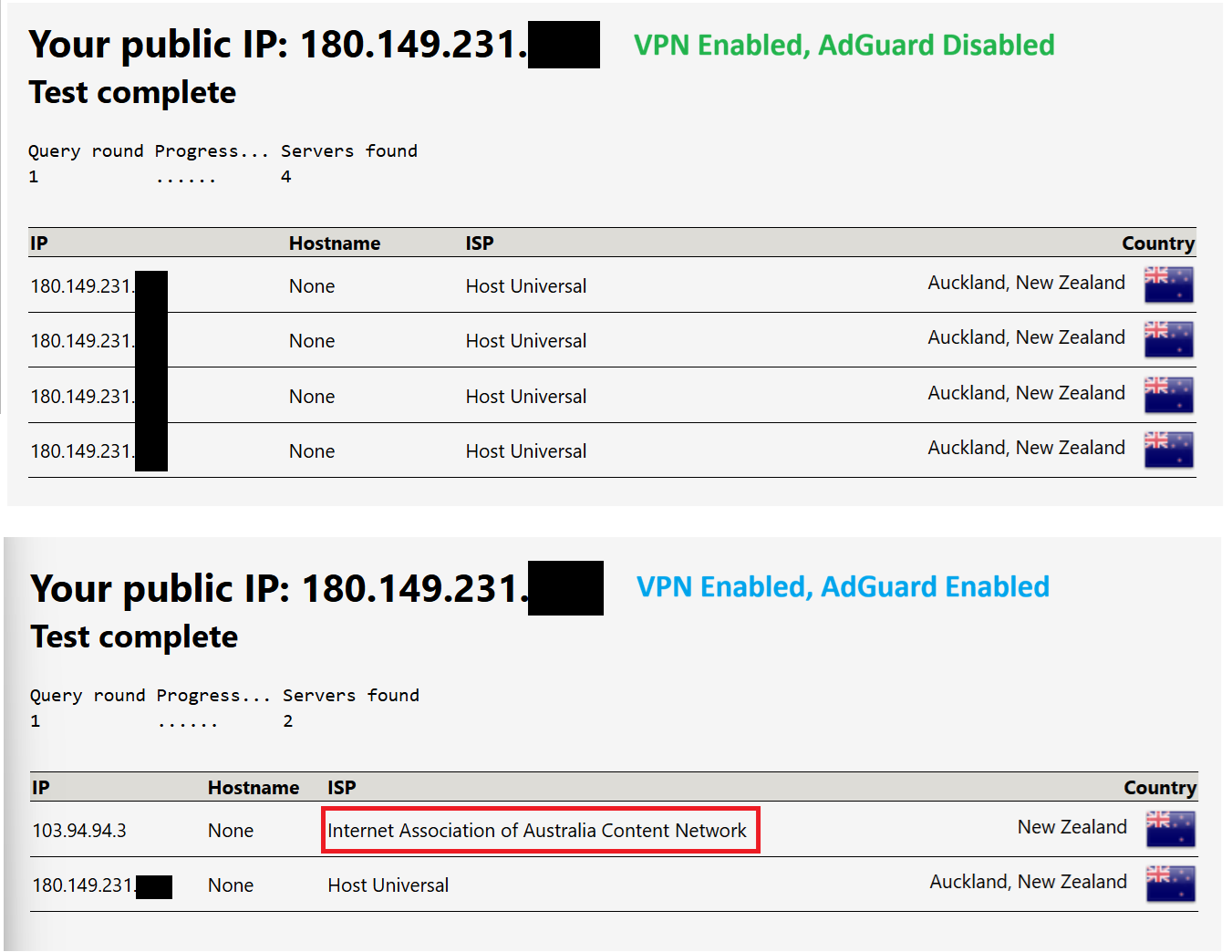
If no rules and no enable "AdGuard Home Handle Client Requests" option, we need some information to confirm whether there is a leak:
Please register a NextDNS account to obtain a personal DNS server domain.
Fill in the above personal domain into the DNS settings of ADG, and confirm that there is only one DNS server.
Conduct a DNS leak test, and check query log on the Next DNS webpage to see if there is an IP for the WAN?
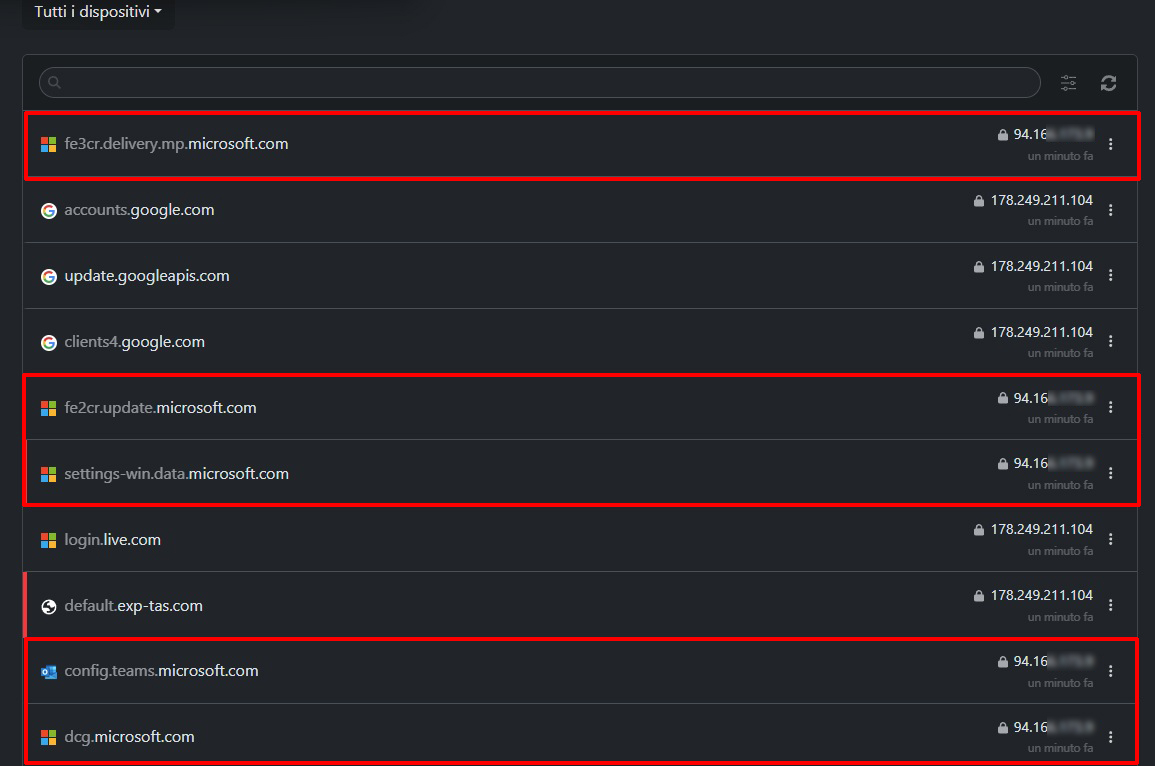
I have weird leaks too with 4.8.3, even not using Adguard Home and they are coming from my Windows 11 Desktop.
I am in dual WAN setup, and I am using Mullvad Wireguard tunnels as follows:
On my NextDNS logs, I see my ISP IP coming from my desktop just trying to search updates in Windows Update (of course Microsoft addresses ARE NOT in the exclude adresses of VPN policy):