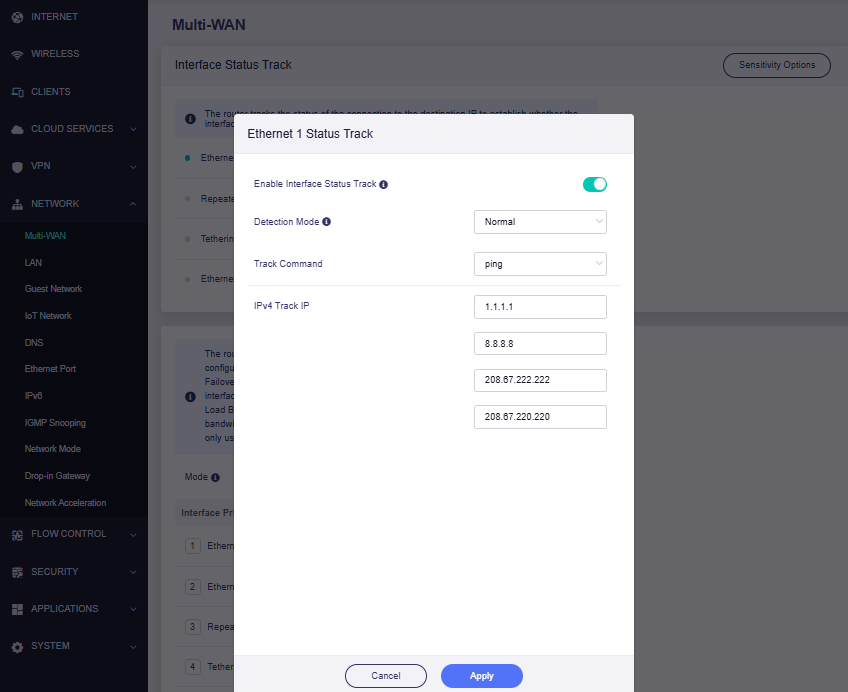
I have a fairly new update of OpenWRT now, and I use my own recursive DNS resolver to root hints, and also set up NextDNS on gl-dns-v2 as a fallback DNS. But upon randomly checking /etc/config, I find under glconfig that Cloudflare and Google are listed as DNS resolvers.
root@gli:~# cat /etc/config/glconfig

config service 'general'
	option mode 'router'
	list track_ipv6 '2001:4860:4860::8844'
	list track_ipv6 '2001:4860:4860::8888'
	list track_ipv6 '2620:0:ccd::2'
	list track_ipv6 '2620:0:ccc::2'
	list track_ip '1.1.1.1'
	list track_ip '8.8.8.8'
	list track_ip '208.67.222.222'
	list track_ip '208.67.220.220'
	option inited '1'
	option autotimezone '1'
	option inited_internet '1'
	option vpn_wizard_done '1'
	option usb3_disable 'true'
Does this mean that my openwrt fouter is pinging Google and Cloudflare?
Are there other trackers I should be aware of?
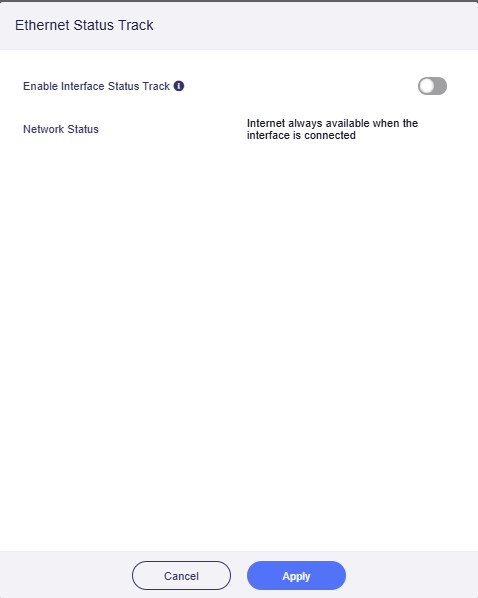
This is for WAN connection monitoring. It is not some nefarious tracking mechanism. It will detect when you cannot ping those ips successfully, and if you have failover set up with multiple wan connections, it will fall back to your next priority of WAN connection.
This is normal connectivity-monitoring behavior rather than a tracking mechanism.
These IP addresses are used as connectivity-check targets for Internet interface status monitoring.
The router sends ping probes to these addresses to determine whether an Internet interface is available.
These entries do not by themselves modify or override your recursive DNS or NextDNS configuration.
The detection results also be used by Multi-WAN. For example, in Failover mode, the router may switch to another available Internet interface if the current interface is determined to be unavailable.
There are a lot of IPs on the internet you could choose to ping…
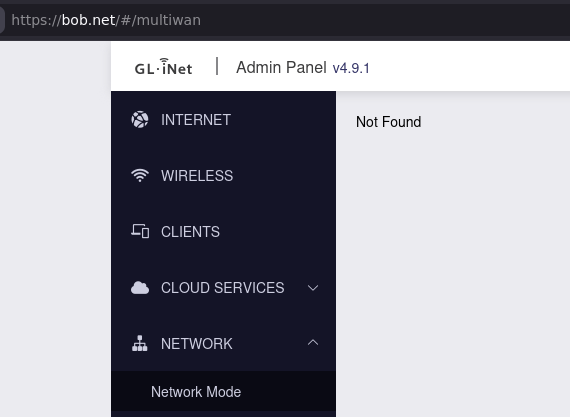
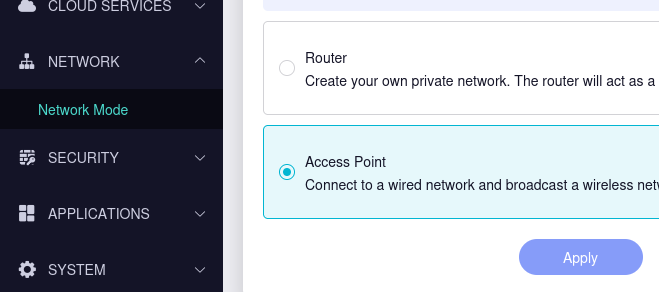
I am in access point mode. I didn’t have an option to disable the multiwan. so I ssh’d to the device and ran this command and then rebooted. The pings stopped, the -i-ORIG makes a save of the original file at “/etc/config/glconfig-ORIG” sed -i-ORIG '/list track/d' /etc/config/glconfig
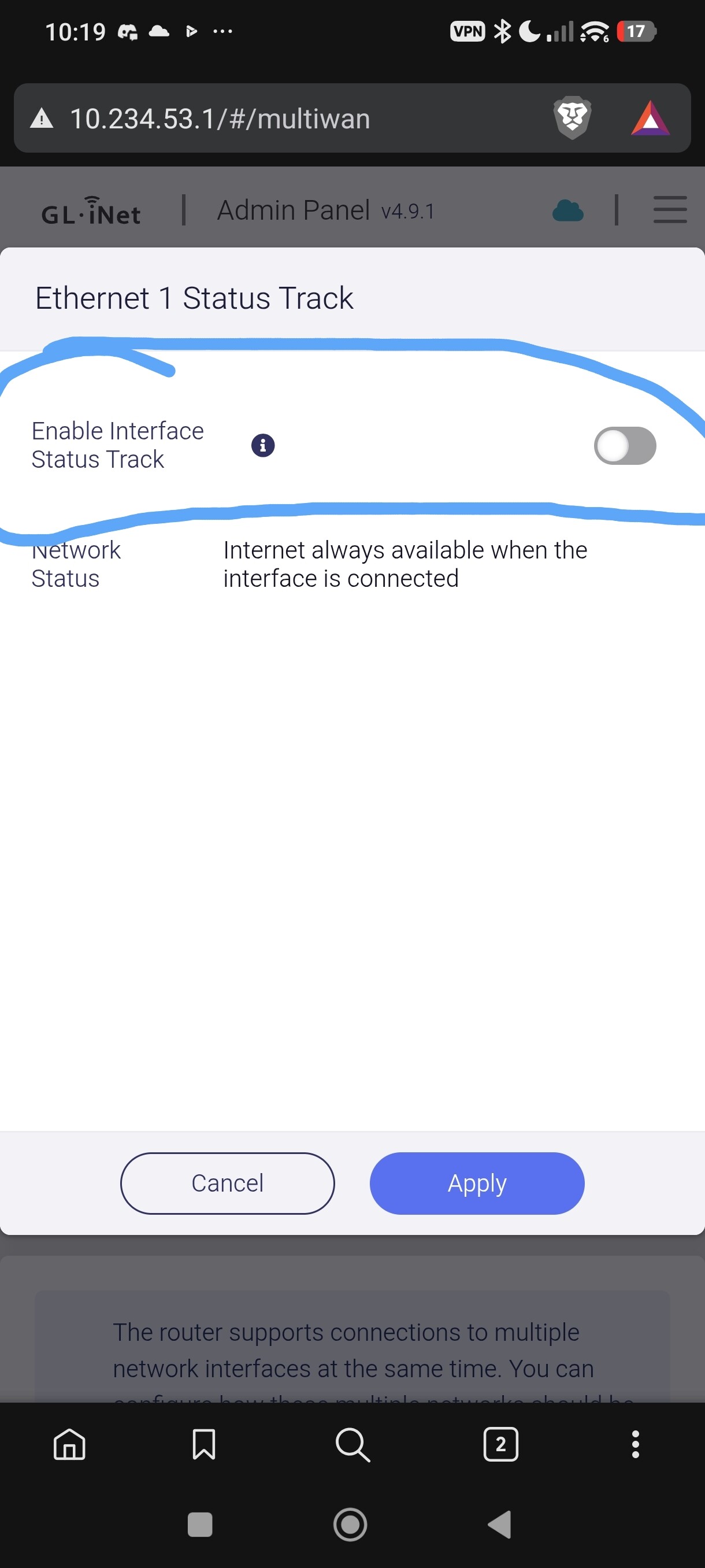
That is in the multi wan settings if you edit those.
I'm happy for that because in my eyes it can become a little bit too much if also child devices branded from GL-iNet do it on my network then it is not just one ping but multiple ones...
I had to switch back to router mode before any of those options came up. Then I was able to see the IPs i could ping and the option to disable it. THANKS!!!
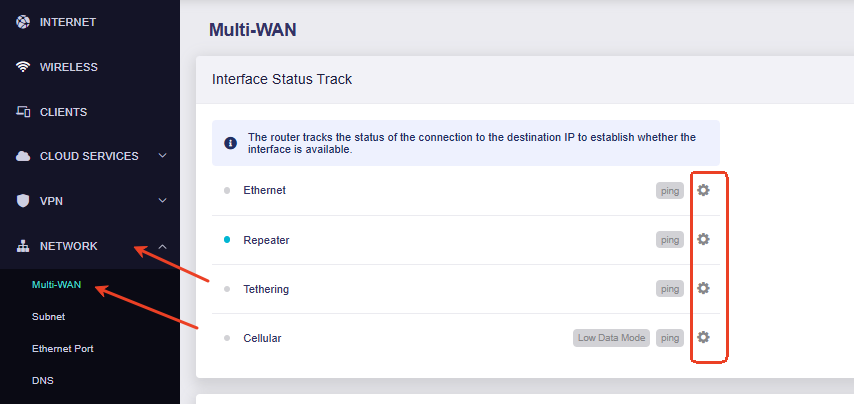
You can find this in the GL.iNet Web Admin Panel under Network → Multi-WAN.
Under Interface Status Track, click the gear icon next to the corresponding interface, such as Ethernet. You should then see the IPv4 Track IP settings, where the connectivity-check IP addresses are configured.