I follow the instructions in thei thread to update AdGuard on my FLINT 3
https://forum.gl-inet.com/t/script-update-adguard-home/39398
i prefer manual updates, so i will continue using this procedure.
service status check:
ls -l /etc/init.d | grep -i adguard
ps | grep -i adguard
update procedure
cd /tmp
wget https://github.com/AdguardTeam/AdGuardHome/releases/download/v0.107.79/AdGuardHome_linux_arm64.tar.gz
the downloaded filename, verify with ls
ls -l /tmp
extract the correct file
tar -xvzf AdGuardHome_linux_arm64.tar.gz
stop service
/etc/init.d/adguardhome stop
replace binary
cp /tmp/AdGuardHome/AdGuardHome /usr/bin/AdGuardHome
chmod +x /usr/bin/AdGuardHome
start service
/etc/init.d/adguardhome start
cleanup:
rm -rf /tmp/AdGuardHome_li* /tmp/AdGuardHome
version check:
/usr/bin/AdGuardHome --version
status check:
/etc/init.d/adguardhome status
1 Like
It does not make sense to do it manually, but if you like it more ... do so.
2 Likes
That's what I thought........ 


What about my old instruction to remove command in config and leave update inside home Adguard DNS web page. 
I appreciate the script but I encountered a problem, which I overcame but it was with some effort. If I were to manually (by browsing to the website and downloading) download the latest release of Adguard how would I install from my laptop via ssh? I understand you may question my logic but it’s a simple request which I hope you can help with. I want a checksum verification prior to installation.
I have used the script probably 30 plus times now as I have a flint 2 and also my parents. I have not once had an issue with it. It’s very fast at updating when a new version comes out. Why make it a longer process doing it manually when the script just works?
3 Likes
Here’s where I had an issue. after resetting via the button at the back, and using the reset option on the devices’ screen. both failing to reset the device after uploading my saved settings. My settings did not include ssh enabled. I was unable to access the webgui. I could not ssh in, i could not use the webgui. That was my experience today. I could only use the devices’ screen and like I said that reset option didn’t work the first (or maybe even second time). It was disconcerting. I used the ‘maintain updated adguard after firmware upgrade/downgrade’ option. You can see why i would have needed ssh for dealing with problems for that, but like i said since the webgui was broken, i couldn’t login and enable ssh.
That isn't an issue with AdGuard or my script.
Main issue: Uploading the old settings isn't what you might think it is.
It's not like "settings" - it's the whole config. And often incompatible between firmware versions.
3 Likes
Just ran the script on my Flint 2 and had no issues. Aadguard Home upgraded from 107.73 to 107.79. Thanks to admon for this awesome script!
2 Likes
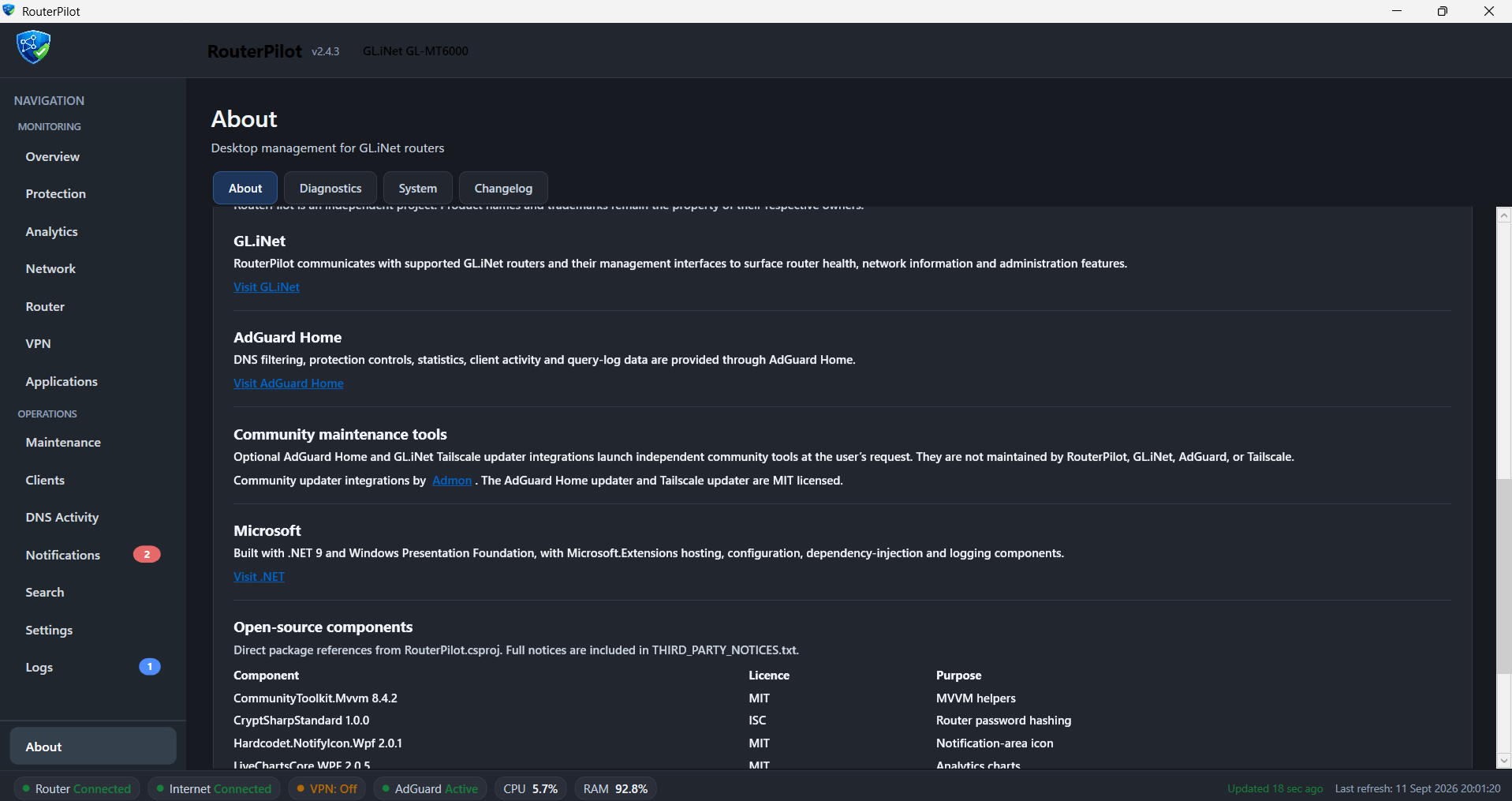
Hi, I have made a neat little prog called RouterPilot. Would you mind if I included your script as a button in a future release, I'll credit you visibly on the program as well. I’d like to include your tailscale updater as well?
If it’s a yes, please let me know how you would like to be credited - admon, Aaron, admonstrator? I’ll also link to your github within the acknowledgements
Thankyou
What does / would it do?
It’s a Windows desktop application to control GLinet routers, Flint 2 and Flint 3, possibly Flint 4 although not tested.
It offers tailscale and vpn control, various stats, dns activity, client and adguard control amongst other things.
To incorporate the adguard and tailscale scripts would be a fantastic addition.
Yep, totally fine to integrate and link! 
Credit as Admon and linking to https://admon.me would be appreciated!
1 Like
100%, thank you. I’ll get to work on both options and add to the Maintenence section of the app.
I’ll credit as instructed.
1 Like
I ran the Adguard update script on a Flint 2 to update the router, but have to report that after installing the 4.11 beta to try the mesh feature, Adguard royally screwed my router. No internet access and I’ve just spent an hour removing the whole Adguard installation and config files as reverting firmware back to 4.9.1 rendered Adguard non-operable. I’ve reinstalled the default package (triggering the first run screen), set the ports up and login from scratch and manually replicated my original configuration). So not sure what happened there, but I’ve decided to upgrade Adguard manually in future in case there weas some conflict with Adguard auto update on the the 4.11 beta.
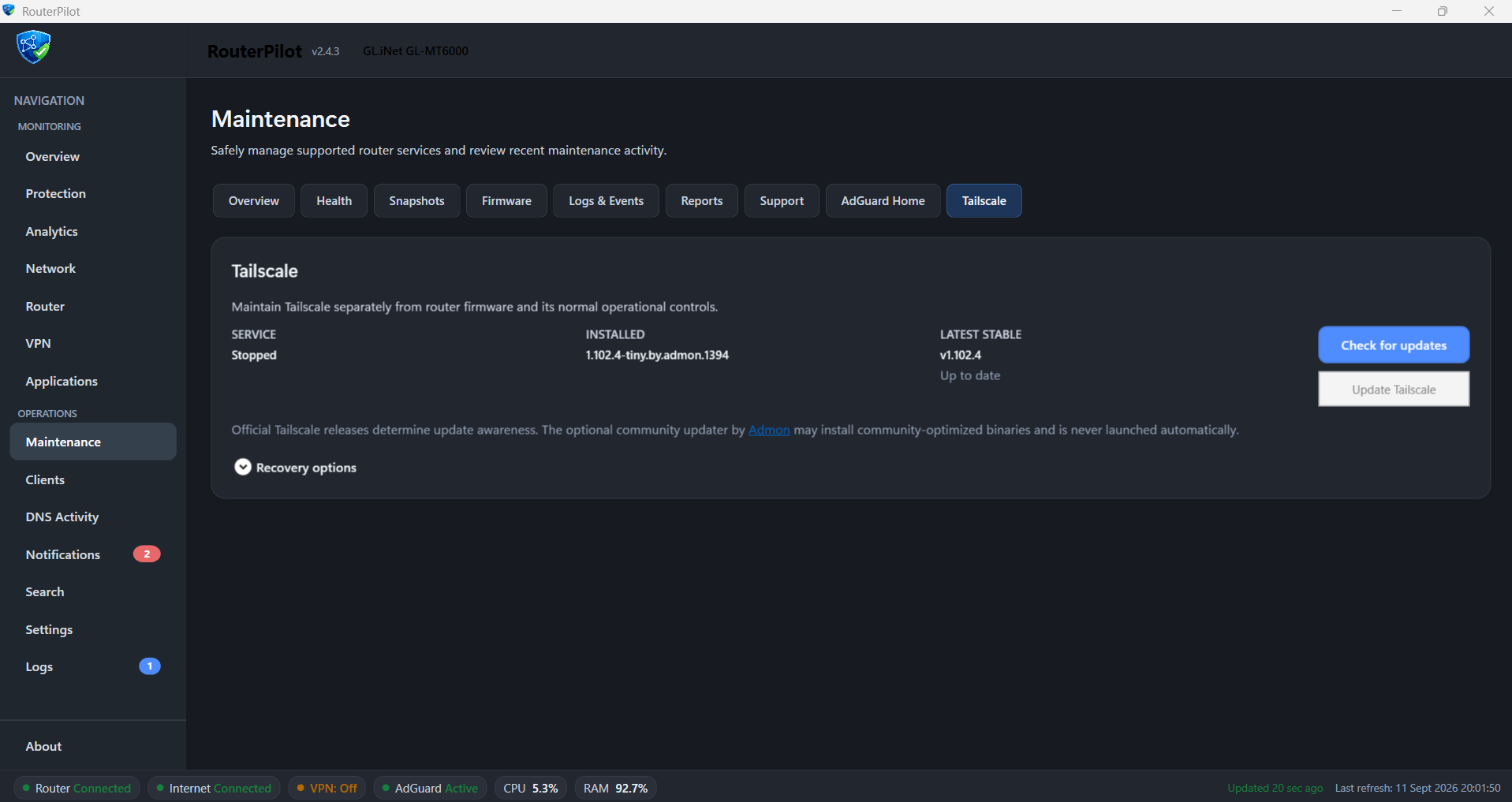
@admon - Thanks again for your support. Came back to say your script works beautifully inside RouterPilot and just ran it to update to the latest version 1.102.4

1 Like
instead of prompting to store the query log on emmc / flash it should prompt to store it on usb storage if available I raise this issue before but it might have been forgotten
the correct way is for ad guard home to store its work directory on external storage if available this is the setup I have been using for over a year and making it is a trivial init.d service edit
The sys upgrade script sadly can’t persistent this config because for reasons known only to them adguard doesn’t load the work directory var from config