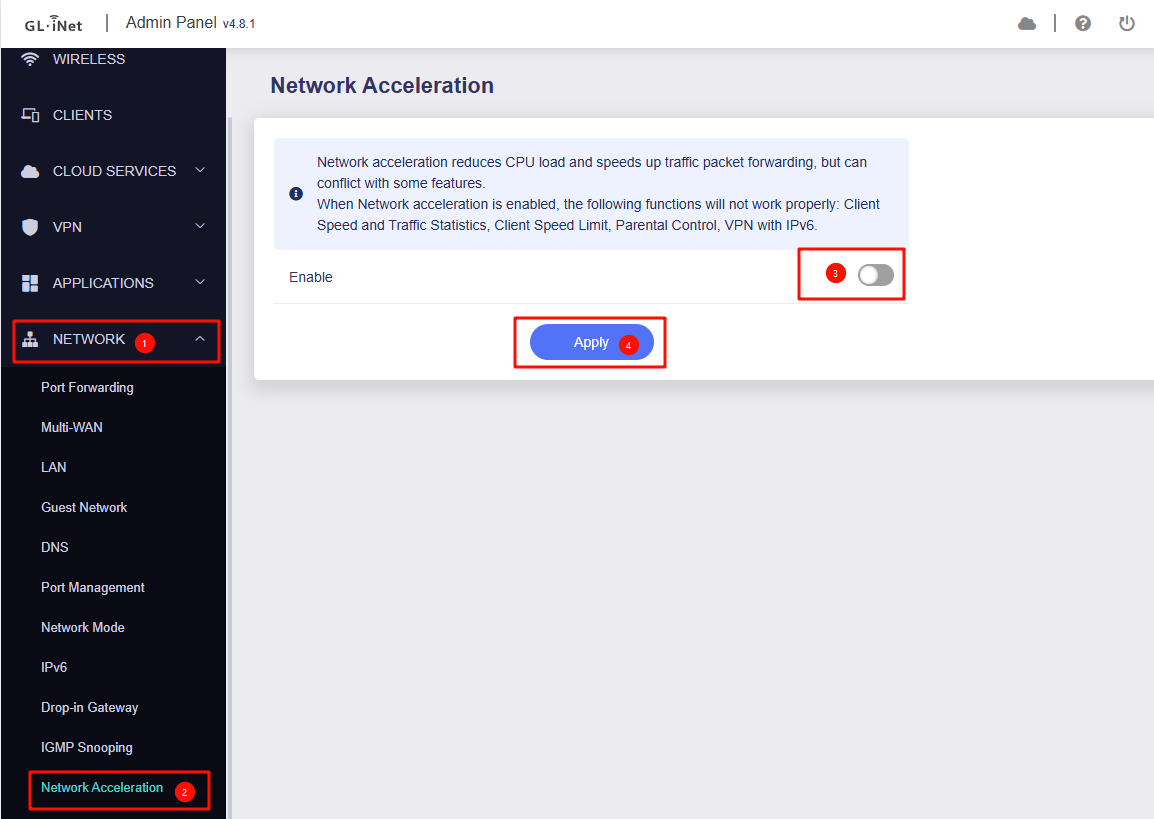
Hello, I have two routers, Flint 3 and Flint 2, and both have an issue with slow performance in qBittorrent. Download and upload speeds stay around 500 Mbps, while my ISP provides 1 Gbps. If I switch from hardware acceleration to software mode, the speed in qBittorrent reaches the full tariff, but then all other devices on the network completely lose internet access. I tried checking with "top" via SSH, and there is no critical load on the router. I also tried fully disabling acceleration, but that didn’t help either: qBittorrent works at full speed, yet all other devices end up without internet.
I also have a Keenetic Sprinter, and it has no problems with torrents, even though its hardware is much weaker.
Alternatively, you could limit qBittorrent maximum upload and download speeds to a more reasonable level.
If the problem is different—for example, if other devices are getting disconnected from the router (wired or wireless)—please provide us with logs after it happened.
So that we can further check.
I tried running a buffer test on Waveform and initially got an A+ grade. Then I installed SQM and the test showed an A grade. After that, I ran QBittorrent with SQM enabled and got about 1 MB upload speed. Im attaching the buffer test logs.
I have never limited torrent speeds on any other router, and when buying one of the best devices in terms of technical specifications, im not ready to accept such limitations.
As for the question about disconnecting devices from the network, that does not happen. The devices still remain connected, but if QBittorrent overloads the network, the phone perceives it as if the connection was lost.
Thank you for the update, and apologies for the delayed response—we’ve just returned from the National Day holiday.
It appears the screenshot may not have loaded correctly.
Could you please resend it?
Could you please provide further details on the following:
When the QB is running at full capacity, could you run a speedtest on other devices to check their internet speeds when SQM off?
If possible, please test the speeds for both wired and wireless clients separately.
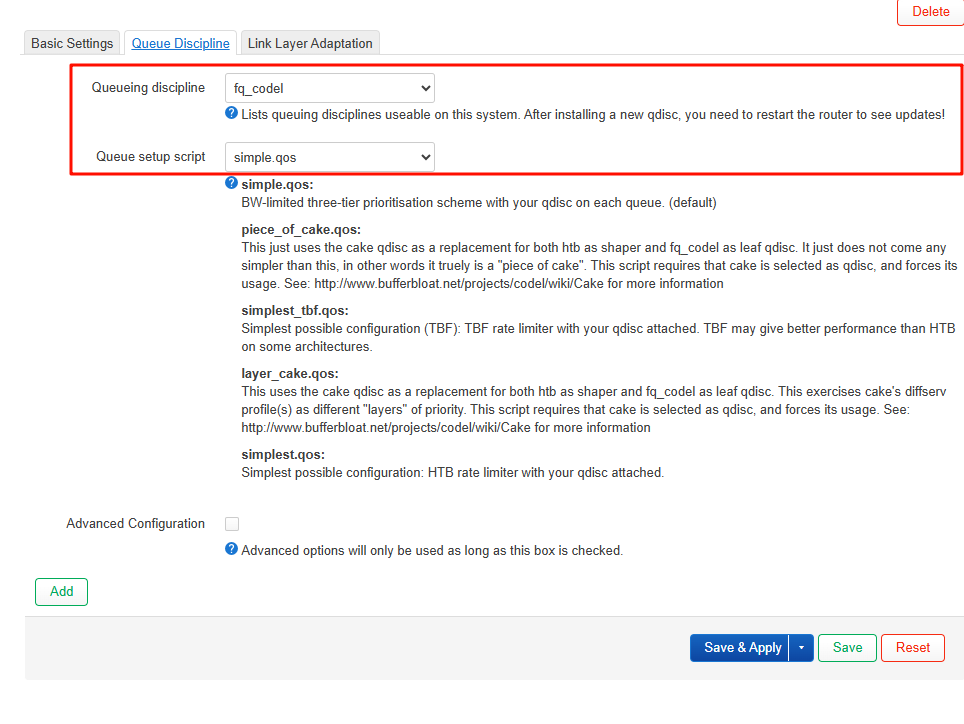
If testing different Queueing discipline and scripts in SQM, would there be any improvements?
If other devices are consuming all available bandwidth (running the same QB instance or conducting multiple prolonged speed tests), would you encounter the same issue?