Hello GL.iNet Team and Community,
First off, I'm very impressed with the features and flexibility of my Spitz AX (GL-X3000). The combination of a modern OpenWrt base with the polished GL.iNet UI is fantastic.
I've spent considerable time optimizing the local RF environment to achieve a near-perfect Wi-Fi connection. However, after conducting a series of in-depth performance benchmarks, I've encountered a hard throughput limit that I would like to discuss and understand on a technical level.
My Setup & Link Quality:
I'm connecting a Windows PC (with an Intel AX210 Wi-Fi card) to the Spitz AX. The Wi-Fi 6 (AX) connection itself is stable and reports truly excellent metrics in LuCI:
-
Signal: -28 dBm
-
PHY Link Rate: Consistently 1921 Mbps (TX/RX) on a 160MHz channel.
To eliminate this specific client as a variable, I've also tested with a modern Android phone right next to the router, achieving a signal of -16 dBm and a reported link rate of 2402 Mbps (TX/RX).
The Core Issue: iPerf3 throughput is capped far below the link rate
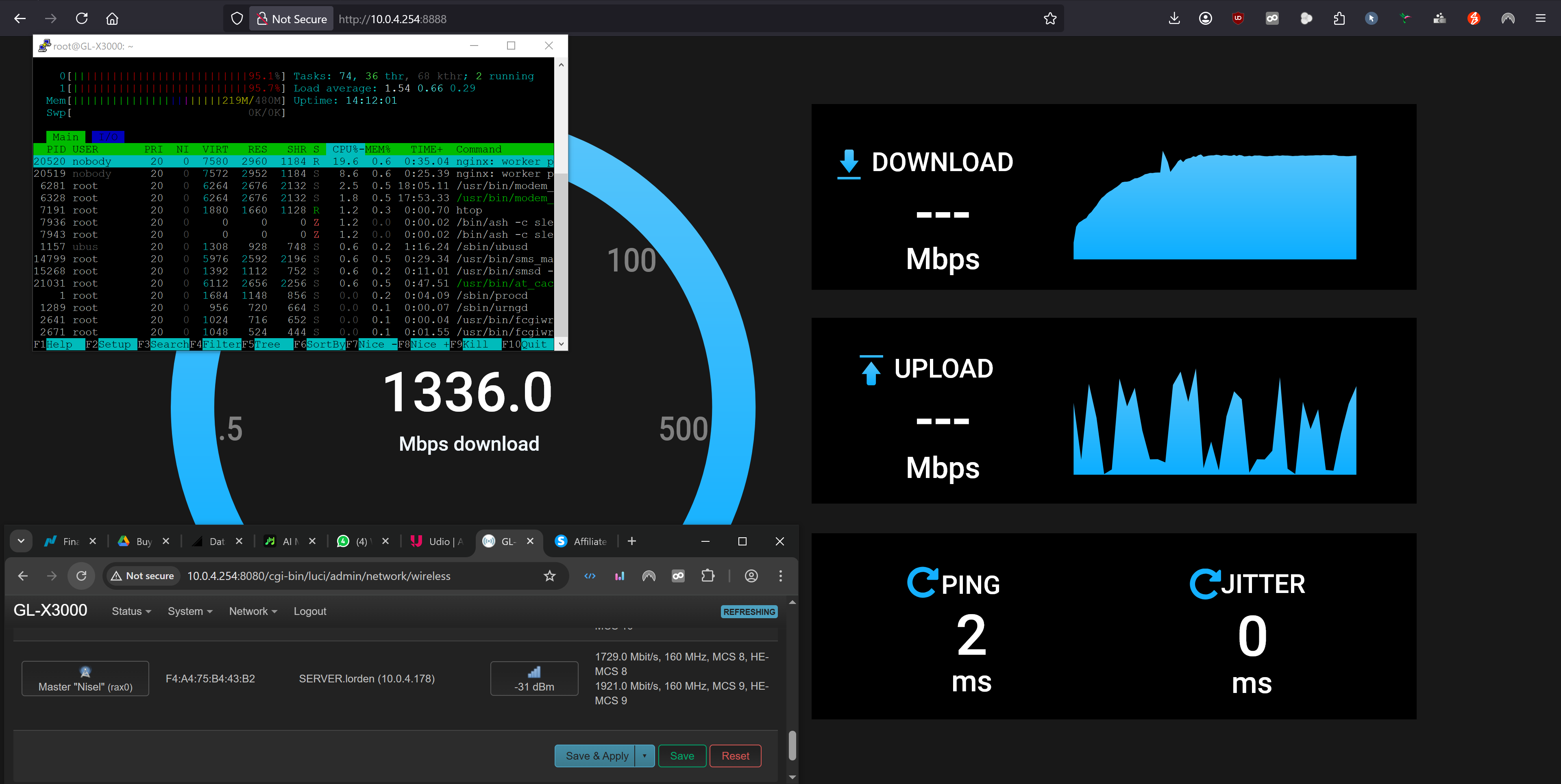
When running an iperf3 server directly on the Spitz AX (“iperf3 -s”) to measure raw Wi-Fi throughput to its endpoint, the performance is consistently capped.
-
Test 1: Router to Client (TX / Download benchmark)
-
Command: iperf3.exe -c -P 16 -R
-
Result: Capped at a stable ~850-900 Mbps.
-
-
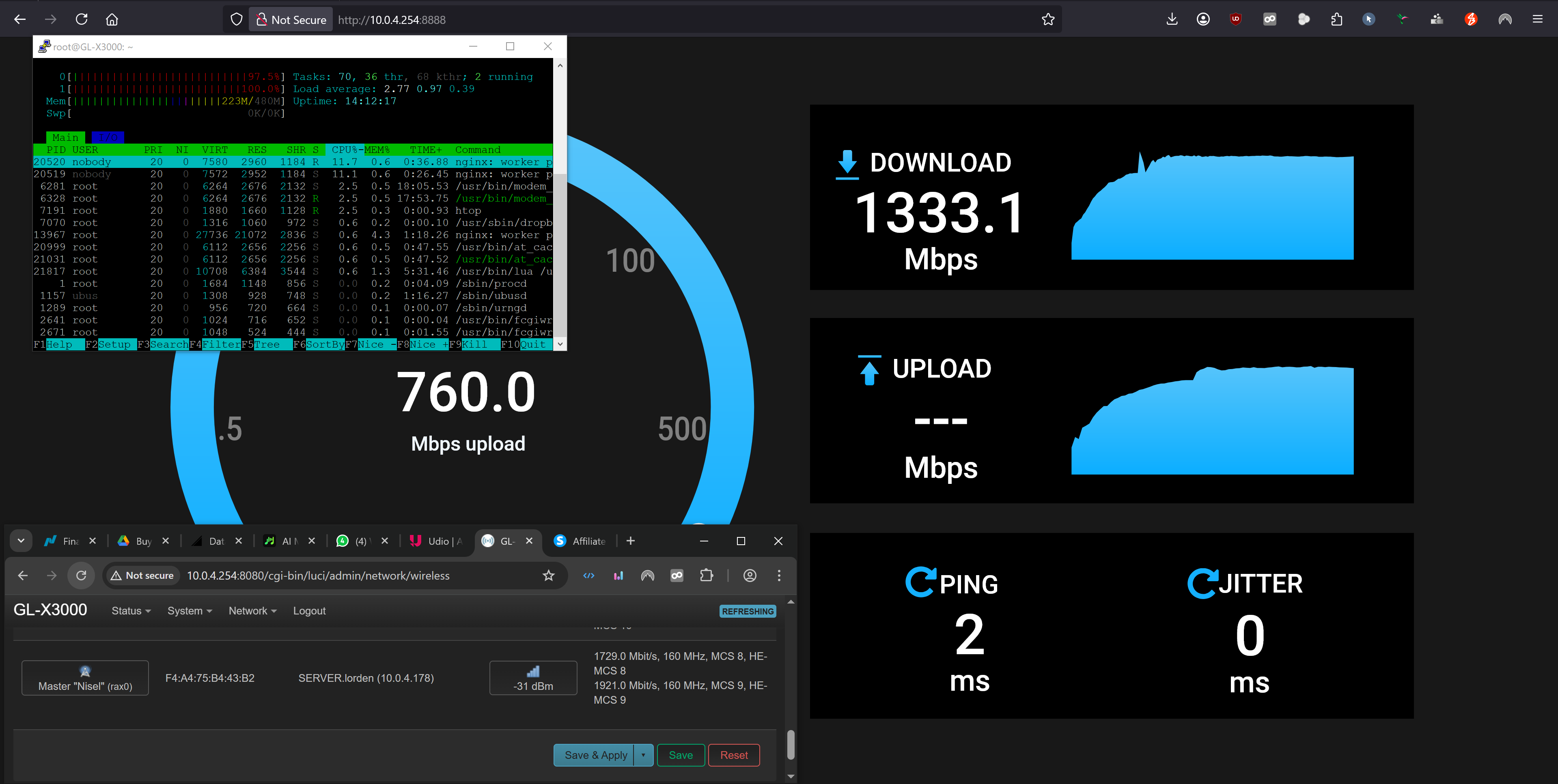
Test 2: Client to Router (RX / Upload benchmark)
-
Command: iperf3.exe -c -P 16
-
Result: Significantly lower, capped at a stable ~550-600 Mbps.
-
-
Confirmation: The same limits are observed by running iPerf3 on the Android phone, which also never exceeds ~950 Mbps despite its 2402 Mbps link rate.
Observation & Hypothesis:
Despite a flawless multi-gigabit PHY link rate, the router's own CPU processing appears to be the bottleneck. The ~950 Mbps ceiling strongly suggests a net throughput limit equivalent to a 1GbE interface, leading to the hypothesis that the data path to the CPU is architecturally limited.
Exhaustive Troubleshooting & Optimization Performed:
To ensure this is not a configuration issue, we performed a deep dive into the system's software configuration.
-
Verified Hardware Links:
-
ethtool eth0 confirmed the CPU port supports 2500baseT/Full.
-
iwinfo rax0 assoclist confirmed the excellent multi-gigabit Wi-Fi link rates.
-
-
Enabled Flow Offloading:
- Both flow_offloading and flow_offloading_hw were enabled in /etc/config/firewall. While this primarily benefits routed traffic, it was enabled to ensure an optimal baseline configuration.
-
Addressed Single-Core Bottleneck (IRQ Affinity):
-
cat /proc/interrupts revealed that the primary WLAN IRQ (7: ... GICv3 237 Level 0000:00:00.0) was being handled exclusively by a single CPU core (CPU1).
-
We manually forced symmetric load distribution by setting the affinity mask: echo 3 > /proc/irq/7/smp_affinity. This change was made persistent via /etc/rc.local.
-
-
Enabled Packet Steering (RPS):
- To support the IRQ affinity change, RPS was also enabled for both cores on the Wi-Fi interface: echo 3 > /sys/class/net/rax0/queues/rx-0/rps_cpus. This was also made persistent.
-
Tuned Kernel Network Stack (/etc/sysctl.conf):
-
Network Buffers: Increased rmem_max, wmem_max, tcp_rmem, tcp_wmem, and netdev_max_backlog to values suitable for high-speed networks.
-
TCP Optimizations: Enabled tcp_fastopen=3 and tcp_mtu_probing=1.
-
Connection Tracking: Increased net.netfilter.nf_conntrack_max to 65536.
-
Queuing Discipline: Set net.core.default_qdisc=fq_codel to manage bufferbloat.
-
(Note: An attempt to use kmod-tcp-bbr resulted in system instability and reboots, so it was removed, confirming a package/kernel incompatibility. The system is stable with the cubic default.)
-
Conclusion after Optimization:
Even after applying all these deep-level software and kernel optimizations, the throughput limits remained identical: ~950 Mbps TX and ~600 Mbps RX. This strongly indicates that the bottleneck is not a tunable software parameter but a fundamental architectural limitation of the Spitz AX.
My Questions for the GL.iNet Engineers & Developers:
-
Are these measured throughput values the expected performance ceiling of the MediaTek SoC when its CPU cores are the traffic endpoint?
-
Can you confirm if there is a known architectural bottleneck in the data path between the Wi-Fi subsystem and the CPU that explains this "1Gbit-like" wall?
-
Is the significant performance asymmetry (TX > RX) a known characteristic of the platform's hardware offloading capabilities (e.g., TSO/GSO being more efficient than LRO/GRO) or the driver implementation?
-
Is there any potential for future firmware or proprietary driver updates to improve this?
I want to emphasize that my goal is to technically understand the product I purchased for over 400 EUR. This WIFI metric is a critical piece of information if it´s really internal limited to just 950 Mbps.
Thank you for your time and expertise. I'm looking forward to your feedback and a productive discussion.
CellMonster