New router, and at the moment I can’t seem to add the router to the cloud to configure etc.
Temporarily, have not got it connected directly to the internet, but will be doing so shortly, would like to have a play before putting in charge of my internet access.
But, cannot get the app to work - is this because the router is not setup as my router, but just hanging off the existing network??
A little bit confused… In Good Cloud, it actually shows the device, but shown as “deactivated”, and cannot be activated…
Can somebody point me at a reference as a reason for this?
Please connect the router to the Internet first, Repeater or Ethernet, etc.—it doesn’t have to be used as the main router, just let it has Internet access.
In the router, unbind/disable GoodCloud. In the GoodCloud webpage, delete this router. In the router, re-enable and bind it to GoodCloud again.
You can provide some screenshots to help us understand the issue more clearly.
Router has 24/7 internet access, just isn’t currently my ‘main’ router, so was being shown in GoodCloud as ‘deactivated’.
Followed your info (router: unbound/disabled; GoodCloud: deleted; router: re-enabled and tried to bind), but just get message that “Device Binding Failure”, with ID/MAC/Serial number - ie no luck.
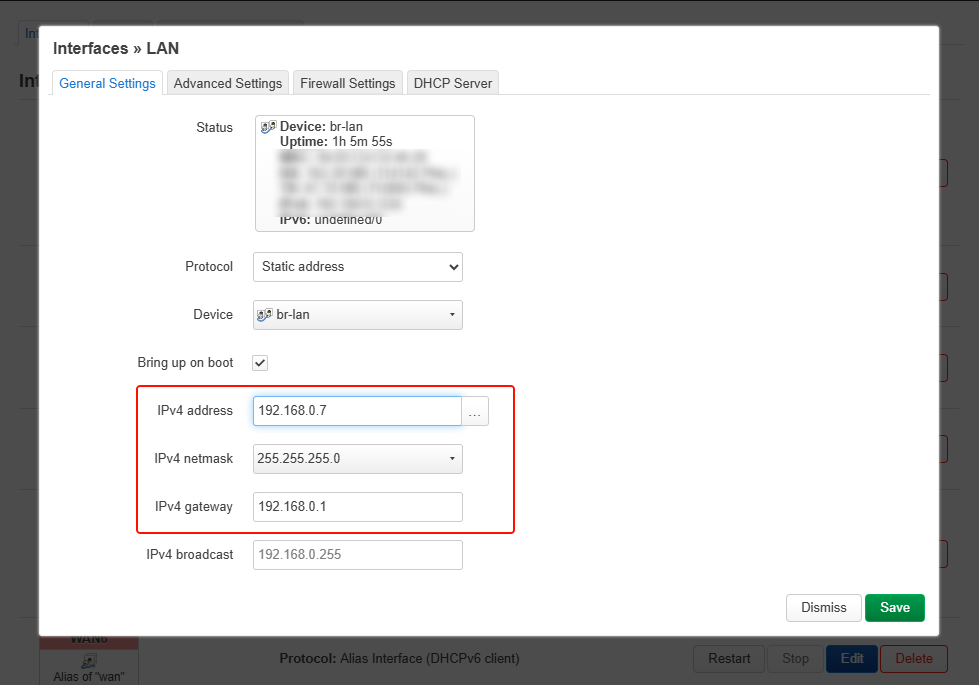
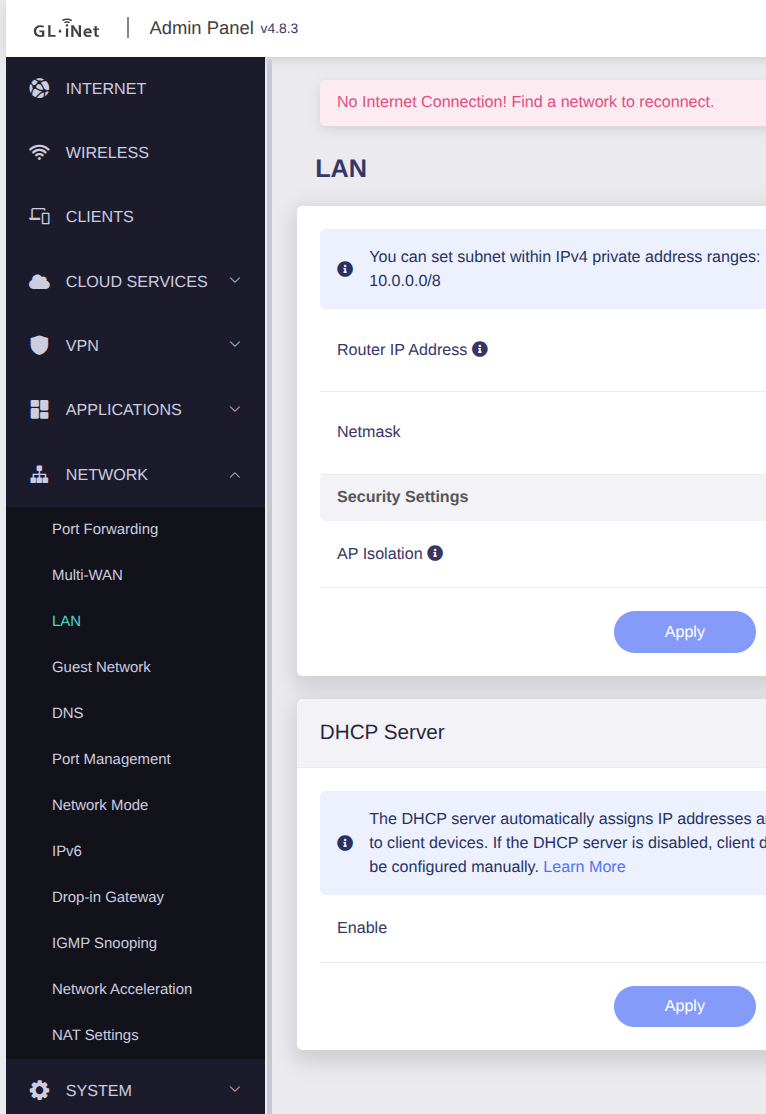
Your router isn’t connected to WAN or repeater or tethering. It seems to be connected only to the LAN and configured with a static IP 192.168.0.7. It looks like it’s acting as a switch, or as a drop-in gateway in LAN?
If it is, you should add a gateway for the router’s br-lan interface. I see the LAN subnet is 192.168.0.0/24. Assuming the gateway is 192.168.0.1, then you need to add 192.168.0.1 here: