a very strange behaviour: I configured via SSH 2 VLANs, one of these using eth ports 3 and 4 for surveillance devices. In particular I connected an antitheft central to LAN3.
Now, the central has been configured in order to have a static ip address in the range of the VLAN, specifically 192.168.50.112. So far, so good.
I don’t see this device as connected in the admin panel under the CLIENTS section.
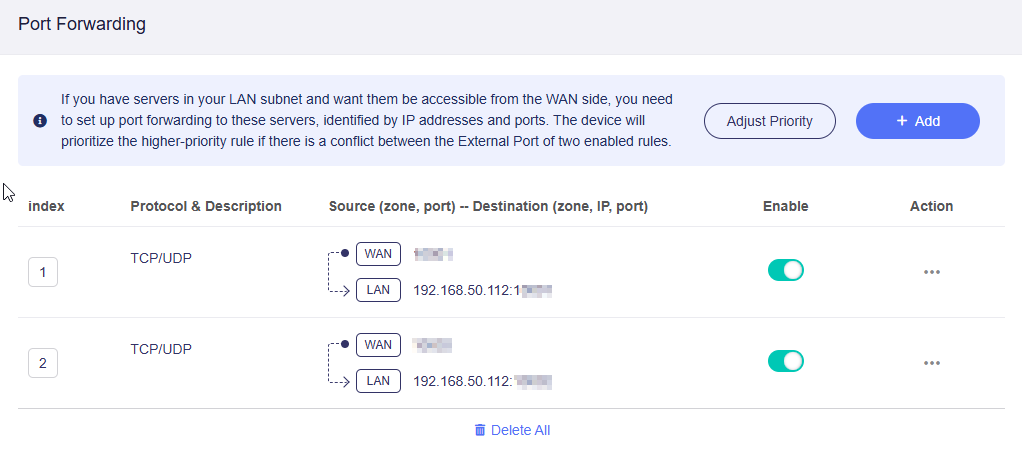
But when I try to add a port forward rule, the IP of the antitheft central is visible:
Problem: would like to set address reservation for this device also at router level.
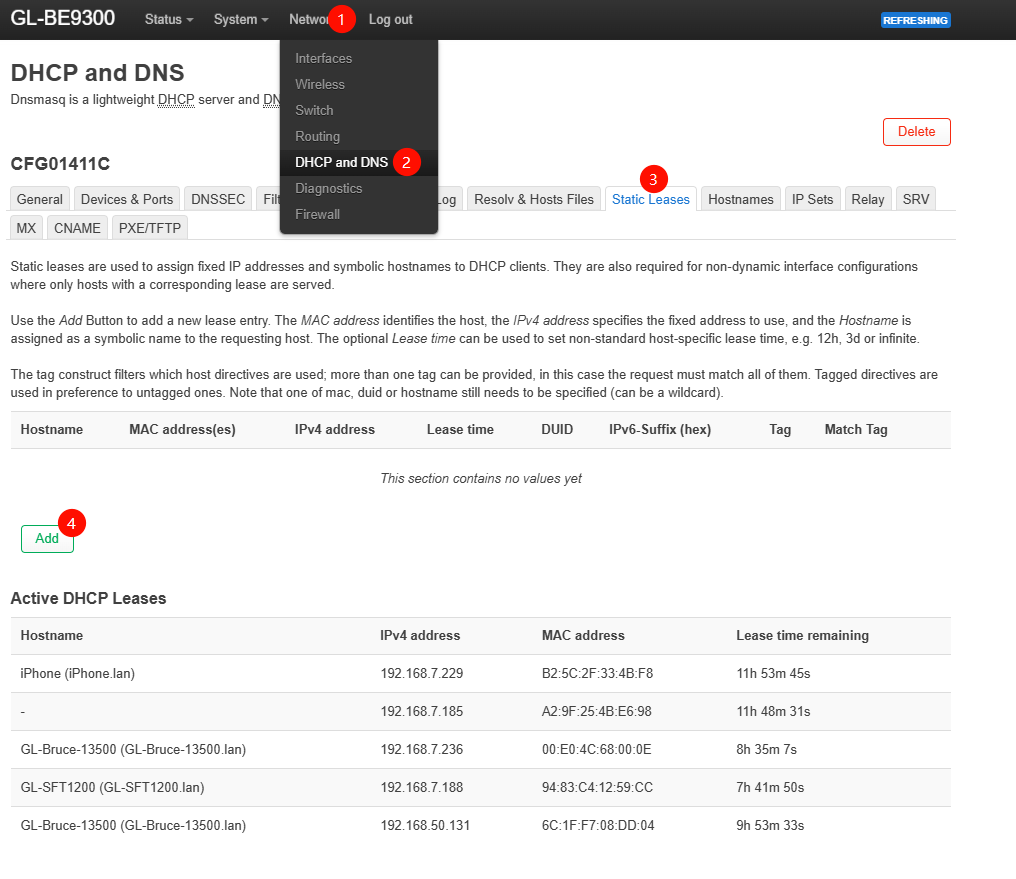
But when i try to add an address reservation, only MAC pertaining to devices connected through the default subnet 192.168.8.x are shown.
Since this is a dropdown field, I cannot add manually my central which is on the “survellaince” VLAN (192.168.50.x).
Found a good workaround: I went to the port forwarding section to get the MAC address of the central, then I wrote it manually in the address reservation section.
I was wrong: it’s true the UI automatically shows connected devices on the main lan as dropdown choices, but there’s also the possibility to insert a specific MAC address manually.