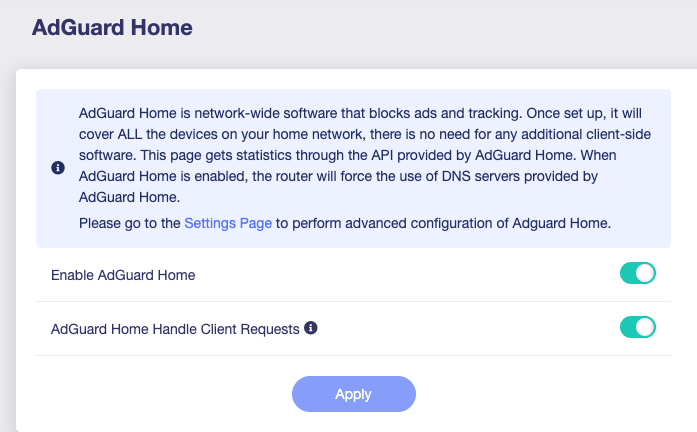
Hi, I have a new GL-MT6000 (Flint 2) running v4.8.3. I had everything working and decided to update Adguard Home to the latest version. I did this through the Adguard executable on the router (ssh’d in) as well as one of the scripts a mod here created. In both cases, the upgrade worked fine, but I noticed that while Adguard shows as running, nothing is actually being blocked or processed by AGH. I get an “empty” dashboard in both the GL-iNET Admin Panel as well as AdGuard Home’s site. I have tried different tricks like removing the config.yaml file to force it to generate a new one from scratch. I am not seeing any sort of errors or overlay errors on the AGH page. It’s just silently failing. I have tried manually flashing the same 4.8.3 firmware, choosing to save settings. I made sure to enable AGH from the Admin Panel as well as enabling “AdGuard Home Handle Client Requests”.
Can anyone help me figure this out? I would prefer to fix this so I don’t lose my router configuration, which I spent a lot of time setting up. If there’s no way to avoid a complete reset, would it be sufficient to flash v4.8.3 again and choose “don’t save settings”? Or do I need to do a more destructive restore like U-Boot?
(AdGuard Home + WireGuard/OpenVPN) – “Speed & DNS” Report
What we’re seeing after the jump to v4.8.3
Feature Expected behaviour (v4.8.2) Current behaviour (v4.8.3)
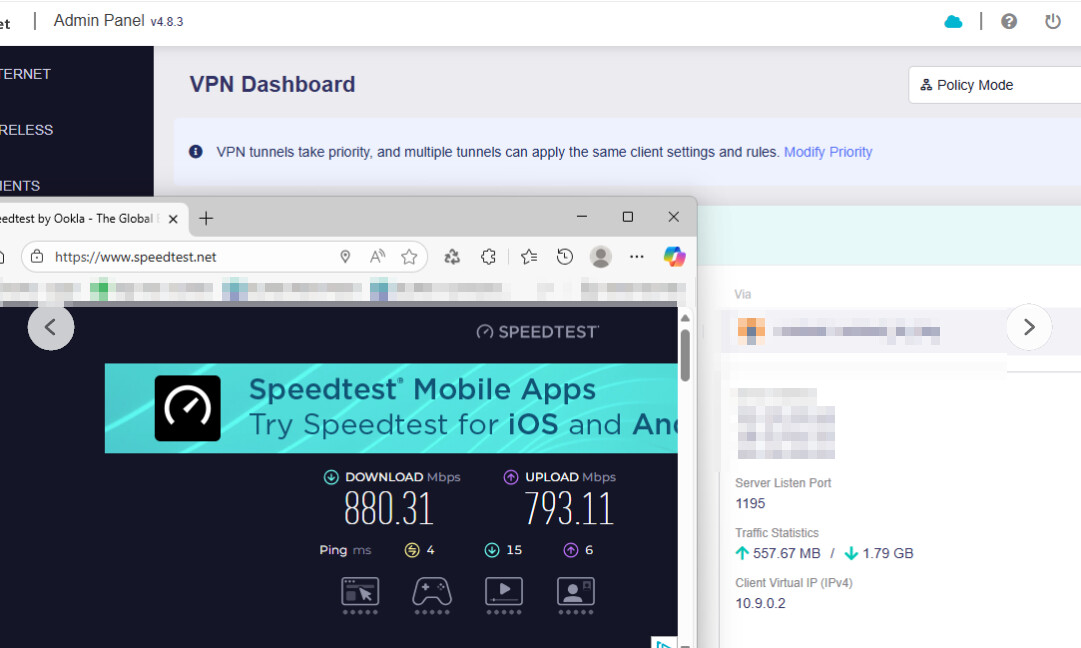
VPN throughput (LAN‑to‑Internet via WireGuard or OpenVPN) ~600 Mbps on a 1‑Gbps link ≈10 Mbps – essentially unusable
AdGuard Home DNS resolution & ad blocking Works for all LAN clients, ads blocked DNS queries either drop or go to the WAN; ads not filtered
Kill‑switch (VPN “All‑Traffic” toggle) Can be turned on/off without side effects Appears to block traffic that isn’t explicitly allowed
Bottom line: The router is not routing VPN traffic correctly, and the DNS proxy used by AdGuard Home is no longer Work!!!.
Where the regression likely started
2.1 Firmware change log (4.8.3)
Bug‑fixes only – no new features that touch the firewall or VPN stack.
Fixed a DNS packet drop issue when toggling the “All Other Traffic” switch during a VPN failure (but only when AdGuard Home was enabled and kill‑switch disabled).
No mention of changes to NAT, routing tables, or interface priorities.
Inference: The firmware change itself probably didn’t add new logic that would break VPN. What did happen is that the default firewall rules were altered during the upgrade (the “Release Candidate → Gray Release” optimisation step).
In practice this means a DROP rule sneaked into the FORWARD chain that now blocks everything except very specific ports.
2.2 Common culprits for VPN slowdown
Issue Why it hurts speed Typical symptom
Kill‑switch active & too restrictive Drops UDP/TCP packets that belong to the tunnel or to DNS lookups VPN stalls, no traffic beyond the local network
Wrong NAT / masquerade rule for wg0/ovpn Packets never get a public IP → router drops them No traffic at all (or 10 Mbps because only small control packets slip through)
Firewall rule “DROP all – except → ” before the VPN allow All forwarded packets hit the DROP rule 0–10 Mbps, but no DNS resolution
AdGuard Home listening on a non‑standard port (e.g., 5353) after upgrade DNS queries go to 53 but nothing is there Ads not blocked, clients use ISP DNS .
Recommendation: Until a patch is released that restores the previous firewall behaviour, either keep the firmware at 4.8.2 or apply the quick‑fixes above. Keep an eye on future releases – if GLNet issues a hot‑fix for this regression, update immediately.
Hi sorry there’s no easy way for me to answer this. I didn’t write down the version it upgraded to before I did a firmware reset to fix my setup. It did upgrade to a newer version. i went back to try to figure it out for you but there’s only a command for AdGuardHome to upgrade, and not one to “check” for upgrade. I don’t recall if it gave you a choice to stay yes or not to the update before proceeding.
However, using Admon’s script you can check for an update version and I can see this:
Where would the logs be located? I tried looking in LuCi, AGH UI etc and couldn’t find any so surely I just didn’t know the location(s). Unfortunately I ended up doing a firmware reset to fix my issues. I am back to stop AGH version with the v4.8.3 firmware because I’d rather have an older working version than an updated broken one. If i try your script again, let me know where I should look for logs so I can report any errors.
I think you are saying there is a reported issue with the AGH version that comes with v4.8.3 vs v4.8.2? That is not what I am seeing. Instead my version of AdGuardHome works “fine” on the latest v4.8.3 but when I upgrade just the AGH software it’s broken.
In that case I didn’t see any issues in logging. It doesn’t mean nothing appeared, it’s could be because my eyes didn’t spot them. I’ll report back if i try this upgrade again.
So rather than go without AdBlocking I ended up doing a firmware reset for the Flint 2 keeping the same installed v4.8.3 firmware. This put AdGuard Home back to the version that comes with the firmware but fixed the issue. Here’s my theory - when you use AGH you are supposed to point your device or router DNS settings to the AdGuard server and port. In a normal out of the box setup, GL-iNET handles this for you but it does it behind the scenes. If you go to the DNS page you can see that if AGH is in use, you cannot change or edit settings. This works fine in a known state - my guess is that the GL-iNET firmware hardcodes the setting (especially the port) to use for ADG DNS. So let’s say it assumes it’s 3053 so it’ll set DNS to 192.168.1.1:3053 or maybe 192.168.8.1:3053 depending on your settings.
However, when you upgrade ADG, it likely uses a default DNS port of 53. I know when I ran ADG for the first time, it complained about both the UI interface port and the DNS port. I had to manually override the first to 3000 and the latter to 54 bc ADG complained of conflicts for both.
So you get this weird situation where the firmware is programmed to work in a specific way - if AdGuard Home is enabled, lock out DNS settings and set DNS to localhost:5053 (for example). But when you upgrade AGH manually it defaults to 53 and unless you know for sure what the firmware is expecting the port to be, you can’t set it to match.
I wish I could verify this by looking in the LuCi firewall settings but when I tried, it was really hard for me to decipher. I couldn’t see any entries with AdGuard or AG or AdGuardHome
Edit: I think I might have found the setting. I think the Flint 2 hardcodes forwarding to Port 3053
After a quick check, running the script from admon on Flint 2 version 4.8.3 does not change the ports used by AdGuard Home—HTTP 3000 and DNS 3053 remain the same.
These ports appear to be hardcoded within the firewall and dnsmasq.
Changing them manually may cause issues with firewall rules or DNS forwarding.
We will consult with the development team to explore whether future versions can read these port values directly from the AdGuard Home configuration file.
I can confirm that my script won't change anything. The configuration.yaml won't be touched.
Since I use my script every new AGH release, it is highly tested.
I think the takeaway here is if you upgrade or install AdGuard Home outside of the normal firmware, and you don’t know the default port by heart, then you will end up with a non-functional AGH. When you upgrade AGH manually, you are required to enter a port or it won’t work out of the box. So it’s important to enter 3053. I don’t remember if entering this manually caused a conflict (notice how I mentioned having to enter a random value of 3000 due to ADG complaining of a conflict).