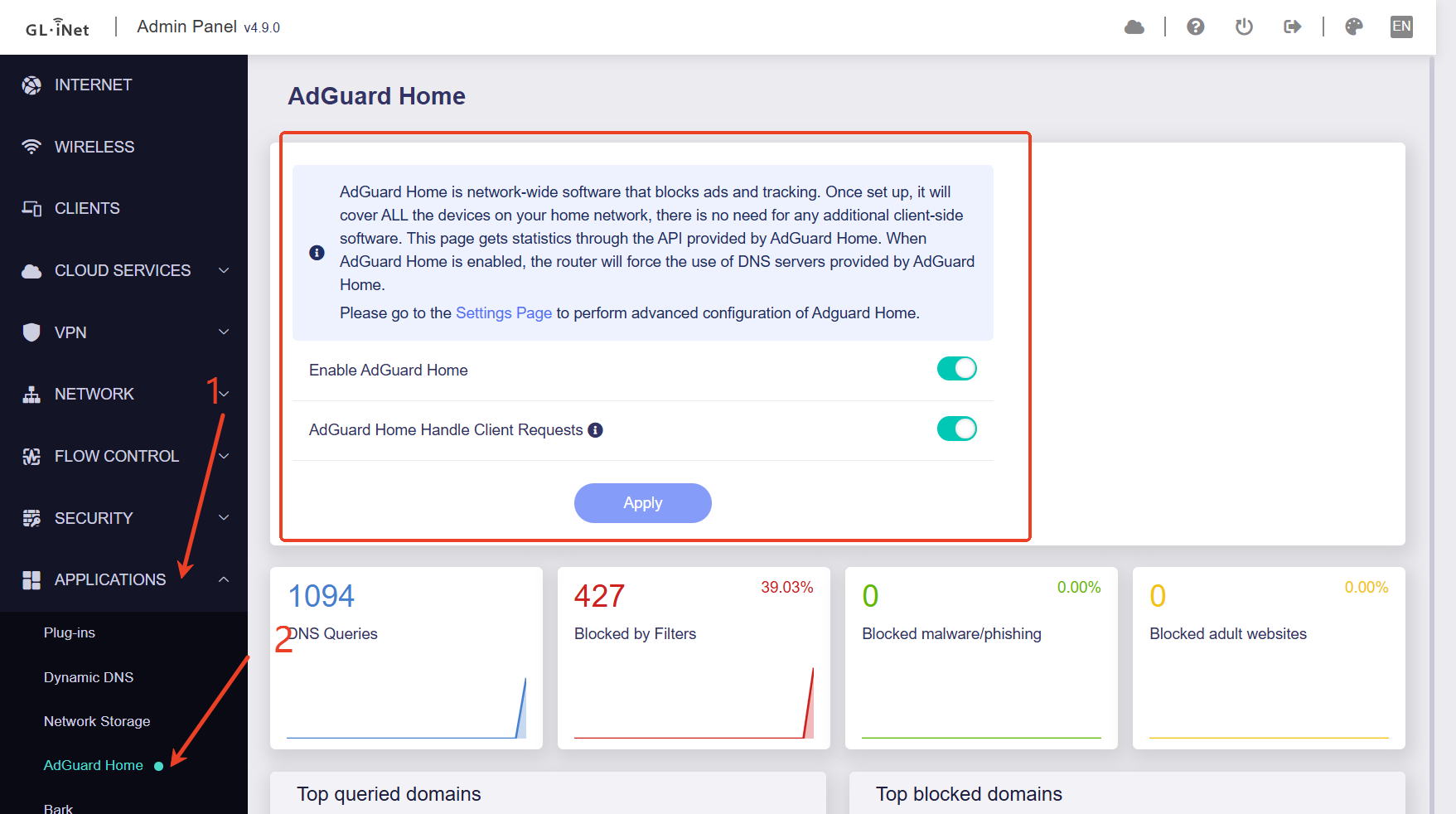
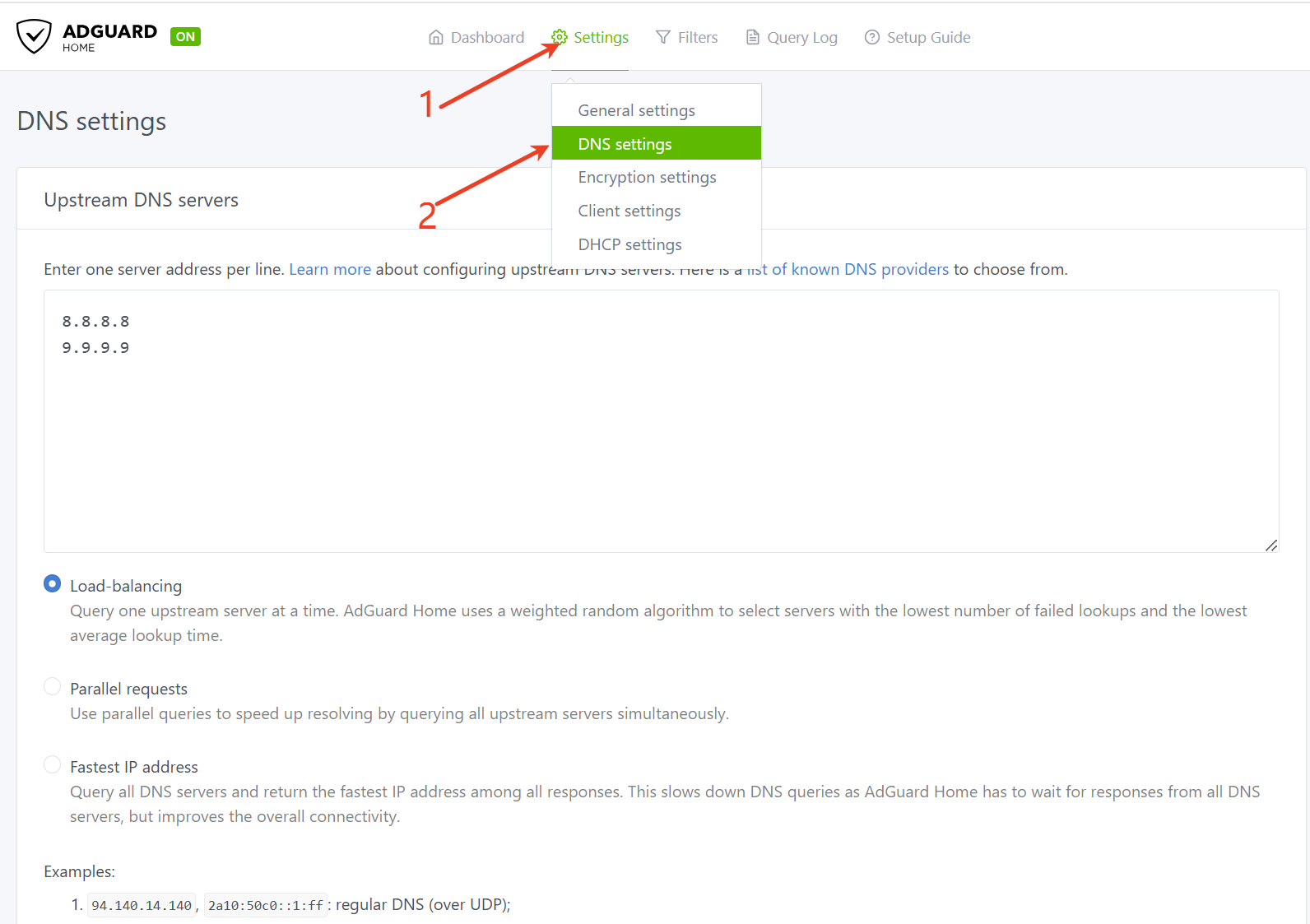
Hi, Just upgraded my Flint 2 Router to the latest firmware 4.9.0 at the weekend, lost all internet traffic and found that Adguard wasn’t working, all in all I managed to overcome this by disabling Adguard and just using google dns as a workaround. Just wondered if anyone else had the same issue. I can’t ping google.co.uk from the openwrt Cli but I can ping 8.8.8.8. Config of Adguard looks the same as before the upgrade. Just wondered if anyone else has had similar issues.
Did you reconfigure your router from scratch after the 4.9.0 upgrade? Restoring firmware from a 4.8.* backup configuration will cause issues as this is a major upgrade.
We tested this on our side with the latest 4.9.0 firmware, but we have not reproduced the same issue.
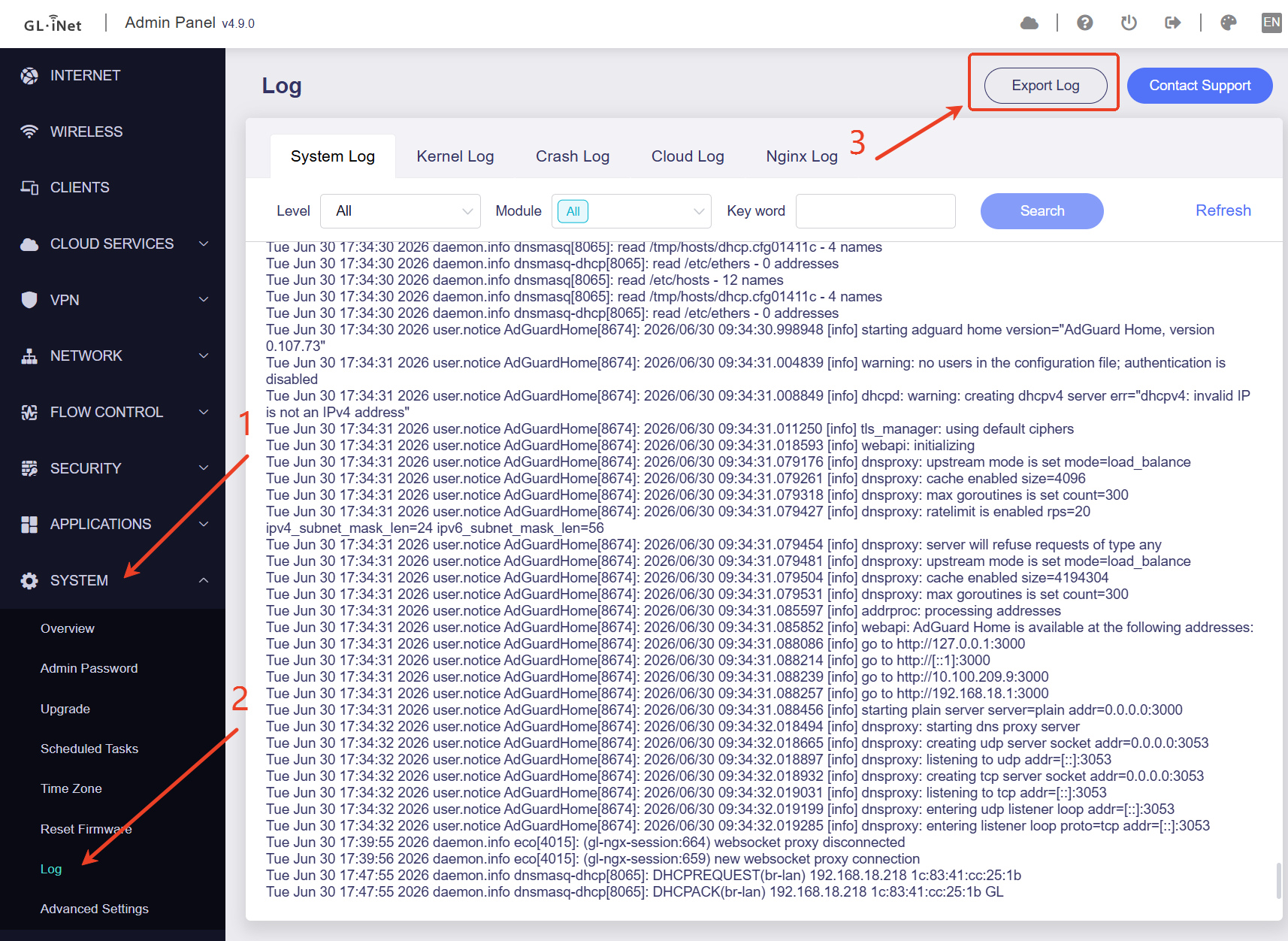
Could you please provide the following information?
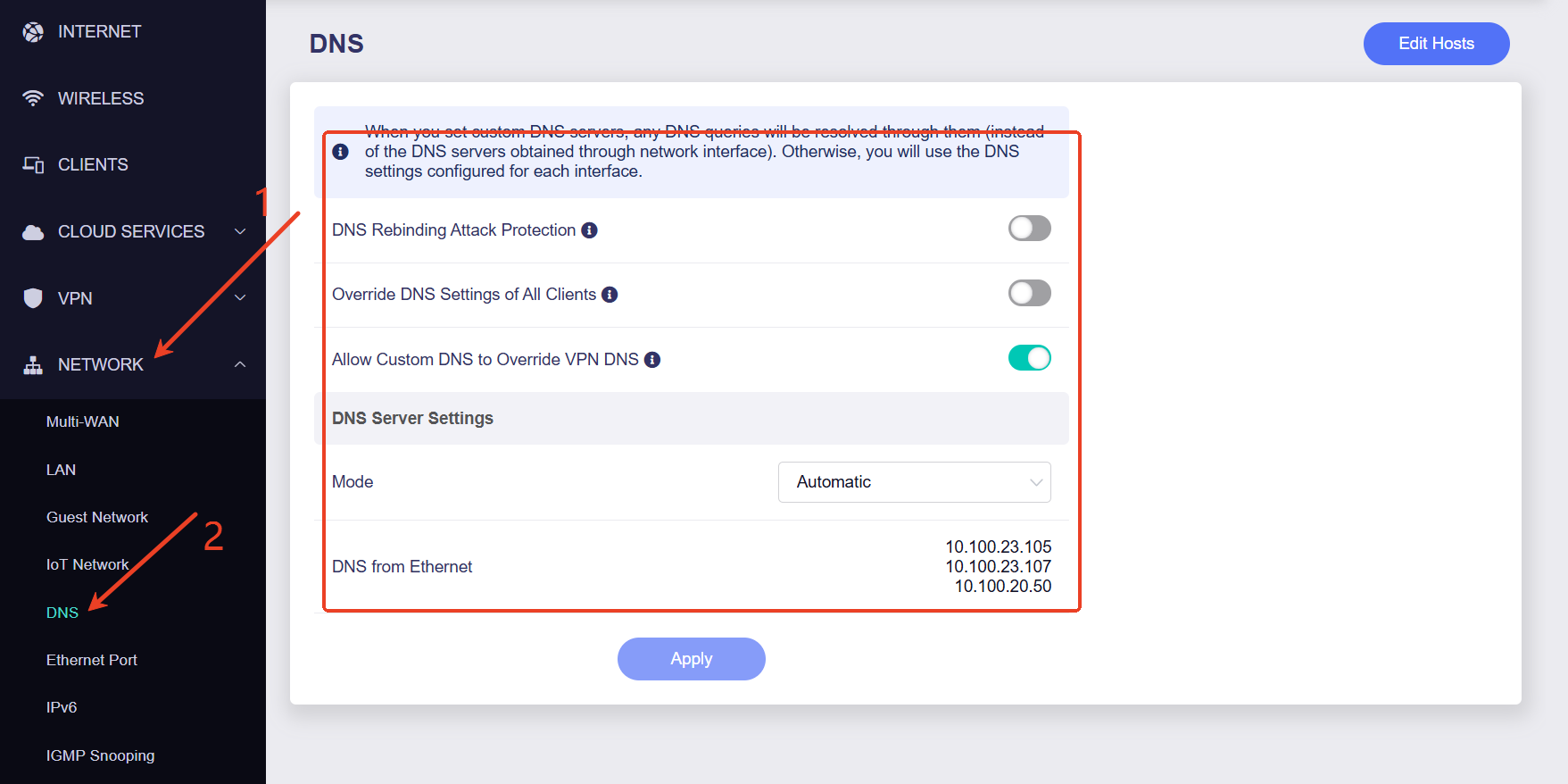
A screenshot of the DNS configuration in Admin Panel > Network > DNS.
Hi, thanks for reaching out, I have just rolled back a couple of firmware versions to get me back to a working state. Since an earlier update I did notice a slight change in my WiFi, I have a couple of Apple TV devices and they have worked great since I got them but since an update earlier this year they have been a bit hit and miss connectivity wise so I may just stay on 4.8.3 for now. Thanks again for your help.
Hi, thanks for your reply, I just hit the upgrade button when I was prompted to upgrade when I logged into the router. I didn’t get any warning or notification about a clean install, at least I didn’t notice anything. I ended up rolling it back to 4.8.3 as a workaround and after a bit of configuration I’m back up and running. I might just leave it like this as I had noticed a deterioration in my WiFi signal after a previous update earlier this month. At some point I’ll probably upgrade, I’ll definitely be more careful this time. Would it have been ok to do a clean install and then a restore of a backup or does it have to be a new configuration.
Hi Steve. No, this is the exact issue. When you upgrade the firmware there is an option box to retain settings. You must untick this on major version updates like V4.8.x to V4.9x. There are major software changes in the latest version and new features, I would just make a separate note or a few screenshots and paste into a document of your current configuration for reference in later recreation after a major firmware update. I too had issues with Adguard and other wi-fi issues when I initially did the update. I had to reset the router a few times and reconfigure it from scratch to get it working properly. I would also configure Adguard last. I would suggest that once you’ve got the basic settings configured go into the advanced settings (luci) and take a backup configuration at this point. Then configure your ad guard and check everything‘s working as you want. Then take another backup with everything as you have now configured it.
As for the Wi-Fi power issue, that was and is still being discussed in a different thread, but in firmware versions after version 4.8.3, there have been corrections to the transmission power to align it with regulations, but we are still awaiting some further responses from staff to confirm this. Best of luck.
I must admit that I am in awe of some of the folks on this forum, that have very complicated setups (enterprise type setups) to connect to the internet. I am “old school”, in that I really only use a router as a bridge to the internet, nothing more, nothing less. That being said I do use a Flint 2 (for the family) as well as a Slate7 just for me. This way If I screw up the Slate7 (quite likely) I am the only one affected. Oh, and I also run double NAT behind a Starlink gateway, good luck on the “no-good-nicks” getting past that.
I have toyed with adguard, as well as Mullvad and Tailscale installed on my routers, but I find that I really prefer having those setup on each device (easier to control), rather than the routers. I now only have adguard on both routers with just Hagezi’s Pro++ blocklist and I literally have had no issues whatsoever.
Edit: I’m not sure what happened, but I may have replied to the wrong thread and if so, please disreguard.
Thanks for your input, I basically rolled back the firmware a couple of iterations and I think I’m going to stick with that for a while. WiFi is much better now and my adguard jumped straight into life once I enabled it and configured the DNS. I may have another go at some point in the future but for now it’s a matter of “if it’s not broke”