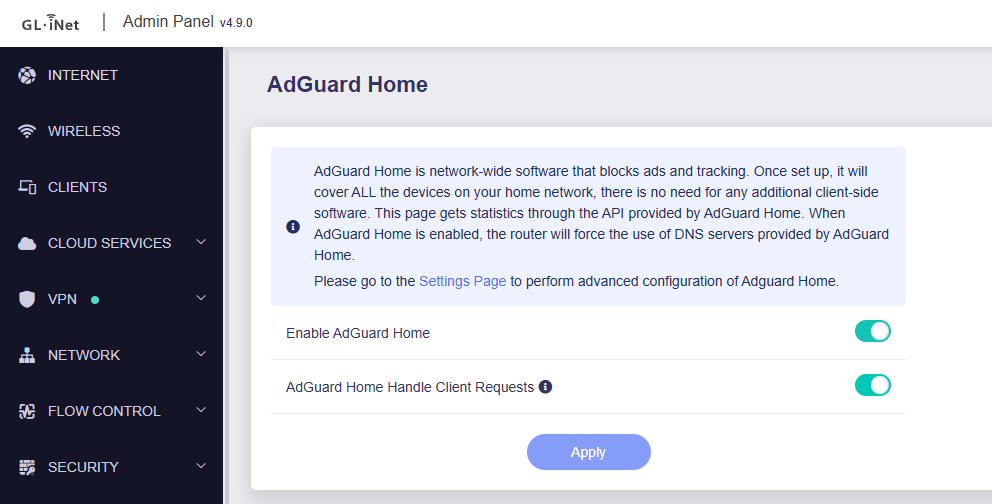
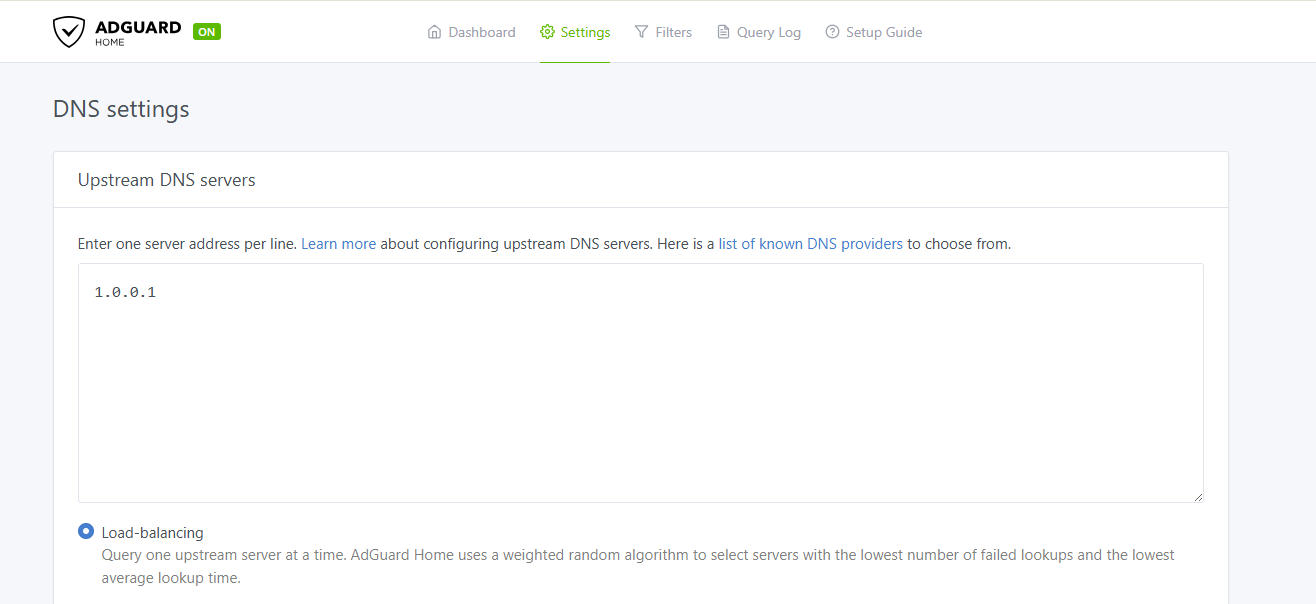
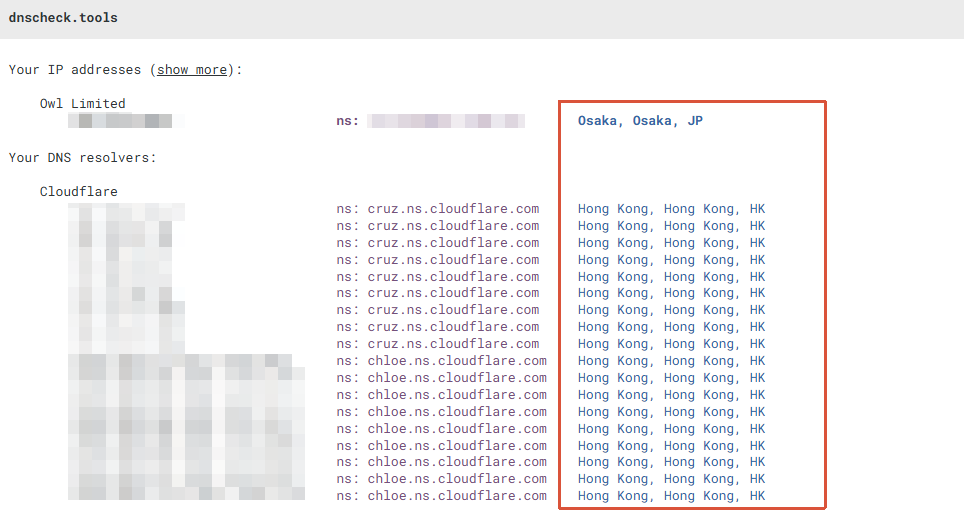
I have a GL-MT3000 Router running on Firmware 4.9 Beta 4. I have set up a wireguard tunnel and a Adguard Home Instance via the GUI. Adguard Home is configured to handle all Client DNS Requests. I configured a VPN Policy to route only Traffic from LAN into the Tunnel. The problem i have is, that the Adguard Home DNS Resolution is send into the Wireguard Tunnel, but i want it to be sent via my WAN Uplink. Only the Traffic from the LAN Clients should be routed to the Tunnel not from Localhost.
Could somebody give me a hint, how to configure that?
@will.qiu Thank you. This fix worked for all other Traffic except for Traffic coming from LAN. What can i do, that also the DNS Traffic from LAN will be sent to WAN, but all other Traffic from LAN goes to the Tunnel?
P.S. Will the above fix be permanent after an Firmware Upgrade?
We are currently working through a backlog of cases that accumulated during the holiday period, so we may need a bit more time to investigate and respond to this matter.
First of all, apologies again for the delayed reply.
Could you please clarify the exact behavior you are expecting so that we can investigate further?
Do you mean the following?
DNS queries from LAN devices should be forwarded to AdGuard Home, and AdGuard Home's upstream DNS queries should be routed through the VPN tunnel.
DNS queries from other traffic (besides the router itself—if you mean something else, could you clarify?) should also be forwarded to AdGuard Home, but AdGuard Home's upstream DNS queries should go directly out through the WAN instead of the VPN.
This workaround will persist across reboots, but it will not survive a firmware upgrade.
i dont want DNS Resolution from AdGuard Home going through the Tunnel at all. All DNS Resolution should go to the in AdGuard Home configured Upstream DNS Server (DOH) via WAN. I dont want to add latency to DNS Resolution because of the Traffic going to the Tunnel.
In that case, does the current solution work for your use case? Are you still experiencing any issues, or is there something else you'd like to ask about?
If possible, please provide a few more details so that we can better assist you.
No, the fix you proposed is only affecting DNS traffic, that is not part of the VPN policy. Before the fix, all DNS traffic was routed to the tunnel. Know all DNS Traffic except Traffic from LAN is routed via WAN.
I need a Setting, to Route the DNS Traffic from Interfaces that are part of a VPN Policy via WAN and not via the WG Tunnel.
Could you please provide the following screenshots from the Admin Panel so that we can better understand your current configuration and offer more specific suggestions?
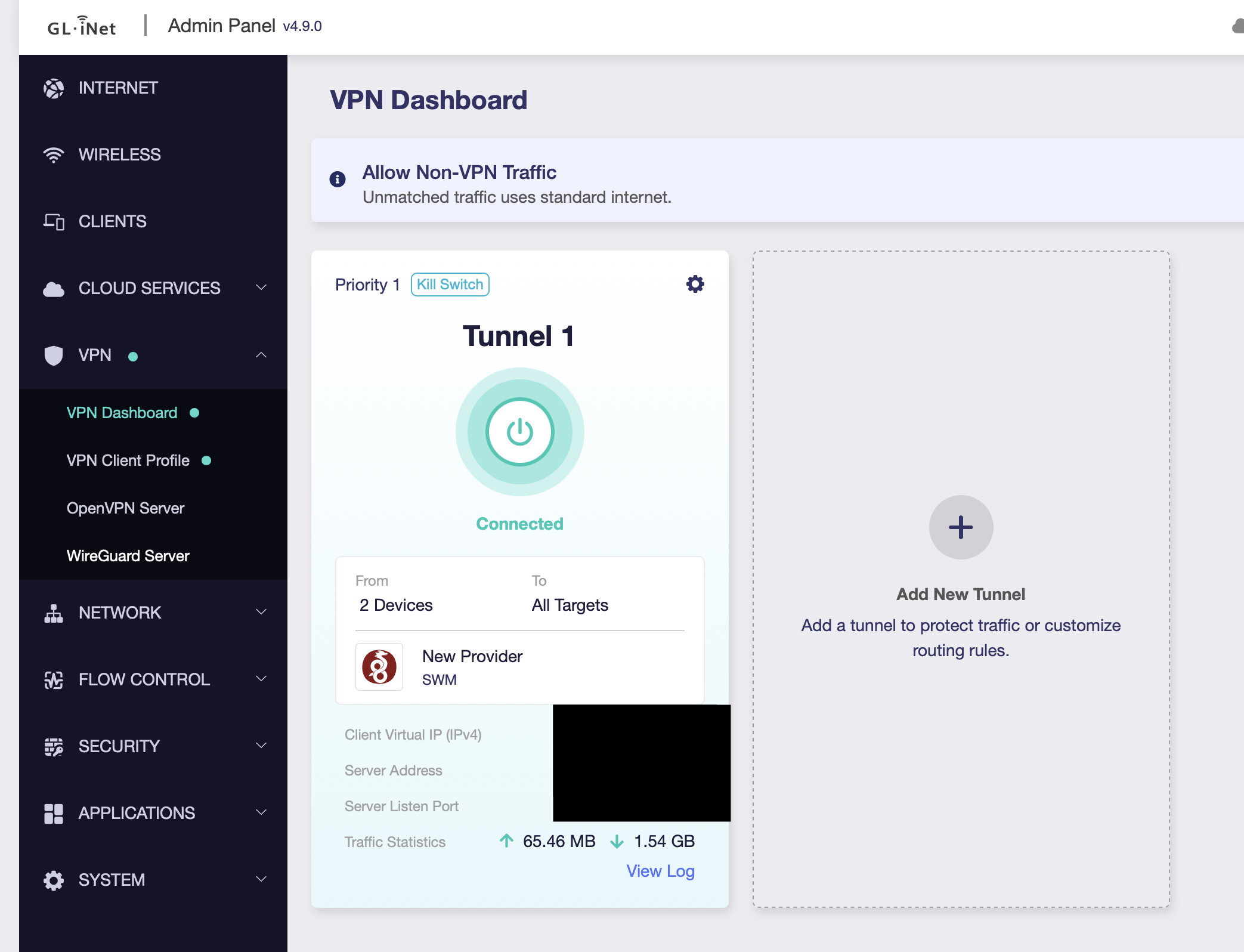
VPN → VPN Dashboard
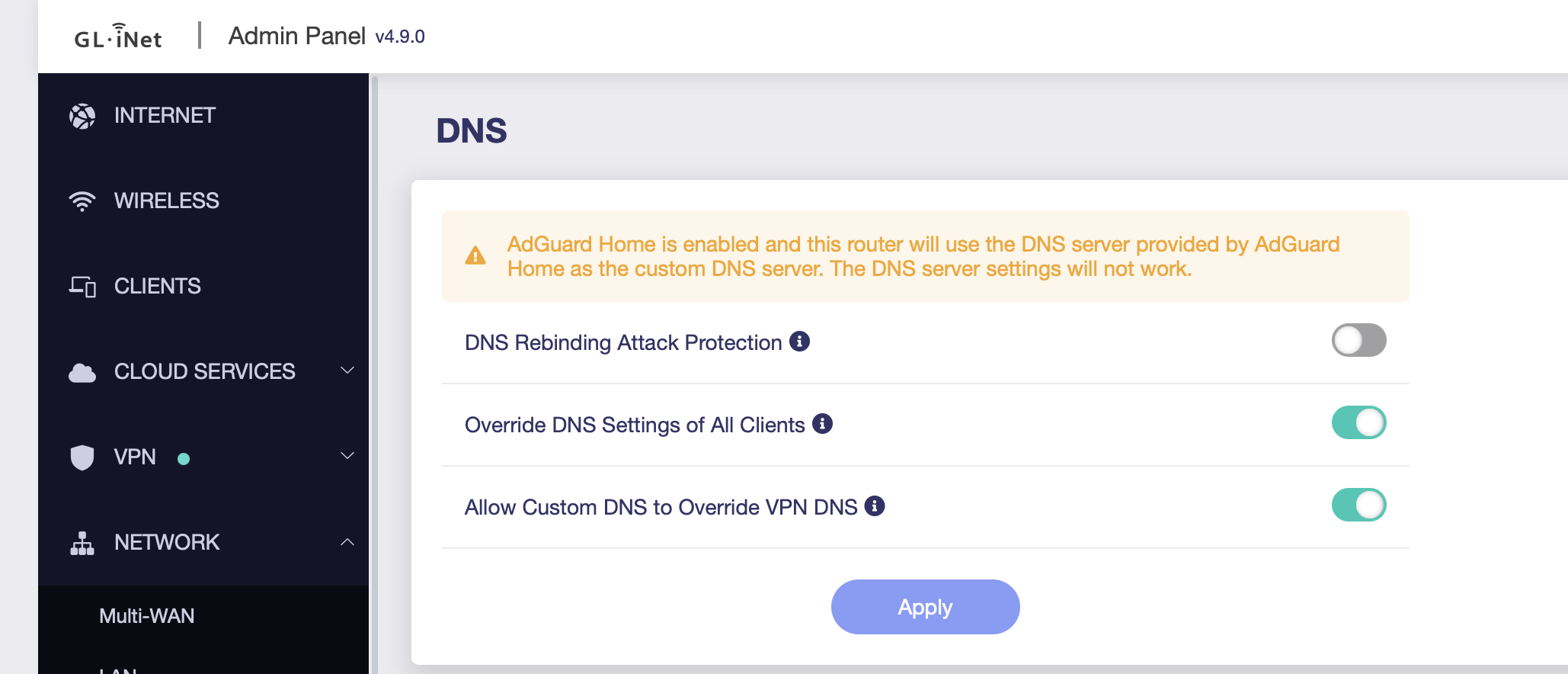
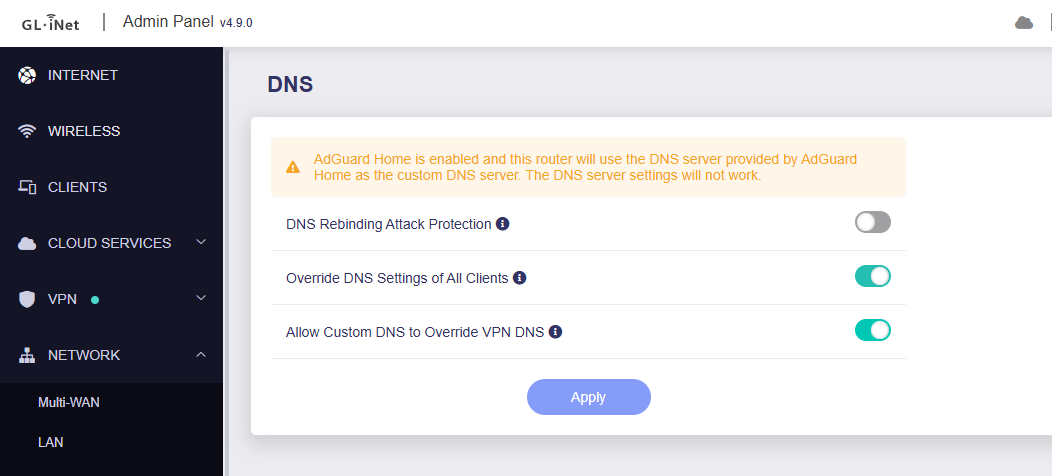
Network → DNS
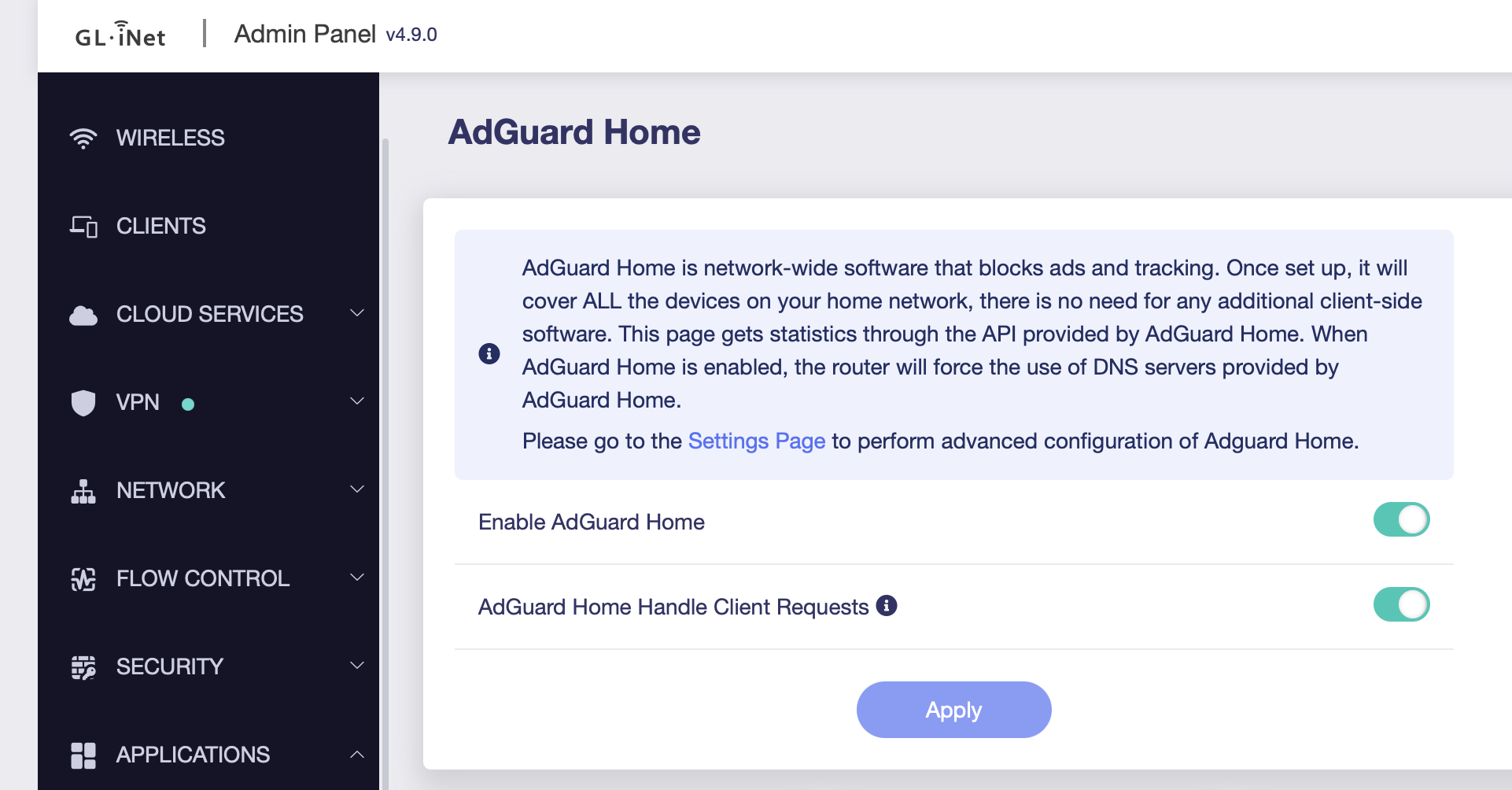
Applications → AdGuard Home
You can also quickly check the following:
Under Network → DNS, make sure Allow Custom DNS to Override VPN DNS is enabled.
If the VPN tunnel's To field is set to All Targets, try changing it to 0.0.0.0/0 and see whether that makes any difference.
By default, AdGuard Home routes its upstream DNS queries according to the configured VPN Policy. In other words, if the To field is left at its default value of All Targets, all upstream DNS requests will be sent through the VPN tunnel.
So, if we want those DNS queries to go out through the WAN instead, we need to adjust the To field accordingly.
Is this because for anything except All Targets the system essentially sets up a (marking) rule in the FORWARD chain (which affects LAN → WAN traffic), while AGH's upstream queries go through the OUTPUT chain (i.e. local, router-originated traffic) where those destination-match rules either don't apply?