All,
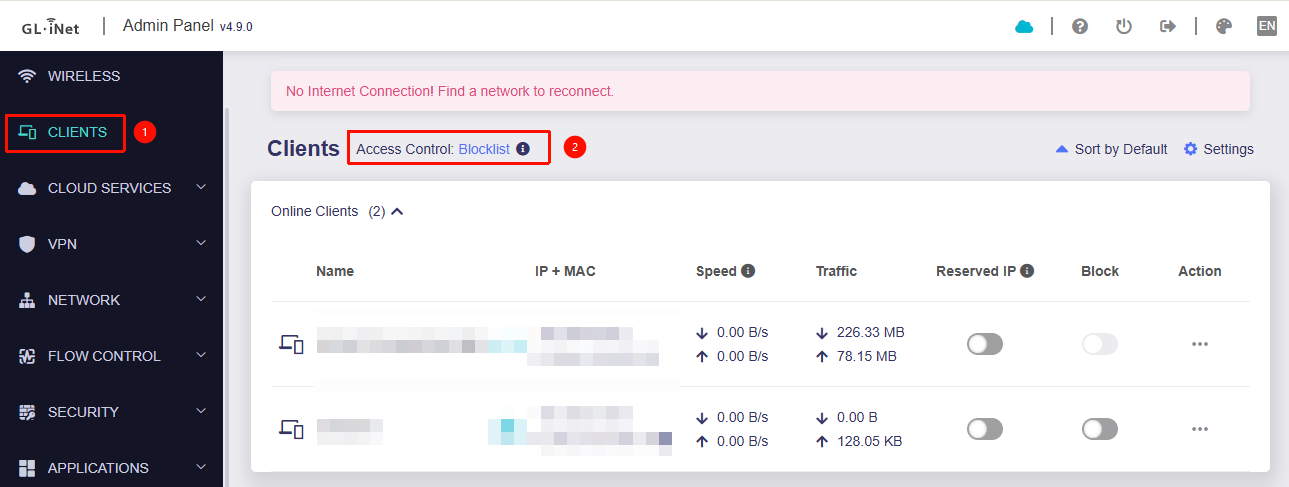
Hope someone can help with this issue I have with the Flint 2 router. For some annoying reason, my iPhone is the only device which shows in the client list on the router as “This is a randomised MAC address”. I know the setting to switch this off on the iPhone is in the Wi-Fi settings however if Private Wi-Fi Address is “Off”, the iPhone will never connect and just throws out a generic 169.X.X.X IP address.
The only way it can connect to the router is if this option is set to “Fixed” or “Rotate”.
It’s the only device on the network with a randomised MAC address and I cannot work out how to resolve this. Reset of the iPhone network settings has been performed, I’ve check all settings on the router, except for those in LuCI as I don’t want to mess up the network.
I’ve got a backup of the router settings but reluctant to reset the router as I’m worried that the backup contains the issue and restoring will just bring this back.
Does anyone know how to resolve this or suggest options/next steps.
Thanks.