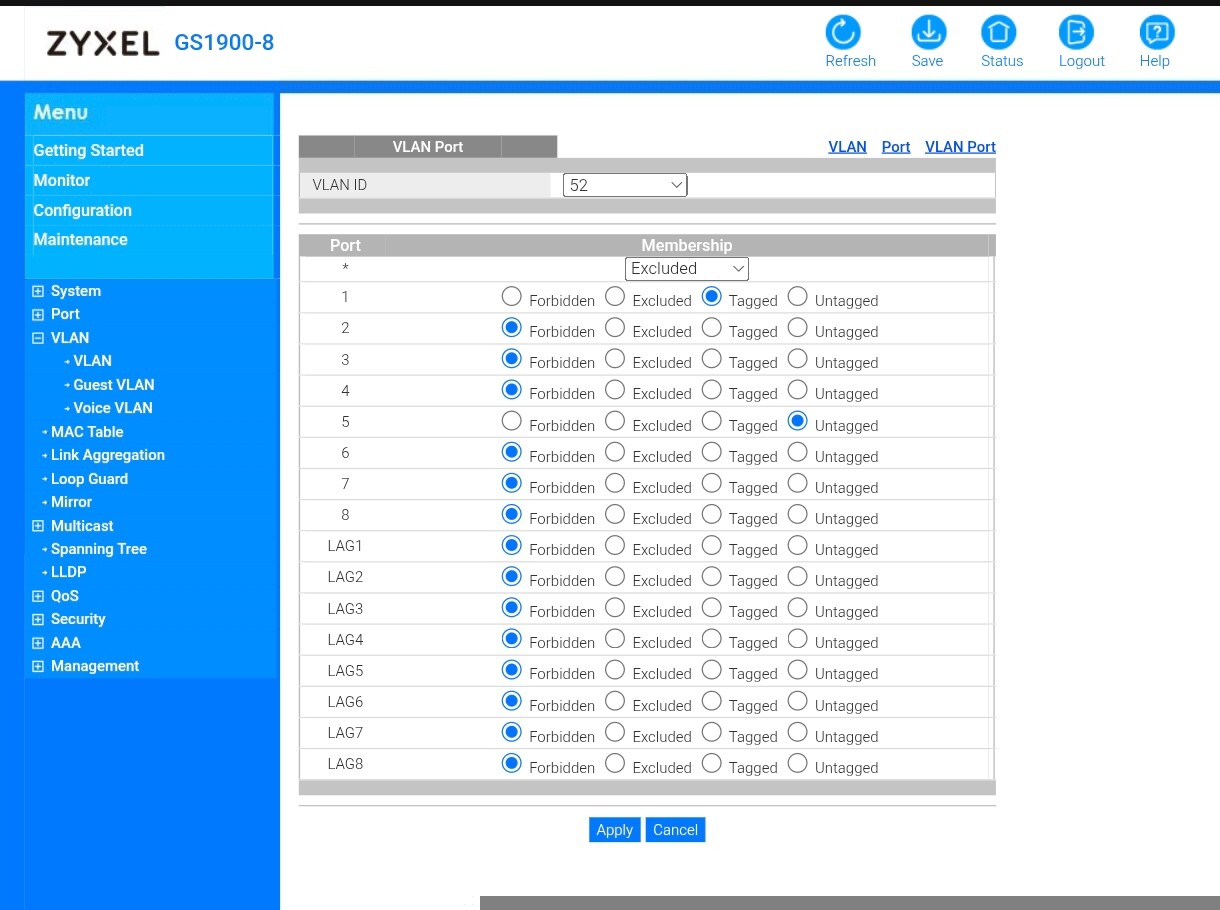
I have a Flint AX1800. I have some VLAN’s set up. I configured jack LAN1 and jack LAN2 as VLAN 18. I have a PC on jack1 and a little web server device on jack 2. I can web browse from the PC to the device just fine.
I configured a trunk port on Flint jack LAN4 to carry VLAN18 (and others) to a Netgear GS308E (which can handle 802.1Q trunking.) I configured Netgear jack 8 to be the trunk port. I connected Flint jack4 to Netgear jack8.
I configured Netgear jack4 to be VLAN18 untagged (access).
I moved the little web server device from Flint jack 2 to Netgear jack 4. I can’t reach it.
I can reach it from other VLAN’s. But that’s layer 3.
If that is what you have and it still doesn't work, you may have a look to igmp snooping it's better to turn this off, as it is going to cut off multicast/arp type connections when it thinks the connections aren't smooth, it will give you more problems.
It is also possible it is a firewall rule in your traffic rules, set protocol to any, (I don't know if you test it between zones, if there are rules involved or only zones).
I got a call from Netgear after I submitted a help request.
The Netgear GS308E has several VLAN modes. I had been using their “advanced” mode.
The technician suggested that I try the “basic” mode.
That worked.
The downside is that in the “basic” mode the Netgear GS308E supports only 8 VLAN’s. And you must keep VLAN1 for switch management and it CAN’T be accessed via a tagged frame on the trunk port, so really you get only 7 VLAN’s.
I guess I can make that work but I hate the limitation.
I also have a help request submitted directly to gl inet support but have not heard anything back yet.
We noticed that you have already reached out to us by email regarding this issue.
Please continue working with our support team through the ticket system so we can assist you more effectively.
This post will remain open in case other users wish to share additional suggestions.