Hi, @Cathy
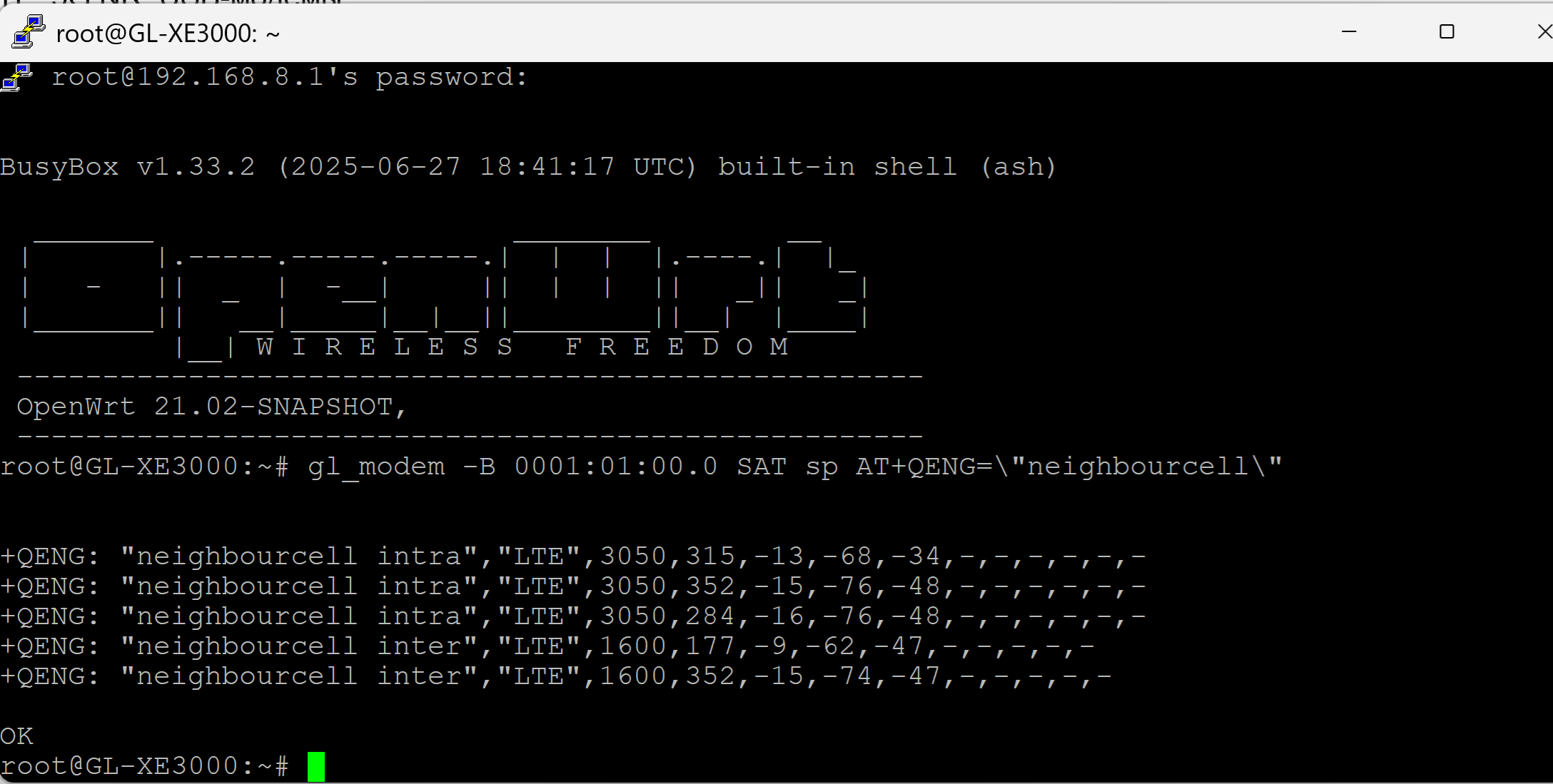
gl_modem -B 0001:01:00.0 SAT sp AT+QENG=\"neighbourcell\"
i want to search available tower (5G SA) using command line in .sh script.
gl_modem -B 0001:01:00.0 SAT sp AT+QENG=\"servingcell\" response:
+QENG: "servingcell","NOCONN","NR5G-SA","TDD",405,857,0CE580002,71,2A,634080,78,12,-87,-3,-7,1,-

OK
Got it.. gl_modem -B 0001:01:00.0 SAT sp 'AT+QSCAN=3,1'
The command works for me on gl-xe3000
this command only return 4G towers. but if i use only 5G SA n78 then this command nothing return.
gl_modem -B 0001:01:00.0 SAT sp 'AT+QSCAN=3,1'  # Scan LTE + NR5G
gl_modem -B 0001:01:00.0 SAT sp 'AT+QSCAN=2,1'  # Scan only NR5G (5G SA)
3 Likes
ashish
October 24, 2025, 4:40pm
5
I am following your posts on making Jio work. Very helpful!
I have changed the IMEI and then locked the band to n78. I'm getting high speeds, but every two seconds the network drops down.
Then I saw your post on locking the tower, but when I run the command gl_modem -B 0001:01:00.0 SAT sp 'AT+QSCAN=3,1', I get an Error.
Any ideas to help troubleshoot?
why speed drop? and what do you actually want?
ashish
October 24, 2025, 5:05pm
7
No idea why it is frequently disconnecting. I have also upgraded the module to the version you have mentioned, but still the connection keeps dropping every few seconds. It's very frustrating. I want to keep the connection stable.
what is your gl-inet and module firmware version?
check module firmware version by AT+QGMR
ashish
October 24, 2025, 10:43pm
9
gl-inet is X3000 and module firmware version is RM520NGLAAR01A08M4G_01.205.01.205
mdpatel
October 25, 2025, 9:36am
10
what is your current gl.inet firmware?
ashish
October 25, 2025, 11:13am
11
Version
mdpatel
October 25, 2025, 11:40am
12
mine is 0409release3.
https://fw.gl-inet.com/firmware/x3000/release/openwrt-x3000-4.0-0409release3-0615-1718431463.bin
becouse of sms issue i use old firmware. sms not working after release 0409release3.
i use jio sim.. my internet is stable no any issue.
ashish
October 25, 2025, 12:19pm
13
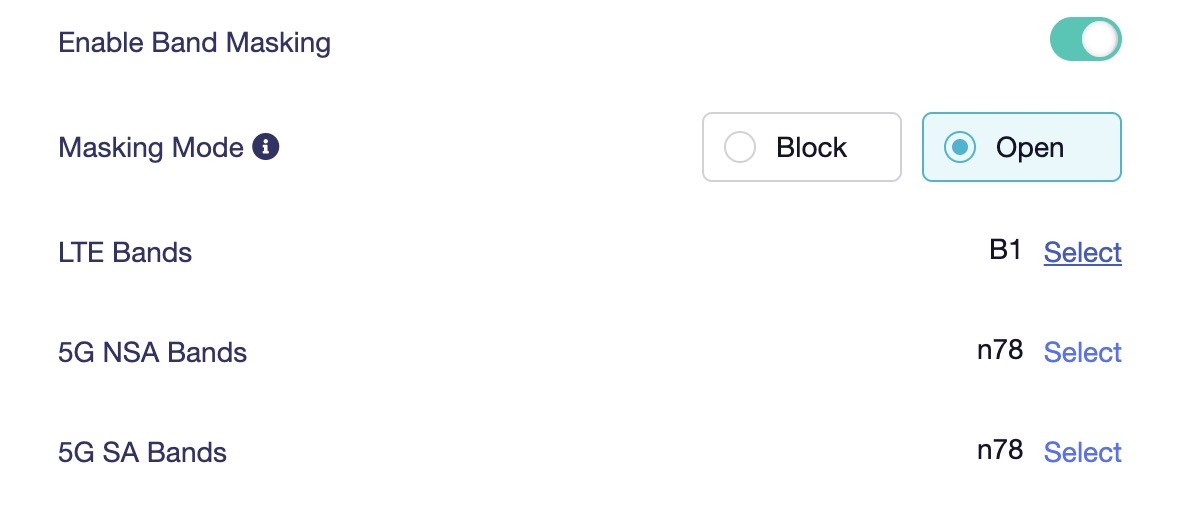
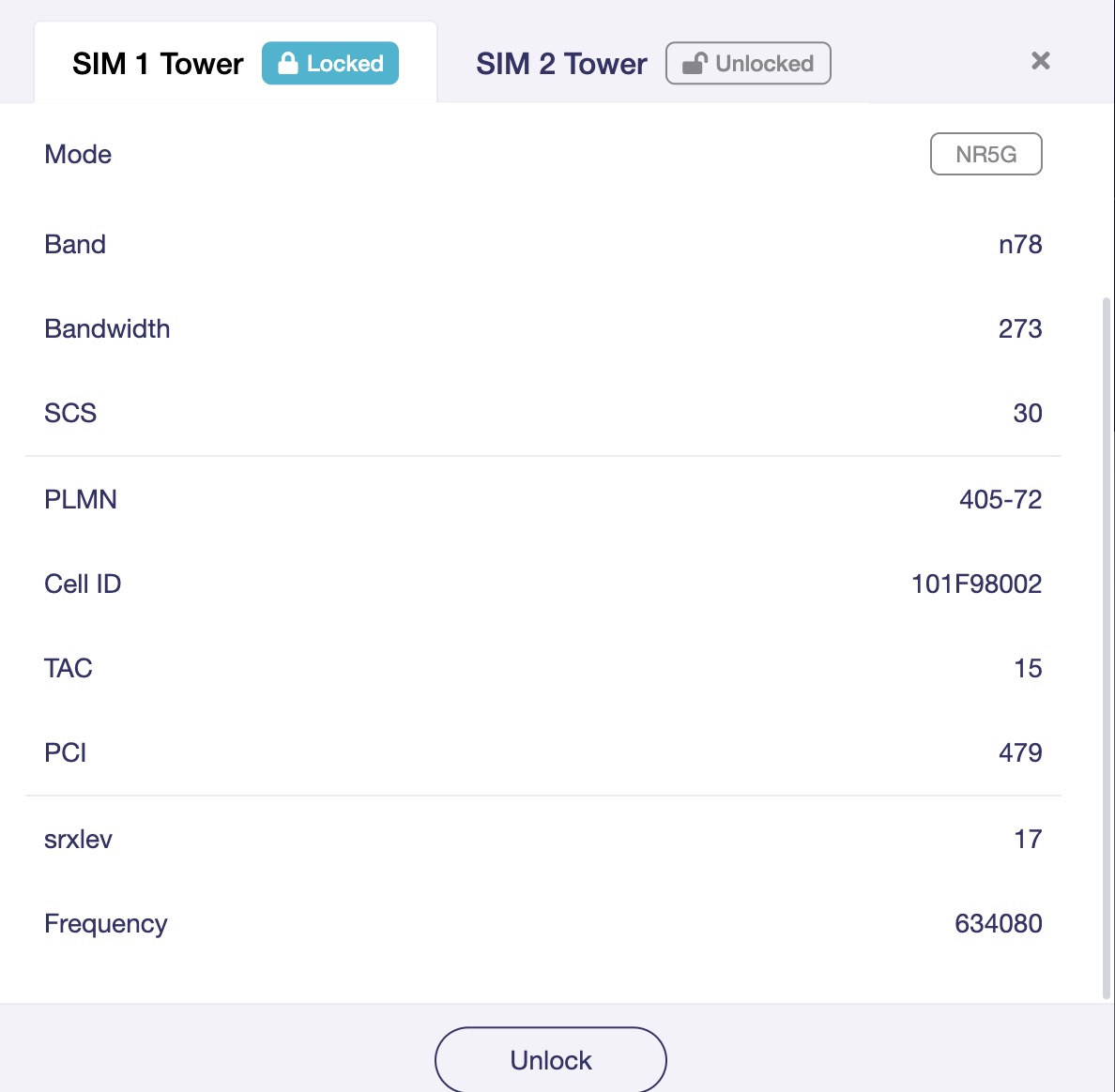
Thank you. I downgraded my firmware to this version and restarted the modem, but the problem seems to persist. I also locked the band to n78. (see screenshot)
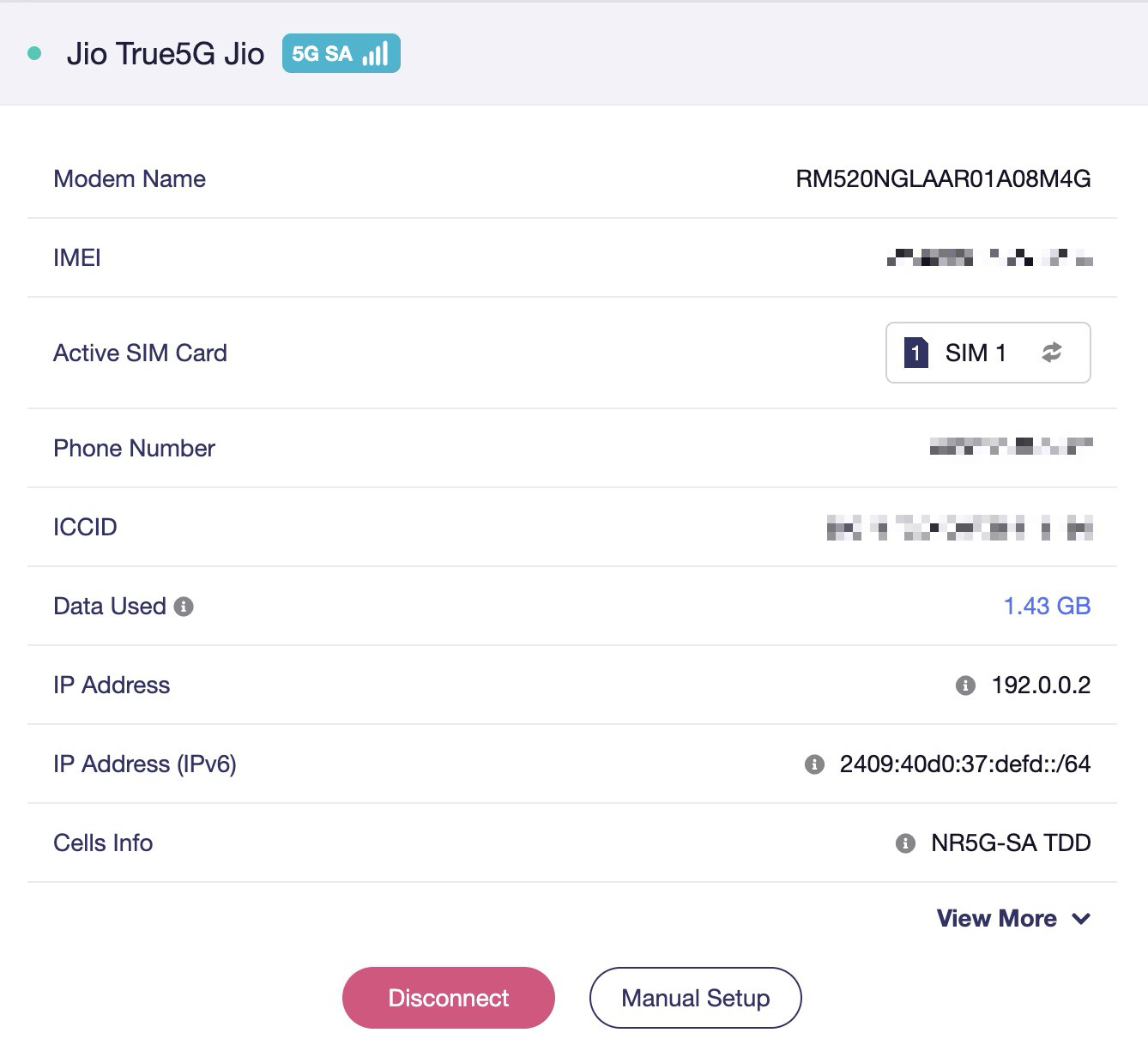
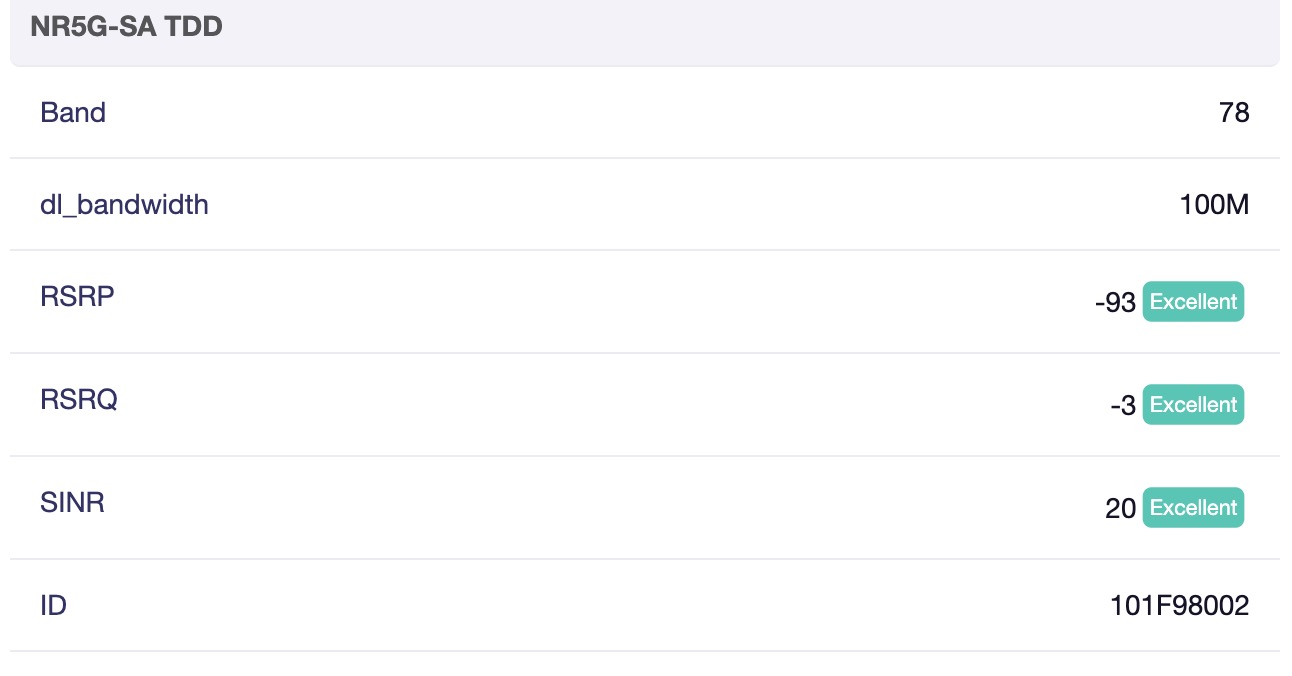
I had also shared my logs with the support team, they mentioned that I have poor signal. But from the dashboard, that doesn’t seem the case (see below).
mdpatel
October 25, 2025, 6:42pm
14
Have you started using this device recently, or have you been using it for a long time and the problem just started a few days ago?
in my area some cell tower get too much slow speed (30mbps) and some cell tower fast speed (250mbps). so i locked on fast cell id.
you should try different cell tower..
1 Like
ashish
October 26, 2025, 12:41am
15
I still started using this device recently. However, my speeds are good (over 200 mbps). The only problem is that internet keeps dropping. In terms of signal strength, I already see good numbers.
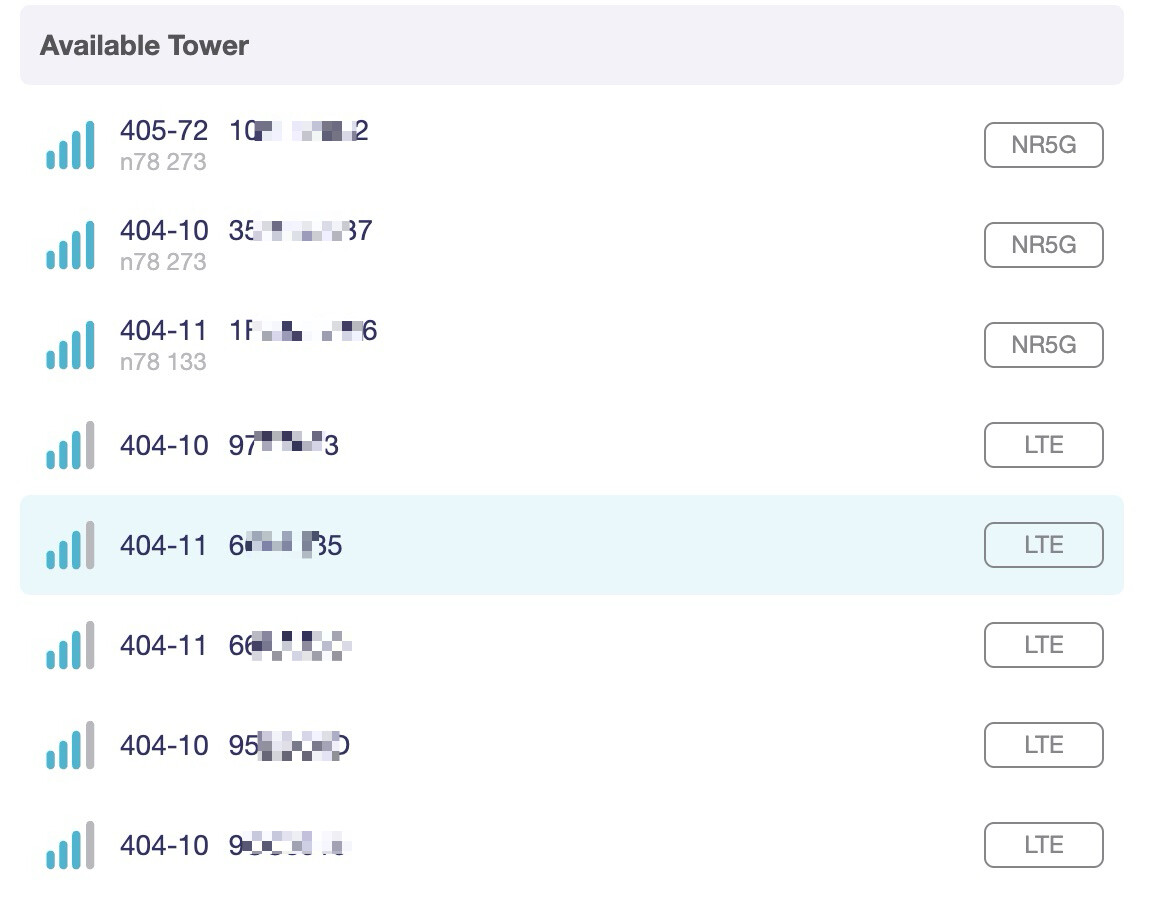
Here are the list of towers I see:
mdpatel
October 26, 2025, 10:05am
16
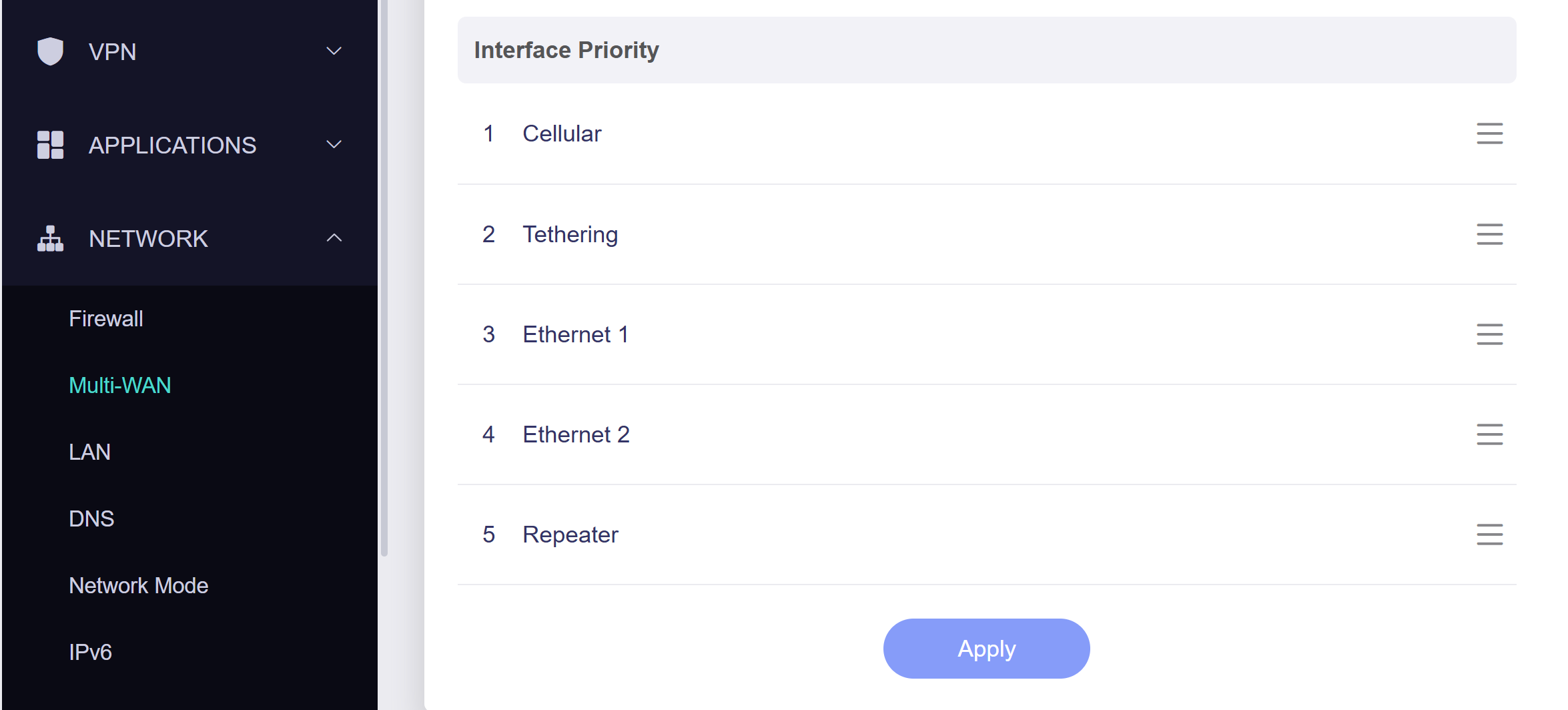
set Cellular to First Priority using drag and drop icon
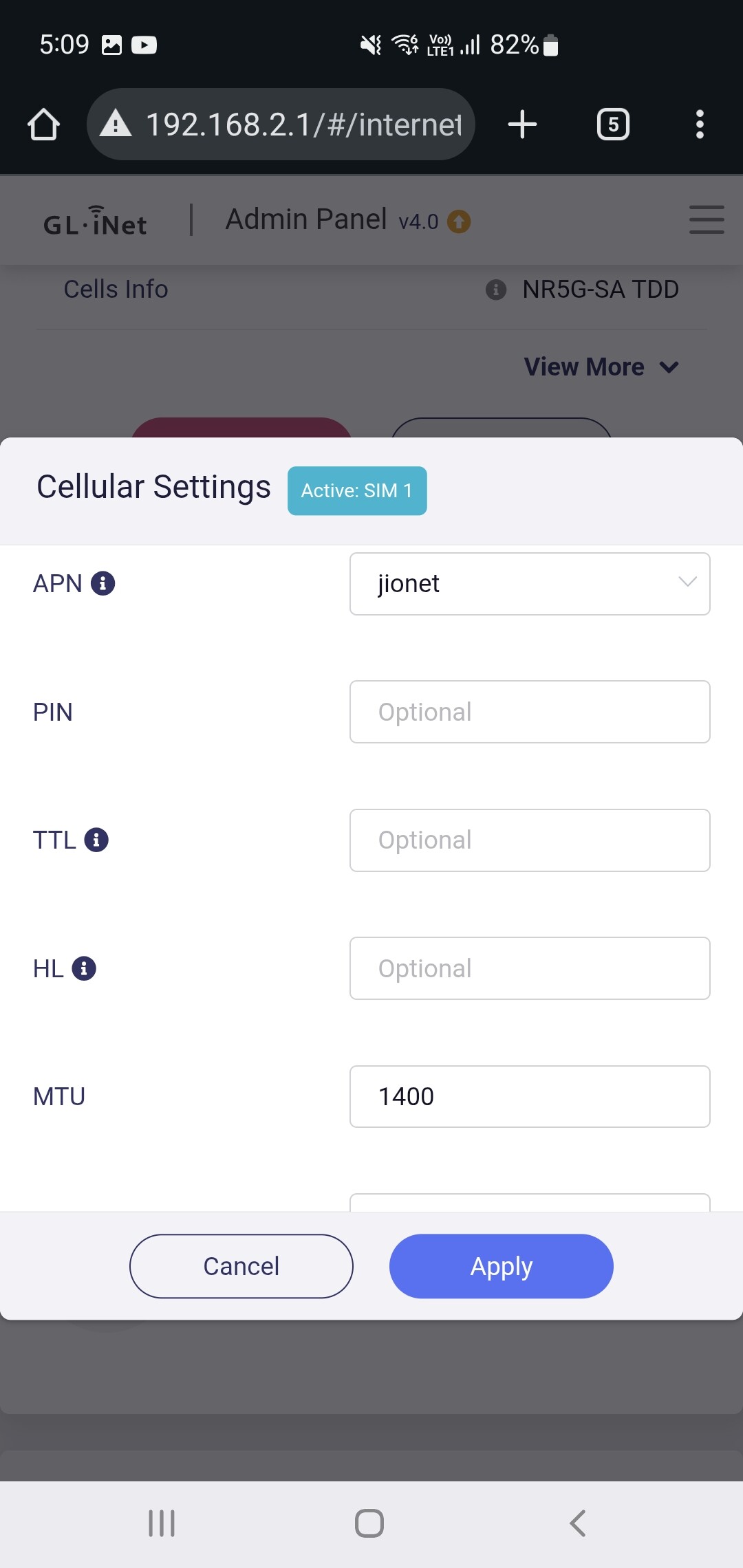
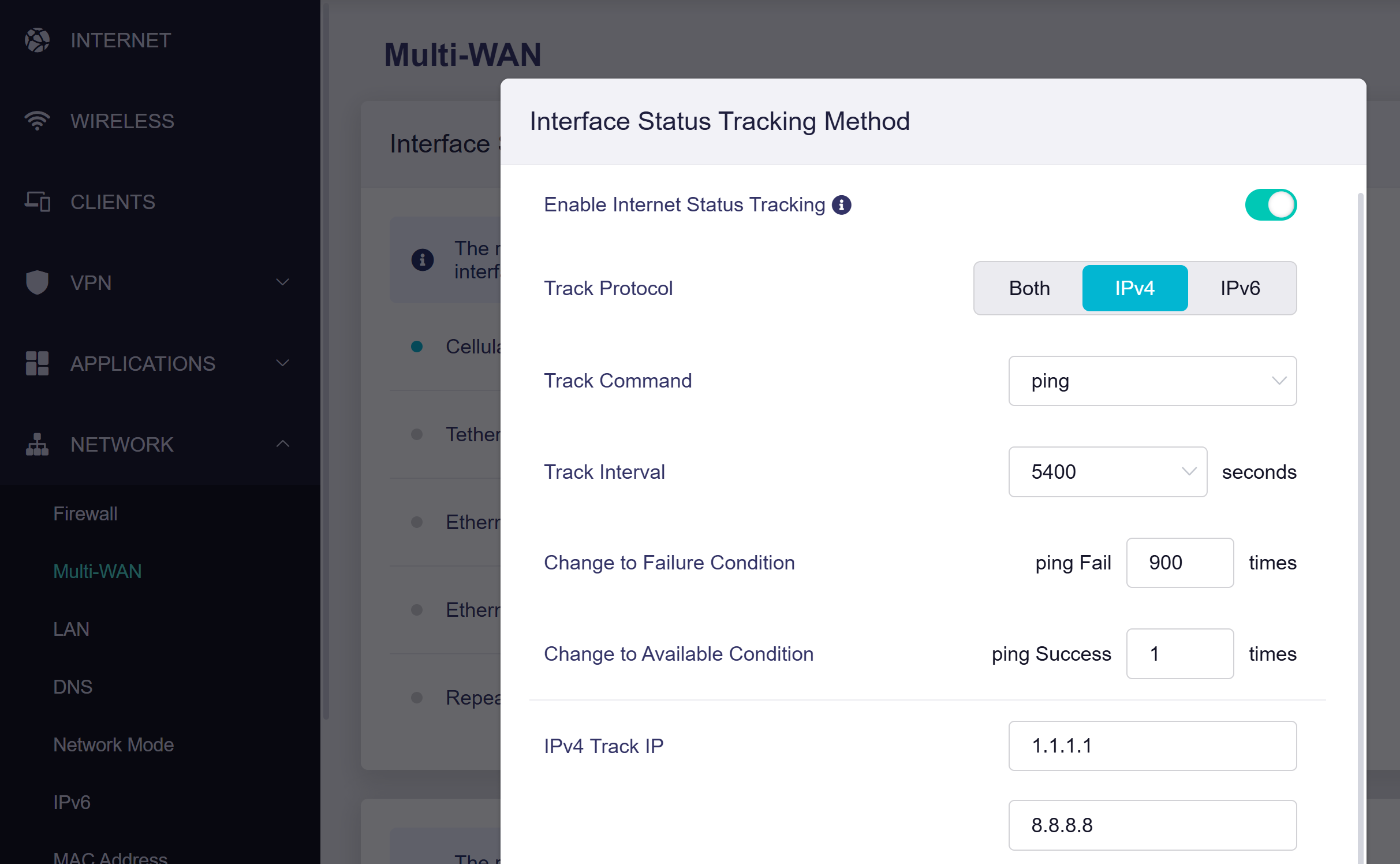
* Track Protocol must select IPv4 only.
2 Likes
ashish
October 26, 2025, 10:51am
17
This seems to have helped. Stable connection for the past few minutes
mdpatel
October 26, 2025, 11:00am
18
This is a firmware issue. If you select both ipv4 and ipv6 then the internet remains unstable.
Don't forget to select this option if you reset the device settings in the future.
otherwise, this device provides very stable internet.
mdpatel
October 28, 2025, 12:15pm
19
now, is your internet stable?
ashish
October 28, 2025, 12:29pm
20
It worked very well for one day and then again became intermittent.
Now the latency has become very high and the speeds have dropped to 1 Mbps. Pages do not upload easily.