My router was updated to the latest 4.9.0 firmware and that I have tried resetting the firmware and also starting fresh without enabling any other additional features like vpn, and .etc
I am currently getting ~2.5mbps download when I connected my device to the Beryl 7 access point, I've tried MLO, 5Ghz, and 2.4Ghz, but doesn't seem to help at all.
When I connected my devices directly to the access point my Beryl 7 was repeating, I was able to get ~100mbps download, and even through WiFi direct on my phone which is similar to what the Beryl 7 does, I was getting 75mbps.
The 4.9.0 firmware was released on 2nd July, 4 months after so many complaints, why is this issue still not fixed and us customers are left with no solutions? I bought this travel router mainly for the purpose of connecting my devices to public wifi, but at this speed, it is unusable and thus I am very disappointed.
We're sorry for the frustration this has caused, especially since you bought the Beryl 7 for use with public Wi-Fi. Thank you for sharing the details and the tests you’ve already tried.
We’ve sent you a previous beta firmware version via private message. When you have a chance, could you try it and let us know whether it improves the repeater speed?
If the issue persists, would you be willing to share the device with our Technical Support team through GoodCloud so we can investigate further? Please follow the GoodCloud remote support guide.
Please send any device details or temporary password through private message only.
Thank you for testing again with v4.11.0 and sharing the result. I’m sorry the issue is still there.
As we discussed in our private message, would you be willing to share your Beryl 7 with our Technical Support team through GoodCloud so we can check it remotely?
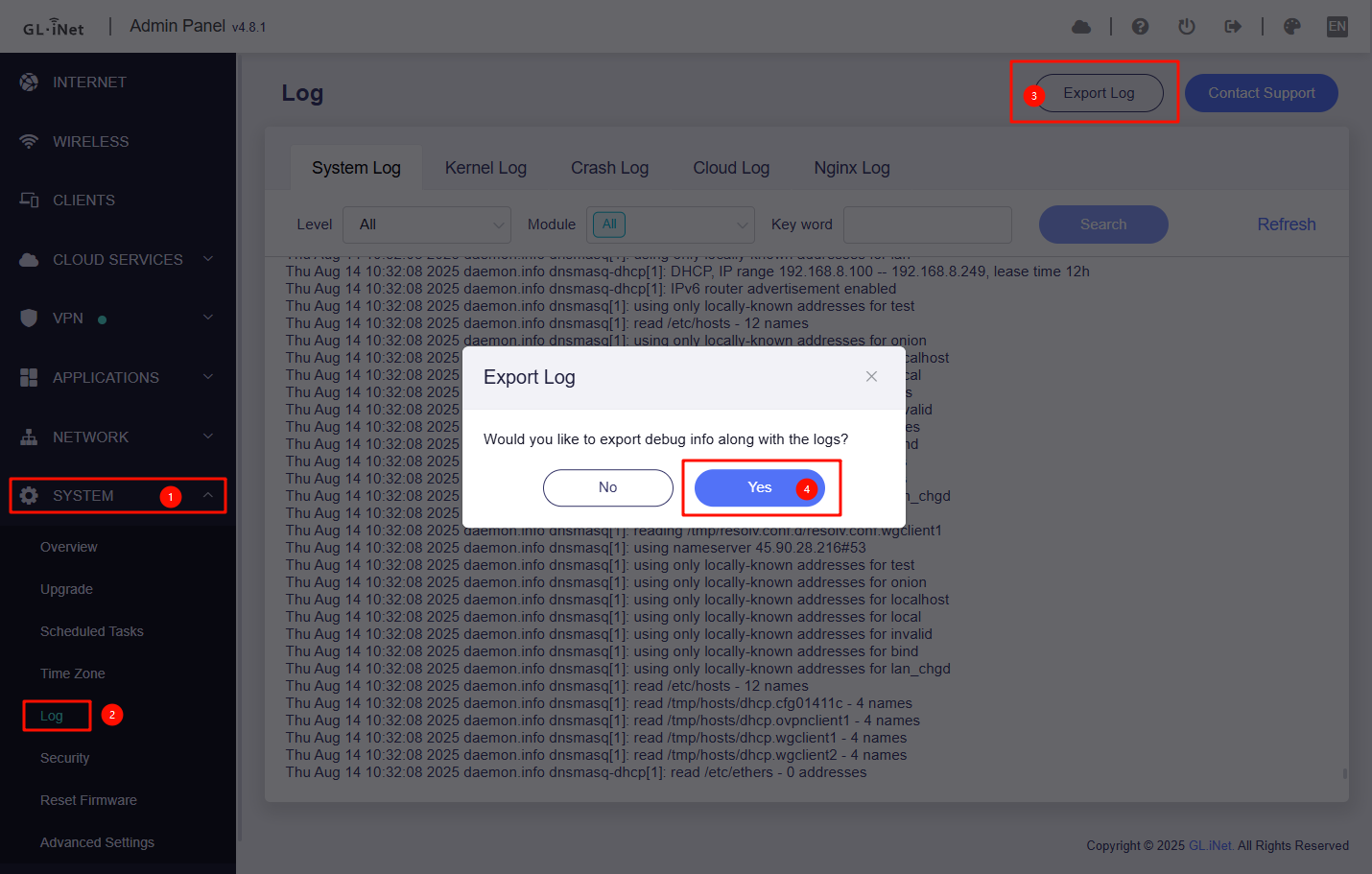
Alternatively, could you export the router’s system log after reproducing the issue and send it to us in our existing private message? We’ll check whether it gives us any clues. Since the repeater connection is working but the speed is slow, the log may not tell us much, but it’s worth a look.
When you have a chance, could you test the connection again and let us know how it works for you?
For reference, these are the settings we applied:
uci set wireless.MT7993_1_2.hwmode='11axa'
uci set wireless.MT7993_1_2.htmode='HE160'
uci commit wireless
wifi reload
To investigate the root cause in the wireless driver, we may need over-the-air packet captures, which can be difficult to collect without suitable equipment. Could you let us know the brand and exact model of your upstream access point? We’re planning to obtain the same model so we can capture the wireless traffic and investigate further in our lab.
Thanks for helping with the troubleshoot, I do noticed a significant improvement after the fix, downloads went from 2mbps to 12mbps but it seemed like it was capped at 12mbps for downloads and that the upload was not affected (still around 60mbps)
For comparison, my android phone (Oppo A58 4G) at the same location as the Beryl 7 router could get 140mbps downloads, and even with the WiFi direct enabled on my android phone and tried to do speed test on another device connect to the phone's access point, I was getting 70-80mbps downloads, which is still a lot more compared to 12mbps.
Regarding my upstream access point router, it is the Huawei HG8145B7N WiFi 7 router.
Thanks for testing again and sharing the Huawei HG8145B7N model details. It’s good to hear there’s some improvement, although the download speed is still lower than expected.
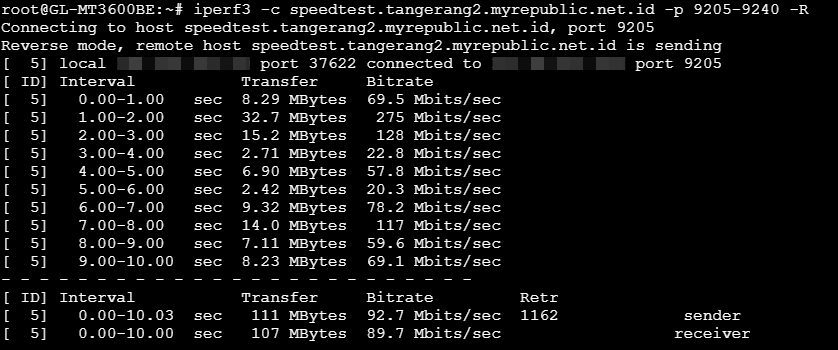
During our remote testing, speeds measured directly on the Beryl 7 exceeded 100 Mbps. To help narrow down the difference, could you try these comparisons when you have a chance?
If you have a laptop or PC with Ethernet, could you connect it directly to the Beryl 7’s LAN port and run a speed test, while keeping Repeater connected to the upstream AP?
Under Admin Panel → Network → Network Acceleration, is there any difference in speed with acceleration enabled versus disabled?
If your device is connected to the Beryl 7’s MLO SSID, does switching to its regular 5 GHz SSID make any difference?
The download speed exceeding 100Mbps was only for a split second and then it was back to 12-17mbps.
Connecting via LAN port gets around 40-90 mbps for download, and up to 150mbps uploads (without network acceleration), 2-80mbps downloads and up to 100mbps uploads with network acceleration
MLO gets around 12-17mbps download / ~63mbps uploads without network acceleration and 40mbps download & upload with network acceleration, 5Ghz gets around 10-20mbps download, ~90mbps upload (without network acceleration), and 2-12mbps with network acceleration (upload speed unaffected ~80mbps)
The download speed is very unstable, very difficult to do the test.