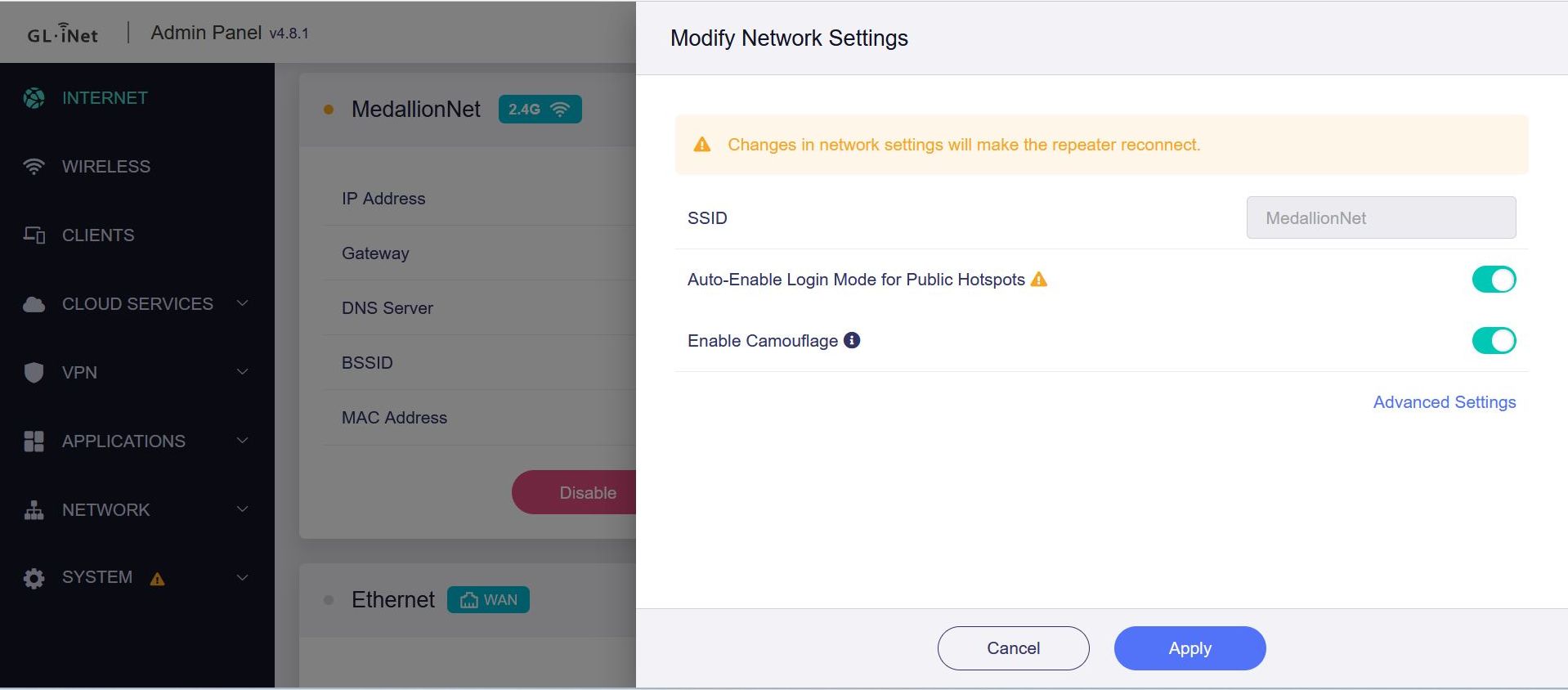
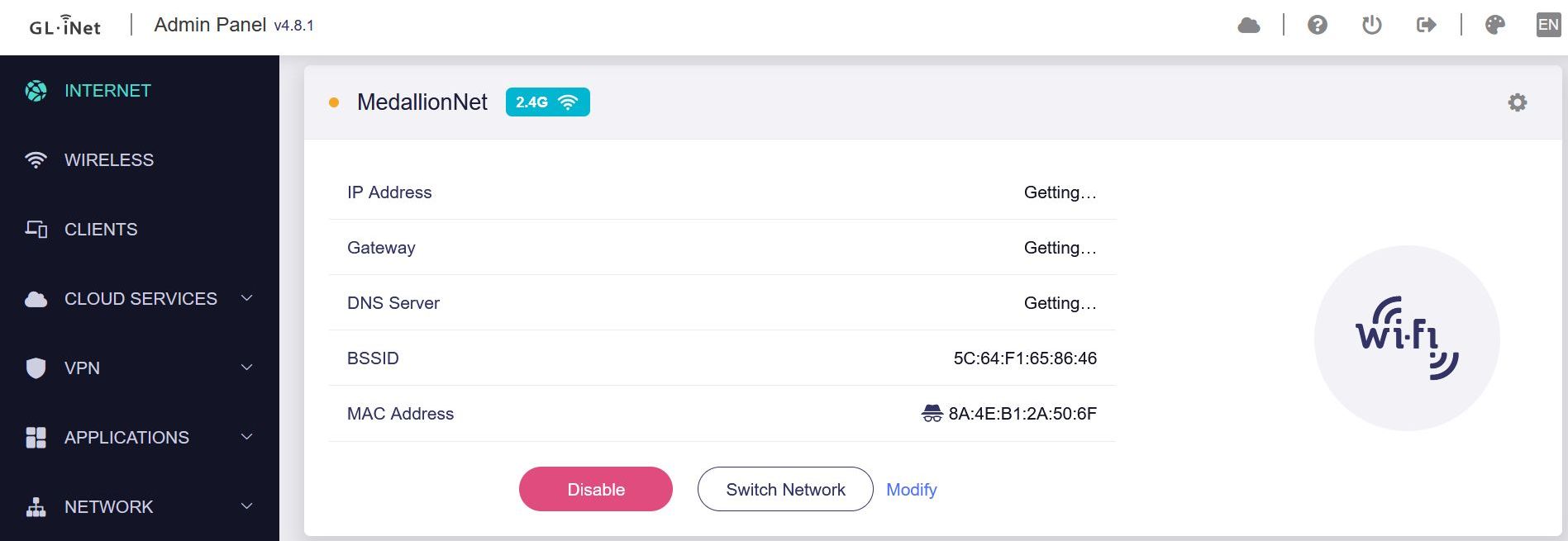
As title states its not getting assigned an IP even after several hours. Tried enabling / disabling camouflage and auto login. On repeating mode. Rebooted several times with same result. Firmware v4.8.1
If not or this does not help, please let us know the firmware version, export the log and send it to us via private message so that we can check it further.
Yes the ship's Wifi has a captive portal like most other Princess Cruise ships.
The Sun is a little different though, I can't even get a IP assigned while other Princess ships will at least assign an IP before completing the captive portal. I tried connecting to the ship's WiFi (MedallionNet) on both 2.4Ghz and 5.0Ghz without success. A search on reddit shows other having similiar problems.
Firmware 4.8.1
Autologin and camouflage enabled.
DNS rebinding disabled and Mode set to automatic
VPN and Adguard Home disabled
I will attach logs in a seperate PM. So far both my Google Pixel and Samsung phones are able to connect to the ship's Wifi and Hotspot.