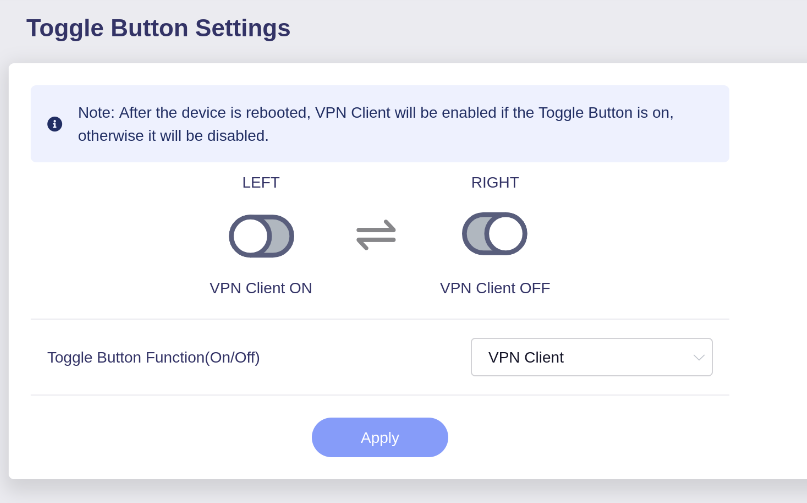
This page to configure the ON/OFF switch is inverted.
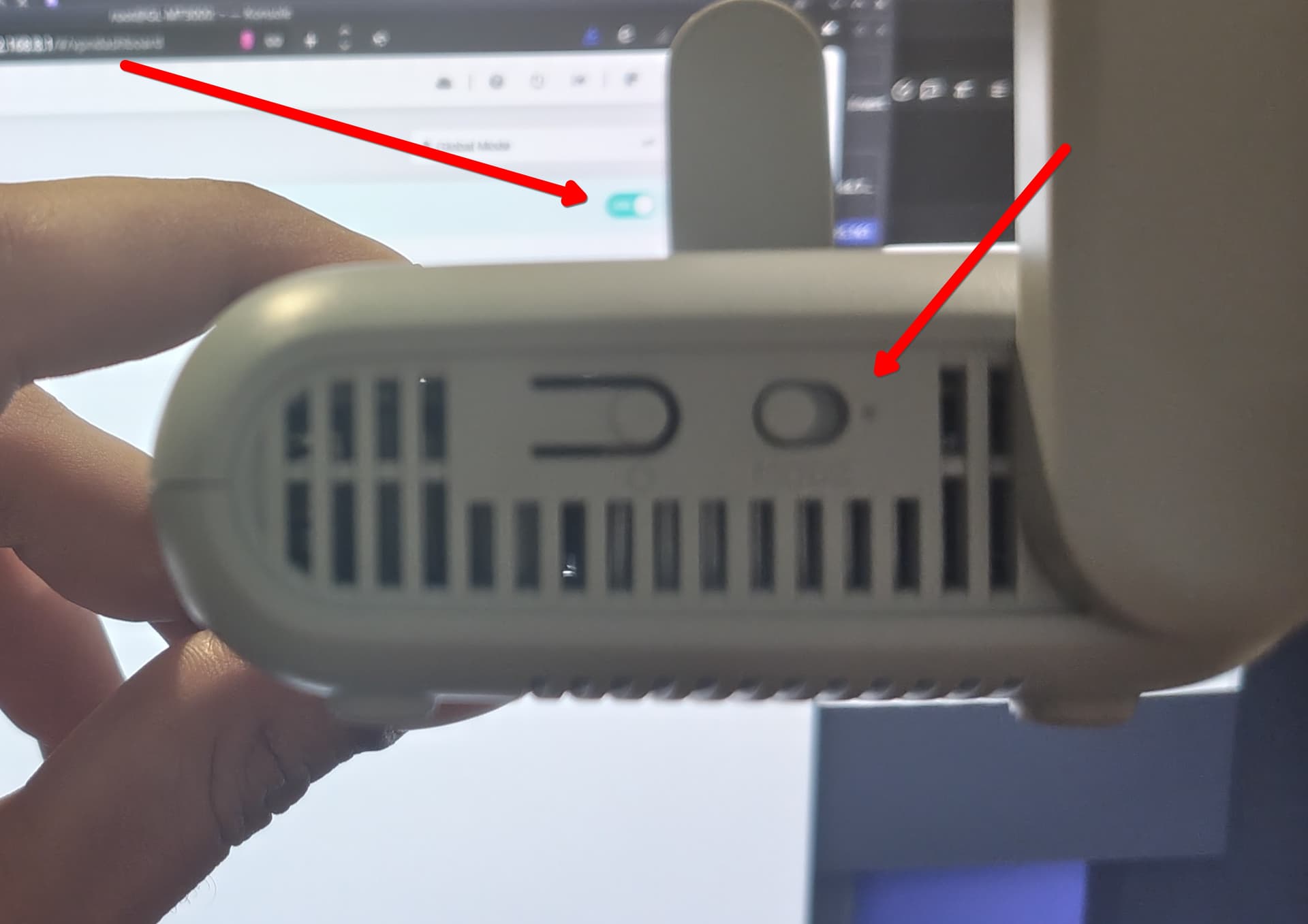
It should be OFF (left) / ON (right), like the rest of the interface and the physical marking on the device as well (note the dot on the right side which is universally used to indicate ON rather than off)
Therefore, the main issue is likely why the dot on your Beryl AX is positioned on the right side instead of the left.
Could you please privately message its MAC address so that we can have a check?
Ah I see. Well, I believe that the physical dot on my device is positioned exactly where it should be - which is right side for ON.
This also matches the gl.inet interface as well as literally any other software interface - have a look at any toggle on your mobile phone, whether it's android or apple or anything in between - left is always OFF and right is ON.
Perhaps you can mention to the product design team that they had it correct all along, no need to change it.
Thankfully you provide access to the switch button interface so this is no longer an issue for me personally, but just keep in mind that there's no benefit to flip the logic of that switch button - it just makes things confusing which is exactly the problem you guys are solving with your lovely interface as opposed to vanilla OpenWRT.
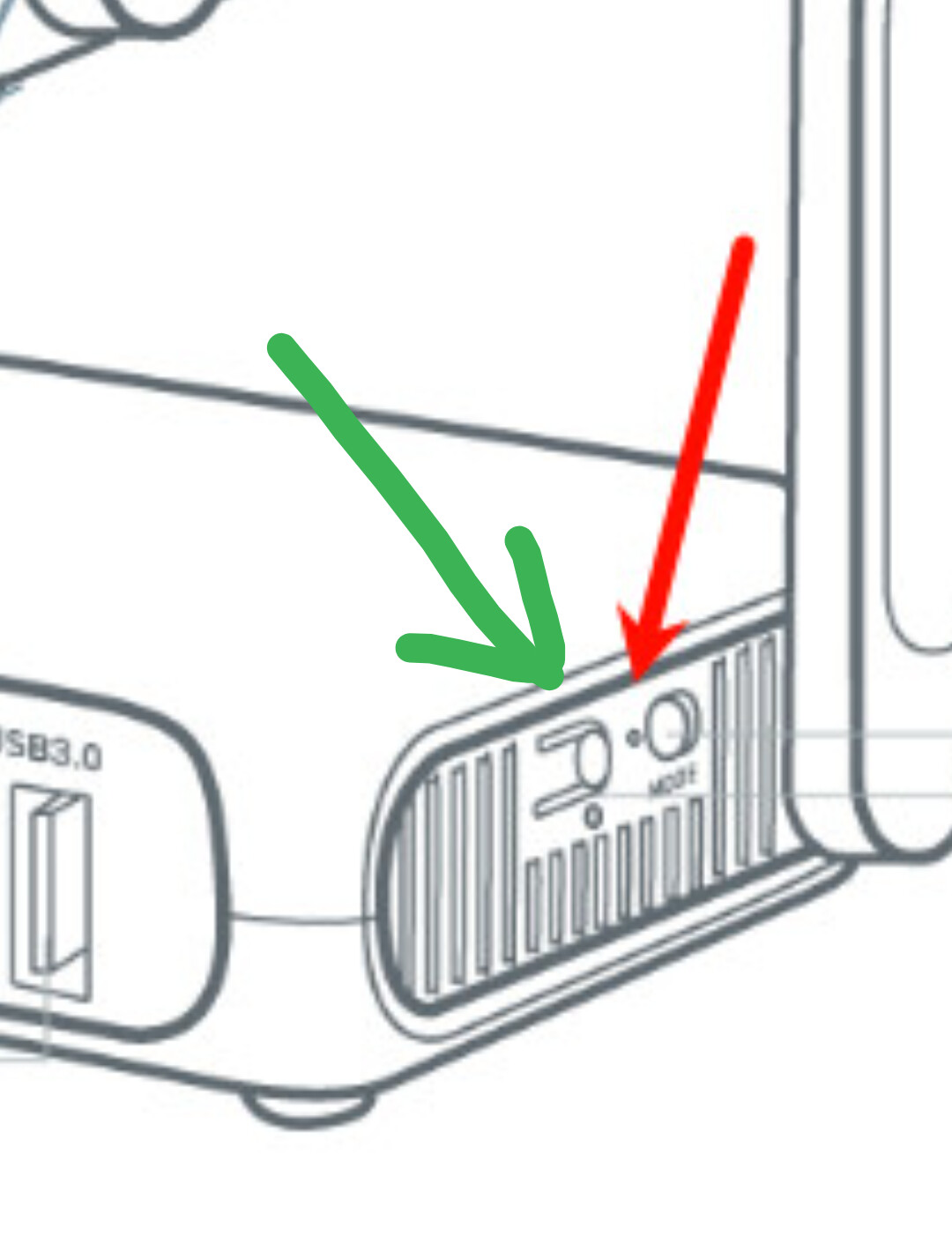
Additionally, if you look at the design of the reset button - the actual action button is also positioned on the right: