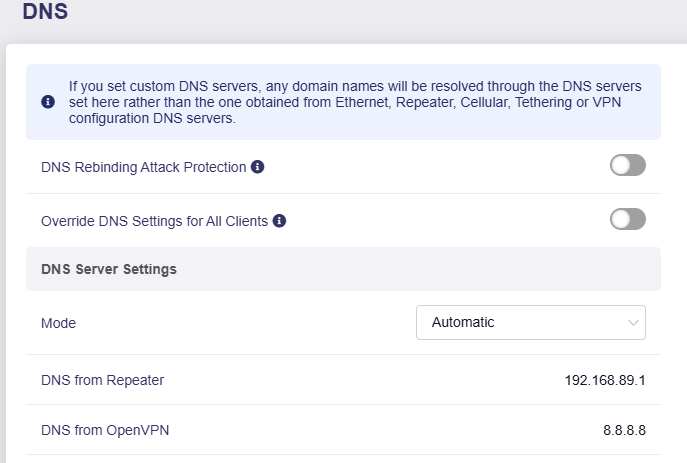
As the subject says, I have a Brume 2 on the latest FW and after setting up OVPN Server following the setup process I discovered that DNS servers are NOT pushed to the clients. In my case I need to make sure the clients are using either the router defined DNS or a DNS that I define. I've stopped and started OVPN server and no change. I see no option in the UI to manage/mandate DNS for clients.
If the option is to manually config the ovpn server config file, would be good to have that confirmed.
I should point out that WG Server is on the other hand working perfectly but that's configed differently of course.
Thanks for the input, so I have tried to add to the server config file, which looked to be at the following location: /etc/openvpn/ovpn/server.ovpn however it seems to have no effect with a restart of the server, still no dns is pushed. Where is the exact location to modify on the server side? I have also noticed in the config file that client to client is in the config however it is disabled in the UI. Many thanks for feedback on both items
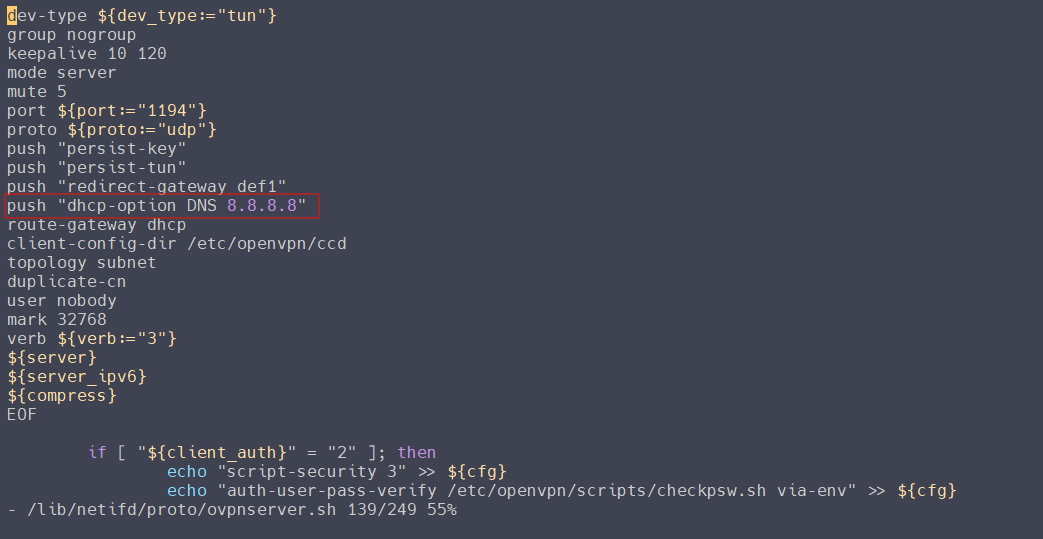
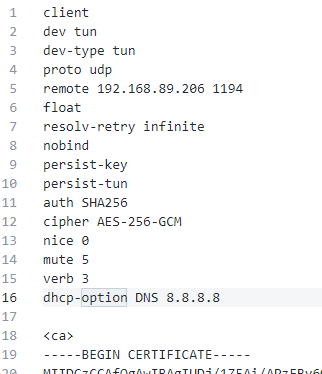
Thank you @bruce the config on the server side in the /lib/ area sorted it. I don't want to use dhcp options in the client side as it limits my ability to make changes for remote clients.