Hello,
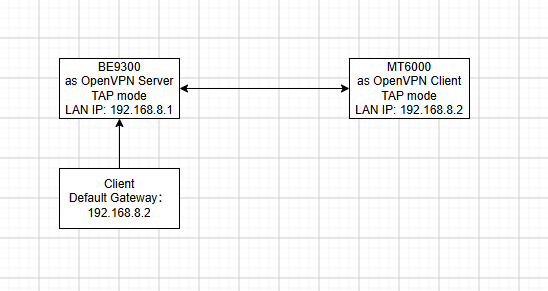
I just purchased the Brume 3 router to server as an OpenVPN Server. I have it working as a VPN Server, and the remote client is an OpenVPN client running FreshTomato. Was able to setup and have them working just great. It runs as a TAP connection (network layer 2).
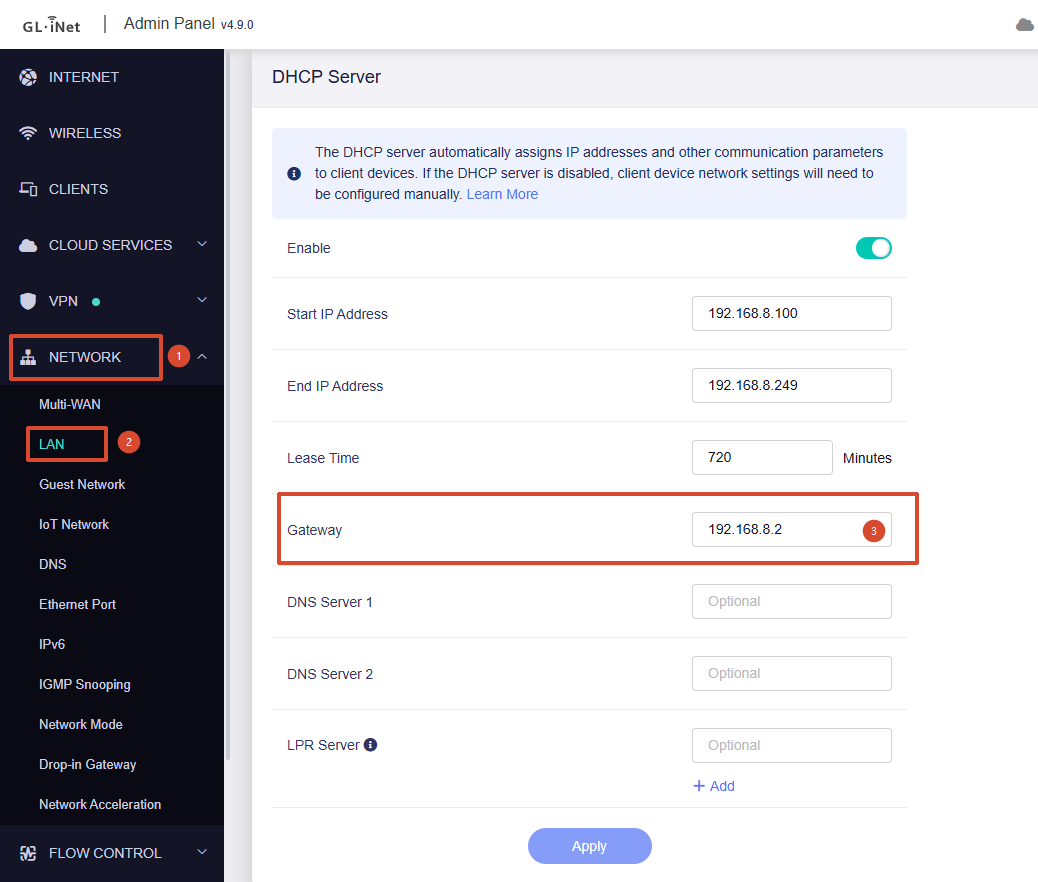
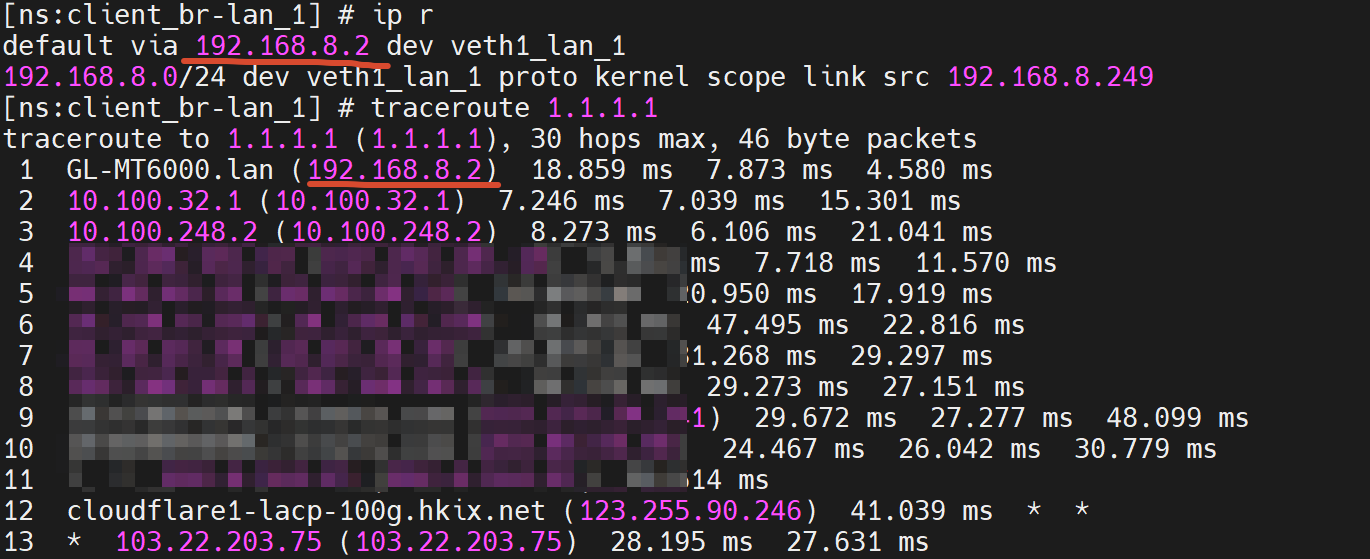
The VPN server is in Florida with a public IP. The VPN client is in Puerto Rico, behind a CGNAT. The client will connect with server, no issue there. But I am trying to get any device connecting locally to the VPN server to route by dfault to the gateway on the VPN client. Kind of in the opposite direction. I would like to access the gateway on the client to watch TV. The only way I have been able to do it is to hard-code the IP/gateway on the TV to force traffic on VPN client. And sometimes it doesn’t work.
I will be replacing the FreshTomato router with another Brume 3 working as a client. But I just need to get the traffic flowing in opposite direction.
Any suggestions? Thanks.