If I see a shiny new toy I usually buy it before I think about it. This is what happened with the Brume 3
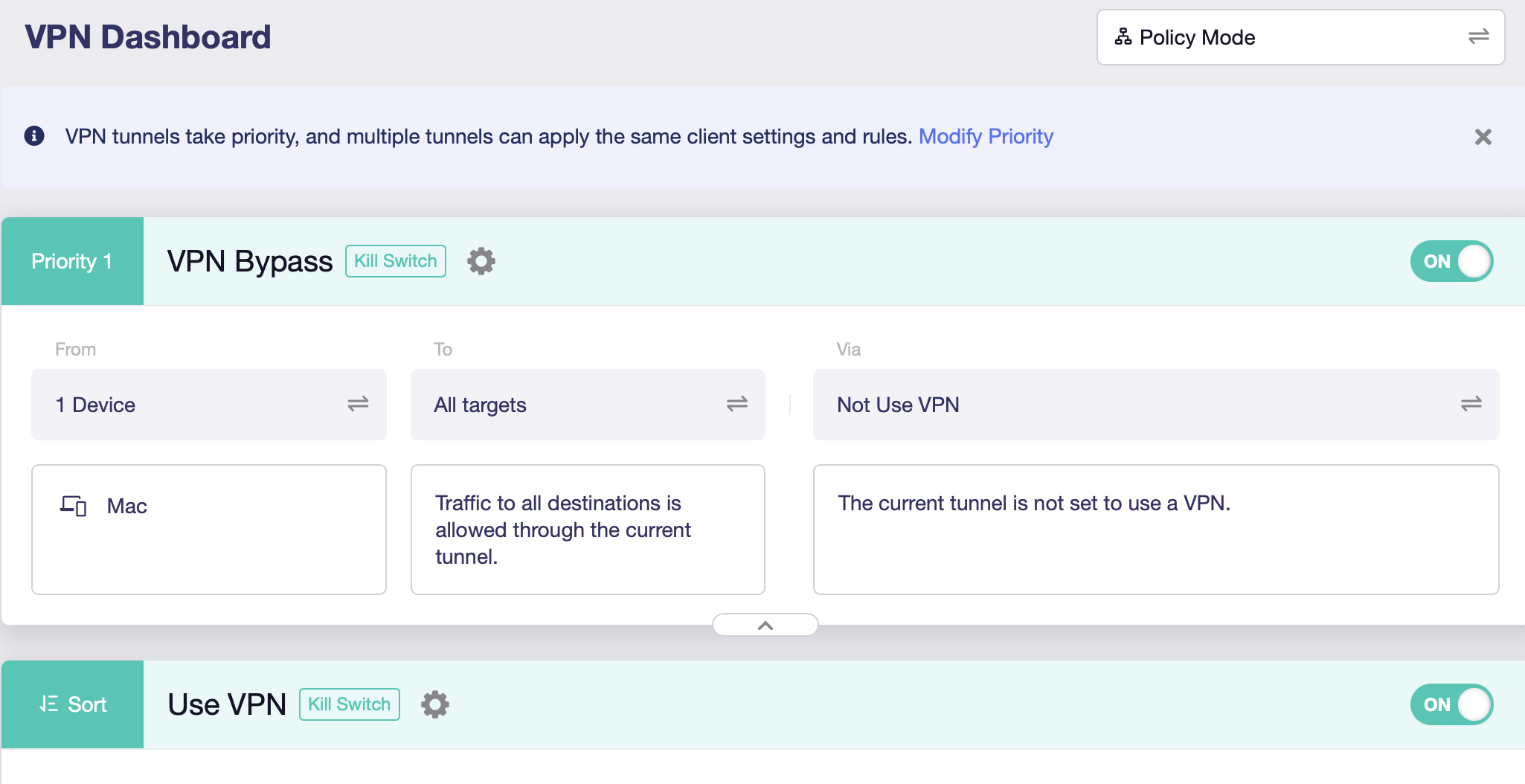
I forgot that since I work from home I have to login through my work VPN everyday. Is there a way to allow my work VPN to pass through the Brume and not be effected with the VPN (Mullvad) I have setup in the Brume?
But you could also do this by defining which machine use VPN and all other don’t use VPN etc. The interface is very simple to follow but if you need any more examples plenty of people here happy to help.
when you say in front? On the internet side? OR between your router and your clients?
Issue on the internet side is the wont see the individual clients to direct their access to the correct direction, so I presume you mean in front of the router from the clients perspective? So it can see all the individual clients and manage which way the traffic goes. If it is the latter then yes that is an option.
Between the modem and router. The original plan was for all the clients to have VPN before I remembered that I need to have my work VPN.
So best practice for my situation is to go modem > router > brume?
At first that is what I was thinking but I wasn’t sure whether to plug the Brume into the WAN or LAN port. If the WAN port on the router then I could use a switch into the Brume for the rest of my devices. In my mind that would provide VPN for everything.
I’m guessing the router has the Wireless? Was the original plan to stick the router into a really Wireless AP only mode of some kind and use the Brume as the ‘router’?
For the VPN stuff to work it needs to see the individual client devices, but ideally you want to avoid having both devices doing NAT. In my case I use the Brume 3 as the ‘router’ and I have wireless behind it but just doing wireless/switch not any of the normal router functions. This is probably the optimal solution if its possible with your existing router.