I tried to reserve an IP, then edit/change the IP, I am not able to change it from the browser, only the mobile app. Is that how I am supposed to use it, or am I missing something?
Which browser are you using? This seems to work for me in Safari and Edge on my Brume 3?
I can add reservation, modify the reservation and delete the reservation in both browsers?
Try to make the change in private / incognito mode and see if it sticks. Browser cache can do some weird things in these UIs.
I tried multiple browsers, Edge and Brave, and all did the same thing. I can edit from mobile. Maybe a few restarts… but that seems odd since it works from mobile. I will try reconnecting my Brume 2 and see if this happens, then I can safely say it's device-specific.
As soon as you change the IP from the browser, try going to the new ip in a new window?
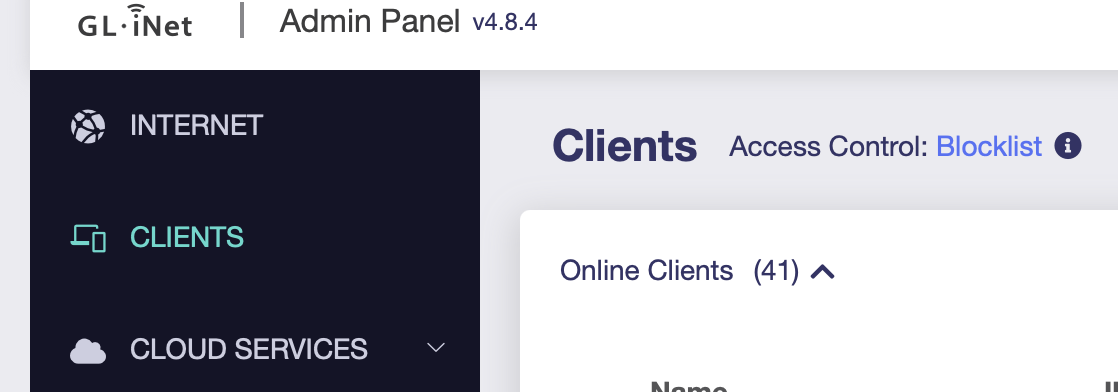
@OldNoob Are you trying to do this from the Clients list? You cant change the reserved address there
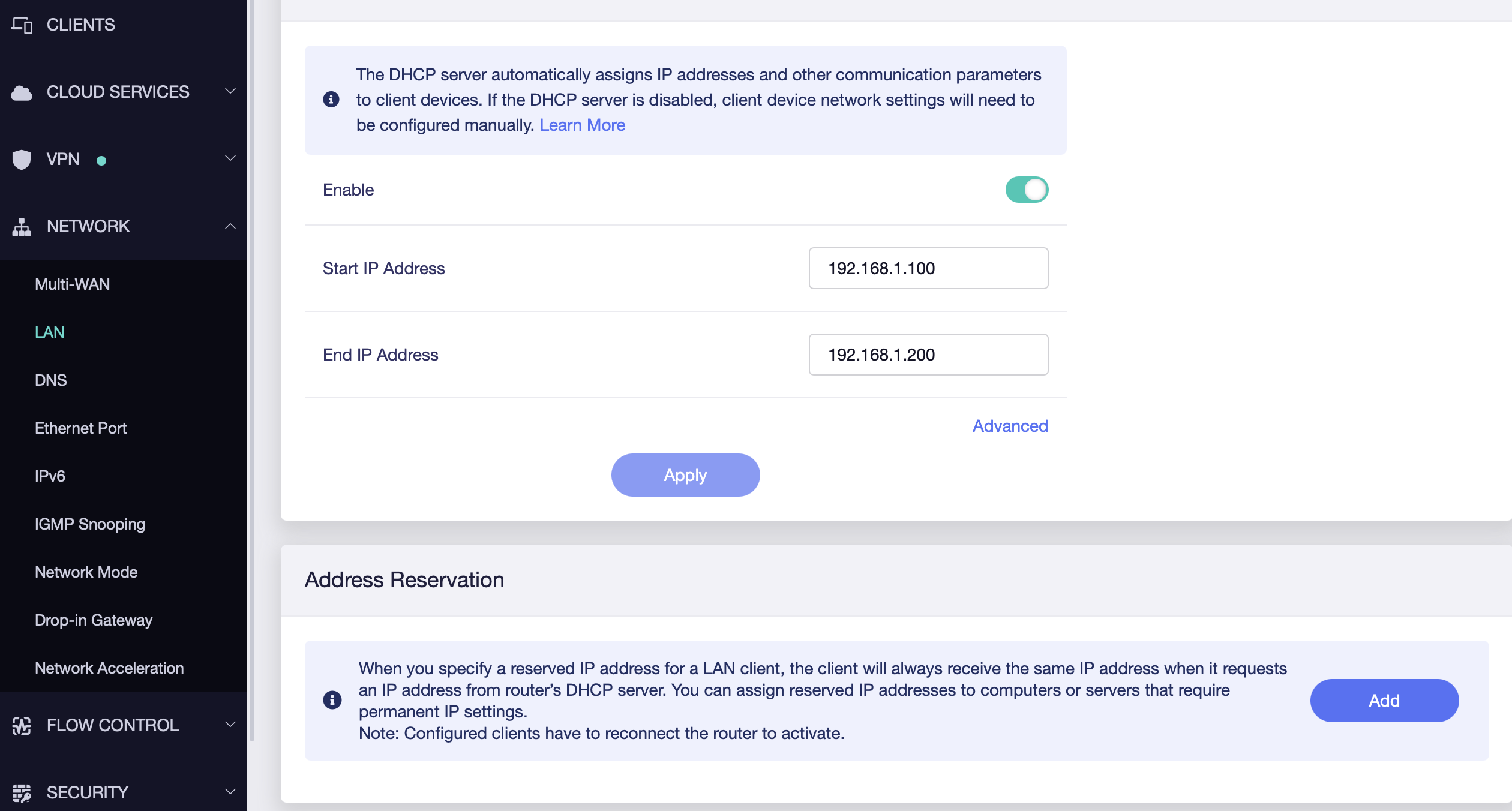
You should be doing this under Network > LAN > Address Reservation
In there you can reserve an IP based on device (MAC) and change IP as needed
thanks for the info… for some reason on the mobile, it appears thats where you change it. Thank you for that.
1 Like
This topic was automatically closed 90 days after the last reply. New replies are no longer allowed.