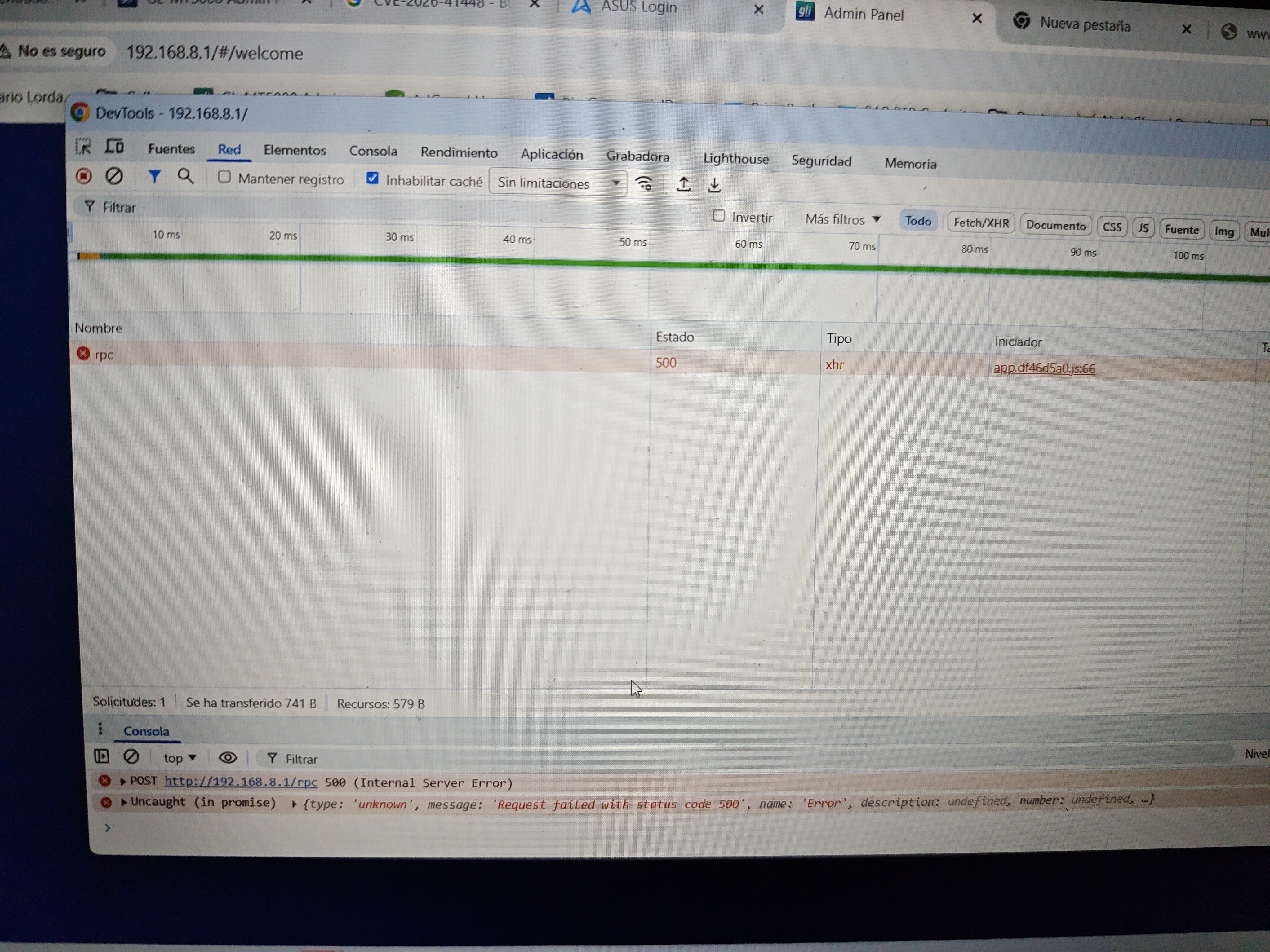
Hi, I updated my Brume 3 to Beta 4.9, but the update was showing constant errors in the log and the DPI stopped working, so I decided to do a reset to configure it from scratch. But now it won't let me log in. I enter a password, but nothing happens.
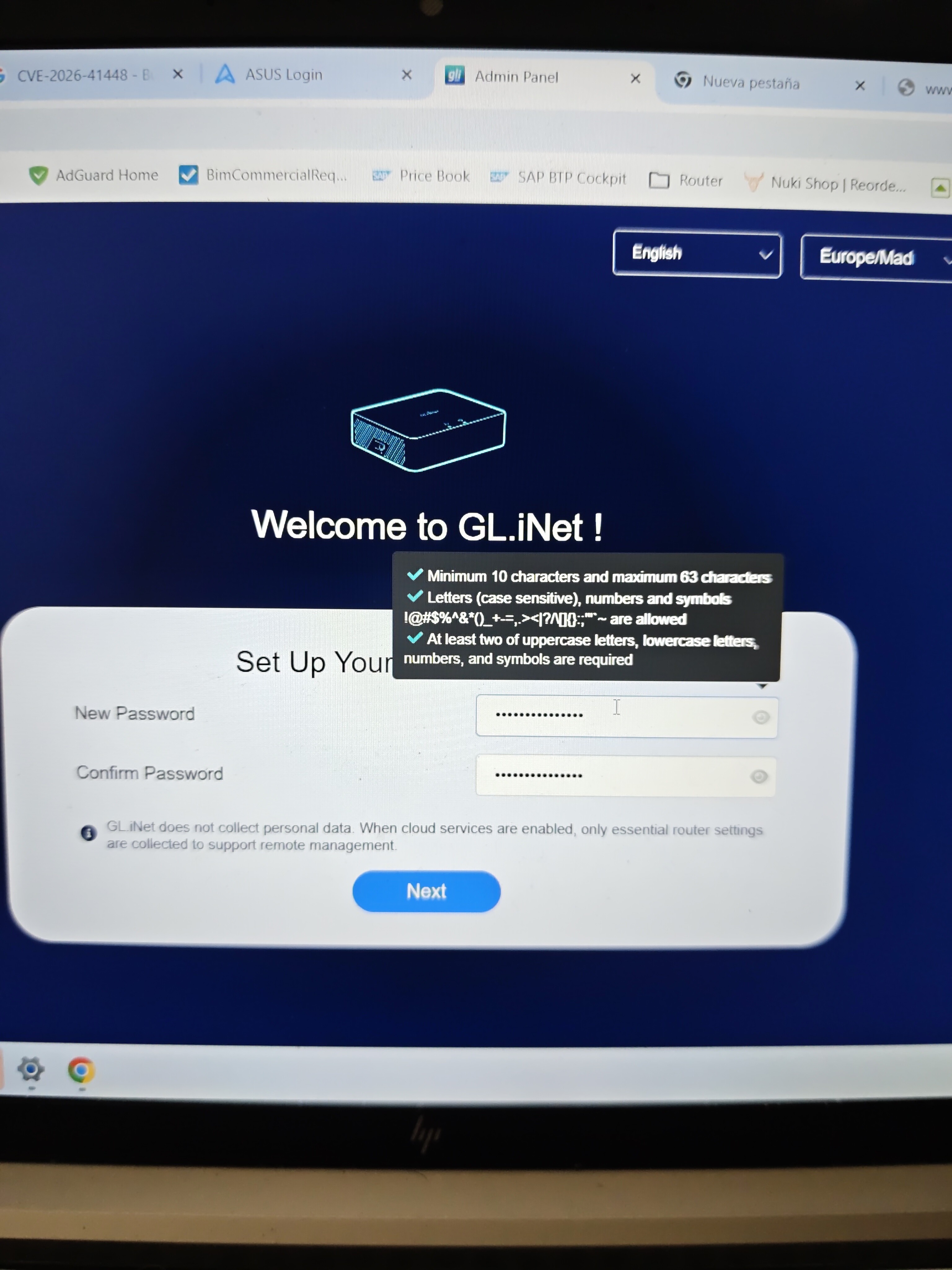
It was necessary to connect the WAN cable to get past that screen
New error @bruce Could you help me?
My config is Drop-in Gateway
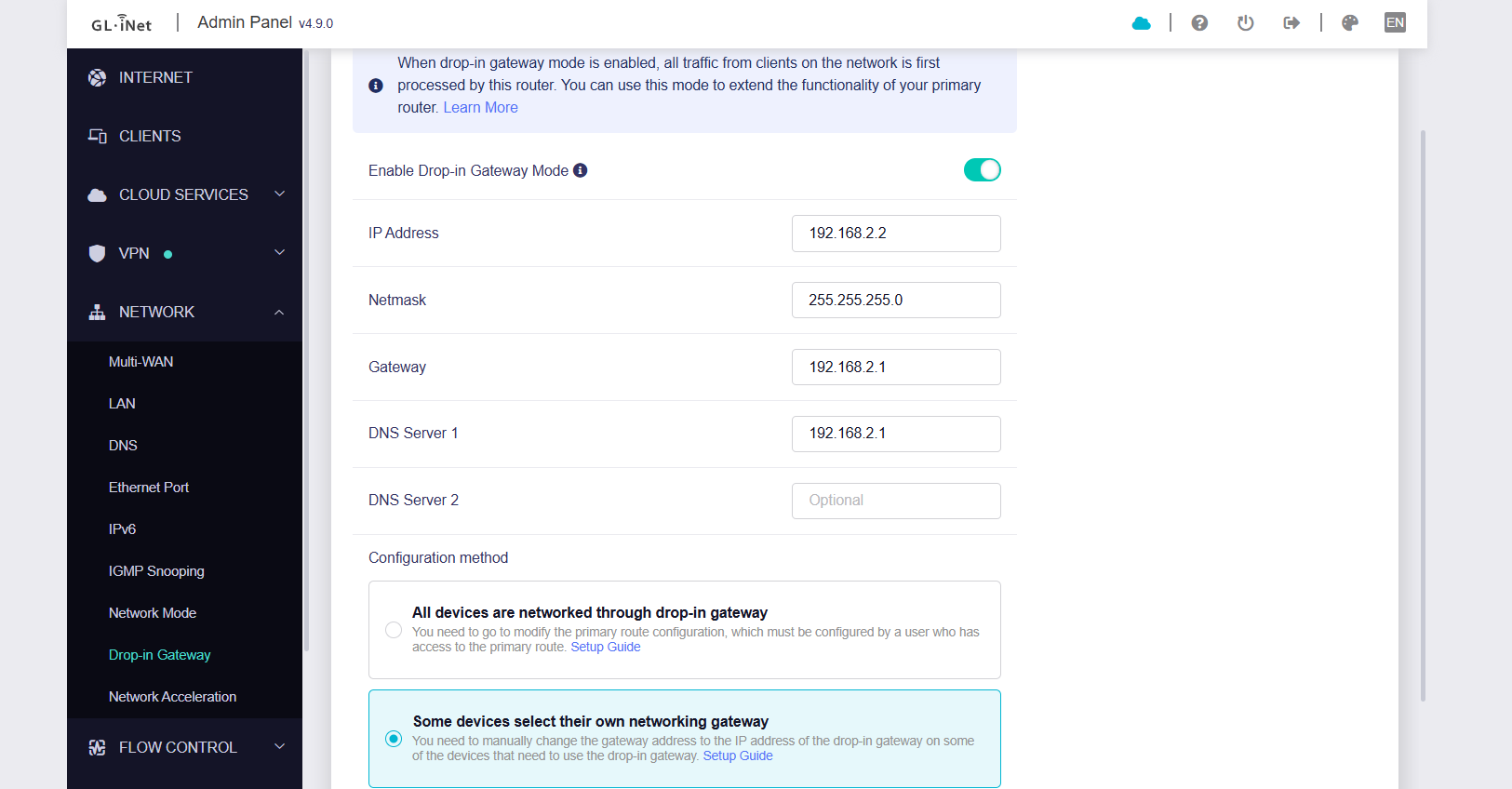
And now is not posible access to Brume 3 with my subnet 192.168.2.X to 192.168.2.2
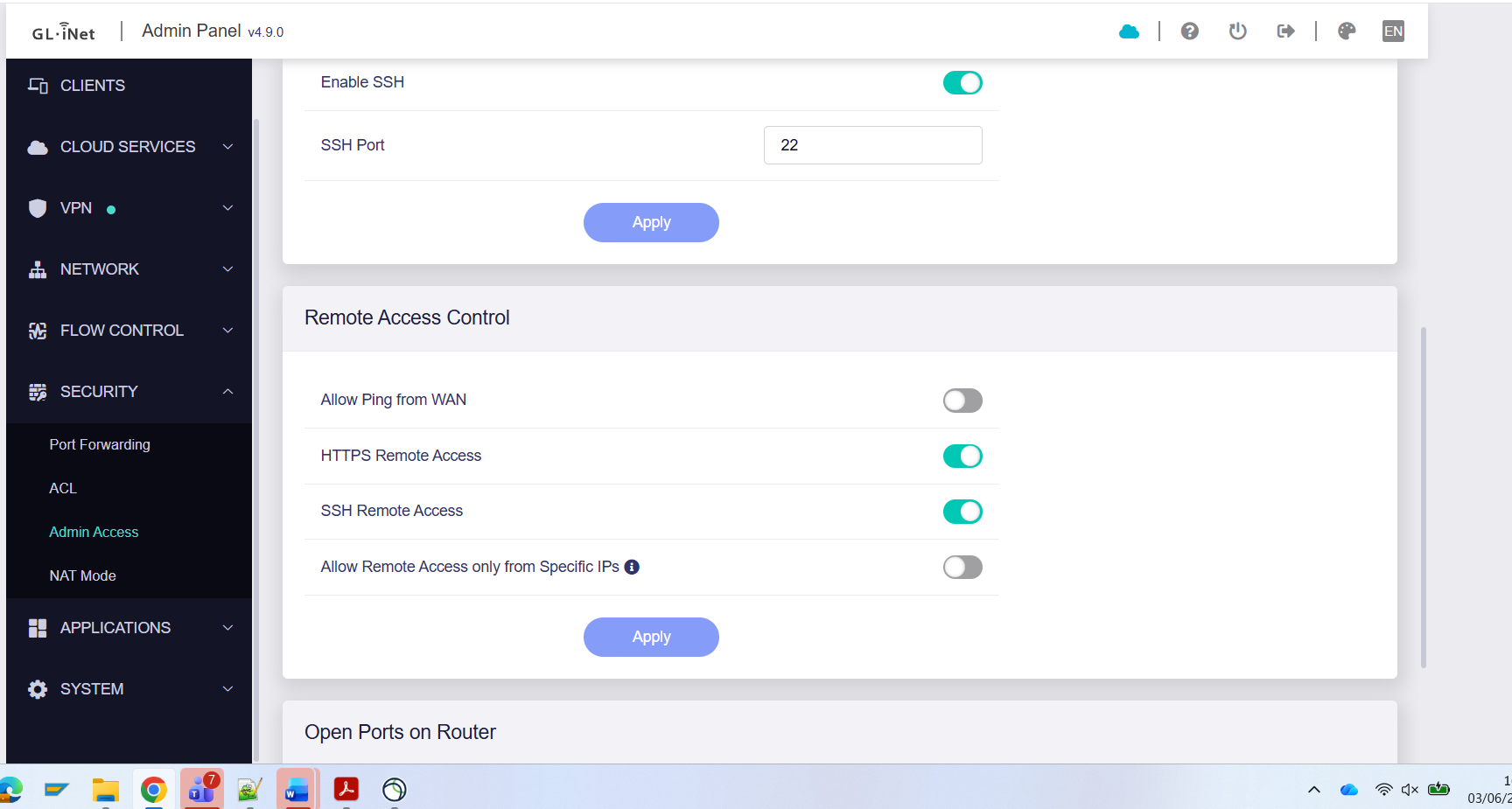
I cannot access even with remote access enabled to allow from WAN
No information is displayed in the client section, but requests are visible on the AdGuard server.
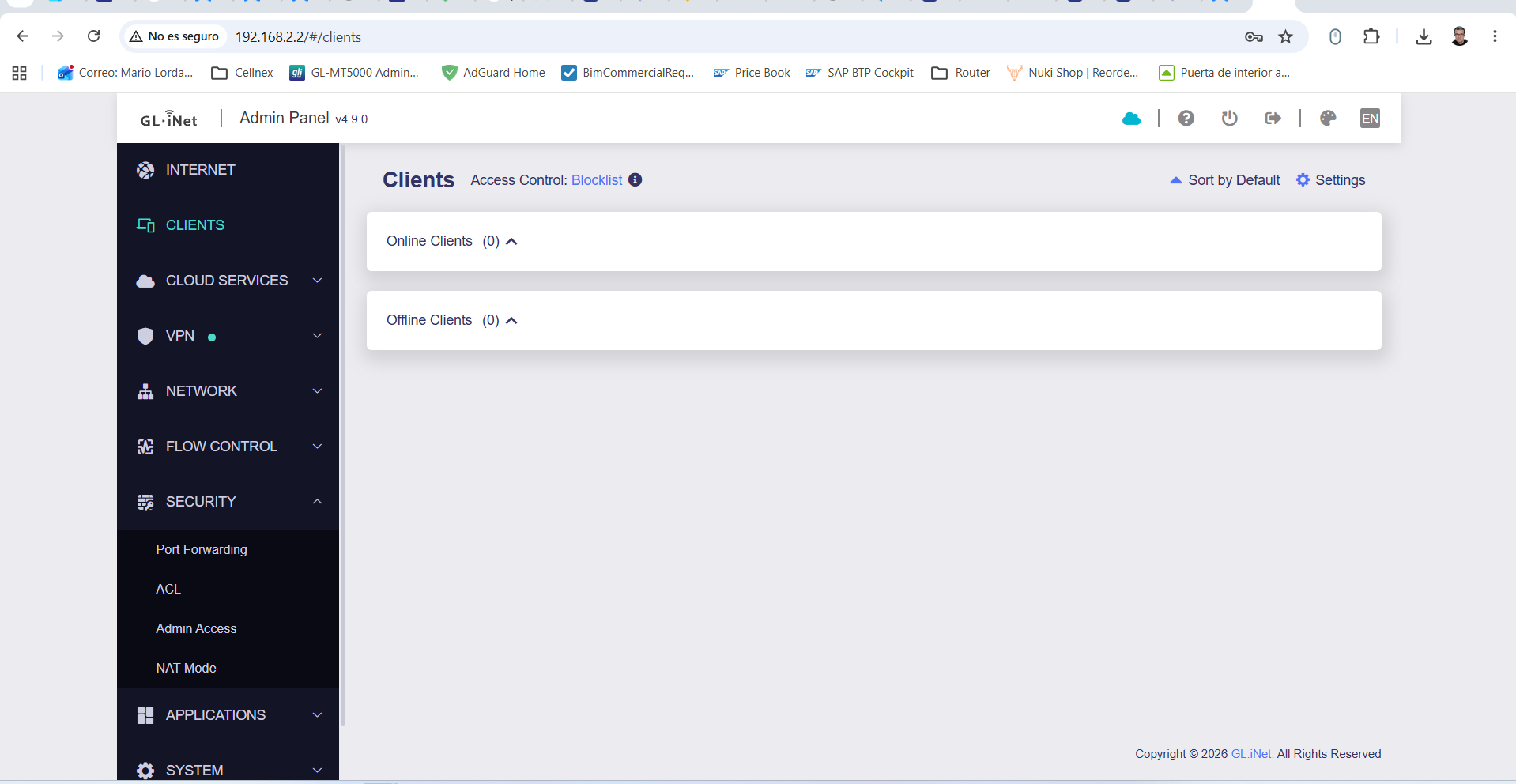
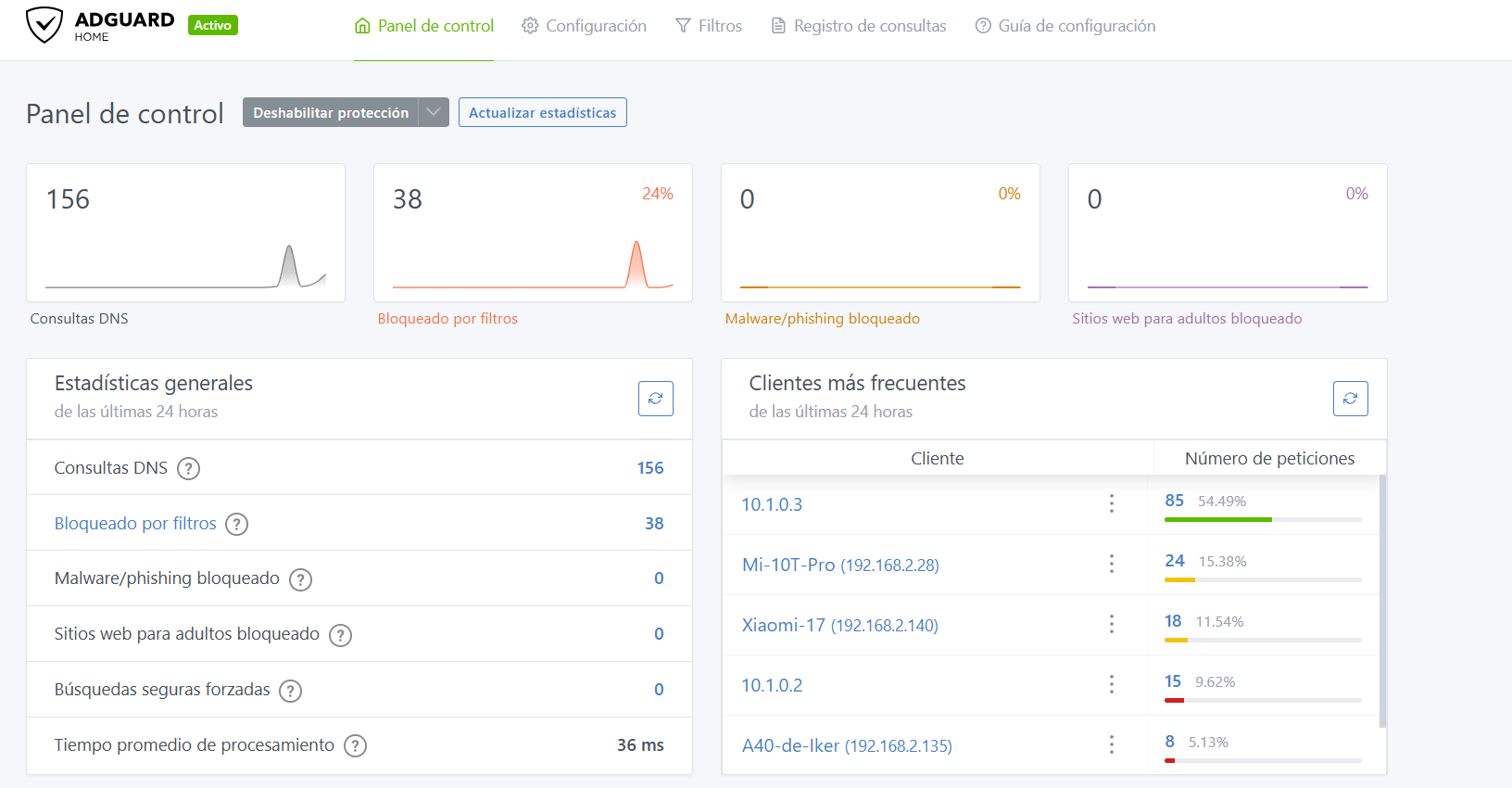
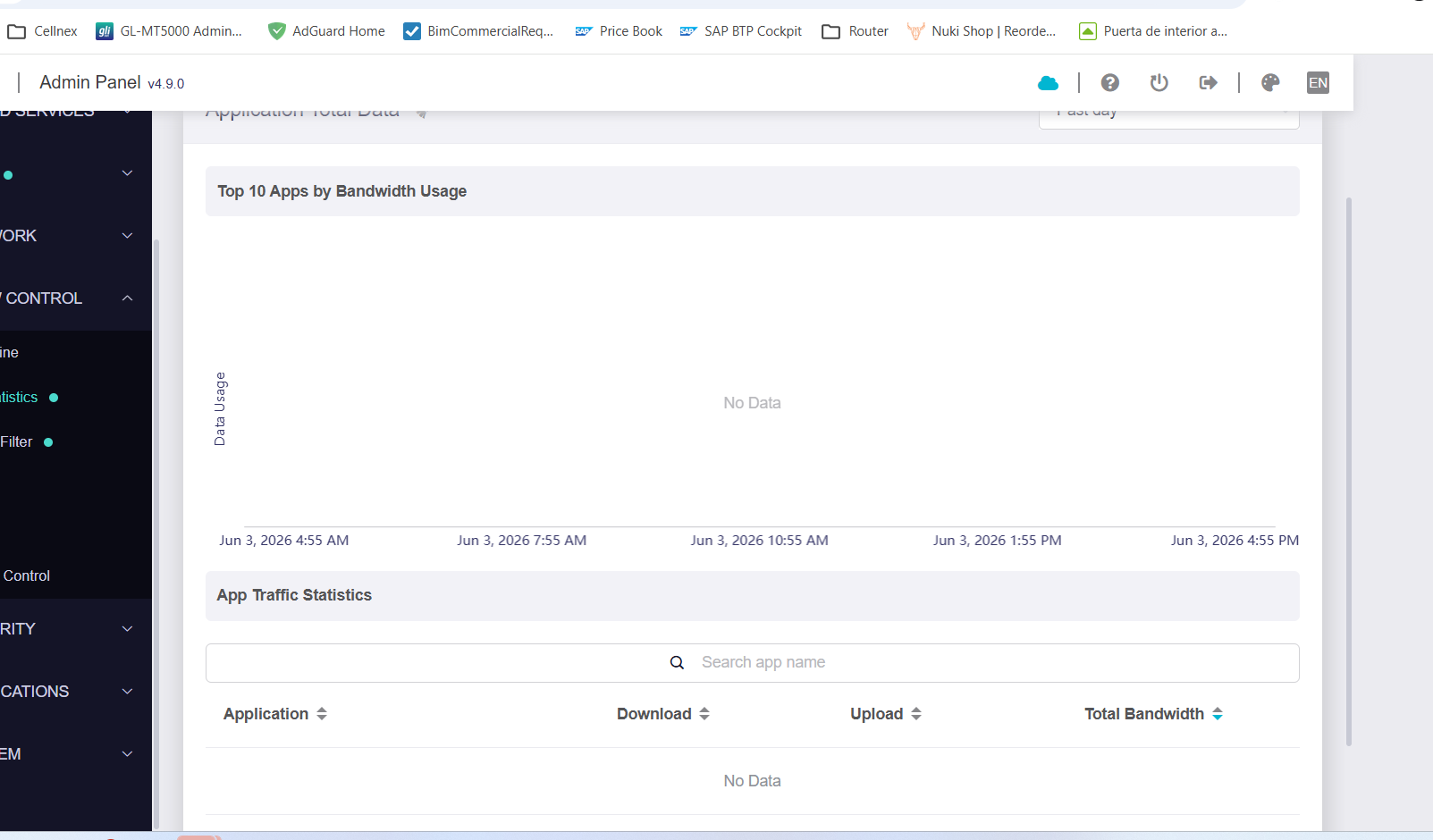
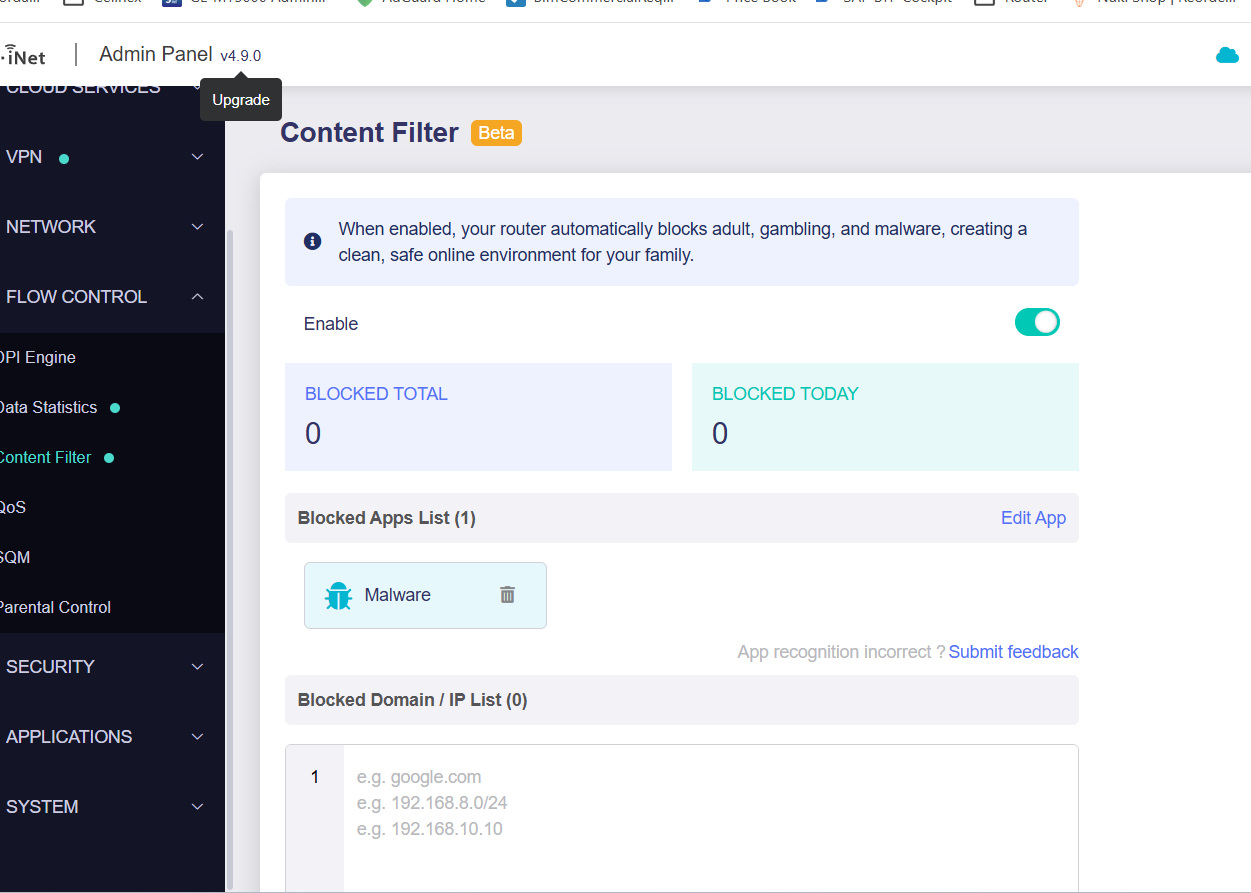
But network clients that set their IP gateway to Brume 3 (192.168.2.2) lose internet access and the DPI displays nothing
Hi
Thank you for your report.
We have also reproduced the issue with the MT5000 v4.9.0 Drop-in Gateway and will ask the development team to investigate and fix it.
For now, please temporarily downgrade to v4.8.6 for continued use.
Ok Thanks
1 Like