Device: GL.iNet GL-RM10 Comet Pro
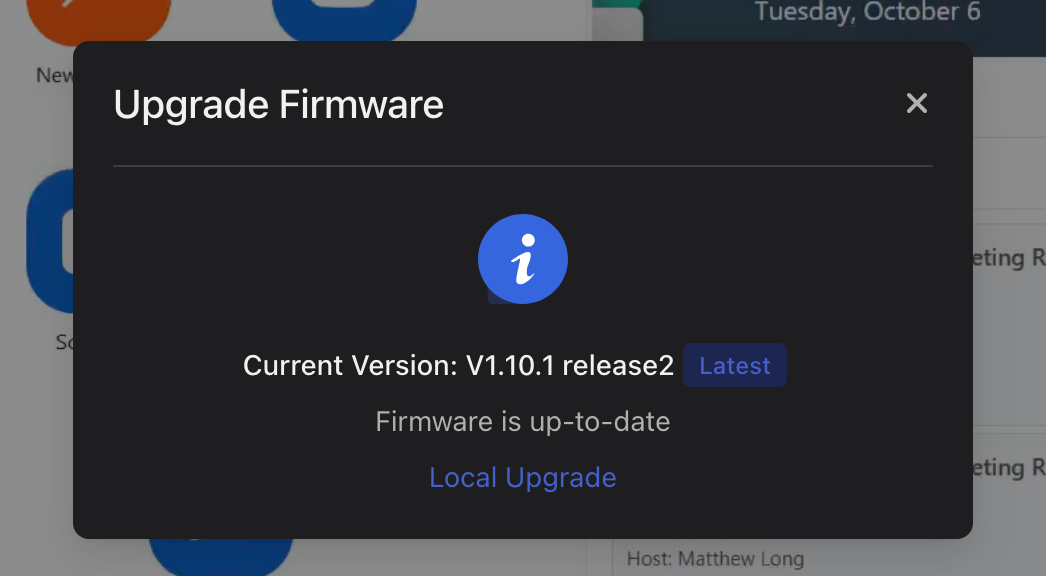
Firmware: V1.10.1 release2 (the device reports Latest / Firmware is up-to-date; screenshot attached)
Microphone forwarding is completely non-functional. The controlled Windows computer detects the GLKVM/Comet microphone as a USB audio input device, but Windows microphone testing consistently stays at 0% input.
Reproduction
The problem reproduces when controlling from both macOS and Windows, through browser/Chrome access and the GLKVM client, and with both WebRTC Native and WebRTC FEC. It persists across all tested combinations.
- Connect to the controlled Windows computer through the RM10.
- Use WebRTC Native or WebRTC FEC and enable microphone forwarding.
- Select the detected GLKVM/Comet microphone in Windows Sound settings.
- Speak into the controller microphone and run the Windows microphone test.
- The result remains 0% input.
Troubleshooting already performed
- Local microphones work on the controlling devices.
- Microphone permissions are granted to the controlling browser/client.
- The GLKVM microphone is enabled and has been toggled off/on after connecting.
- Windows detects the GLKVM/Comet microphone.
- Input volume is set to 100%.
- Devices have been rebooted and reconnected.
- Both WebRTC Native and WebRTC FEC have been tested.
- Firmware is current V1.10.1 release2 according to the device.
Expected behavior
The controller microphone should be forwarded through the RM10 and appear as microphone input on the controlled Windows machine.
Actual behavior
USB audio-device enumeration succeeds, but no microphone audio arrives (zero audio samples / Windows microphone test at 0%).
Could GL.iNet please investigate and tell me which logs or diagnostic captures you need, how to collect them, and where to submit them?