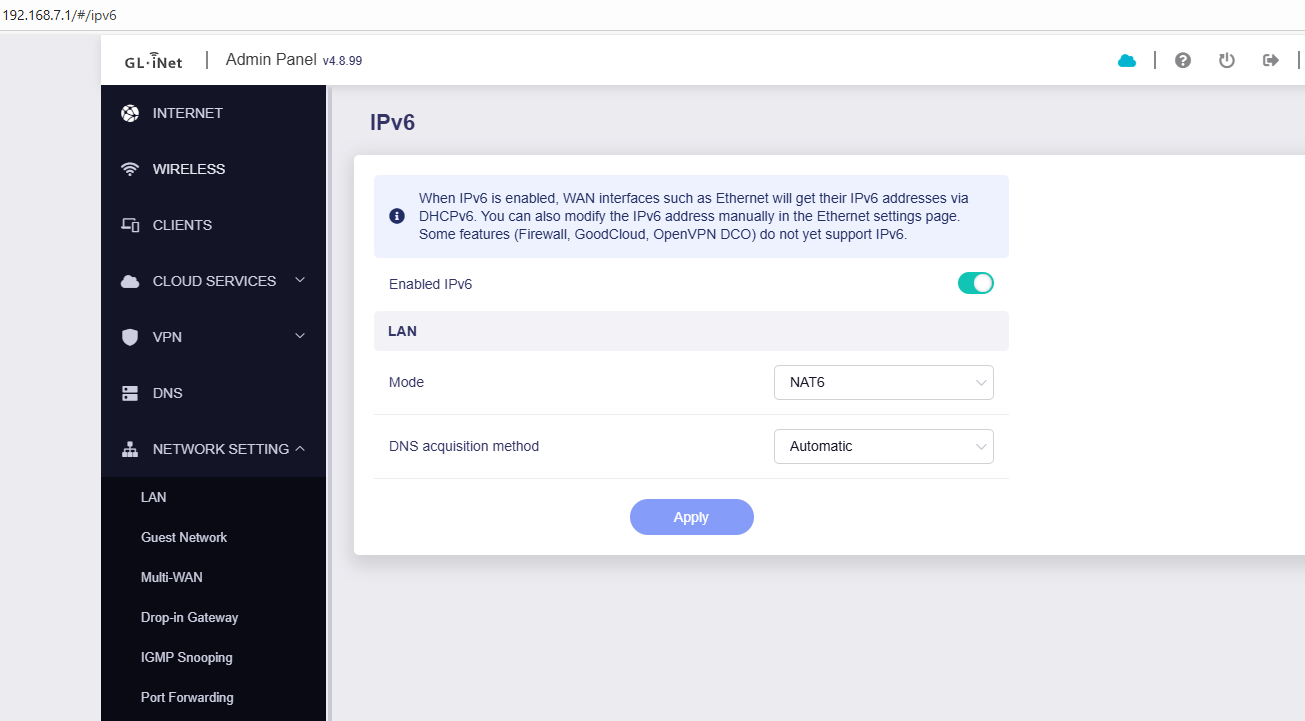
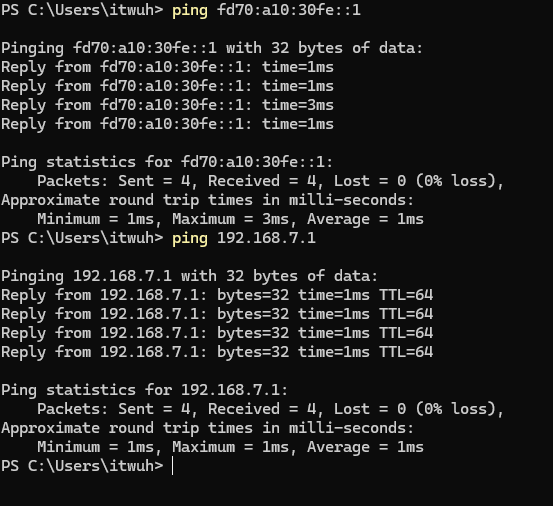
i use the Beta firmware because the new functions. Flint3 act as router (Ethernet1/WAN) behind fritzbox 7530 (DSL+ pppoe, 192.168.178.xx). First setup with Flint3 only IPv4 works fine then i switch on IPv6 (Network→IPv6).
And then after confirming, Internet Connection lost, no access to flint3 with his 192.168.178.xx address and no access with 192.168.8. I reset Flint3 with the reset button. Then everything is fine and i see in Internet topic IPv4 and IPv6.
I checked the logs and it looka that after pressing the reset button IPv6 is enabled and not before?
Mon Dec 15 10:06:38 2025 daemon.notice netifd: Interface 'wan6' is enabled
Mon Dec 15 10:06:38 2025 daemon.notice netifd: Network alias 'eth0' link is up
Mon Dec 15 10:06:38 2025 daemon.notice netifd: Interface 'wan6' has link connectivity
Mon Dec 15 10:06:38 2025 daemon.notice netifd: Interface 'wan6' is setting up now
Mon Dec 15 10:06:38 2025 daemon.notice netifd: Interface 'wan' is now up
Mon Dec 15 10:06:38 2025 daemon.notice netifd: wan (21123): PING 192.168.178.1 (192.168.178.1): 56 data bytes
Mon Dec 15 10:06:38 2025 daemon.notice netifd: wan (21123): 64 bytes from 192.168.178.1: seq=0 ttl=64 time=1.394 ms
Mon Dec 15 10:06:38 2025 daemon.notice netifd: wan (21123):
Mon Dec 15 10:06:38 2025 daemon.notice netifd: wan (21123): --- 192.168.178.1 ping statistics ---
Mon Dec 15 10:06:38 2025 daemon.notice netifd: wan (21123): 1 packets transmitted, 1 packets received, 0% packet loss
Mon Dec 15 10:06:38 2025 daemon.notice netifd: wan (21123): round-trip min/avg/max = 1.394/1.394/1.394 ms
Mon Dec 15 10:06:40 2025 daemon.warn netifd: You have delegated IPv6-prefixes but haven't assigned them to any interface. Did you forget to set option ip6assign on your lan-interfaces?
Mon Dec 15 10:06:40 2025 daemon.notice netifd: Interface 'wan6' is now up
Mon Dec 15 10:06:53 2025 daemon.notice netifd: Network device 'wlan0' link is up
Mon Dec 15 10:06:54 2025 daemon.notice netifd: Network device 'wlan1' link is up
Mon Dec 15 10:06:55 2025 daemon.notice netifd: Network device 'wlan2' link is up
Mon Dec 15 10:30:38 2025 daemon.notice netifd: Network device 'wlan2' link is down
Mon Dec 15 10:30:38 2025 daemon.notice netifd: Network device 'wlan2' link is up
Mon Dec 15 10:30:38 2025 daemon.notice netifd: Wireless device 'wifi2' is now up
Mon Dec 15 10:30:55 2025 daemon.notice netifd: Network device 'wlan1' link is down
Mon Dec 15 10:30:55 2025 daemon.notice netifd: Network device 'wlan1' link is up
Mon Dec 15 10:30:55 2025 daemon.notice netifd: Wireless device 'wifi1' is now up
Mon Dec 15 10:31:10 2025 daemon.notice netifd: Network device 'wlan0' link is down
Mon Dec 15 10:31:10 2025 daemon.notice netifd: Network device 'wlan0' link is up
Mon Dec 15 10:31:10 2025 daemon.notice netifd: Wireless device 'wifi0' is now up
It's a bit strange, I think the ipv6 has nothing to do with the reset button. May I know did you reset the router configuration with long press reset button?
Oh, 4-5 seconds is to reset the network configuration.
If the issue reproduces again, please keep the environment (do not reset) and contact us to check remotely via GoodCloud. We couldn't guess what was wrong depends on currently info.