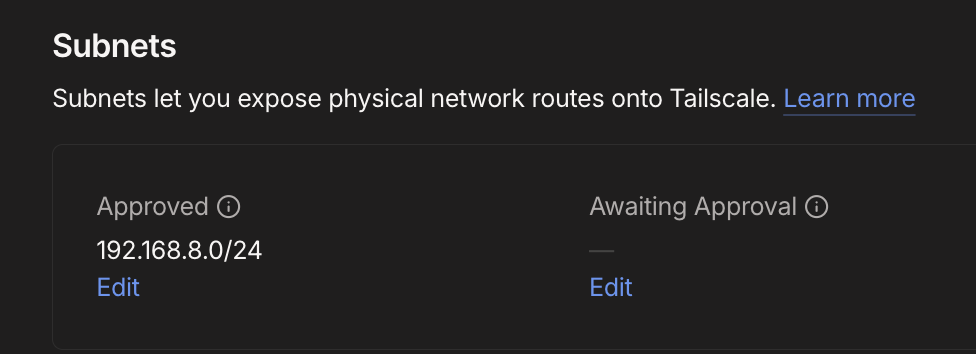
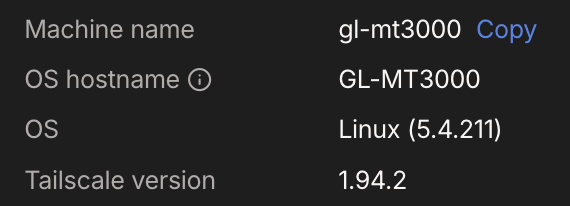
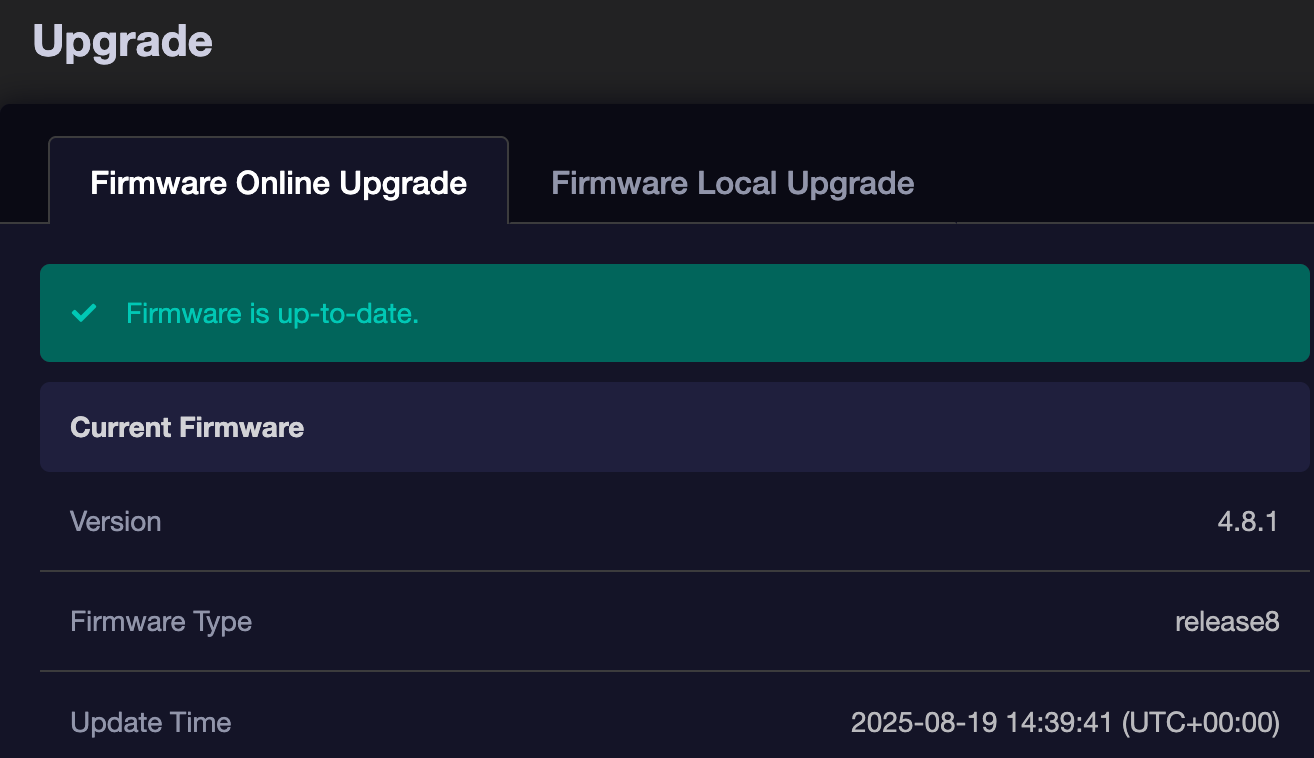
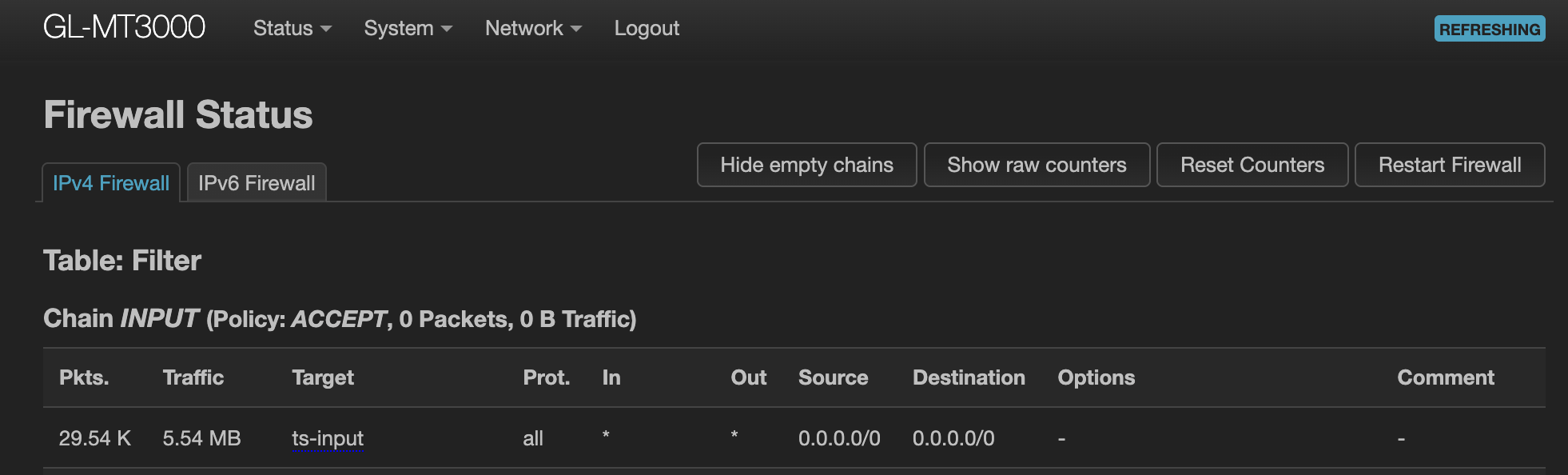
What surprising is that like more than a year back I was able to get it up and running fine with custom exit node and now I cannot.
At that time, after coming across a couple of online threads I found that firewall rules needs to be updated, so seems like I did that and then it was working. The rule(s) exists but I am not sure if this is the issue or this is no longer required.
There isn’t any official/non-official guide for this which makes it really confusing to achieve as the UI claims it will work just with those options but in reality they (kind of) are not enough? (I mean at least from my setup the last time I was able to get it up and working).
You can refer follow to configuring Tailscale’s Custom Exit Nodes feature.
In most cases, it works out of the box and does not require any additional special configuration on the router.
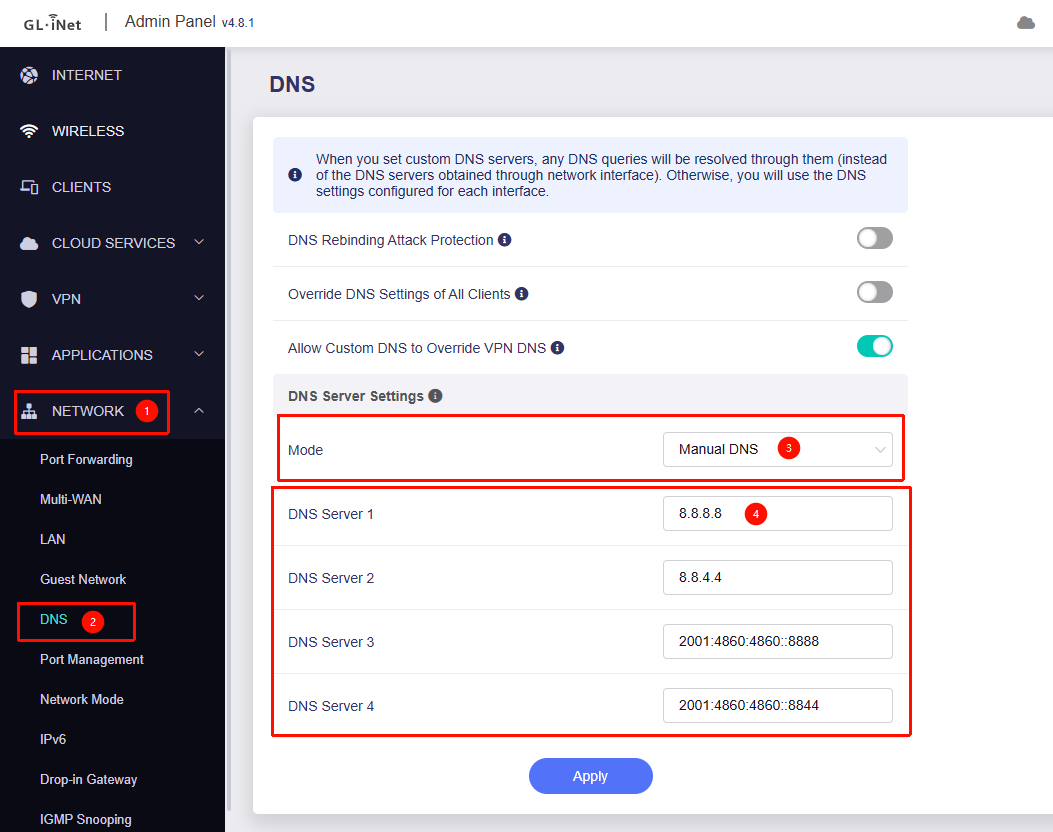
In some situations, the DNS addresses obtained by the router may not be accessible through Tailscale. You can resolve this by setting a custom DNS under Admin Panel → Network → DNS.
This is with the mt-3000 after resetting and enabling tailscale from the web console with custom exit node selected, and on the tailscale side approving the advertised routes and with custom google dns servers.
Have you tried using the Raspberry Pi as an exit node on other devices to see if it works properly?
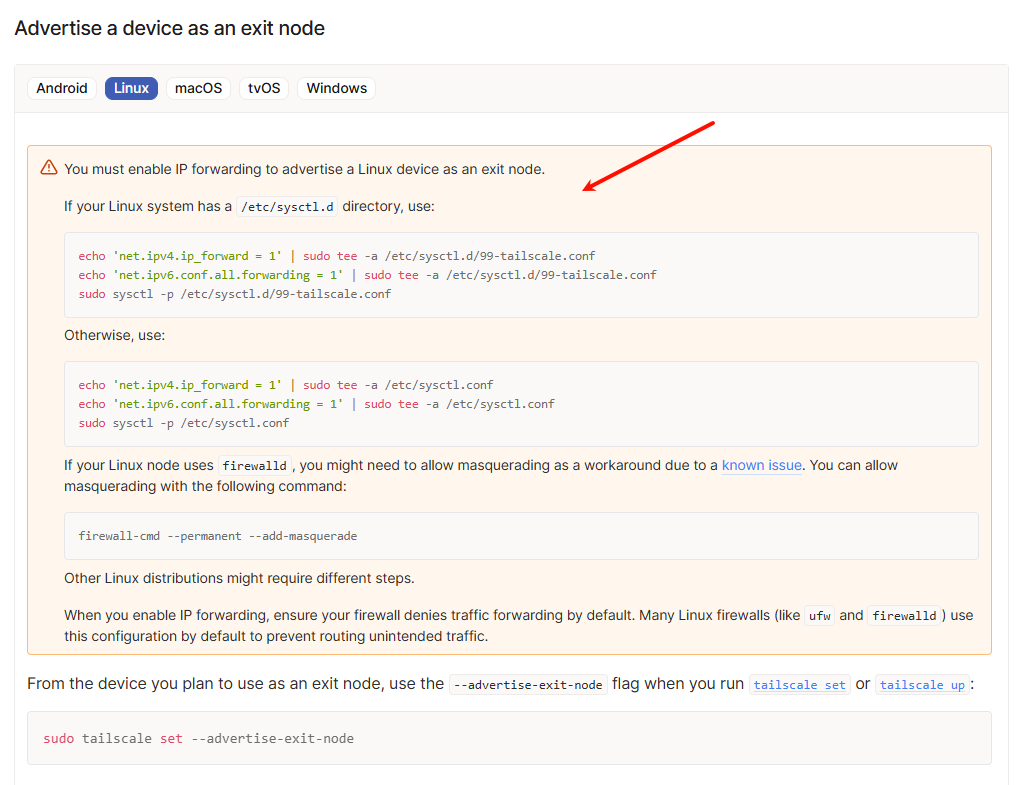
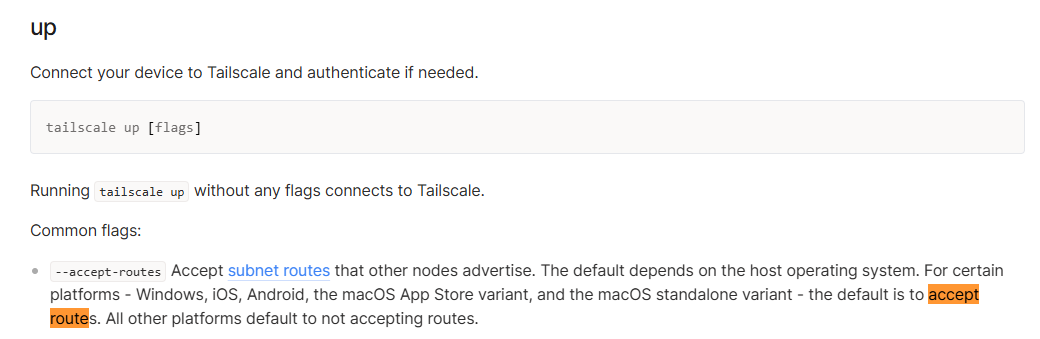
Please note that you need to enable IP forwarding, IP masquerading, and route acceptance when enabling Tailscale on the Raspberry Pi—these are required for it to function as an exit node.
If you’re still experiencing issues, could you follow the guide below to share your device with us via GoodCloud so we can assist with remote troubleshooting? Technical Support via GoodCloud - GL.iNet Router Docs 4
Please also send the device’s MAC address and Admin Panel password via private message so we can access it.
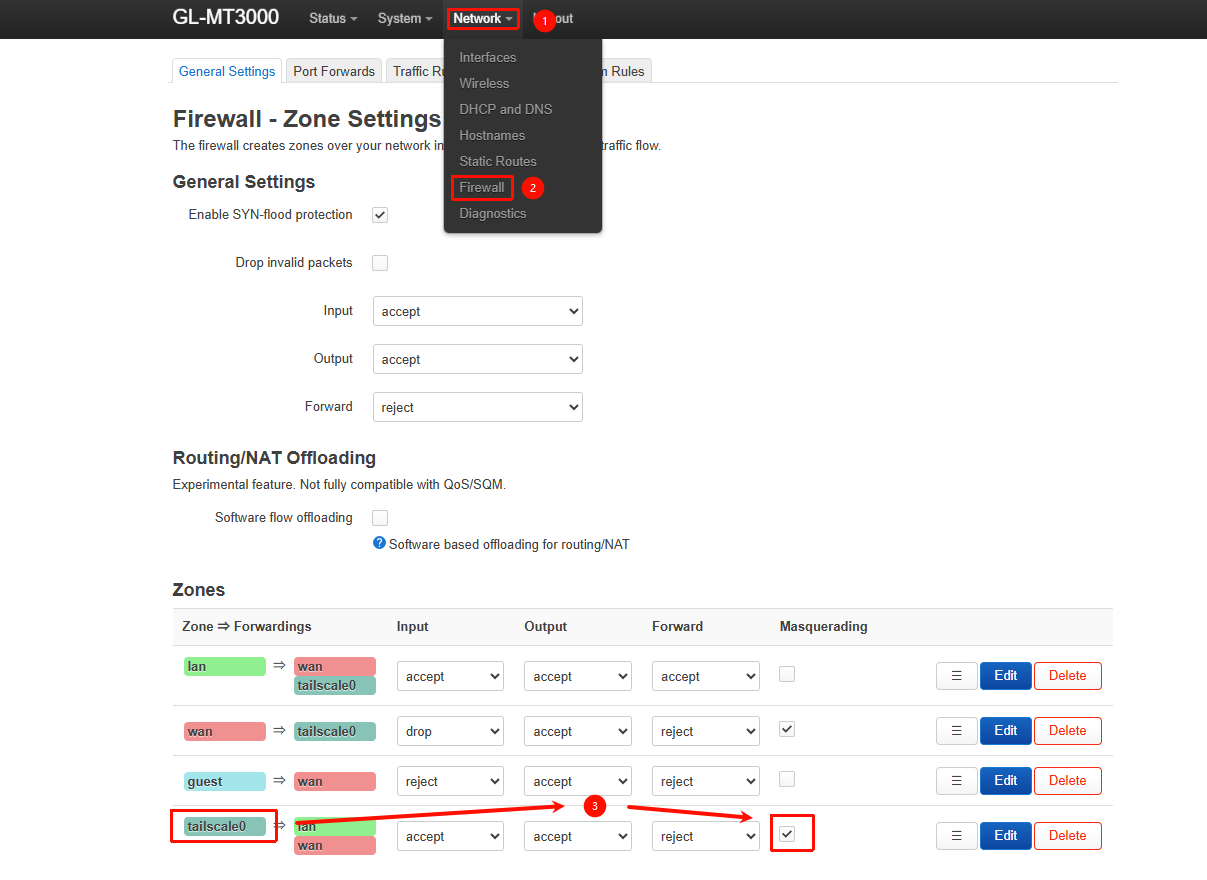
After performing a remote check via GoodCloud, we found that enabling IP masquerading for the Tailscale zone under LuCI → Network → Firewall allows the Raspberry Pi to function properly as an exit node.
This suggests the issue is likely due to the Raspberry Pi not accepting the routes advertised by the MT3000—meaning it doesn’t have a return path.
We recommend:
Keeping IP masquerading enabled for the Tailscale zone. However, note that the Raspberry Pi or other Tailscale nodes won’t be able to distinguish MT3000 LAN devices (the source address will appear as the Tailnet IP of MT3000 instead of 192.168.8.0/24)
Yes, the pi does accept routes advertised by gl-inet mt-3000.
And about the zones, I believe that’s what from where I started the thread with.
If I have read the online guides correctly then the zone level fix for this setup is kind of burried under threada and their replies, right? or maybe I am missing something?
Plus, from an end user perspective if the UI shows “taiscale” (i know that it is still i beta maybe that is the reason one has to go under zone settings for this to work correctly) then one is in a mindset “ok if i will enable and bind this to my tailnet and the exit node option is shown then I am good to go”.
Once the exit node is configured correctly, enabling “IP masquerading” in the Tailscale firewall zone is no longer necessary.
If you’ve confirmed that the Raspberry Pi is properly accepting routes but the issue still persists, it’s hard for us to determine what’s happening on that side since we don’t have access. It could be related to firewall settings or something else.
In a future firmware release—possibly v4.9—we also plan to improve Tailscale support, potentially by adding an “IP masquerading” option directly in the UI.