Using Flint2 MT-6000. Having a weird issue that came up where if I have a VPN enabled, devices can not connect to wifi. Devices already connected to the wifi when the VPN is enabled are unaffected.
I have to connect via ethernet and turn off the VPN for my wifi devices to connect, the re-enable the VPN.
Any ideas whats causing this? It didn’t always happen. I was on 4.8.3 and just updated to 4.9.0 in hopes it would fix this issue, but still happening. When I updated I did keep the existing settings so that may be a hint.
Hi
That sounds a bit unusual. In theory, the VPN should not affect the Wi-Fi functionality.
Could you please help clarify or provide the following information?
-
When the issue occurs, what exactly happens on the Wi-Fi client when it tries to connect to the MT6000?
- Is it unable to connect to the Wi-Fi network at all?
- Or does it connect successfully but have no Internet access, or disconnect again shortly afterward?
-
Could you please provide the following Admin Panel screenshots so that we can better understand your current configuration?
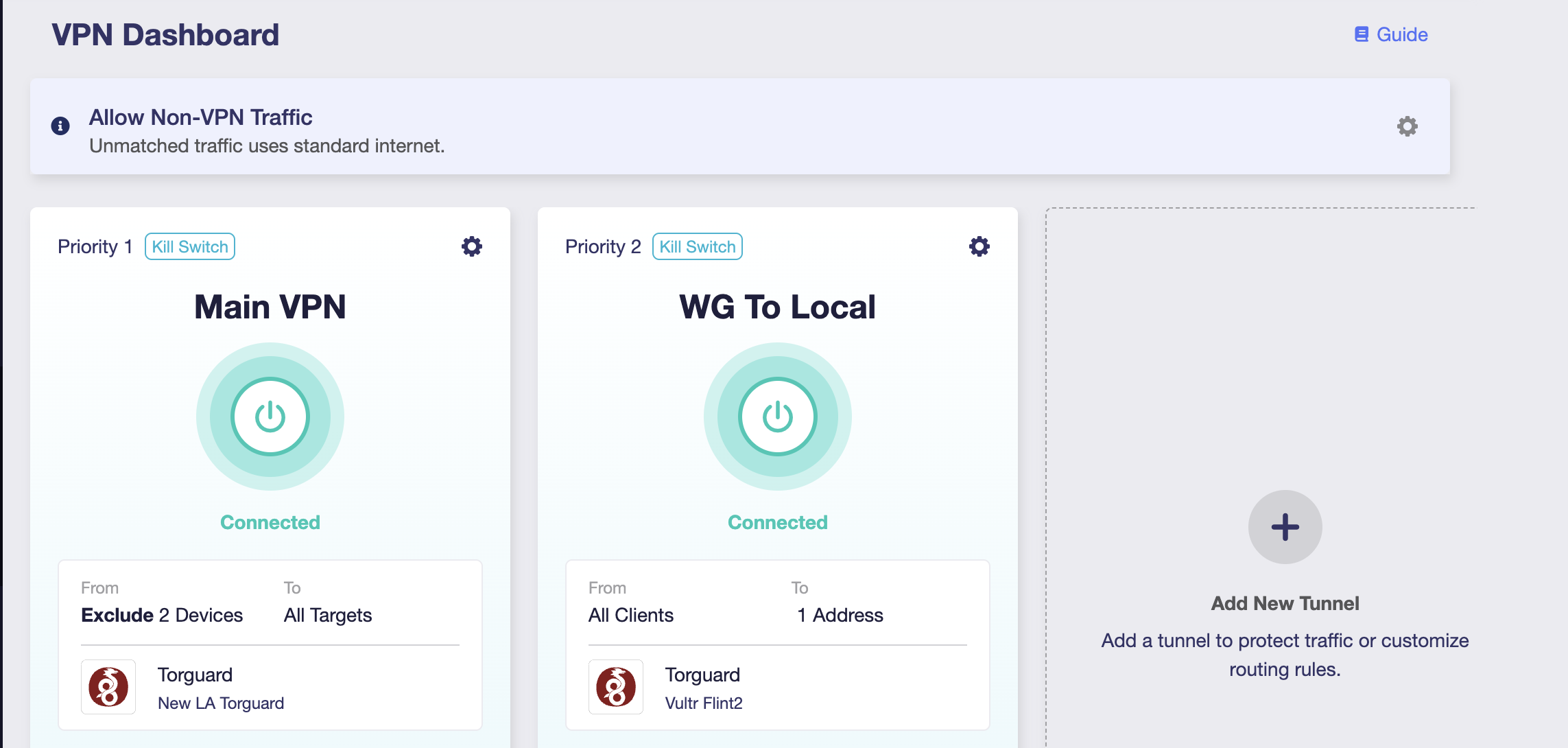
- VPN → VPN Dashboard
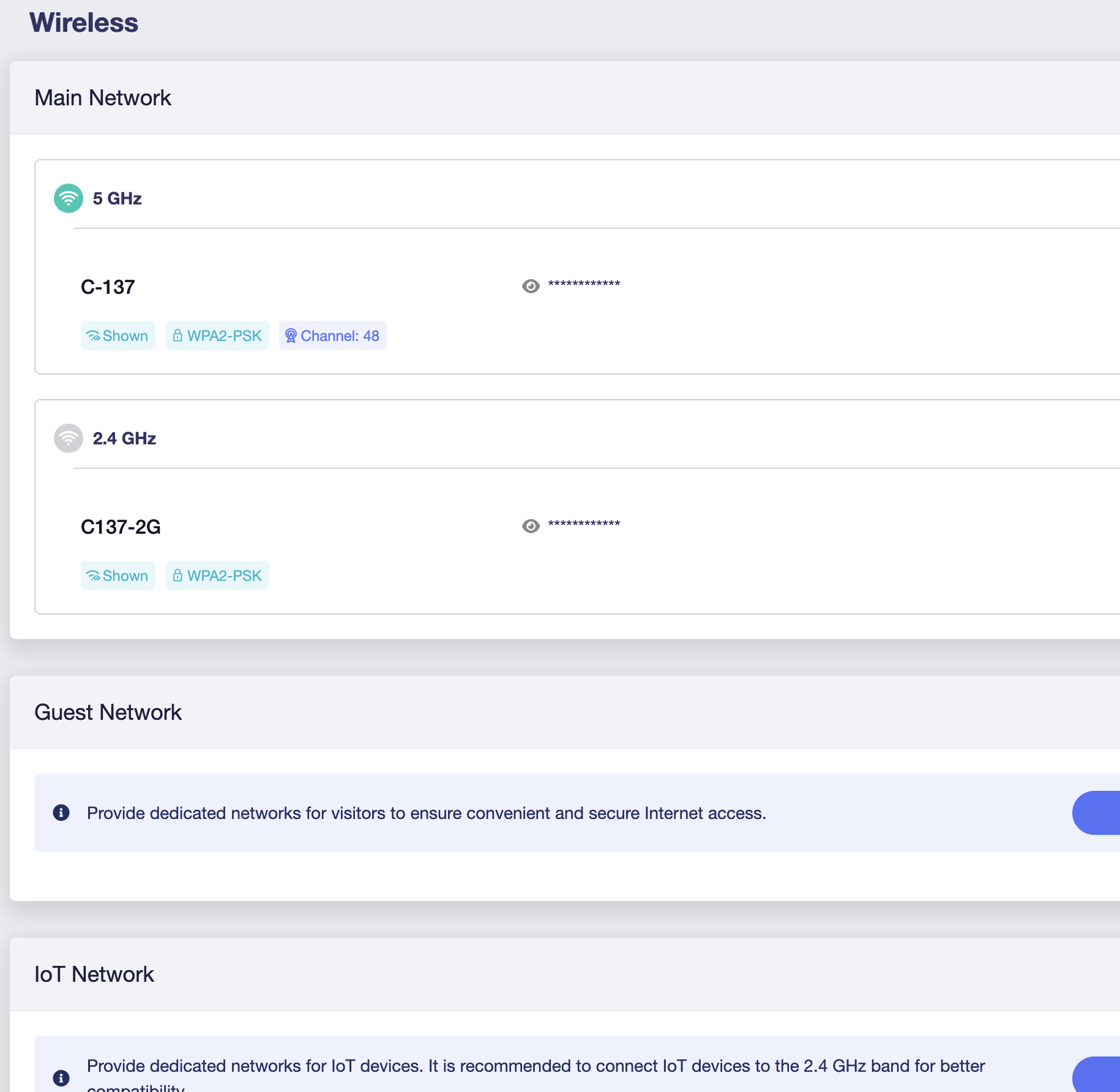
- Wireless
-
When the issue occurs, please try connecting the Wi-Fi client to the MT6000 several times, then export the router logs and send them to us via private message so that we can investigate further.
How to export logs:
How to send private messages:
It’s intermittent so i’ll post that log data when I can.
When the issue occurs, what exactly happens on the Wi-Fi client when it tries to connect to the MT6000?
Hi
Thank you for the update.
We'll investigate further once we receive your logs.
Also, based on your description, it sounds like the affected devices are able to connect to the Wi-Fi, but fail to obtain an IP address.
If so, it would also be helpful to SSH into the router and run the following command to check whether the DHCP service is still operating correctly:
netstat -napl | grep dnsmasq