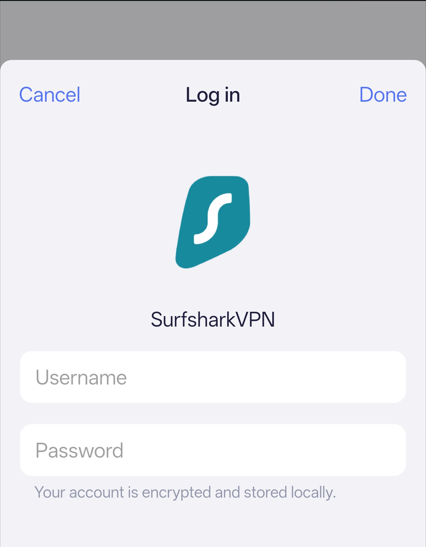
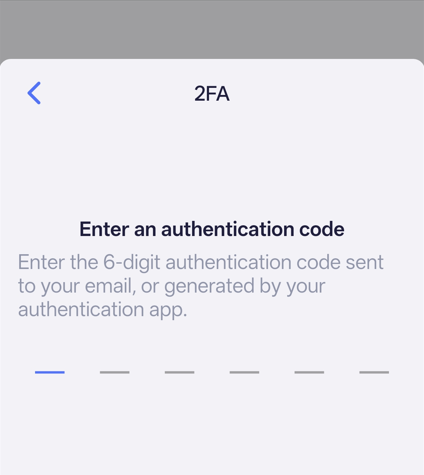
I get this error anytime I try to log into my Surfshark account. No, there is no 2FA enabled.
Any way I can get around this issue? GL-MT6000.
I get this error anytime I try to log into my Surfshark account. No, there is no 2FA enabled.
Any way I can get around this issue? GL-MT6000.
I just generated the wlo.conf from Surfshark site and manually added a Wireguard connection with that file. No other setting was adjusted, just drag the file in.
Hello Will,
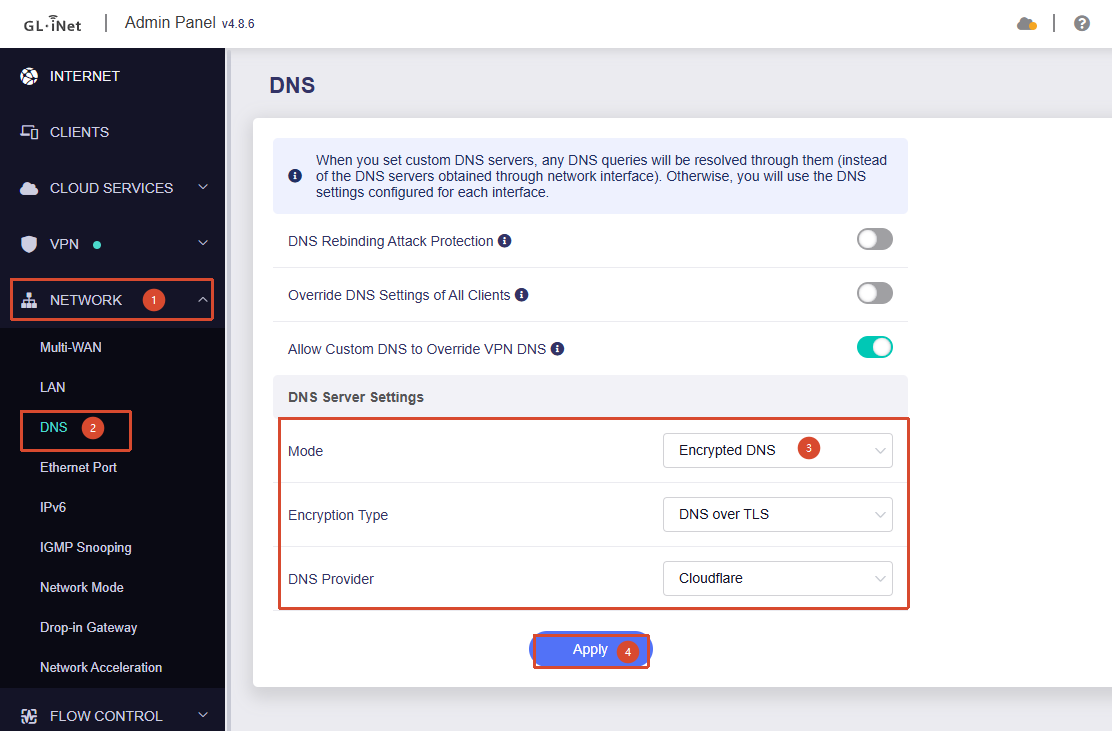
I am already using the encrypted DNS settings above.
Same problem to me, Flint2 after upgrade to 4.9.0 can’t log in to surfshark wireguard.
I have encrypted DNS
Hi
Sorry for the delayed reply.
After some internal investigation, we found that this issue appears to be related to Surfshark enforcing 2FA on devices logging in for the first time, a change that seems to have taken effect starting around May 14.
At the moment, Surfshark 2FA login is not yet supported in the router's Admin Panel. Support for this is planned for a future firmware release.
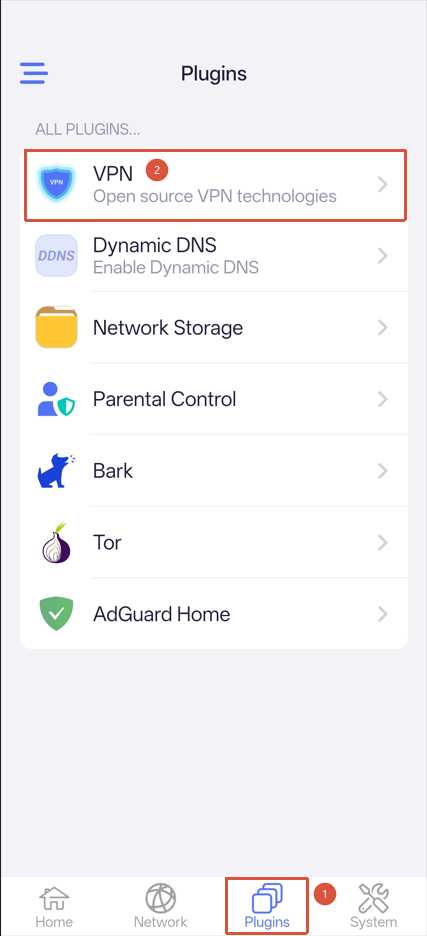
For now, please use the GL.iNet mobile app to log in and complete the Surfshark 2FA process:
how did you do it through the app? only option I see is to do it manually
Hi
Are you asking how to log in to and use Surfshark VPN through the GL.iNet App?
If so, please follow these steps:
Connect your mobile device to the GL.iNet router's Wi-Fi network, then open the GL.iNet App and follow the setup wizard to configure access to the router.
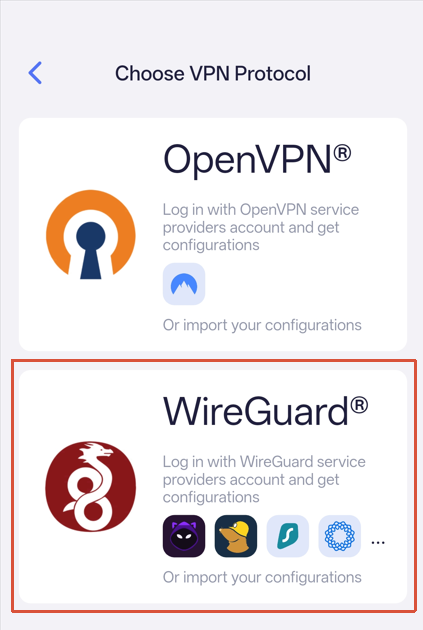
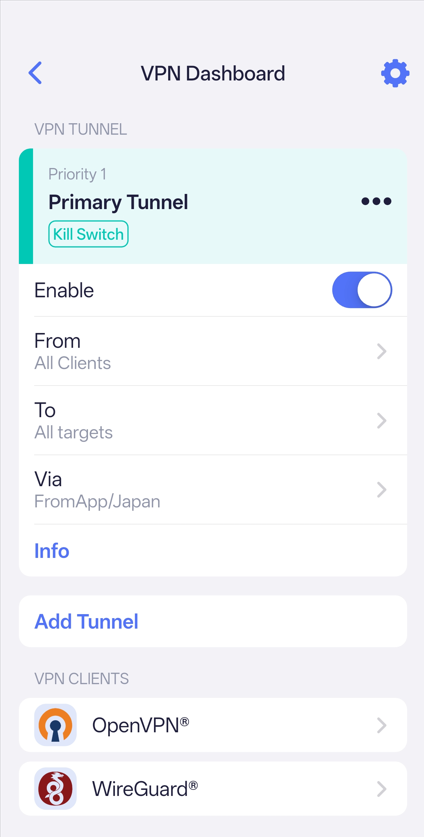
Once you have successfully connected to the router, navigate to Plugins → VPN → WireGuard.
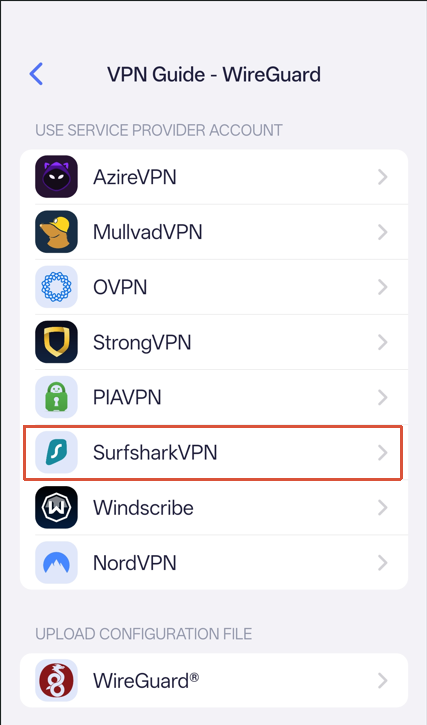
Select Surfshark VPN and enter your account credentials, including your username, password, and any required 2FA/OTP verification information.
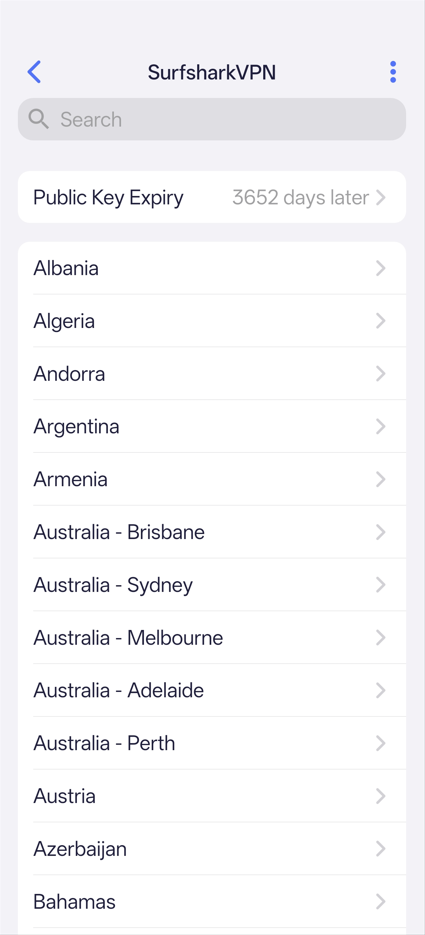
After that, you should be able to select a Surfshark server and establish a VPN connection normally.
Thank you!!! I was trying to figure it out direct from router UI and not through wifi. App works!