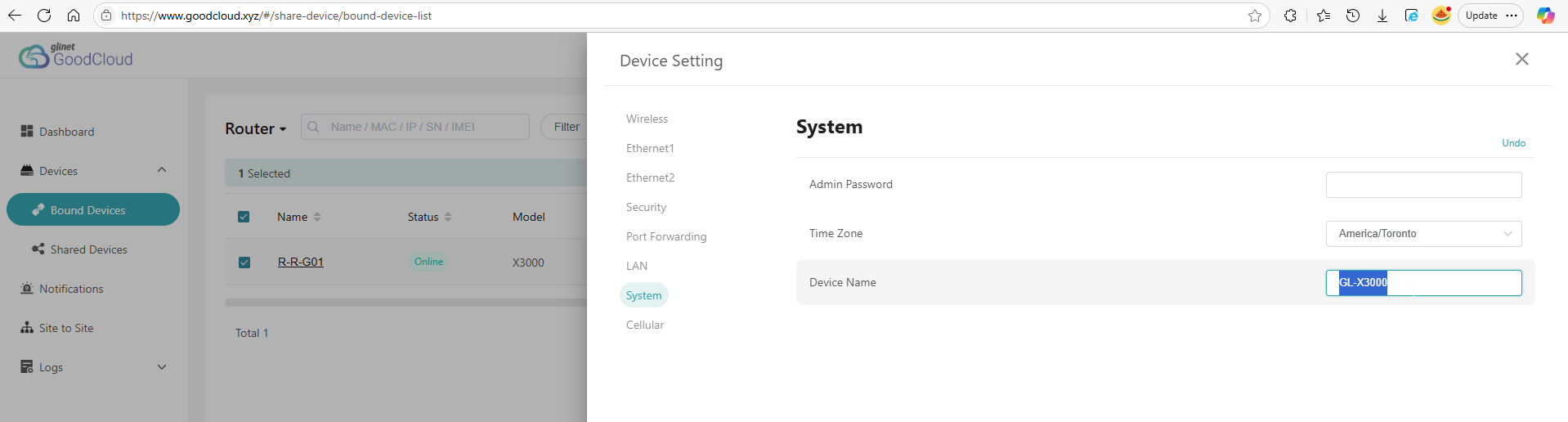
I’m trying to change/update the “Device Name” property on an X3000 that I have in GoodCloud, by going to Bound Devices, selecting the router, then going to Settings > Modify Settings > System and then replacing the default “GL-X3000” with what I’d like it’s hostname to be (eg. X-Y-Z01). I then select “Check Settings”, confirm the setting to be changed and select “Apply” and it looks like it applies the setting as it doesn’t show any errors - all of the logs suggest that the property/value has been updated, but when I go back to the same configuration page in GoodCloud, or check within the device’s web GUI, it’s still set as the default (“GL-X3000”)….
I tried rebooting as well as upgrading the X3000 to the latest firmware/software that was just released (0802release5), but Device Name change via GoodCloud still not working. Even performed a factory reset during the firmware upgrade, and reconfigured, and re-added to GoodCloud. To confirm that I am able to modify device settings via GoodCloud, I tried changing a Wi-Fi SSID and this worked fine.
Further, I noticed that when I do network scan, the hostname appears to actually be “console.gl-inet.com”?
Can GL.iNet please investigate and fix GoodCloud such that it actually applies changes to the “Device Name” value to the router and that this updates the router’s hostname as it was designed to do.
Modify the device name in goodcloud to replace the device name displayed on the login interface. This feature is currently not available to 2C users, so your modification will not take effect.
Using the scanning tool, I found that the device name is indeed displayed as shown in the figure. I will confirm the definition here with the product department.
Not sure what you mean by “2C users”. Why even offer the setting within GoodCloud and show it being applied without any error messages if the change will not take effect…
The ability to modify the device’s hostname via GoodCloud wouldn’t really matter if there was a way to do it within the device’s web UI, but I haven’t found any option to do so. Please fix. Thanks.
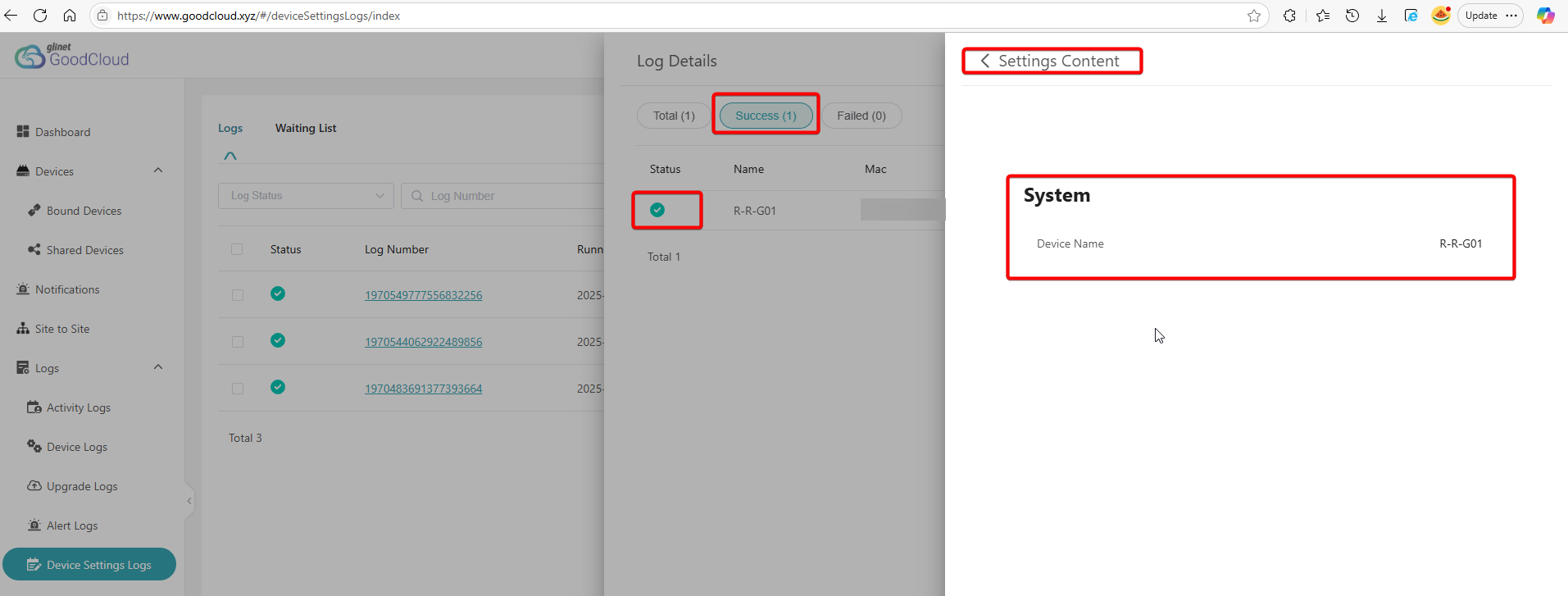
Also wanted to include a screenshot of the “Device Settings Logs” confirming that the change was (supposedly) successfully applied but stupid forum rules won’t allow new users to include two embedded images in a post…
The function of modifying the host name through the cloud platform is currently for enterprise/organization users and cannot be modified by ordinary consumer customers. Perhaps we can make some modifications based on permissions
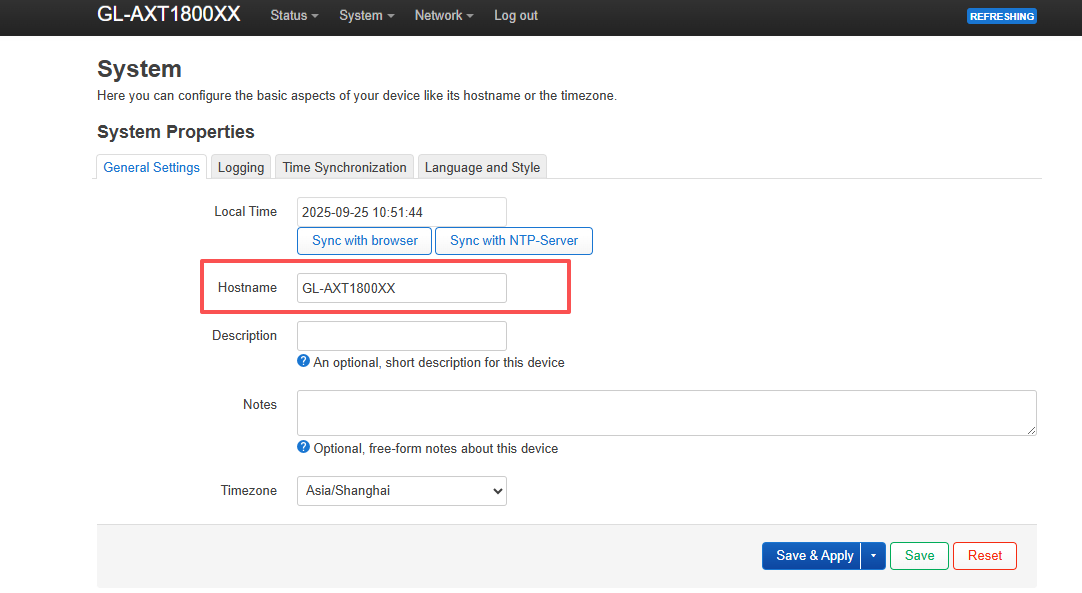
Thank you for the information on how to change the hostname via the LuCI web UI - I was able to change/update the hostname successfully.
No need to worry about changing the device/host name directly from GoodCloud as it’s not something that should need to be changed very often, and can still be done remotely using GoodCloud’s “Remote UI” feature to access the device’s LuCI web UI.
What about the inconsistency between the device’s configured hostname and "console.gl-inet.com" that appears in NS lookups and network scans? Perhaps I should start a dedicated post about this issue under the “Routers” forum?
The result of an 'nslookup' query is the correspondence between a domain name and an IP address, which is a different concept from modifying the device hostname in Luci.