I just received my Comet 5G. I've connected my PC to the KVM, then the KVM to my secondary monitor, and I have two questions:
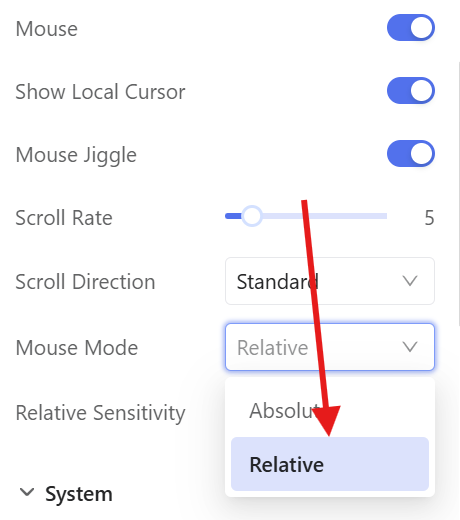
I use the "extend this display" mode. When I connect remotely to the KVM, I see screen 2, but the mouse moves on screen 1. How can I make it move on screen 2?
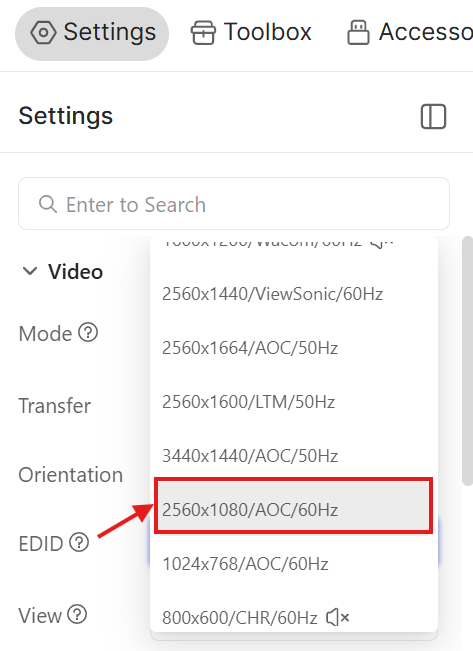
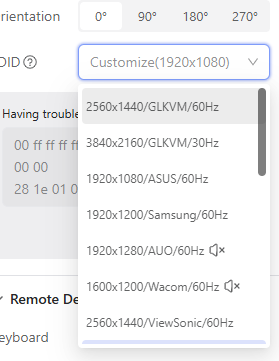
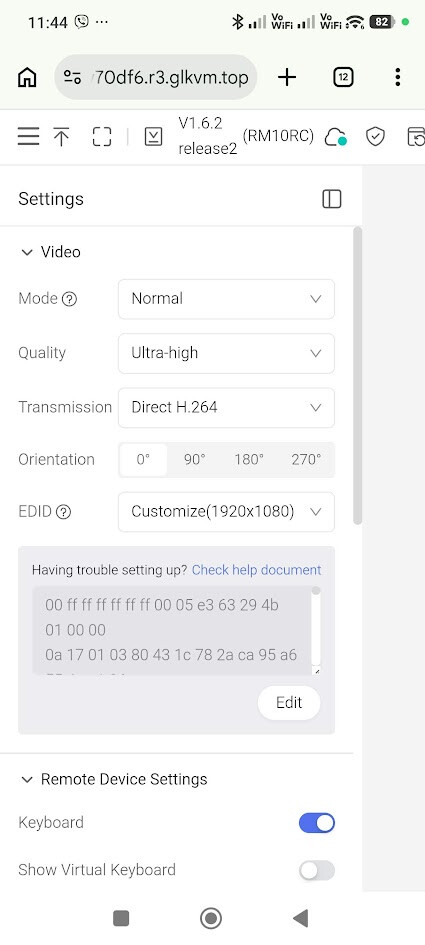
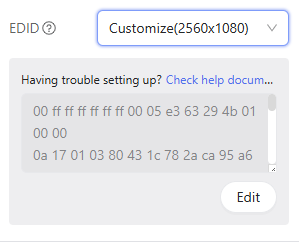
My secondary monitor is an extra-wide screen with a resolution of 2560x1080. When using my PC, I can't select the maximum resolution, so I have large black bars on the sides.
Where can we use the fingerbot from the android app ?
If I’m using the android app, the keyboard is “qwerty” type, but my laptop is “azerty” type. If I’m using the app keyboard and type on “q”, it will type “a”, which is little bit disturbing … If I’m trying to use the phone keyboard, it open and close instantly. I’m on Redmi note 14 pro
Regarding the keyboard typing issue, it is usually related to the layout settings. Here is what you can try:
On your phone: We recommend using the default native keyboard and ensuring the keyboard layout matches your PC exactly—for example, Français (Canada) or Français (France). Please ensure the input language on the controller matches that on the controlled device.