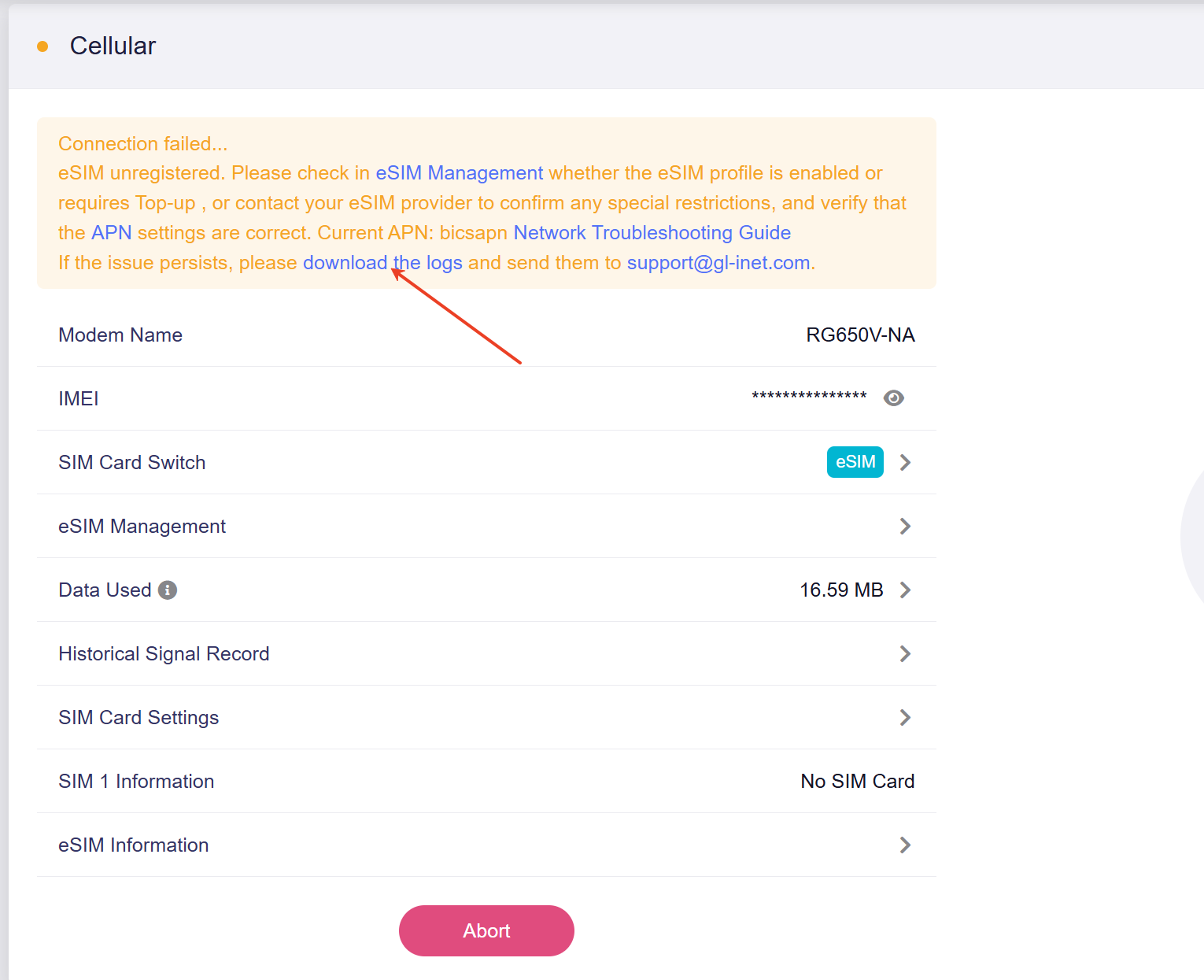
I’m very new to this and trying to get a basic understanding of how to connect my router to a cellular network.
I joined Calyx on the Sprout BYOD membership plan, paying quarterly. The SIM card arrived in the mail, and I called Mobile Citizen technical support and they confirmed the SIM card is active. It is data-only.
I also bought a GL iNet Mudi 7, specifically the “US warehouse - NA” version.
As far as I was aware, I thought I would just put the SIM card into the router, and it would connect. But I keep getting an error message that the SIM card isn’t registered.
I don’t really know what the issue is.
I guess first I need to understand conceptually what “registration” is.
Does anyone know why it’s not connecting?