I have an RM1 connected locally. Ever since the most recent firware upgrade, it seems to disconnect constantly. Often in less than a minute from reconnection. Disconnects were rare before the upgrade. That’s the only change that has occurred.
Hi, it appears that the connection remains with the browser and only fails with the app. I had both open today and the app failed but the browser is still working. I didn’t notice any difference when using different EDIDs.
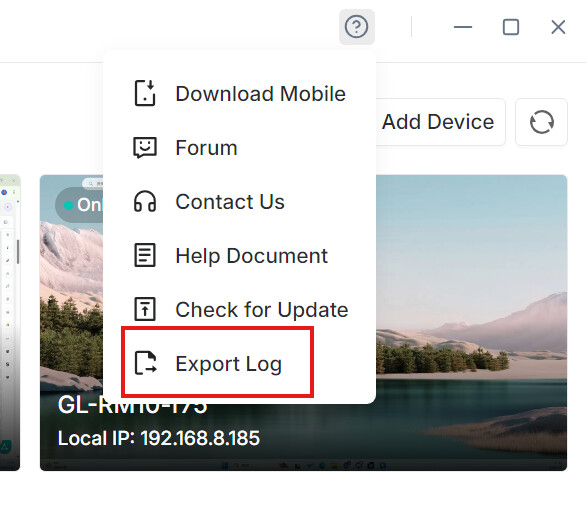
It looks like the logs were overwritten. The next time the issue occurs, could you please export both the device logs and the app logs again right away?
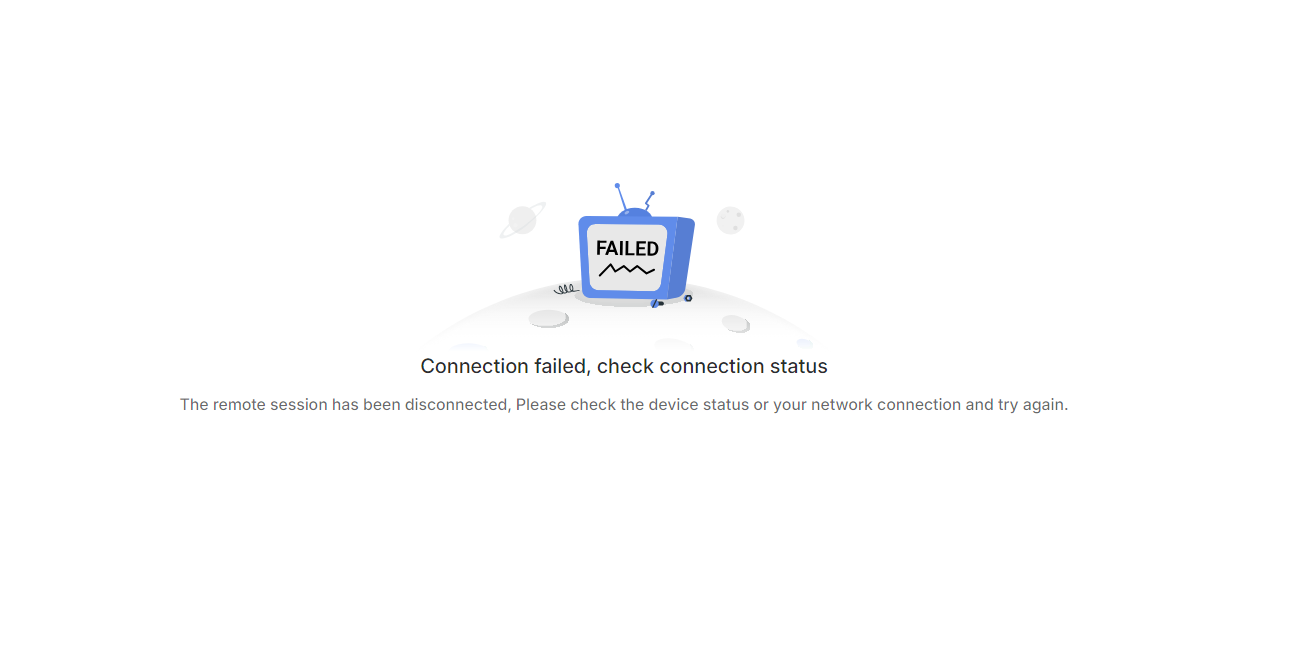
Hi, no VPN services. I can’t share a video because of intellectual property constraints but the screen just goes white for a few seconds and I get this:
We've identified that the issue is caused by the client detecting an unstable network connection during access. We plan to improve this in a future release.
In the meantime, we recommend using local access via a browser as a temporary workaround.
Really sorry for the inconvenience this has caused.
The browser is experiencing similar issues — it crashes randomly and sometimes shows 401 error screens. Overall, using KVN on both the desktop app and browser has been quite difficult. My home internet is 1 Gbps, so connectivity shouldn’t be the issue.
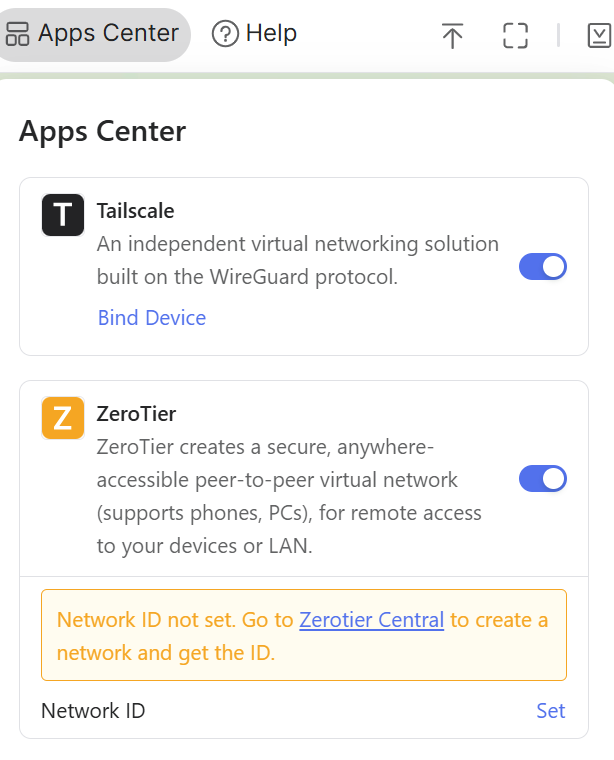
successfully updated over tailscale! Ill let you know if I run into any issues. Does your team want weekly logs or anything from those running unreleased versions (even if nothing is wrong)?
Just want to make sure you are getting the feedback you are looking for from the testing community