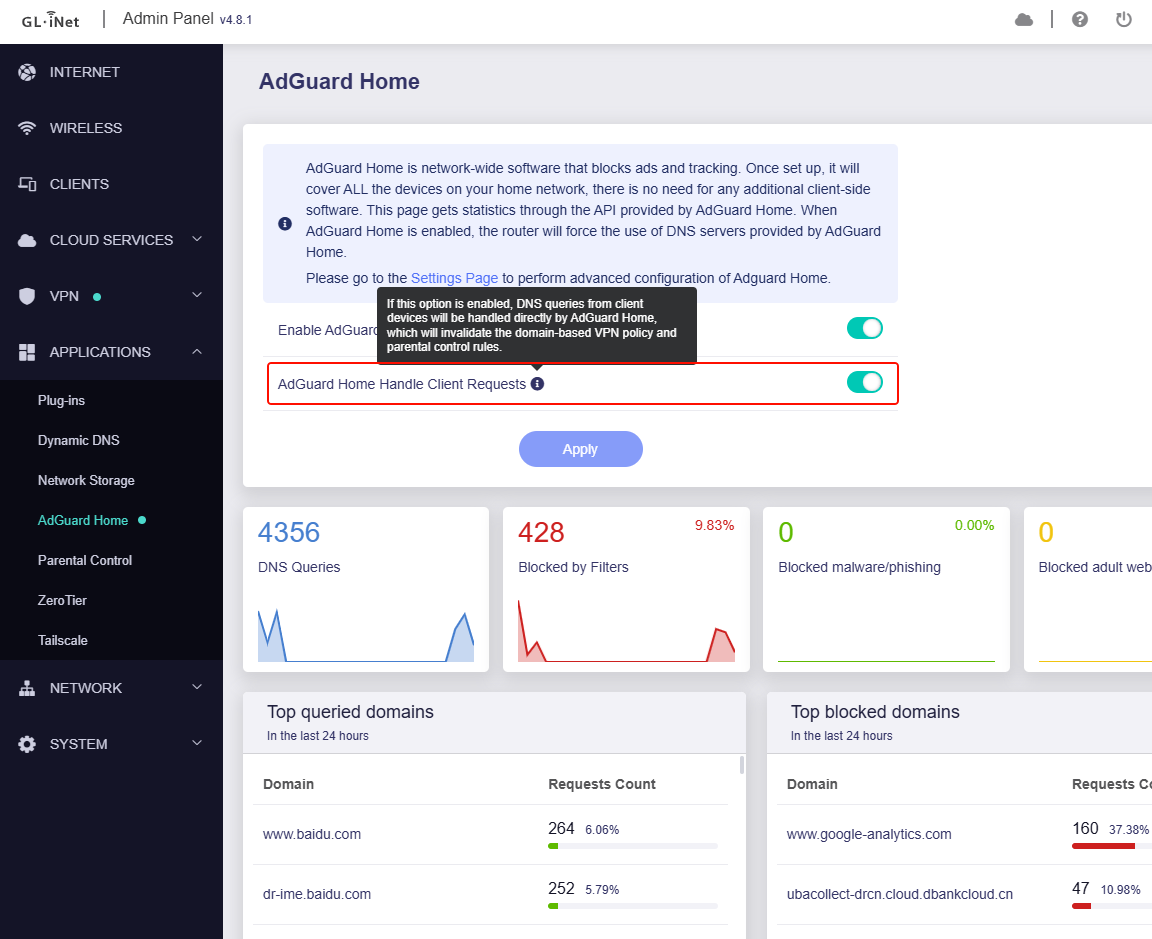
If you enable an OpenVPN client based on domain, the router works as expected, it uses the VPN DNS for the VPN traffic and the WAN DNS for the rest of the traffic. BUT as soon as you enable AdGuard Home there are DNS Leaks, the VPN traffic uses the Adguard DNS and the local LAN traffic uses the VPN DNS instead of only using AdGuard. They basically mix each other. Please GL Team release a fix for this, always ensuring that VPN traffic uses the VPN DNS and local traffic only uses AdGuard. @bruce@alzhao
Tunnel from all clients to 1 address, so it's based on domain. The issue is when I enable AdGuard home, OpenVPN by the way. To test I used the tool DNS Leak Test - BrowserLeaks
I'm testing with WireGuard now.
9.9.9.9
No DoH or DoT
Enabling a VPN client based on domain and after that enabling AdGuard home. I can say the newer firmware do a better job when it comes to leaks compared to the older one, but there is still some important DNS leaks. The leaks make the use of a VPN worthless. Especially since some services can detect the DNS and cause issues. Hoping more optimization for this