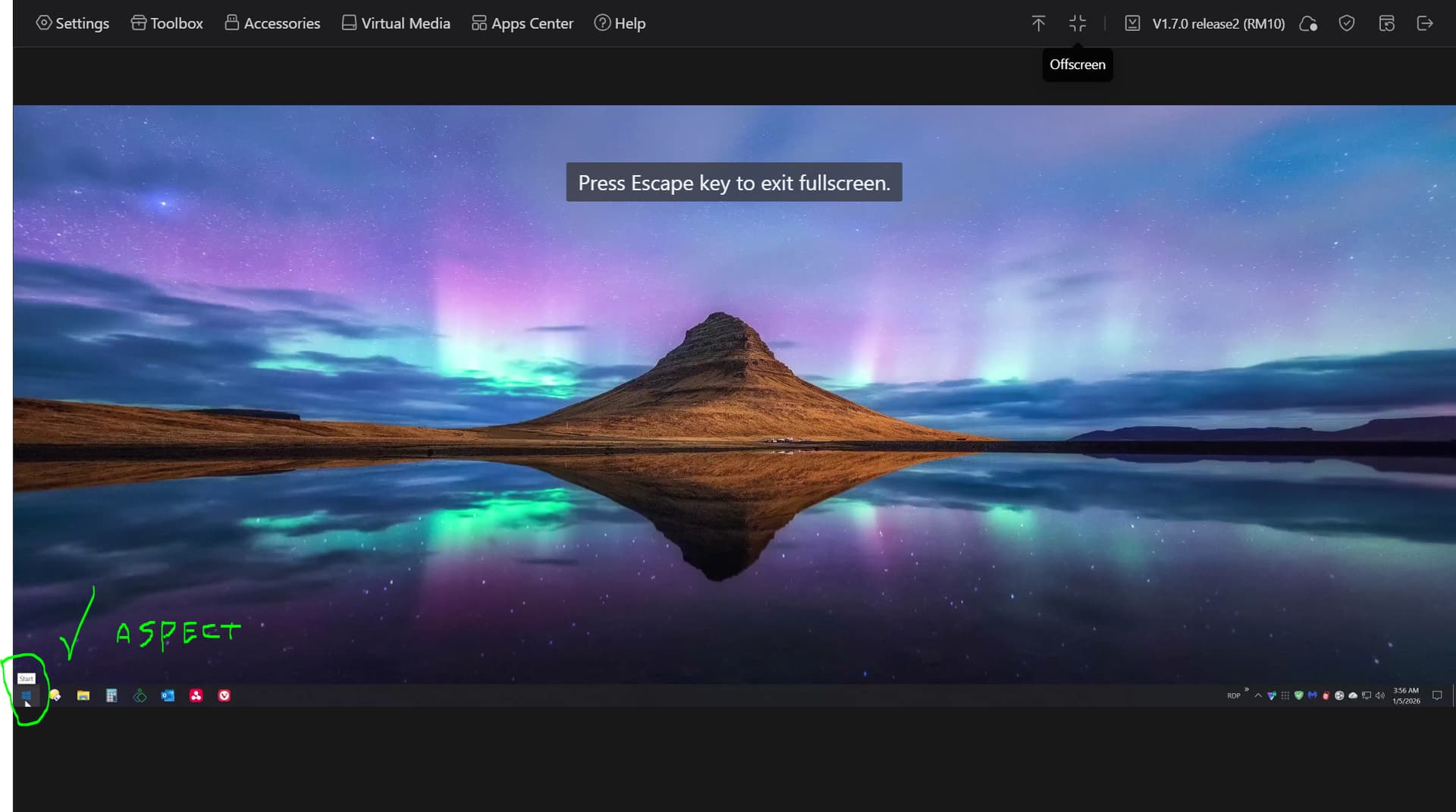
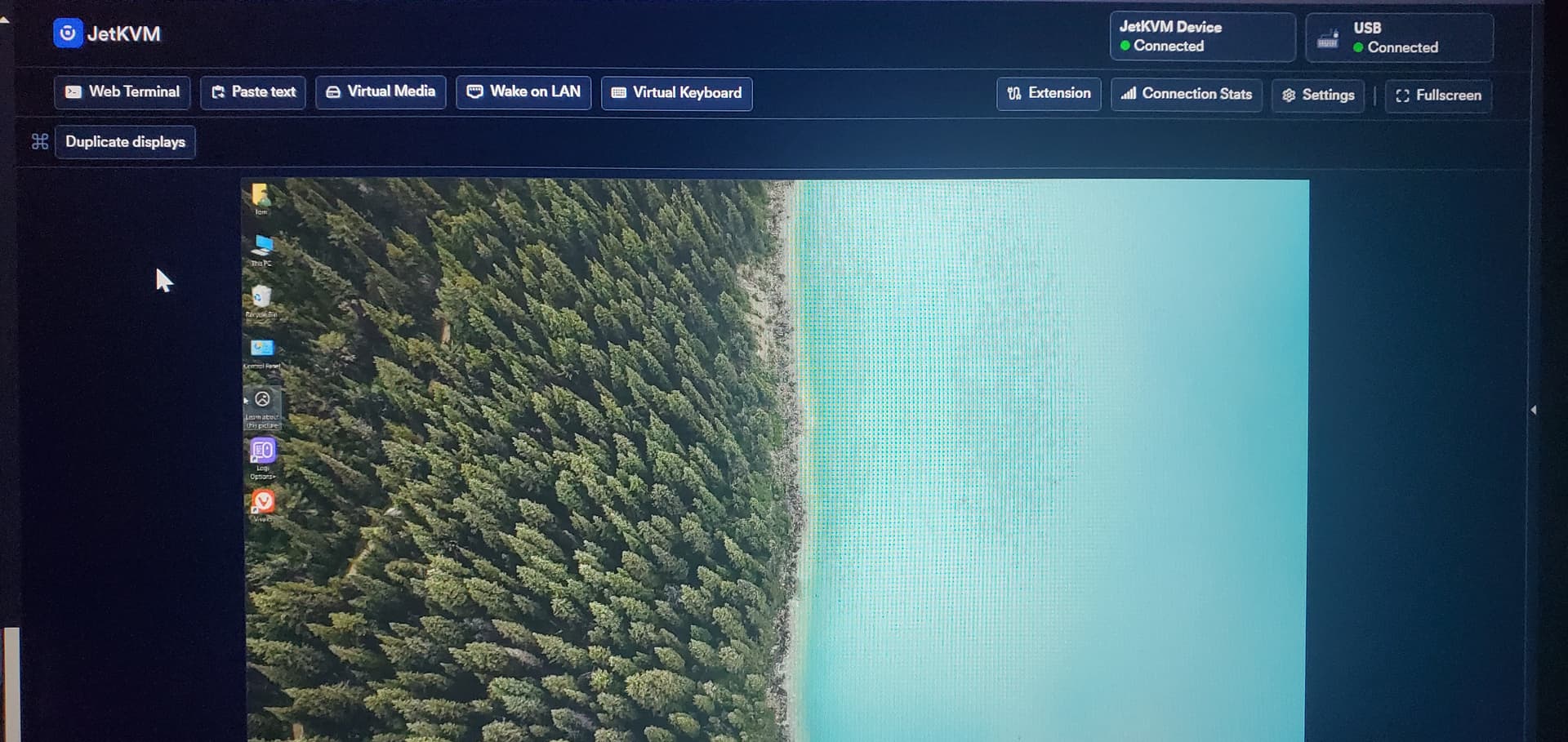
This is 3840x1600 using the correct EDID. See if you can find your exact monitor model for it’s EDID. I employed AI to do the work. Finally after wrangling around with this EDID issue affecting aspect ratio and “distortion”, if that is a valid term to use, the controlled computer’s screen appears correctly. No additional workaround steps are currently necessary. Ie. The use of SetRes.exe (free) to toggle between 2160 (4k is not native in this case) and 1600 (native). I mentioned this workaround in a prior post, but in case you missed it and want to know, when connecting to a remote computer using the built-in EDID’s from the dropdown menu, if you see a garbled screen with incorrect colors and artifacts, then getting a correct custom EDID is necessary, or use SetRes to force the resolution to and from the native resolution with scaling. This workaround, does work, but it’s ugly. Nothing I could sell to a customer.
I don’t know if this info is helpful to anyone else. However, I have been at this for months trying to get the RM1 and now the RM10 to work with this Dell 3818 monitor, and have finally found some success with a specific combination of things, EDID being the key. Other things were in play as well, such as cables, splitters, DP vs HDMI cables, and active adapters. In this case, DP for the monitor and HDMI for RM10. If powering off, or powering on the computer and monitor in a particular sequence might cause the DP to be the priority, leaving the comet invisible. A splitter is needed with the RM1, and I only found one brand/model of splitter that actually worked (sort of). No splitter with RM10, but not using pass-through. Pass through at 30hz causes unacceptable performance loss with the physical monitor. JetKvm has a button in it’s interface called ‘duplicate monitors’, which makes the remote screen appear. Great function to have with no fuss. You don’t need to guess what is happening when pressing the Win+P hotkey with RM1 and RM10. Ie. PC screen only, Duplicate, Extend, Second screen only.
I tried to edit my previous reply but too much time passed.
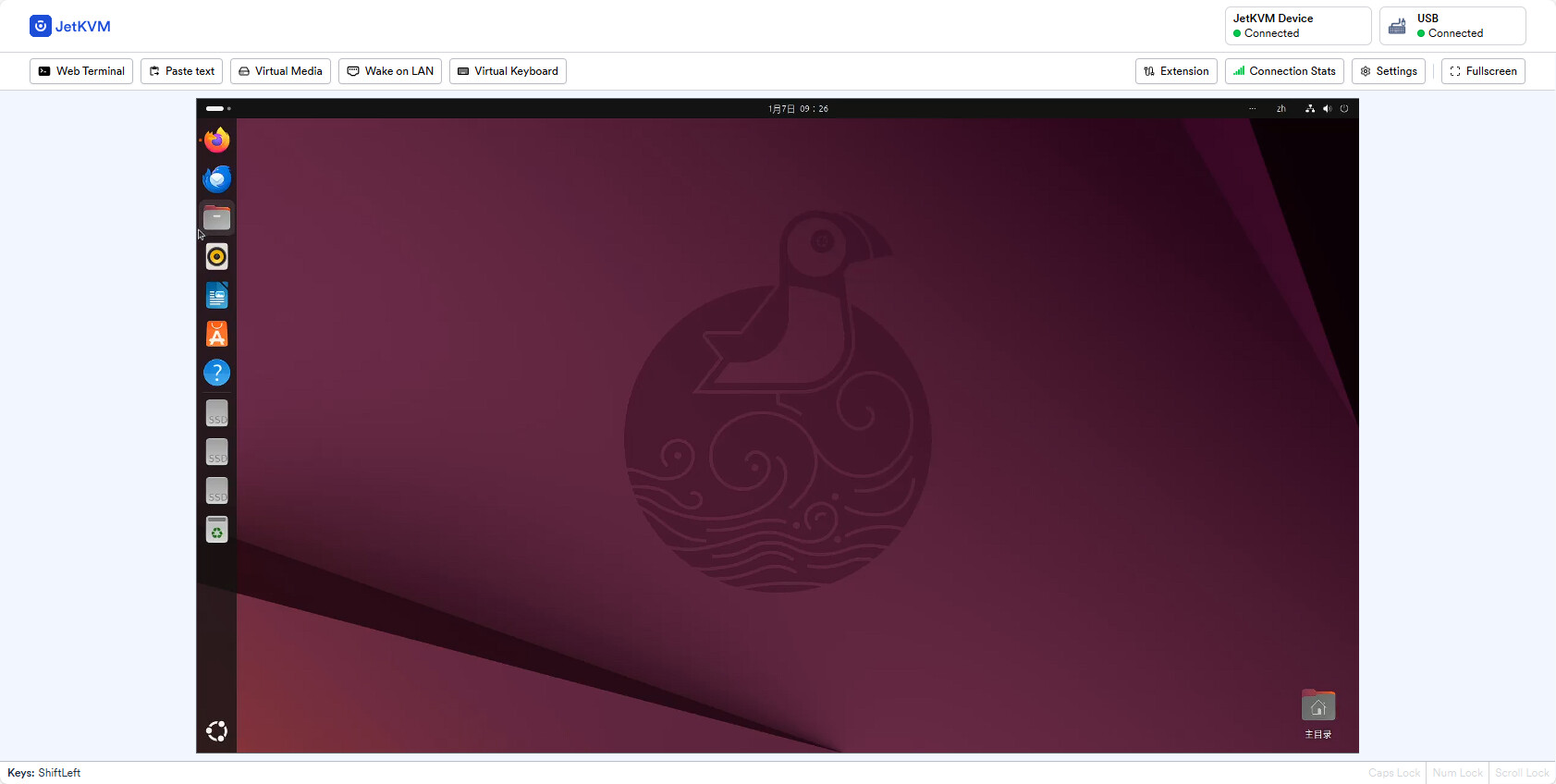
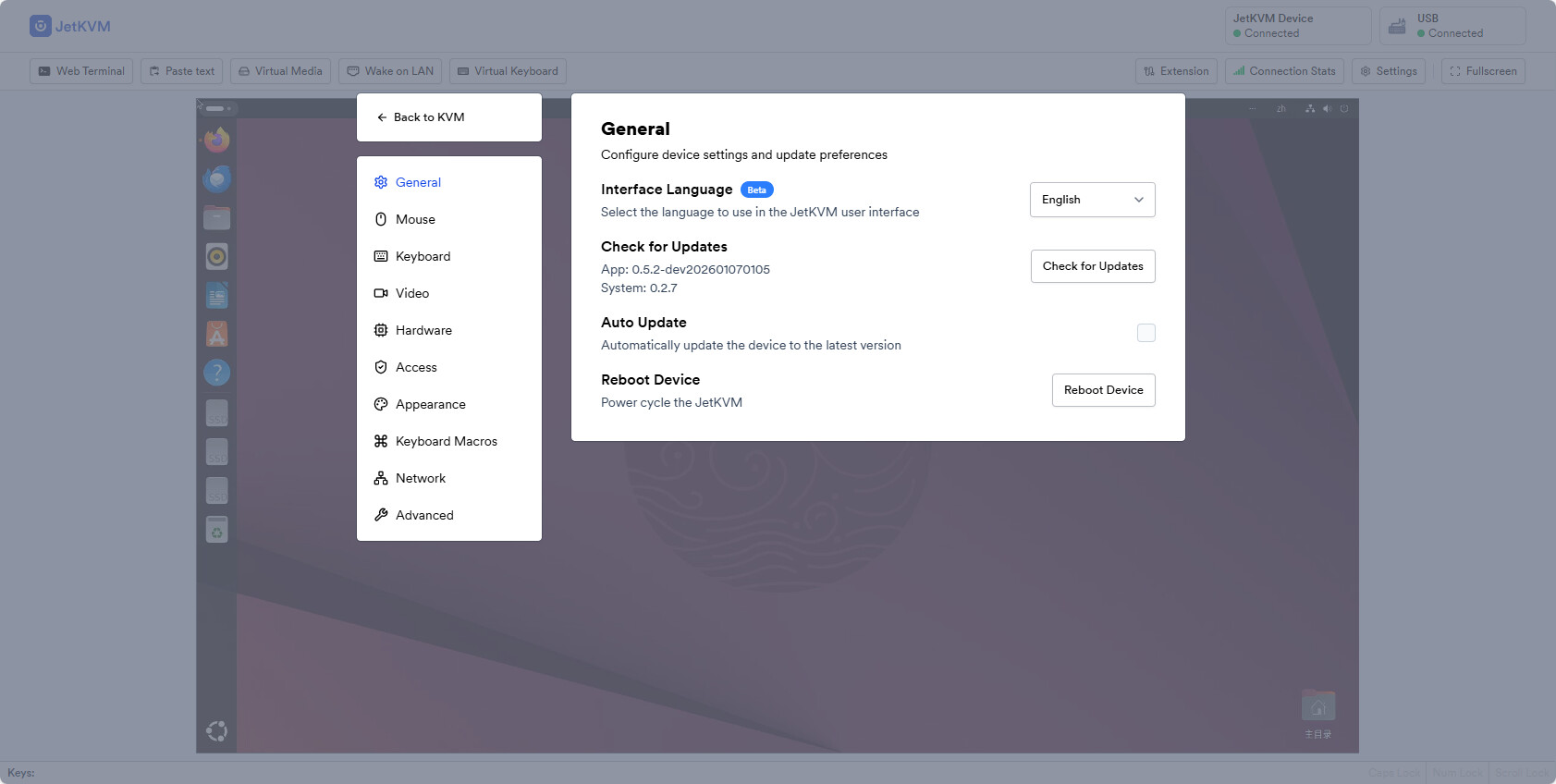
I should have mentioned that I only noticed that new button recently which I assumed came in a recent update - within the past i don't know, couple of weeks? Whatever, but jetkvm is supposed to be updating itself, so maybe you need to manually update yours and test your EDID or whatever you have in mind.