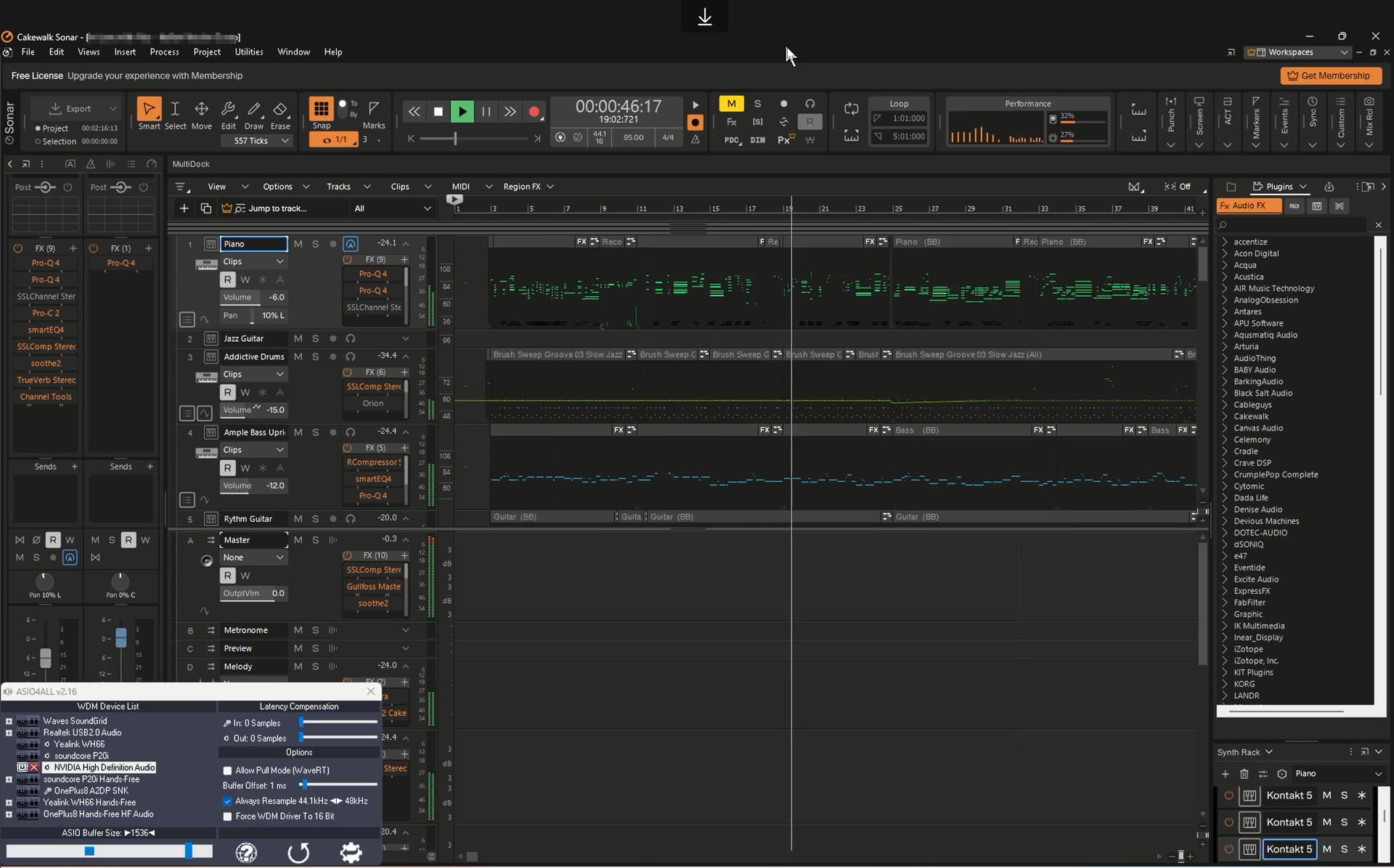
I’ve been testing Comet for remote music production, for example, remotely accessing my DAW from my laptop while my main DAW computer is a full-tower desktop with more processing power.
I figured out how to send the audio without latency using ASIO4All. My only issue is the audio quality during playback. I would nice if could be able to configure the audio streaming settings, Example MP3/AAC at 128 kbps at 44 kHz. Currently, the audio sounds more like it’s playing at around 33–38 kHz, bright sounds aren’t as crisp as they should be, this could be due to two things, low bitrate codec being use or is using lower frequency settings than 44Khz.
Streaming audio in AAC or Opus at 96–128 kbps, 44 kHz stereo would be sufficient for my needs or MP3 at 128–192 kbps, 44 kHz stereo would also work.
If you're referring to the issue where the audio played from the controlled end sounds distorted on the controlling end, please modify the controlled end's settings. Set the audio sample rate of the COMET sound card to 48 kHz. Due to certain reasons, we assume that the output sample rate of the controlled end is fixed at 48 kHz. Any other sample rate will result in distorted playback.
Hi Minmie, Thank you for the prompt response and thank for clarifying the sample rate issue.
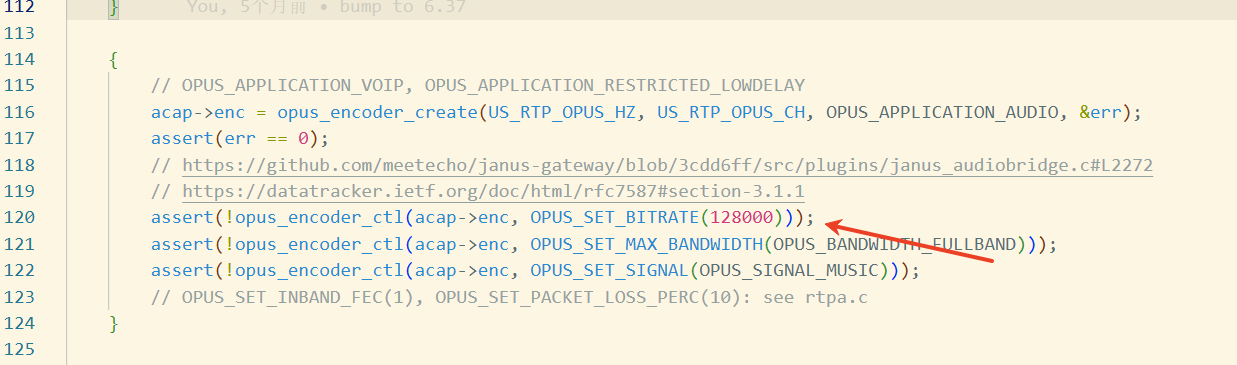
I don’t think the issue is with audio distortion in my case. It seems more like the bitrate or codec quality is too low. I’d like to increase the bitrate or switch to a higher-quality codec while keeping the same configured bitrate.
It would be great to have an option in the GUI to adjust the bitrate. Could you let me know which file I need to modify to change the bitrate manually? I’m hoping this might help me achieve better audio quality. Thanks!