Feature request: Reopen active session when restoring the app
When a GLKVM session is already running and I minimize the app, reopening/restoring the app currently takes me back to the Local Access device selection screen.
It would be much more convenient if the app automatically returned directly to the currently active KVM session.
Expected behavior:
Active session → minimize app
Restore/open app
Automatically show the active session again
Only show the device selection screen when there is no active session
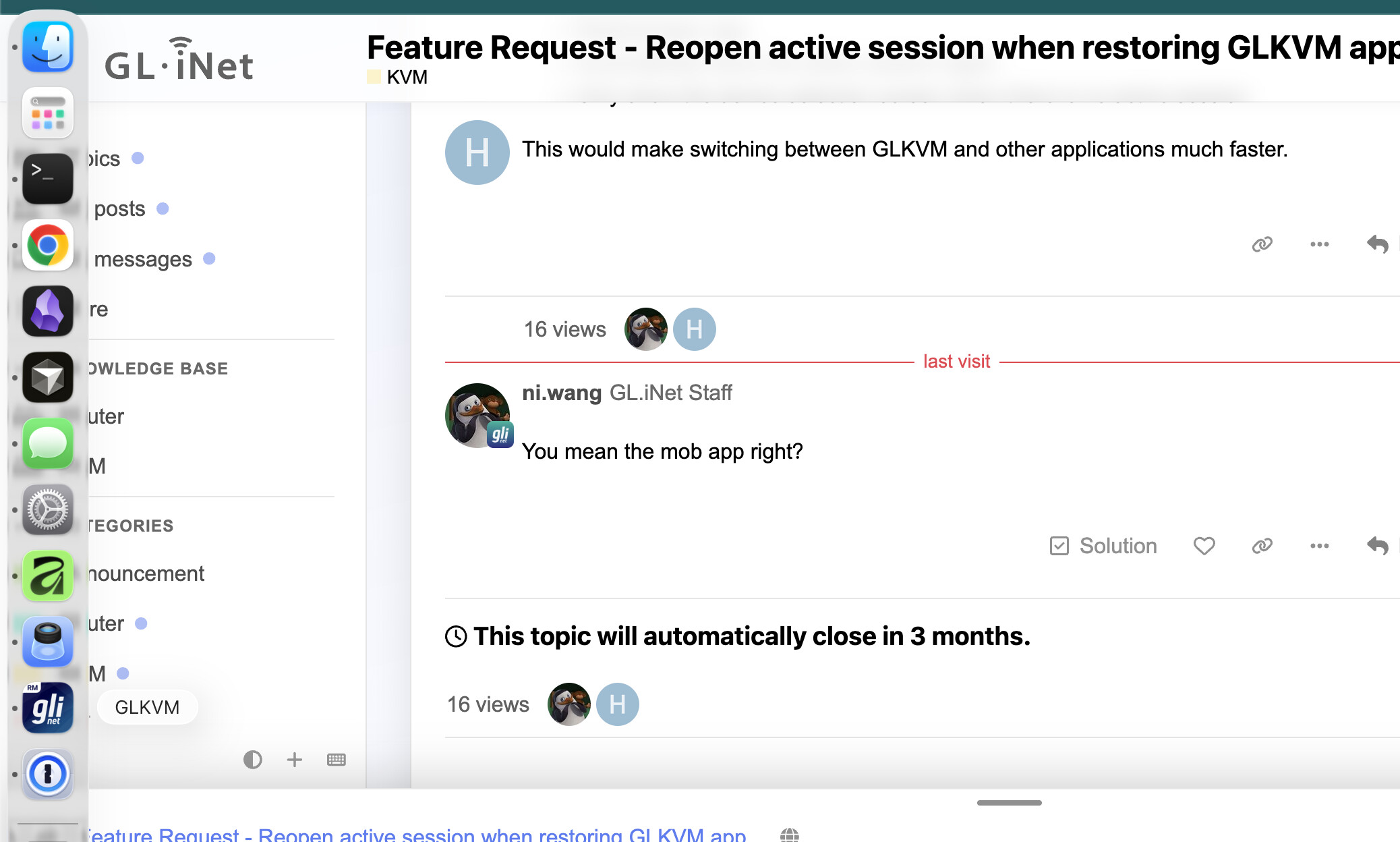
This would make switching between GLKVM and other applications much faster.
Currently, if I minimize the GLKVM app while a KVM session is active and then reopen/restore it, the app returns to the Local Access device selection screen instead of the session I was just using.
Expected behavior:
If a KVM session is active when the app is minimized, restoring the app should return directly to that session.
The device selection screen should only appear when there is no active session.
This would make switching between GLKVM and other apps much faster, since I wouldn't have to reselect the device and reconnect every time.
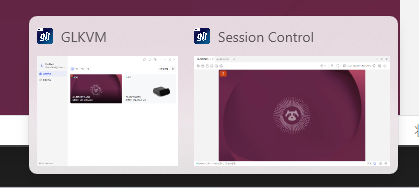
Hi, thanks for the feedback. Currently, the GLKVM app opens KVM sessions in a separate "Session Control" window. Once the session is established, you can continue accessing your KVM through this window without reconnecting.
Hello,
Yes I know but on Mac when you click on the actual icon it will always maximize the GLKVM app but not the Session Control and I would prefer the other way around.