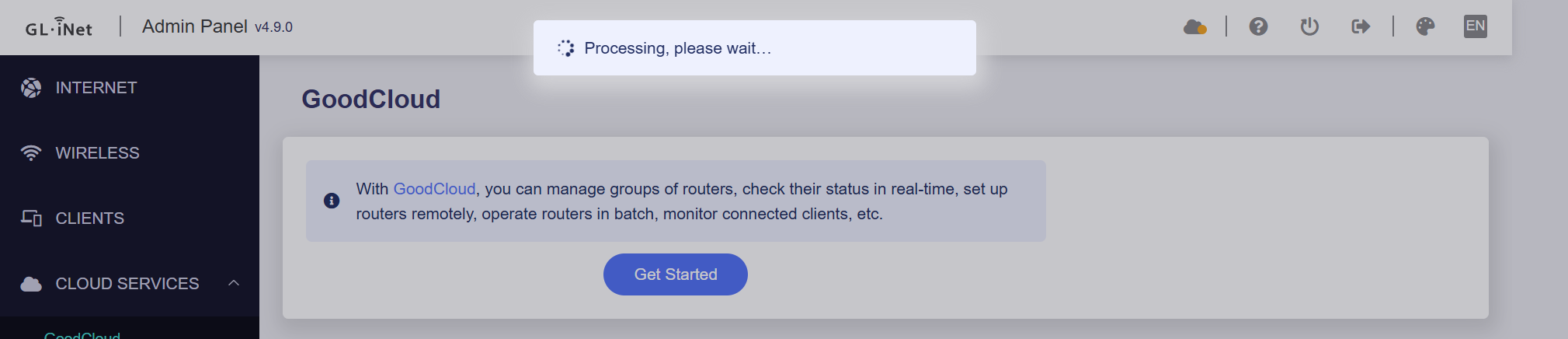
After updating to the latest firmware and completely resetting the router for the issues described in previous posts, I continue to encounter issues with GoodCloud.
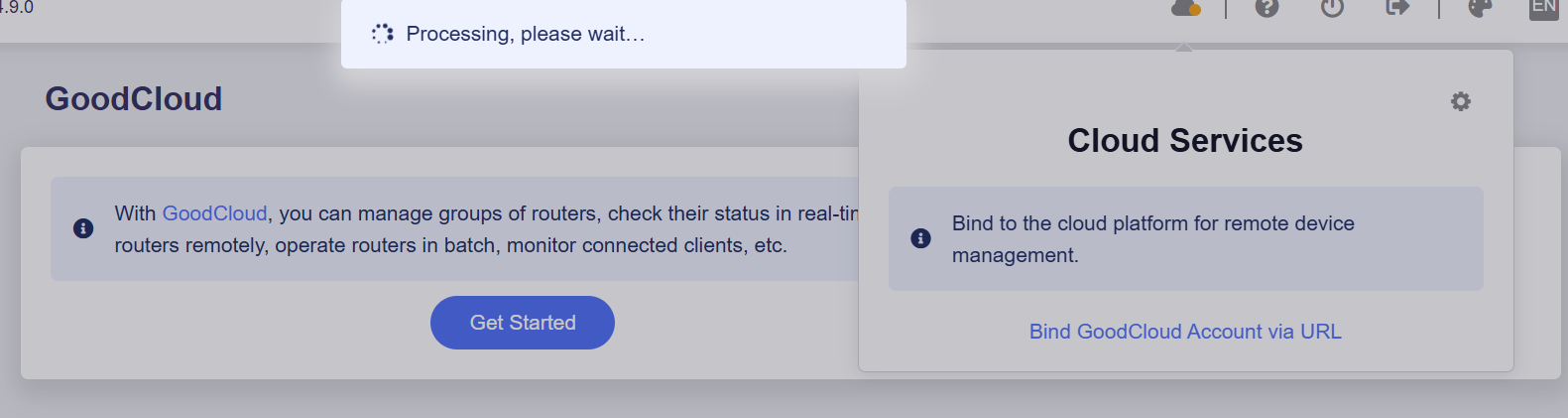
The router always remains stationary in the following state:
I tried disabling AdGuard Home and also the Wireguard server but it still gets stuck.
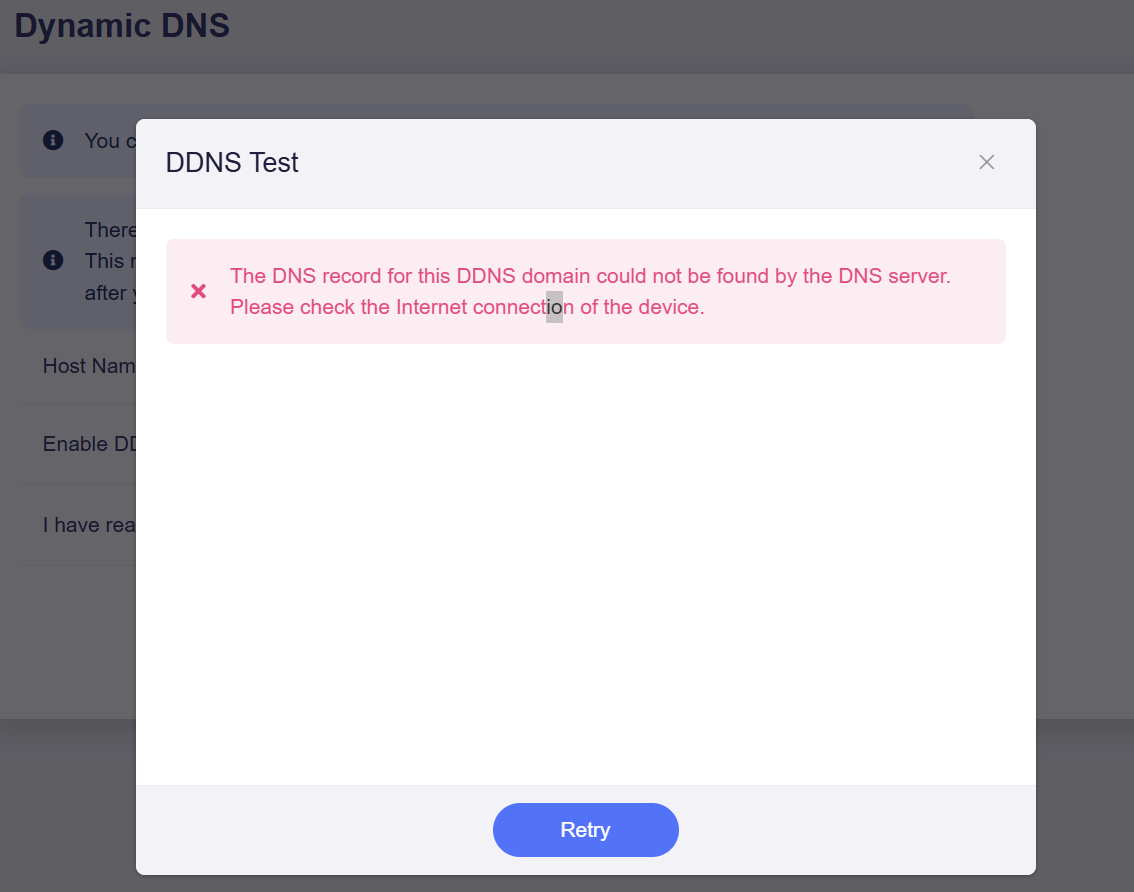
I hadn't tried it before as I use the fixed IP address to configure Wireguard but even with the DDNS I have some problems and this after 2 hours I activated it:
@will.qiu@bruce can we expect some form of band steering to be implemented in the GL firmware? Most WiFi deployments these days use the same SSID across different frequencies and APs. While modern clients like Apple devices can make their own decisions, some older clients still require manual intervention to move from one band to another
PS: I’ve been testing 4.9 beta 3 on my GL-MT6000 and I see better stability/performance for some Samsung clients than open source OpenWrt 25.12 with mt76
PS2: usteer and dawn can’t be used with proprietary WiFi drivers
We have investigated the report and confirmed that this vulnerability can potentially affect GL.iNet devices. However, it only impacts advanced setups where the factory configurations have been manually modified.
Our engineering team has already developed and validated an internal fix, which will be rolled out in the future firmware release.
Vulnerability Breakdown
Specific Condition: The vulnerability is only triggered if AdGuard Home is manually configured to operate as an encrypted DoQ (DNS over QUIC) or DoH (DNS over HTTPS) server for local clients, while its own upstream DNS handles traffic via unencrypted, plain UDP.
Default Status (Safe): Out of the box, AdGuard Home on our routers functions strictly as a local UDP server. The vast majority of users are entirely unaffected by this issue.
Interim Mitigation
If you have customized your router to serve encrypted DoQ/DoH to your LAN clients, you can completely mitigate this risk right now with a simple configuration adjustment:
Action: Change AdGuard Home's upstream DNS servers from plain UDP endpoints to an encrypted DNS provider (such as DoT or DoH via Cloudflare, Quad9, or NextDNS). Eliminating the unencrypted upstream UDP link completely closes the vulnerability pathway.
We currently have plans to bring Mesh support to some models (possibly including the MT6000) in future firmware versions. Band steering support would also be included as part of that implementation.
However, this is still in the planning stage at the moment, and we do not yet have a specific timeline to share.
curl -vvv  $(uci get gl-cloud.@cloud[0].server)
ping goodcloud.xyz

# Please mask your IP address and device id like xxx.glddns.com in the results before sharing
nslookup $(uci get gl_ddns.glddns.domain)
lua /usr/lib/gl_ddns/get_ddns_registered_ip.lua
Please export the logs and send them to us via private message so we can analyze them further.
dear @will.qiu I hope GL.iNet consider in a definitive way thr MT6000 for mesh/band steering. Nowadays, is a strong router and a secure choice for most user, especially for those who have to deal with big area and wifi coverage
MTK OpenWrt 21you mentioned, but unknow the model, please let me know your specific device model. I need this detail information to check if the WiFi driver supports the Beacon Interval and DTIM parameters.
I don’t know if that was already an issue mentioned here.
I have my Flint 2 with 4.9.0 beta1 and I am trying to update to beta3.
It loads the firmware, checks it and gives me the percentage for the update process. But than it gets stuck on 100%, I cannot log in to the portal anymore (page does not load) and I can only access via ssh where I send a reboot command and the firmware is still beta1 after reboot.
Please try redownloading the firmware package (just in case the previous downloaded one was corrupted), and then manually upload and update it again in GL GUI.
If the update fails, try entering U-Boot to flash the firmware:
Hey, we have been waiting for a while to test 4.9 on Brume 3, especially for the new VPN enhancements and DNS. When are you expecting to release the beta ?
Damn, that's really impressive! How are things working right now? Is it stable? I really want to install the beta because of DoH and DoQ support, and I'm not worried about bugs, but I'm worried about security and privacy issues.
My Flint 2 is having the same issue. I first tried to update it via my mobile phone and it stayed at 100% however the router never restarted and the UI was no longer available. Reset it via unplugging it after waiting half an hour. Tried to install it via direct connection on my PC and it did the exact same thing.
Only other option I can think to try is clean install, but Im getting sick of always having to set my router up over and over haha
Ah, I missed that! I'll download and install it. Will my VPN and tunnel settings transfer over, or will the beta completely wipe and do a fresh install?



 I hope GL.iNet consider in a definitive way thr MT6000 for mesh/band steering. Nowadays, is a strong router and a secure choice for most user, especially for those who have to deal with big area and wifi coverage
