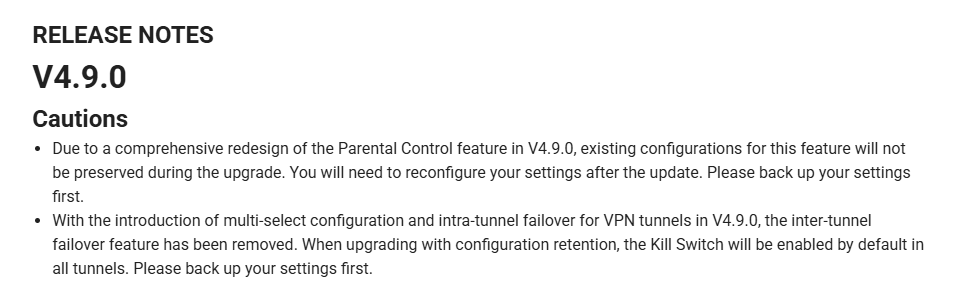
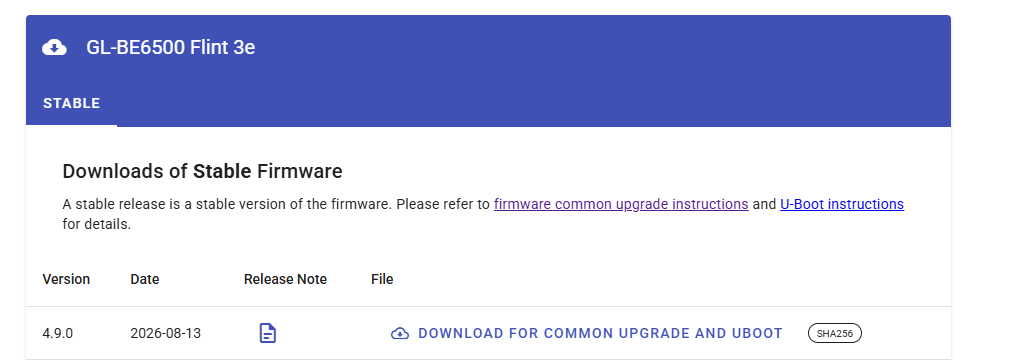
You're misunderstanding me about what I'm trying to do by downgrading. While I wait for your team to sort out the viability of implementing a no-VPN option, if I ever need to do a factory reset of my router, I will downgrade to the latest v4.8 firmware, factory reset it, add a non-VPN tunnel, then upgrade and retain my settings, and finally finetune my router. Then it'll be safe to upgrade from that point forward while retaining my no-VPN tunnel?
I was asking if there were any bugs or security concerns associated with configuring the necessary settings on v4.8, and then upgrading to v4.9 or later while maintaining the configuration. Are you aware of any?
I really love seeing the data from the DPI log. It reminds me of the statistics from Control D. In a lot of ways, it does seem like DPI is sort of like it.
I personally think the length of the retention period should really be decided by the storage capacity of the external storage. Then, when space is running out, it will make DPI infinitely more useful. GL.iNet has lots of good ideas, but sometimes, you guys don't really expand on it and make it more useful.
thx, Thanks, I’ve been testing the update and everything is running smoothly so far. The new DPI engine is really good; thanks to it, I can see the traffic and requests the network is making. The wait was worth it—SQM works well for gaming, as my network suffers from significant bufferbloat without it.
Somewhere between 85% to 95% of total, very dependent on the line/ISP, start at 95% and move down and test against buffer bloat site, only really helps on busy networks.
What about configuring it on my travel routers at the hotel? I don't know who their ISP is and what kind of connection it's on. How should SQM be configured?
However, we do not recommend using SQM in this scenario. SQM is designed to work when the network bandwidth is relatively stable. If the available bandwidth fluctuates significantly, SQM may not be able to function effectively.