Installed the beta again to create a backup file for you. Was able to recreate the behavior, but after 10 or so mins things began to mostly behave.
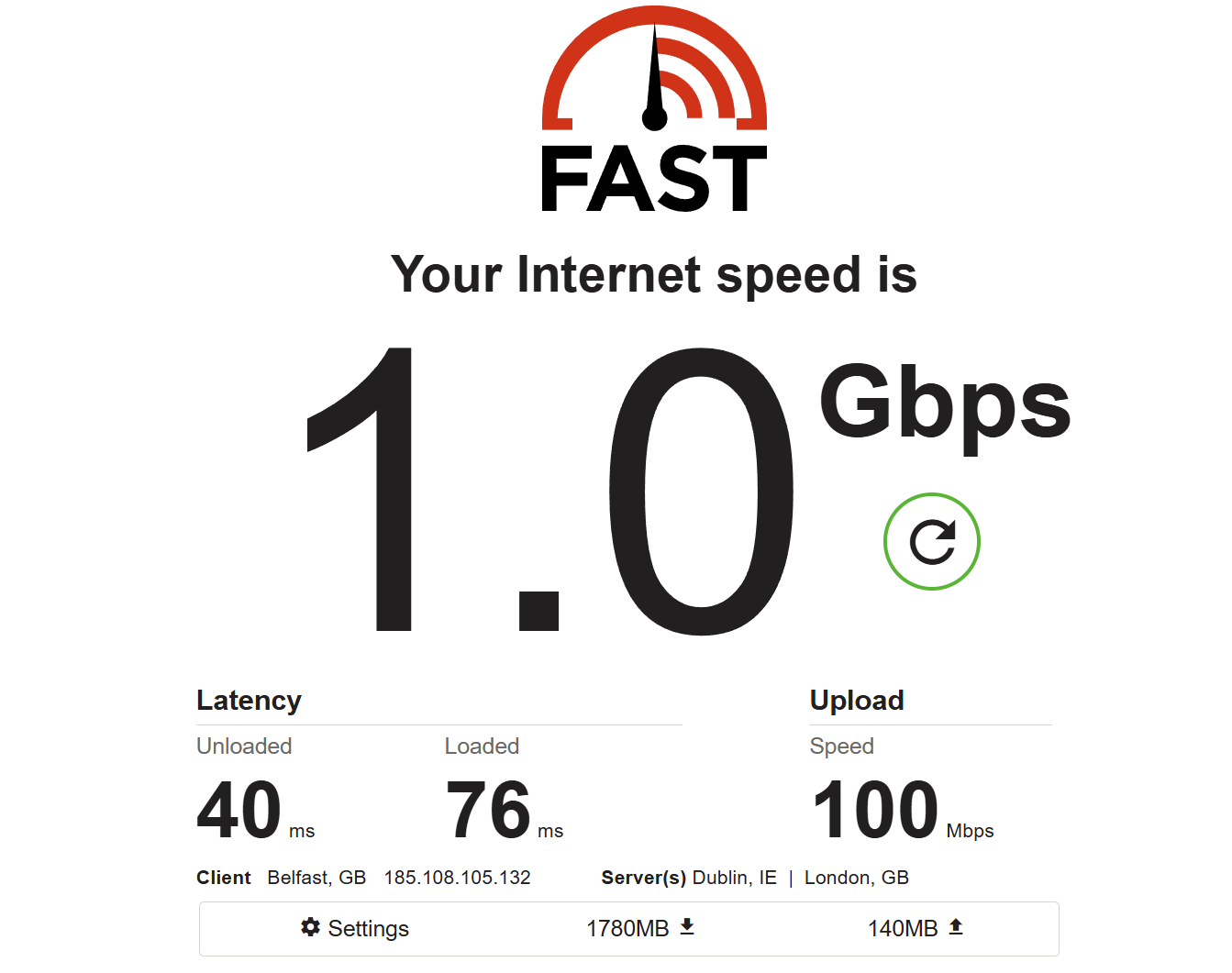
On OpenWRT, client is not just connecting with ipv6 but also a different city, so two different variables from fresh installed OEM beta. I forced OpenWRT 25 to connect with ipv4 as well, and stats were mediocre in contrast to ipv6.
One small issue: The system overview page is missing the CPU temperature that was available in 4.8. Both on Desktop browser and on phone browser.
One question:
For IoT: Are devices on the IoT Network reachable from LAN (e.g. LAN initiates connection and then responses are allowed) or fully blocked from LAN like the Guest Network is?
If they are not reachable from LAN I suggest adding a toggle to enable/disable this to make it more useful.
Thank you for the new firmware. Unfortunately, however, the AmneziaWG VPN connection is extremely unstable. I have a GL-MT3000 router.
1. If I install the Amnezia app and use it to create a configuration file, it does not work on the router. The router reports an error. After manually correcting the file, the router accepts it.
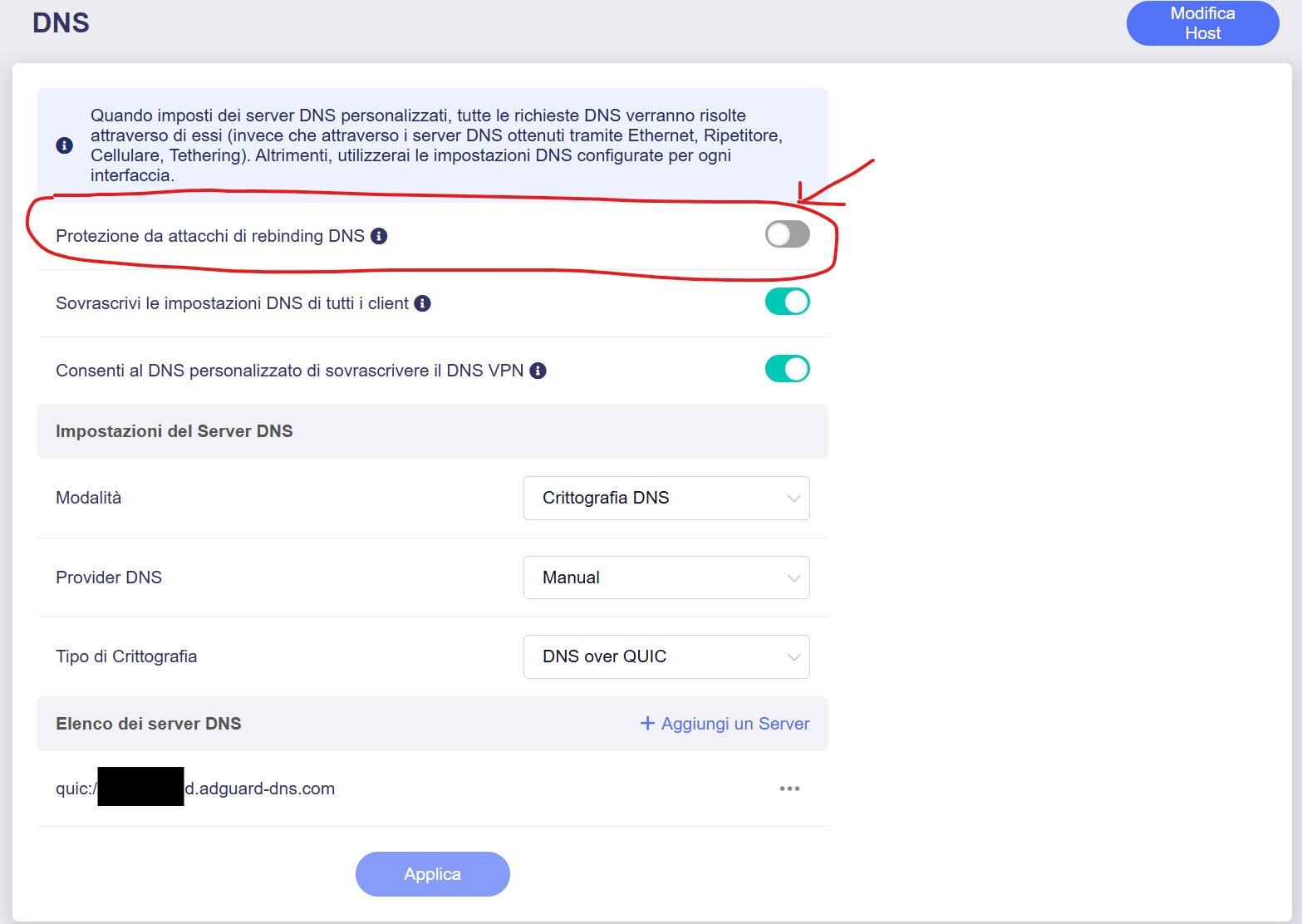
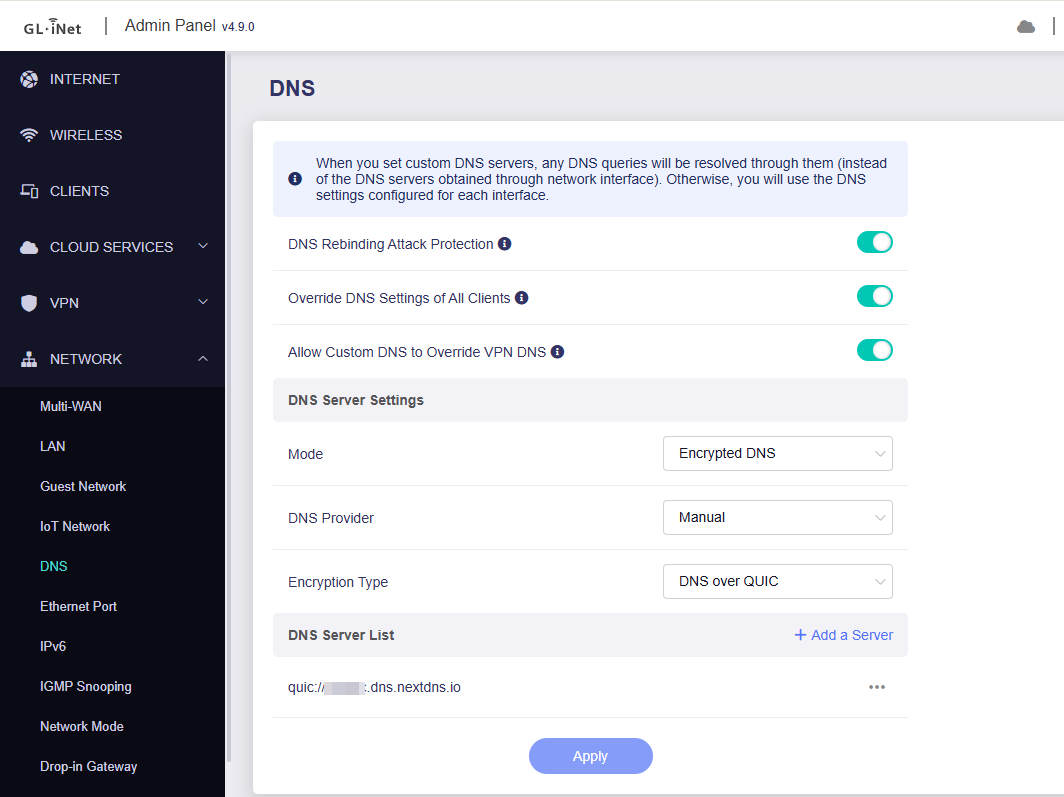
2. The VPN scripts themselves are unstable. The router regularly simply stops transmitting any data. I suspect the problem is with the DNS.
They got enabled on all the GL-BE9300 when I upgraded to beta3 I verified it by checking them in LuCI, easy to adjust it in the the one I run as a firewall, the two I’m tunning as AP’s was a litte more interesting I ended up disabled the unwanted WiFi networks thru SSH and using the following commands (I found the correct WiFi names by using “GL.iNet Utils script”);
uci set wireless.guest2g.disabled='1'
uci set wireless.guest5g.disabled='1'
uci set wireless.guest6g.disabled='1'
uci set wireless.iot2g.disabled='1'
uci set wireless.iot5g.disabled='1'
uci set wireless.wlanmldguest2g.disabled='1'
uci set wireless.wlanmldguest5g.disabled='1'
uci set wireless.wlanmldguest6g.disabled='1'
uci commit wireless
wifi reload
Now everything works as expected.
I also run ORB on all my GL-BR9300 to monitor them and my internet connection, I don’t think it should cause anything like this.
I’ll keep an eye on this if there is more beta releases, and if there is anythin you want me to test just let me know!
Thank you for sharing your experience with Flint 2 v4.9.0 beta. We're glad to know it's working well with your network setup.
Regarding the mobile app issue, currently, it doesn't support some of the new features in the v4.9.0 firmware. We will release v2.8.0 of the app to support.
The beta version of the iOS app is available via TestFlight:
(In the current beta version, there still seem to be some issues with the DNS configuration.)
Many users have expressed concern about high temperatures, even though such temperatures do not affect the device’s performance. To alleviate these concerns, the fanless router no longer displays CPU temperature.
If the issue resolves after a while, it could be due to fluctuations in the upstream ISP network, causing inaccurate SQM tests. However, if you're still meet or able to reproduce the issue, please let us know and provide the steps to replicate it so we can investigate further.
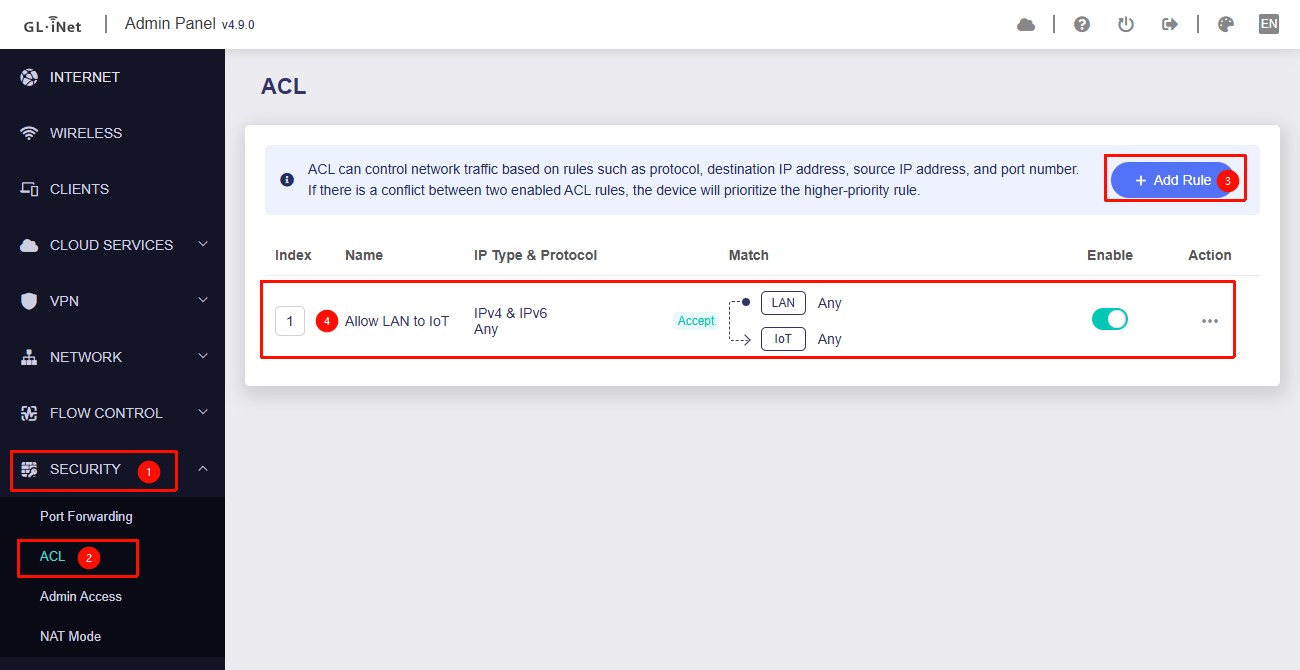
The IoT network is now isolated from the LAN, like the Guest network.
Thank you for your suggestion—we’ll discuss it with our product team.
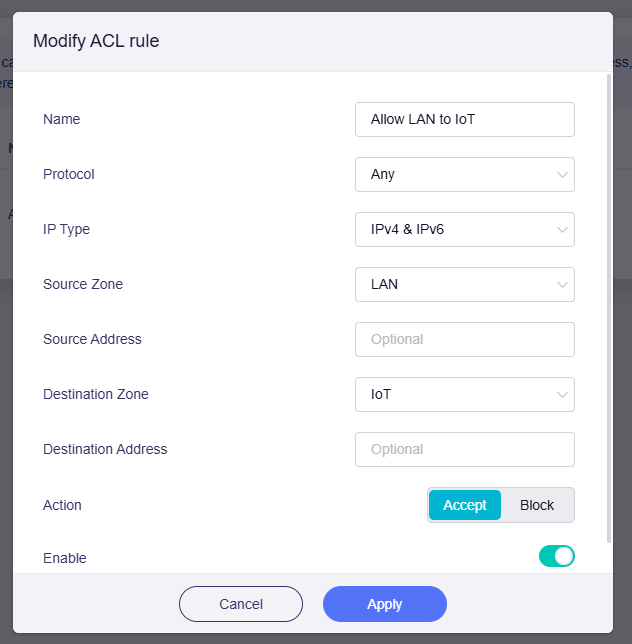
We have already added support for the ACL feature in v4.9.0, so users who need this can go directly to Admin Panel → Security → ACL and add the following rules:
When importing the Amnezia configuration file, what error message does the router show? What modifications are required to make it import successfully?
If possible, please share the configuration file with us (with the server address and private/public keys redacted).
Regarding the VPN issue:
What VPN script are you referring to here?
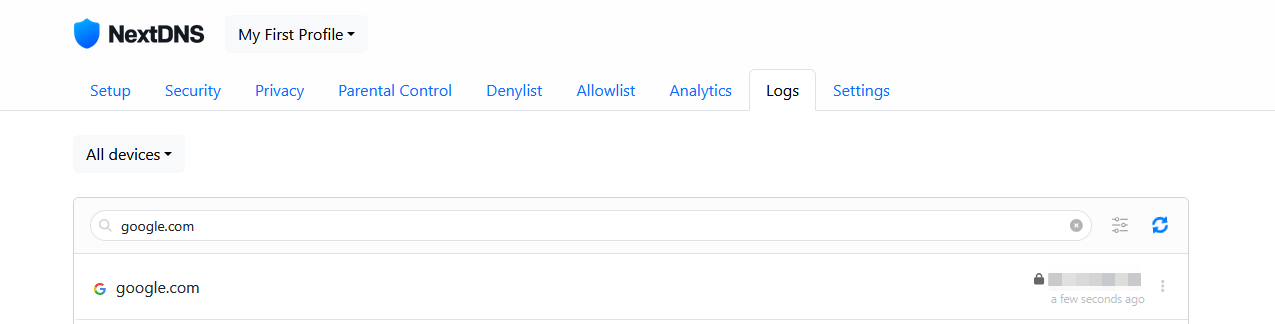
When the issue occurs, please try running the following commands on the client LAN device to check the situation:
# Windows (Command Prompt)
nslookup google.com
tracert 8.8.8.8

# macOS / Linux
nslookup google.com
traceroute 8.8.8.8
The v4.9.0 beta for Flint 3e doesn’t have an exact release date to share yet, but it will be among the first batch of devices, so the wait shouldn’t be too long.