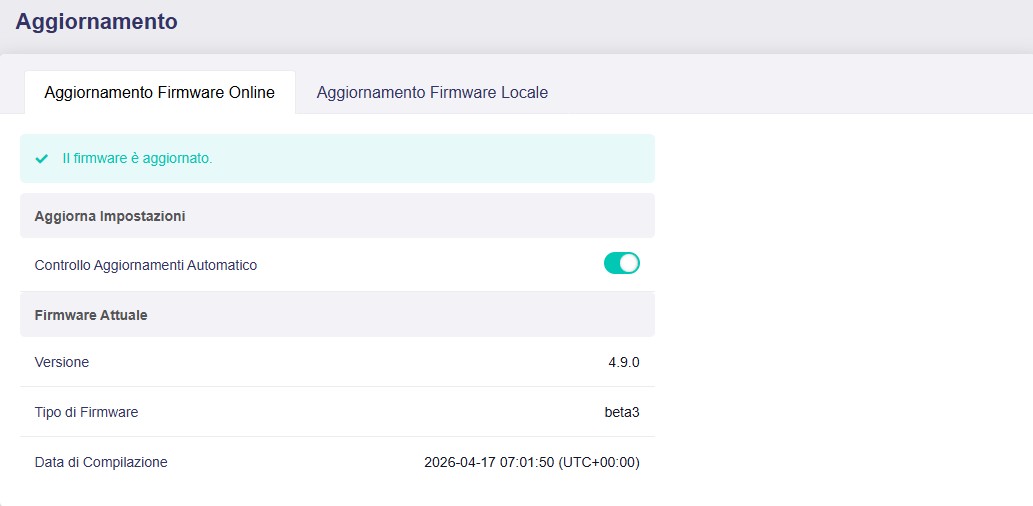
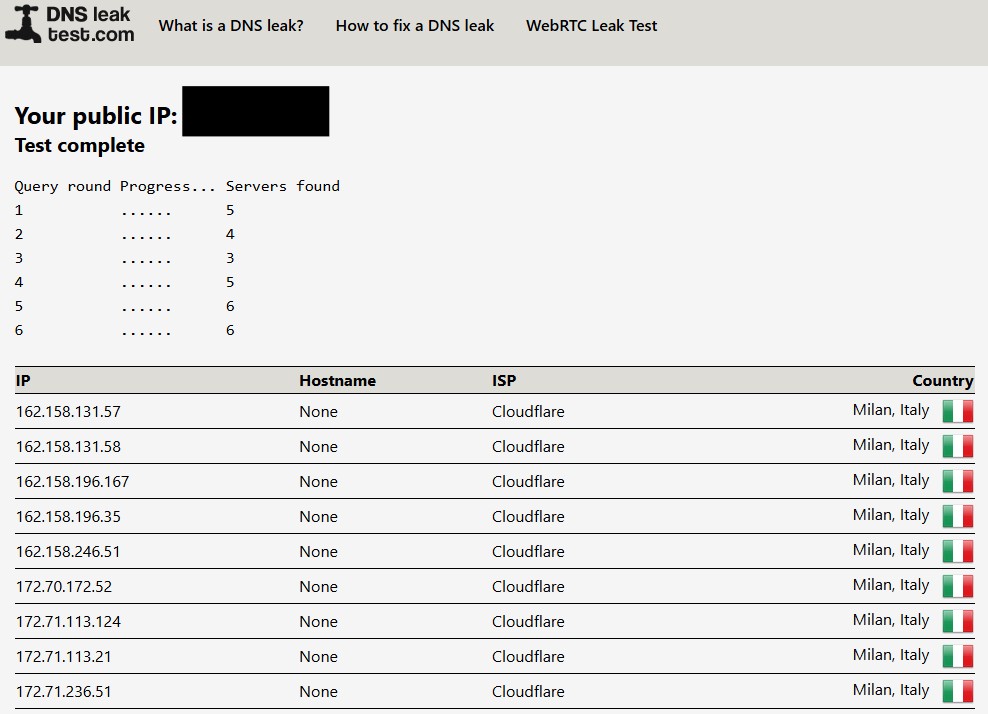
Thanks for the notification @Lun . This firmware certainly looks like it deserves a completely clean uBoot install for proper testing which is what I am embarking on just now.
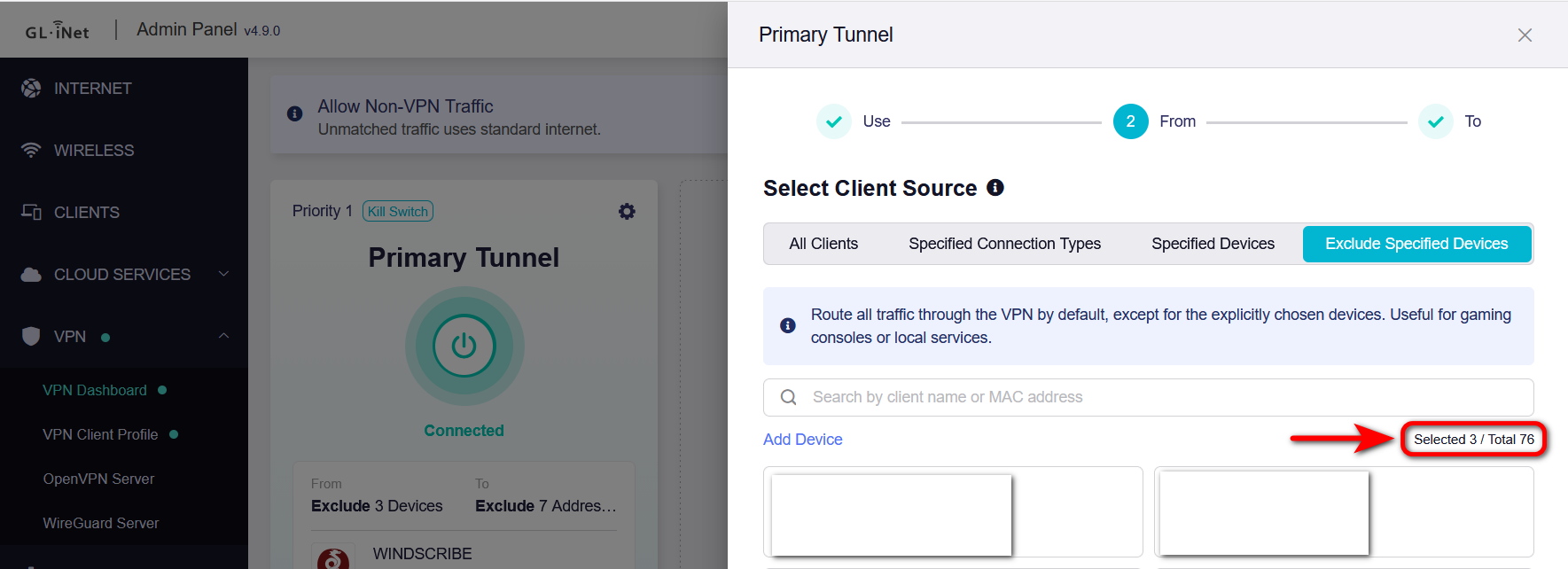
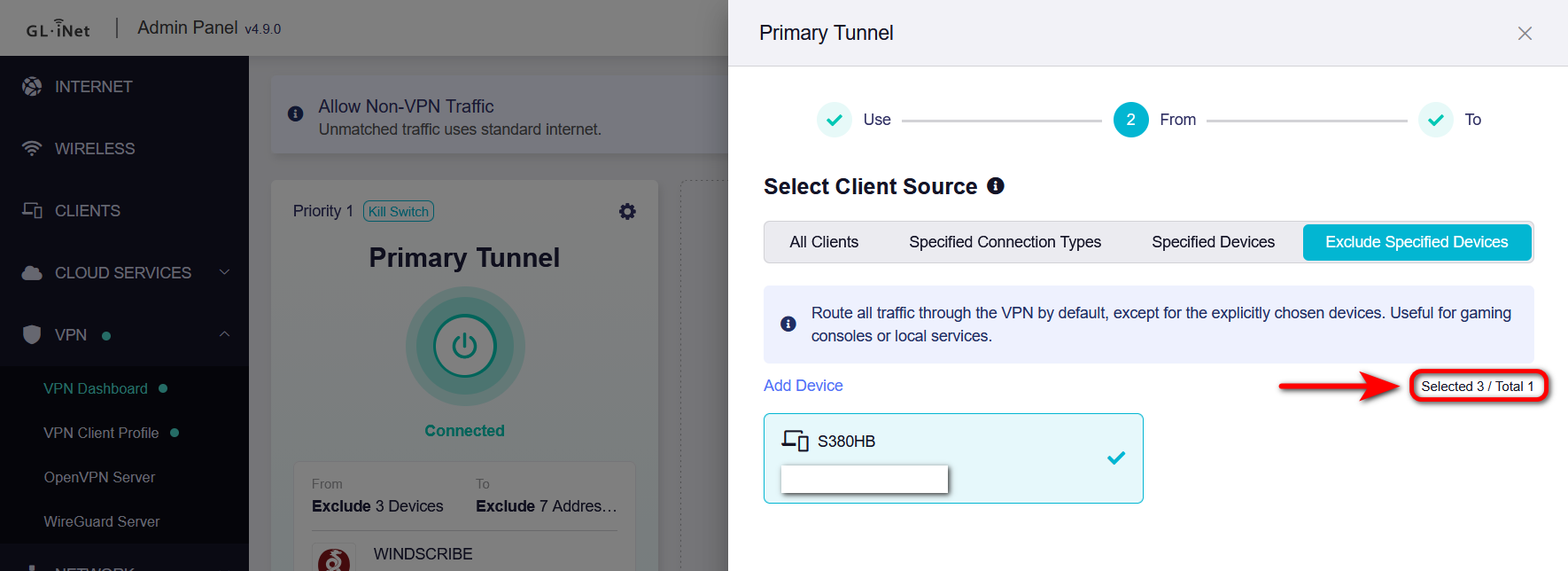
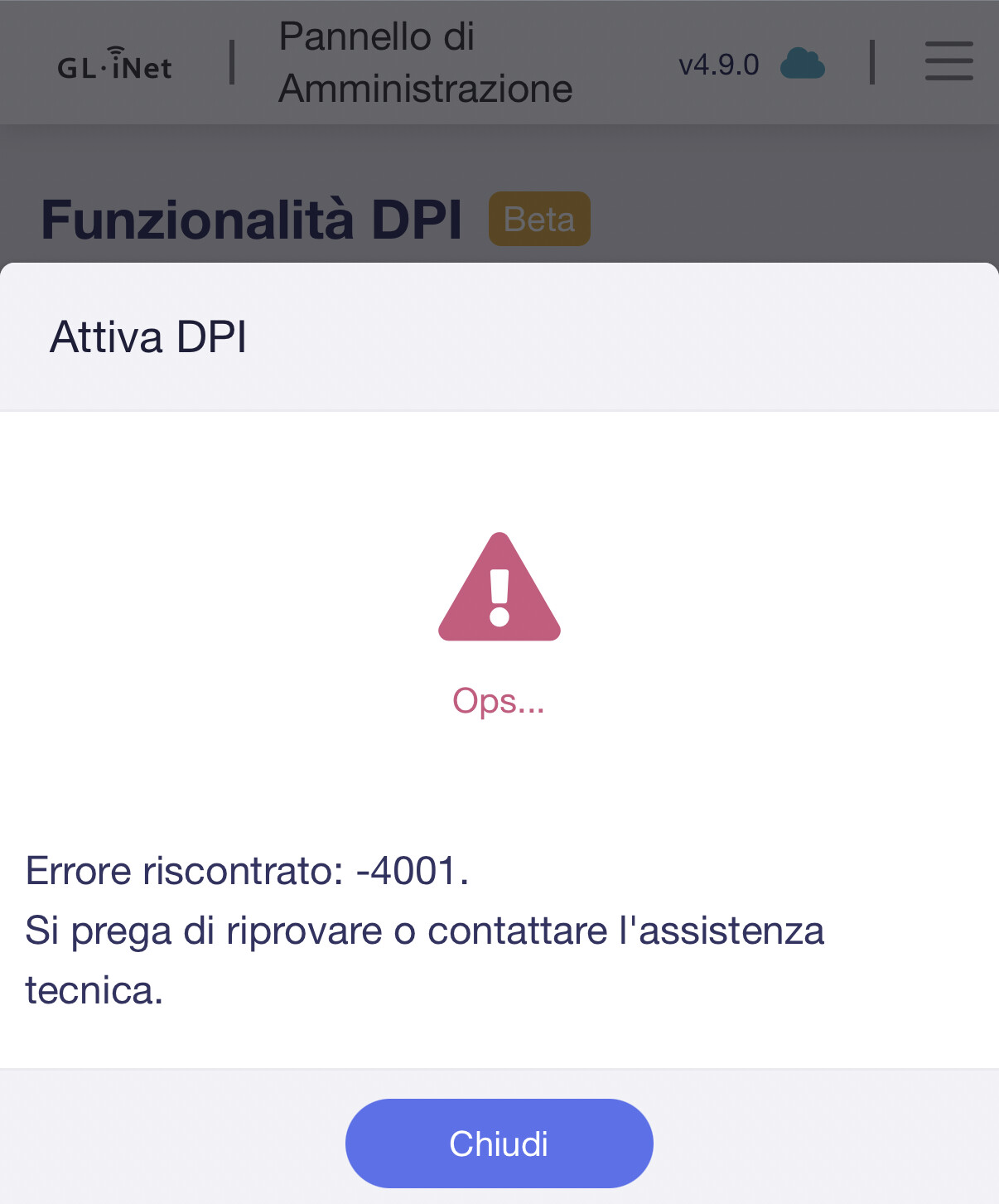
The new VPN Dashboard needs some getting used to but overall the change is really good. A small problem that I found is that one a search is done for a particular client to include/exclude, then the result is stuck, the search bar is completely lost and there is no way to return back to the whole list of clients without completely exiting dashboard and returning back to it again. I have attached some screenshots:
Could you clarify the exact steps to reproduce the issue?
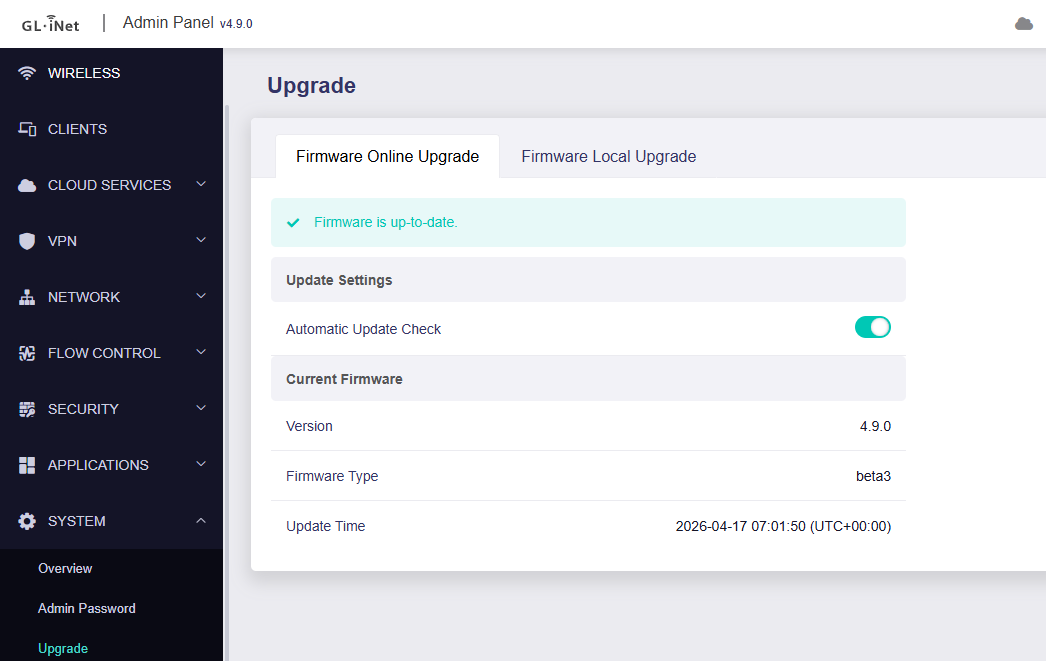
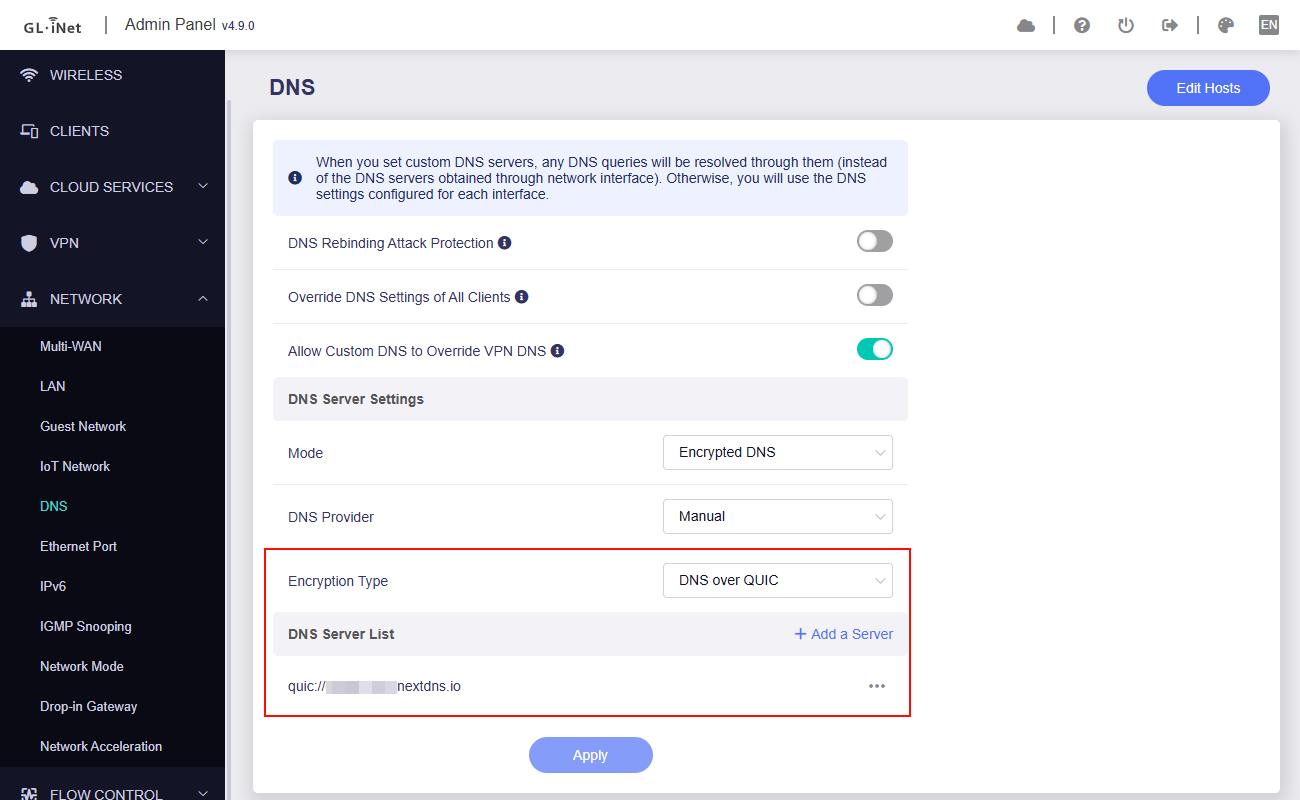
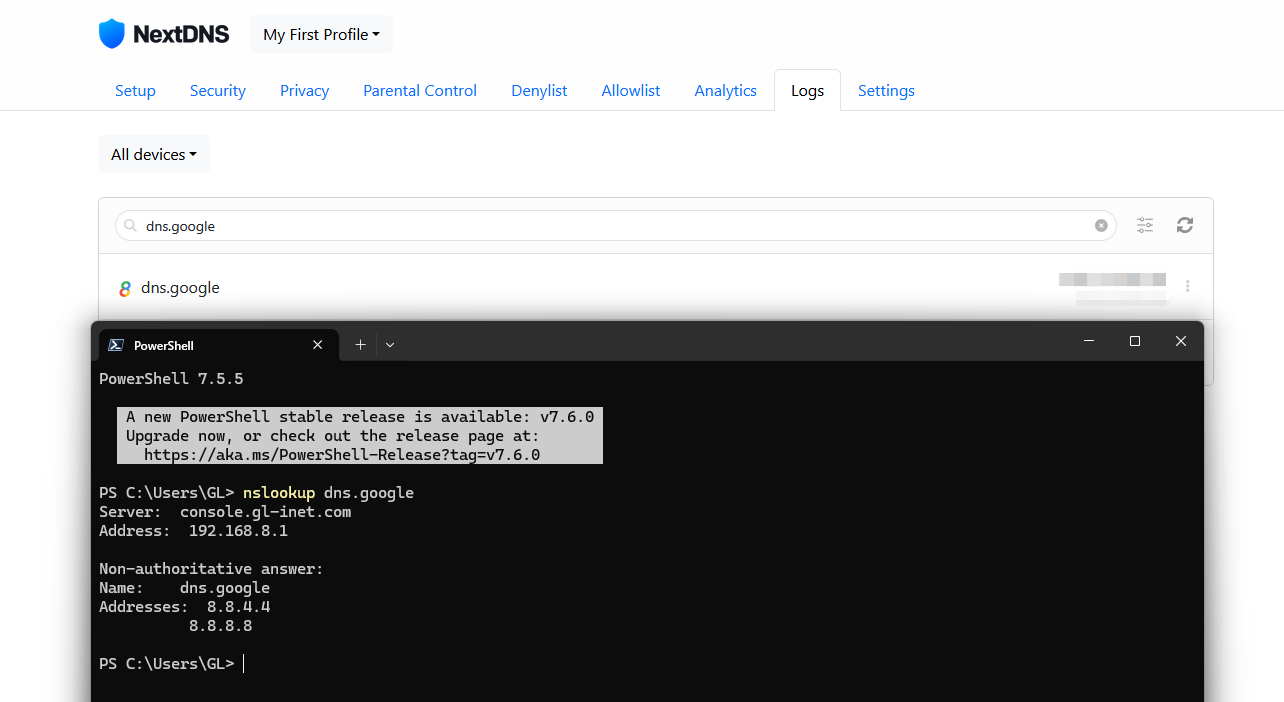
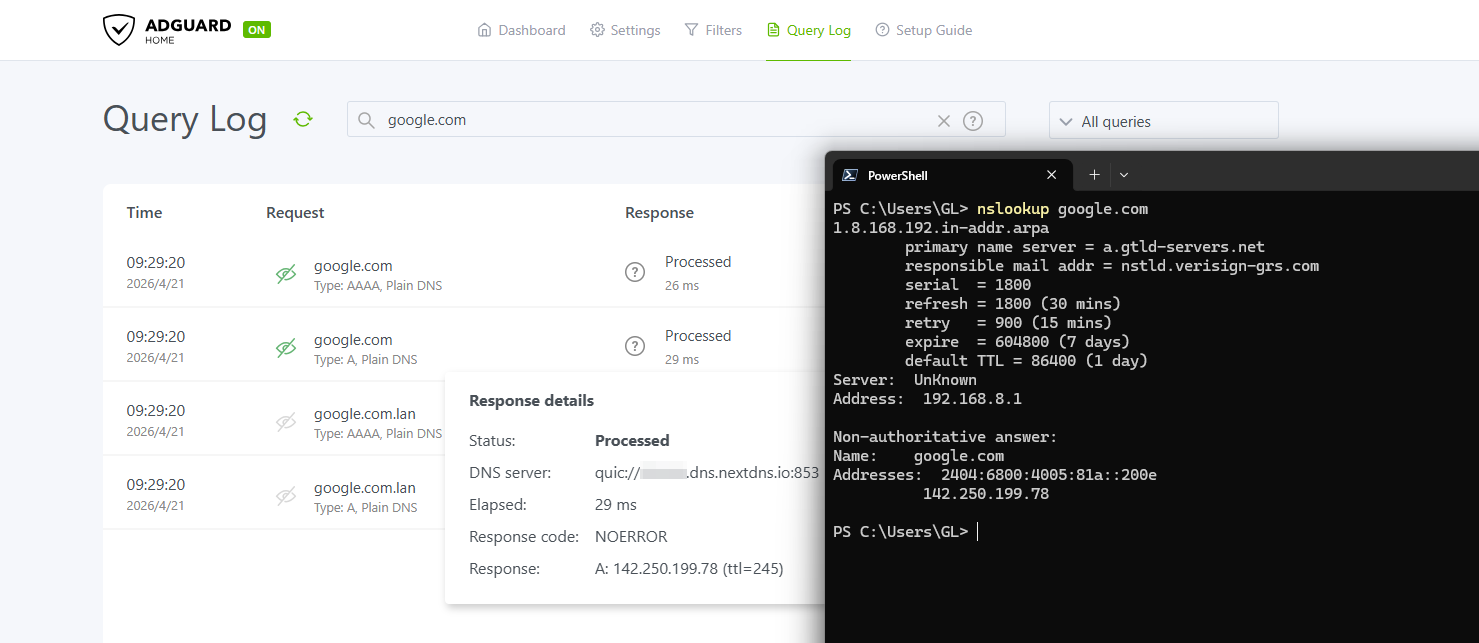
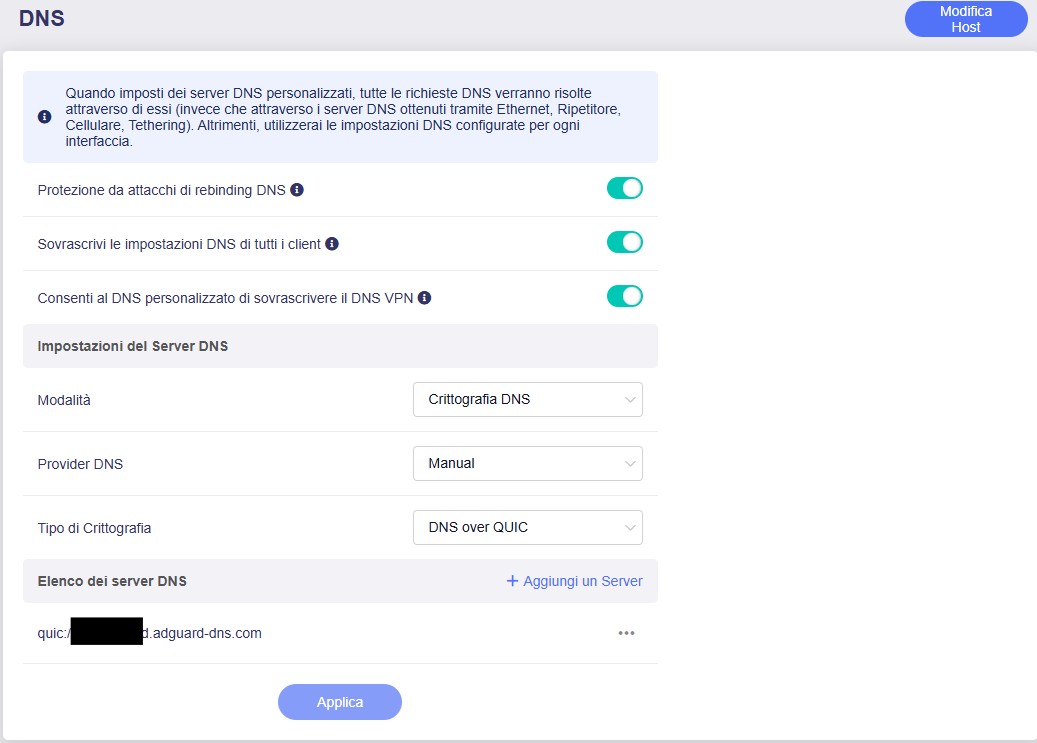
We tested the DoQ feature locally on Flint 3 v4.9.0 beta3, and it appears to work properly whether configured under Network → DNS or Applications → AdGuard Home.
Flint 2, 4.9.0 Beta; Cloudflare speedtest results in unusually high jitter values under load with SQM enabled. Cake and fq_codel show similar results. Jitter will often show 100-200 ms instead of single digits.
luci-app-sqm in OpenWRT 25.12.2 doesn’t behave this way, with stable jitter results throughout the test
Could you please follow the tutorial below to export a backup file of Flint 2 at v4.9.0 beta and send it to us via private message so we can review it locally?
Additionally, if possible, please also export the backup files for OpenWRT 25.12.2 so we can compare them.
Reporting back on Flint 2 so far. sqm and using quad9 quic no problems so far and faster than ever. Just an fyi the ios app doesn’t have the ability for the new dns options, i can try a beta on test pilot if needed
Hi, Flint 2, v4.9.0 beta
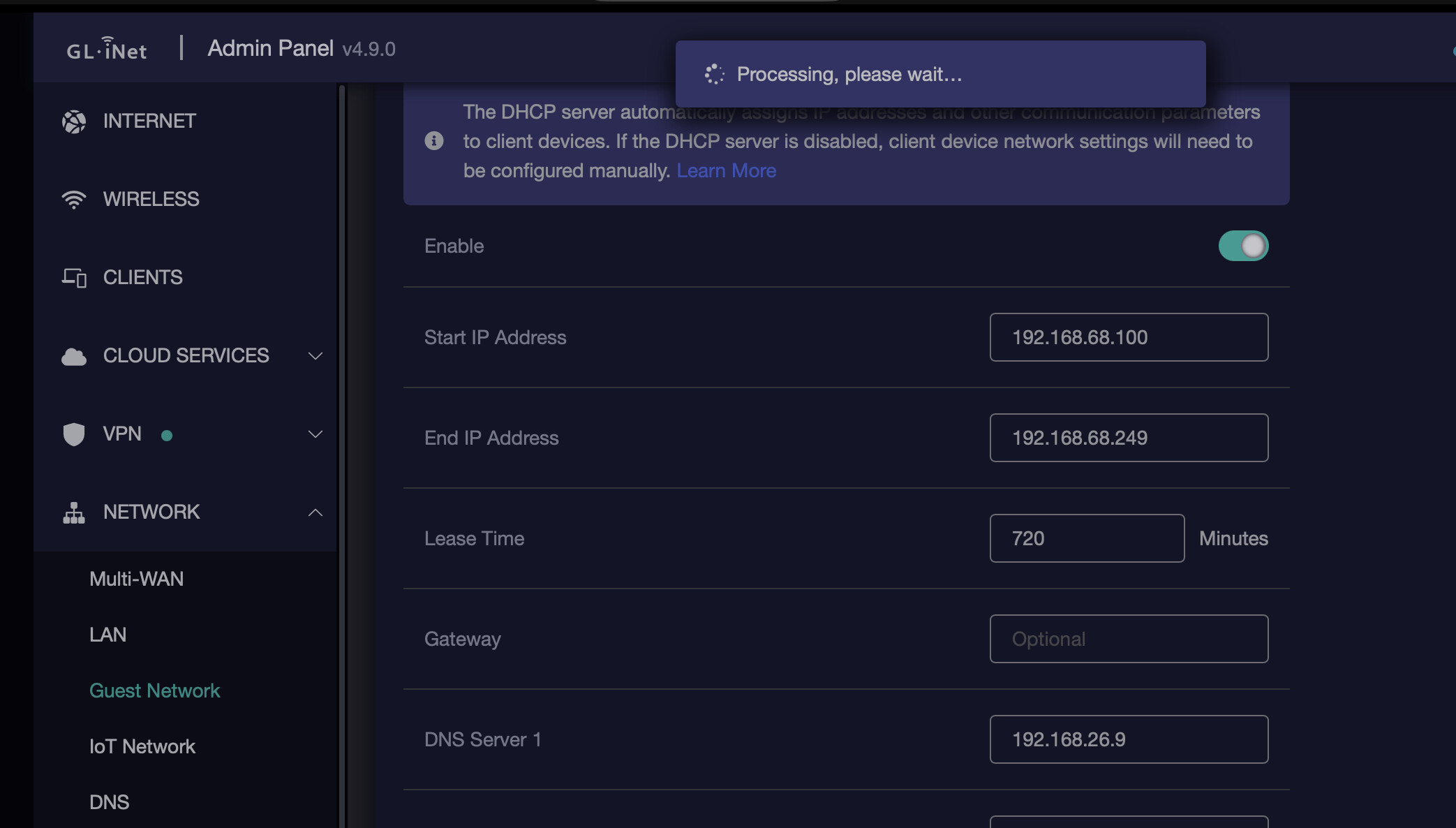
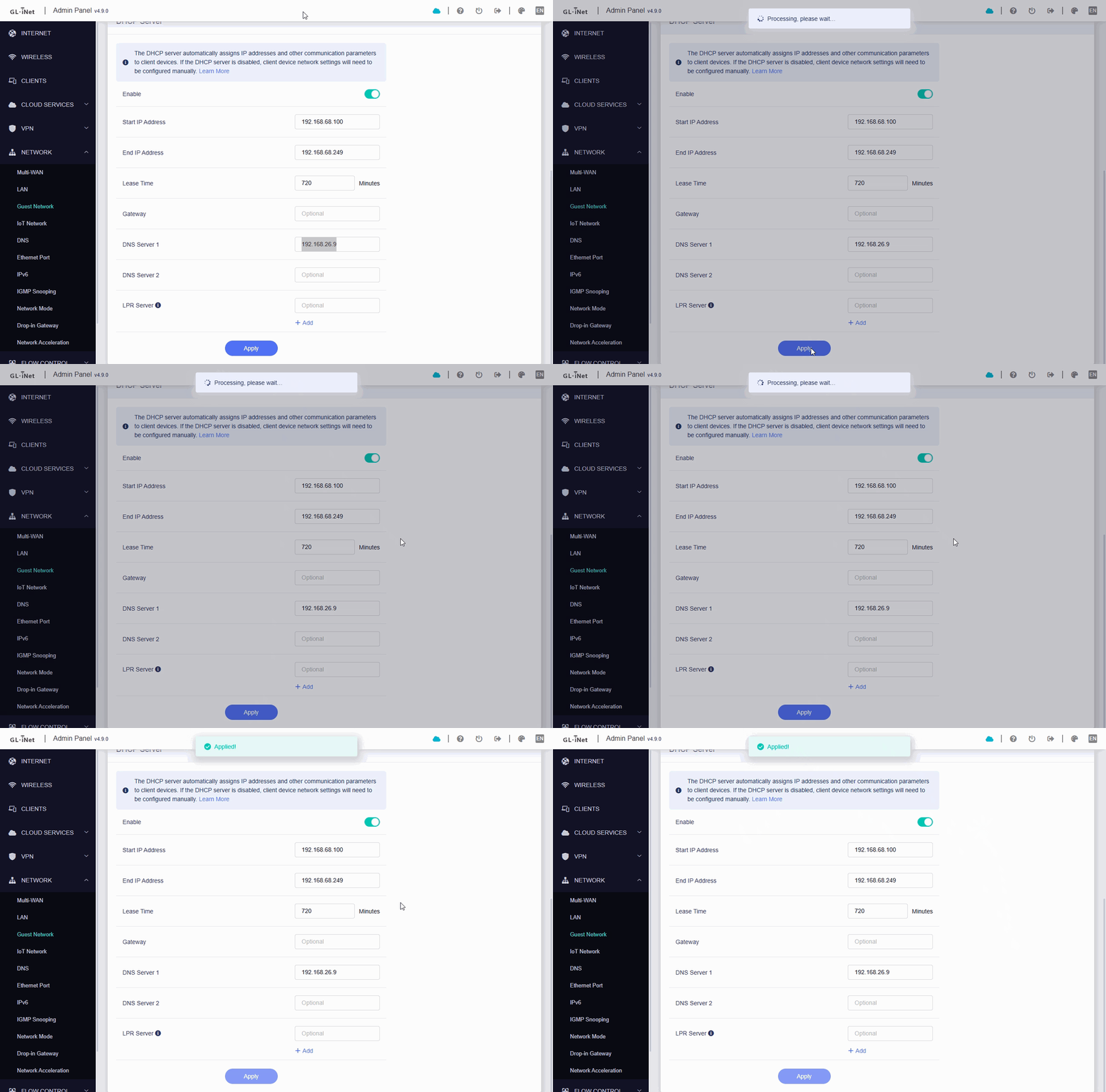
Frontend bug. When changing any network settings, like IP range, or DNS setting. Hit Apply → Web page will stuck in Proccessing please wait. Simple refresh helps, settings applied.
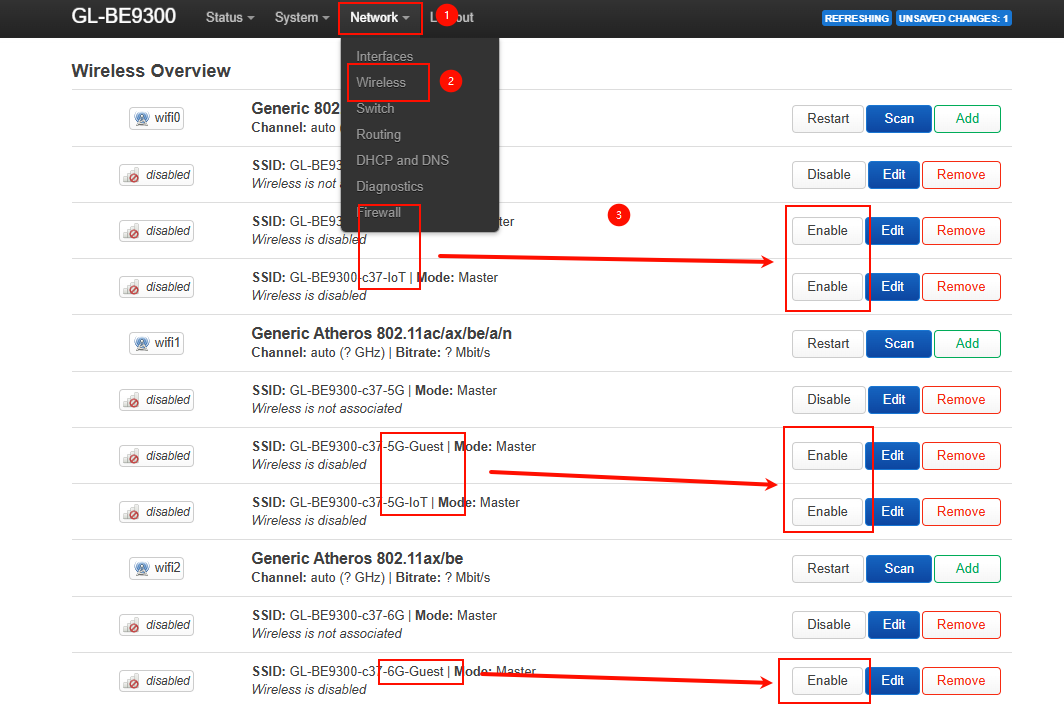
Another very important point is that I’ve carried out several tests and, in my opinion, if AdGuard is active, the 2.4GHz IoT Wi-Fi network cannot access the internet.