Device: GL-MT6000 (Flint 2)
Firmware: 4.9.0
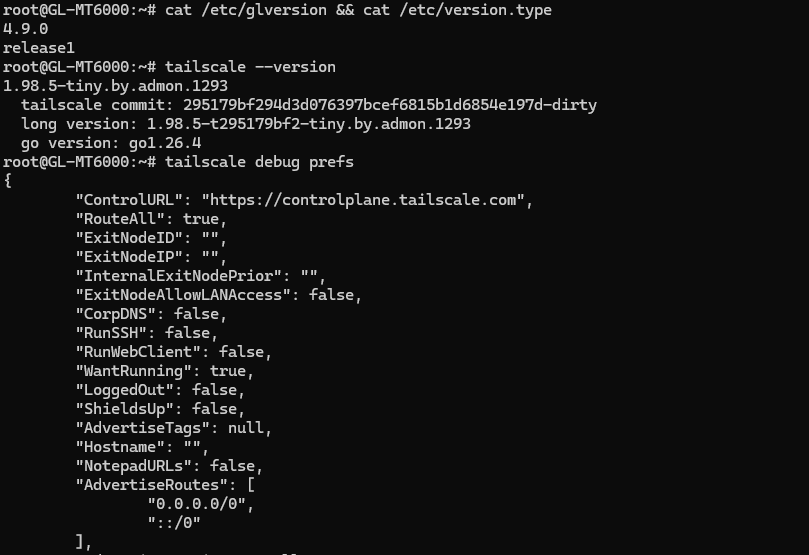
Tailscale version: latest 1.96.4 (via GitHub - admonstrator/glinet-tailscale-updater: Automated Tailscale updater for GL.iNet routers: periodically checks for new releases, downloads the correct build, and installs/updates Tailscale reliably via script (for OpenWrt/GL.iNet firmware) · GitHub )
Issue:
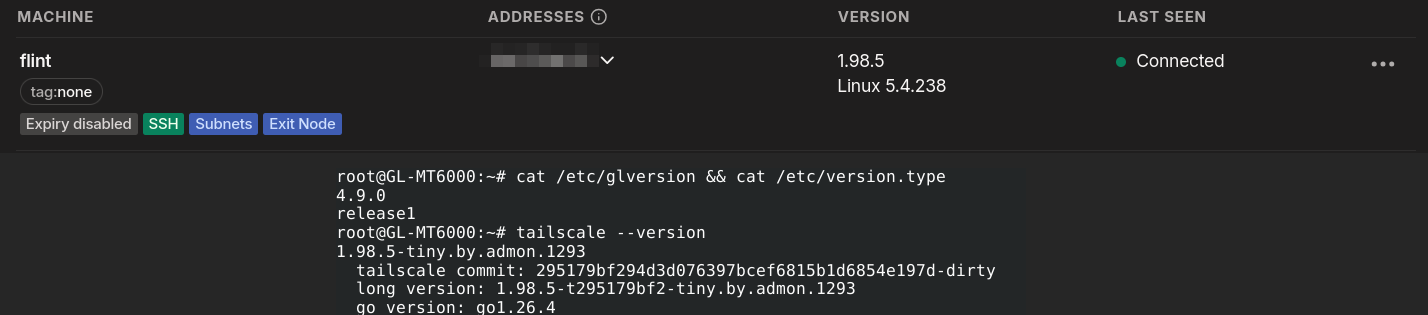
The new "Run as Exit Node" toggle under Applications → Tailscale does not work as expected. After enabling it and clicking Apply, the exit node never becomes approvable in the Tailscale admin console — the checkbox under Edit route settings remains inactive.
Diagnosis:
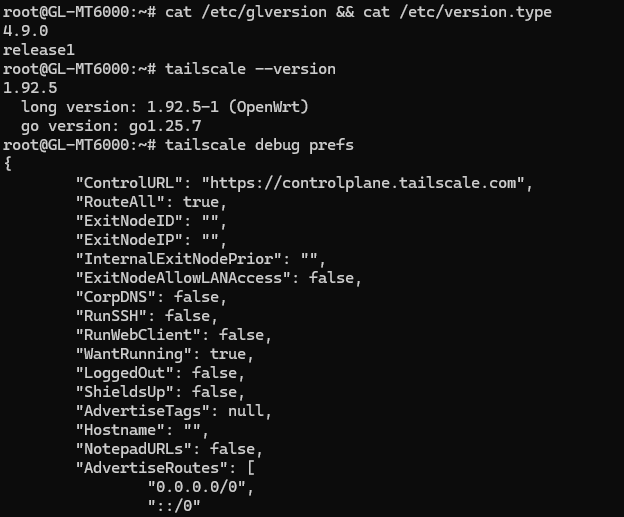
Running tailscale debug prefs via SSH reveals the root cause — the exit node routes (0.0.0.0/0 and ::/0) are never added to AdvertiseRoutes. Only my existing subnet route is present:
"AdvertiseRoutes": [
    "10.10.0.0/24"
]
This means the GL UI toggle is not passing --advertise-exit-node to the Tailscale daemon.
Workaround:
Running the following manually via SSH does work:
tailscale set --advertise-exit-node --advertise-routes=10.10.0.0/24
However this is not a permanent fix as the setting may be overwritten by the GL management script on reboot or when the UI is used.
Expected behavior:
Enabling the toggle and applying should add 0.0.0.0/0 and ::/0 to AdvertiseRoutes, making the exit node approvable in the Tailscale admin console.
Hoping this can be addressed in a point release. Happy to provide any additional debug info.