usb3 interference on 2.4ghz is a known issue:
on my PC whenever I use a Sandisk usb 3.0 flash drive, my wireless mouse gets erratic and can barely move it.
usb3 interference on 2.4ghz is a known issue:
on my PC whenever I use a Sandisk usb 3.0 flash drive, my wireless mouse gets erratic and can barely move it.
The 3.0 + 2.4ghz interference is a known issue in the tech world, they can shield the port and you can still get interference.
(Wireless Witch: The Truth About USB 3.0 and Wi-Fi Interference | PCMag)
Not really…
I just arrived at home and I did a test:
There is no interference to my ISP Modem/Router 2.4GHz network
There is no interference.
The interference is only present when I connect the USB Flash Drive to Flint2.
Yeah, this can happen. Different devices, different structures, different hardware designs.
So, in the end, the problem will not get fixed, I guess. This may simply be a problem resulting from the interaction of various components.
Wrong.
This NEVER should happen.
Intel's white paper about this issue is dated from 2012.
A lot of things was done since then on the desgin to avoid this problem and this why I NEVER noticed this problem before in my life (and I'm older than 40)
Even the well known FritzBoxes in Germany are affected
What exactly do you expect to happen now?
I’m telling you that USB 3.0 and Wi-Fi are a bad combination overall. Especially with poorly shielded cables, devices and sockets. I don’t want to absolve Gl-Inet of blame here, surely some other hardware design could have solved the problem - but that’s the way it is.
If this is insufficient for you at this point, you will have to return the device and choose another one. Or say goodbye to the use of USB 3.0 or find a solution for yourself. (e.g. another cable, a hub, etc. pp.)
I wish you’d post in a different thread… and leave this thread for real Flint 2 bugs.
Just return the device… and pls stop wasting our time.
Some help here ? @alex_zheng
Please refer to my question here:
You could try these workarounds which are also suggested by AVM:
Workaround
- Increase the distance between the USB 3.0 device and the router. If possible, do not connect the device directly to the router; use a USB 3.0 extension cable instead.
- Change the position of the USB 3.0 device and its cable.
- Use a different USB 3.0 cable with better shielding.
- Change the USB mode to USB 2.0
Throughput Between 5GHz and local wired clients
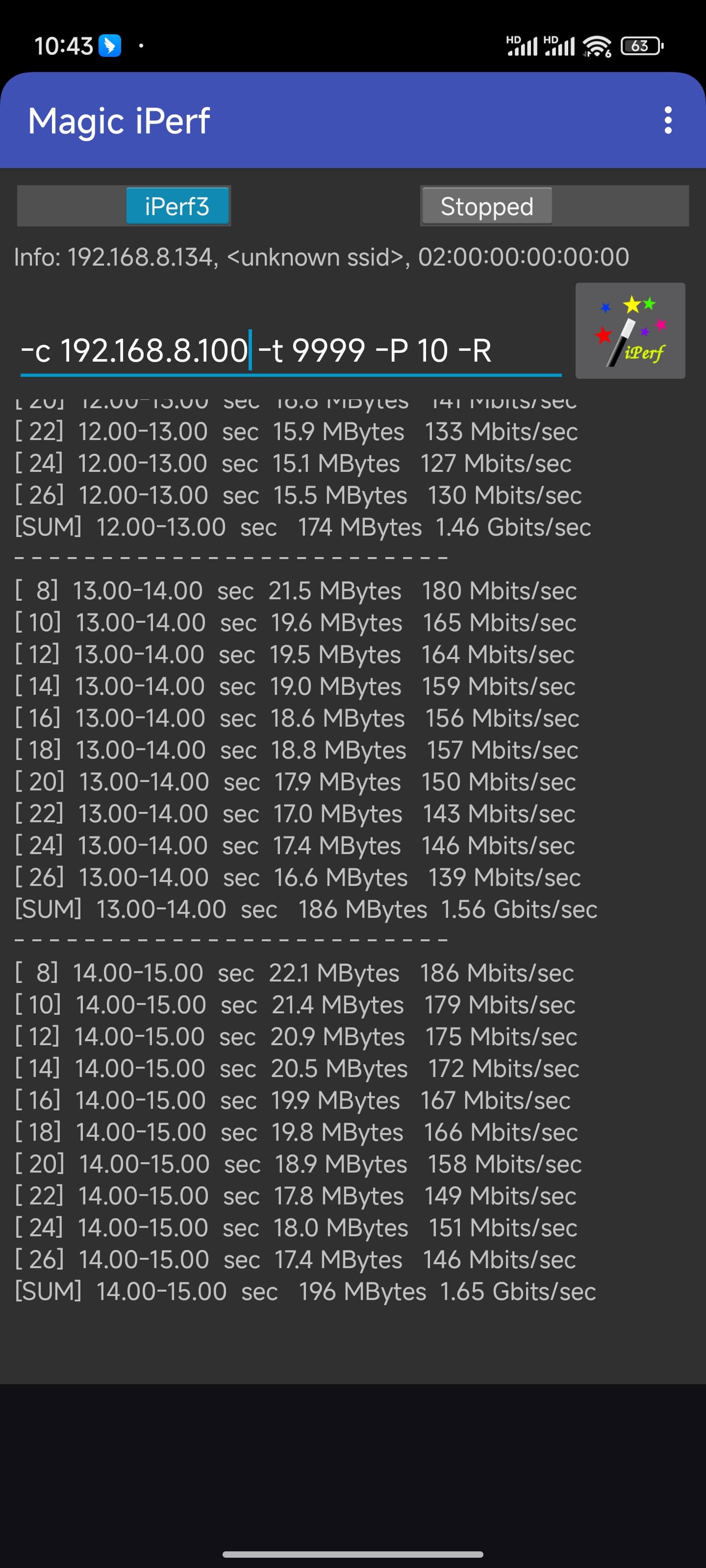
I have a wired host connected to the 2.5gbps LAN1 port. I have a 5GHz wireless client. I am running stock 4.5.5 with entirely default settings (I added iperf3 via opkg only). The router is connected to an upstream WAN gateway via gigabit ethernet. There are no VLANs.
The wired host has excellent throughput to the router (2.33 Gbit/s measured by iperf3). Similarly, the wired host has excellent throughput to the WAN gateway (949 Mbit/s).
The 5GHz client has very good throughput to the router (737 Mbit/s). Similarly the 5GHz client has equally good throughput to the WAN gateway (731 Mbit/s).
However - there is terrible throughput between the wired and wireless clients - only 215 Mbit/s.
As mentioned, firmware is totally stock 4.5.5. I confirmed that WED is enabled and bridger is running. During the iperf test I do observe connections in /sys/kernel/debug/ppe0/bind, suggesting that bridger is working.
I have the same experience running the most recent openwrt snapshot.
This should be fairly easy to reproduce - please advise.
I can tell you that the ASUS AC and AX routers I own both have a USB 3 to USB 2 step down option in case the USB host you plug in causes an issue with the WiFi signals. It’s a common thing with some chip sets. Hint, hint to GL.iNet 
I only found three bugs that I believe GL.iNet should look at a little closer, but they wouldn’t be common bugs that most users would run into. Detailed report sent to @alex_zheng
Although I can’t speak for longevity since I was testing so many different things over the last 24 hours so not sure this version has a crash issue or not over a few days. For the most part besides running longer than a day I would say it’s fairly stable.
Thanks for the suggestion, it is a good idea that users can choose USB2.0 or USB3.0.
Dear Gl.Inet, thanks for your great product.
Usb 2.0 step down from 3.0 software setting would be a great idea.
One issue I thing I have found…
I have the log full of AP-STA-POLL-OK. And sometimes devices won’t connect back to the wifi.
I don’t know why it is related but if I remove the option no scan on 2.4ghz and WED (5ghz), the problem disappear and also no more log AP-STA-POLL-OK.
Someone else have noted these log or I’m the only one?
Thanks guys.
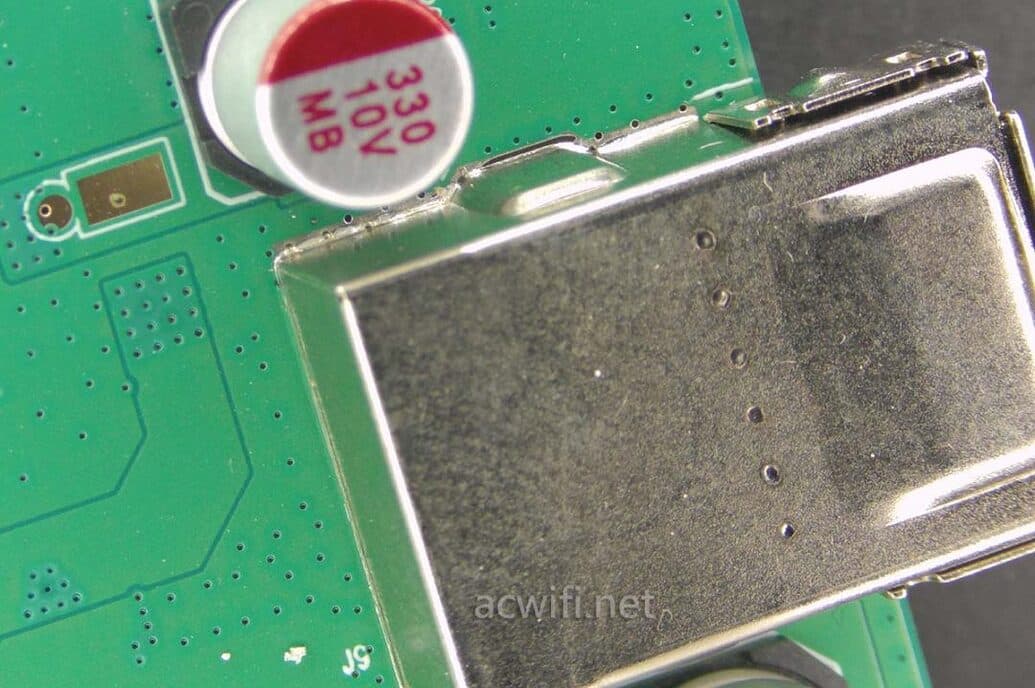
It’s supposed to be well shielded.
It’s grounded?
I connected the same SanDisk USB Flash Drive to Brume2 (GL-MT2500A) and I placed it at exactly same place of my Flint2.
Same distance and the same angle/axis.
There is no interference to my ISP Modem/Router 2.4GHz network
The problem happen only when the USB on Flint2 is used.
yes,it is well shielded and well grounded.
Strange as this action;We will buy the same USB stick for testing.
Thanks for your feedback
How is it grounded when the power supply cable has no grounding?