If your modem uses IPv6, you should be able to use Passthrough, Native via PD should work as well if your ISP supports it. Mine does (T-Mobile ISP which is also 5G cellular)
NAT6 I believe you’re doing double NAT.
If your modem uses IPv6, you should be able to use Passthrough, Native via PD should work as well if your ISP supports it. Mine does (T-Mobile ISP which is also 5G cellular)
NAT6 I believe you’re doing double NAT.
I have three Flint 2 routers. Two are running flawlessly at a location in California. My router in Florida, well that’s another story. I have been unable to get it up and running. I was previously using a LinkSys with no issues at all. Set up the Flint 2 to mimic the settings, and switched it out. Nothing connects, at least not for long. When I look at Clients, I see my devices going from Online to Offline, devices getting renamed [ (2), (3), etc.), and the like. I’ve reboot the router. I’ve reset the entire network. Same issues. I’ve logged out / forgotten WiFi, and then logged back in. Same results. When I put the LinkSys back in place, everything reconnects and there are no issues.
I honestly don’t know where to start in getting this resolved, other than sending it back. Any ideas?
What firmware version you are currently on?
Could you do you factory reset and then manual set it ?
Alex, did you know about bug hostname? I did upgrade to 4.5.6 and hostnames does not work. So I did manual write down txt in router.
I’m using 4.5.6, Release 1, compiled 2024-01-19 03:08:54 (UTC+00:00). I have done a factory reset on the router. Will test this evening and reply on results.
I’ve performed a factory reset. Currently working well in my office environment. I will test this evening at designed location and let you know status.
Hello every. We have Communicated with MTK fae about these issue, and here is some progress,If the issue you concern not on the list please @ me. we will note it. We will have a new beta version today/tomorrow.
2.4G WiFi driver causes windows blue screen
–This issue is fixed. we will have a beta version today/tomorrow.
2.4G WiFi speed is low
–This happens when using some smartphones. Still investigating this issue.
After the device is powered off and restarted, the lan port function is abnormal and the IP address cannot be obtained after connecting to the PC (occurred once)
–Occurred once. Still doing some test to replicate this issue.
Closed source: Occasionally cannot obtain IP when relaying 2.4G or 5G hotspot (not easy to reproduce)
–Doing some packet capturing. Need more time.
kern.crit kernel: protocol 86dd is buggy, dev br-lan (a customer feedback)
–Preliminary speculation is that it is a compatibility issue with the data packets sent by the application. Will do further investigation.
I’m experiencing issues where iPhones (connected via 5ghz) will lose internet even though the WIFI connection remains. Access to internet via other devices on wifi or ethernet seems to be unaffected. Will these fixes assist with this issue?
What’s your firmware’s version?
I’m running 4.5.6 at the moment
You can try 4.5.7 beta.
Will these changes be made in firmware 21.02 or are you still trying to fix 23.05?
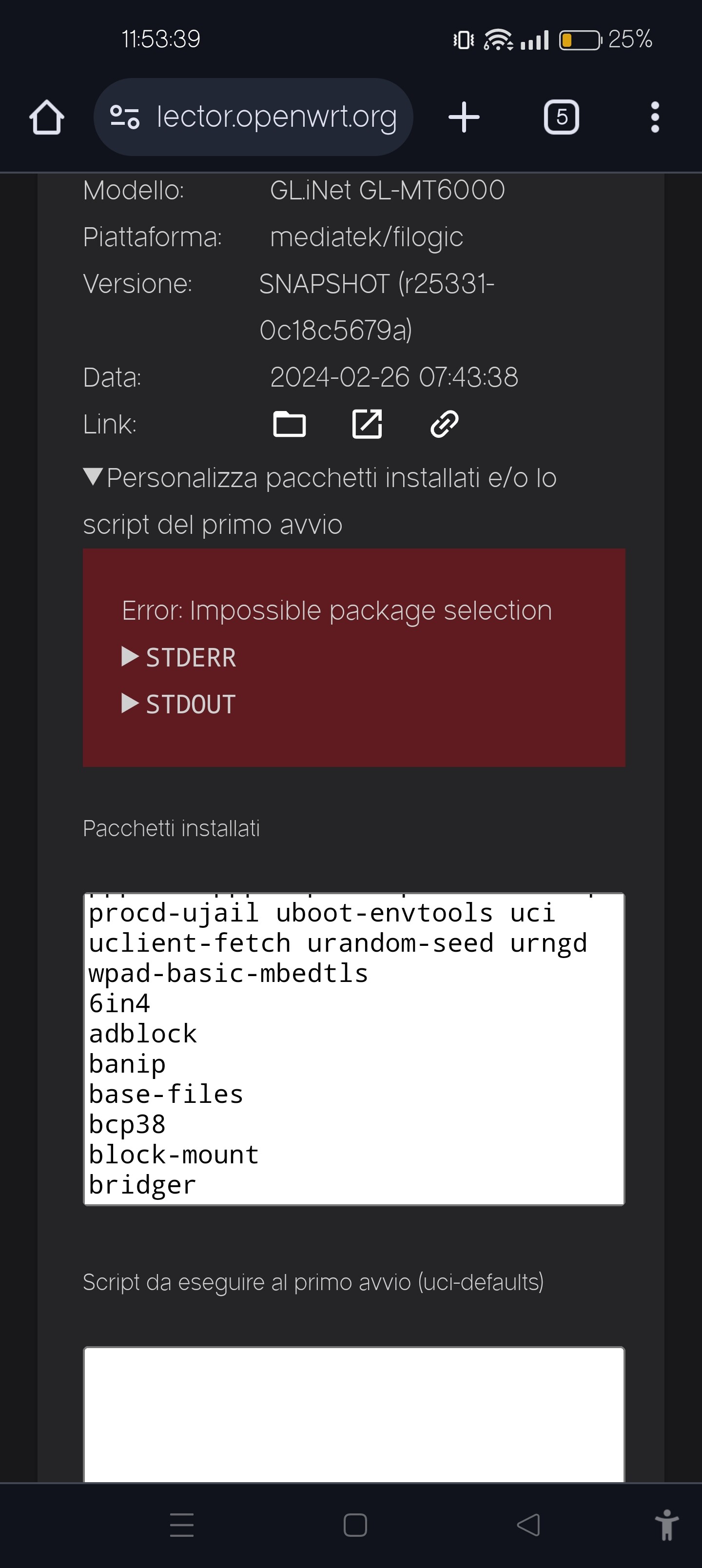
I try to insert your packages to compile a snapshot build but then it gives me a compilation error. Why?
We will do these changes in 21.02 closed source version first.
The 23.05 version plan won’t be fast. We will check
So just to be clear, will you focus on 21.02 and possibly will we have two versions for the mt6000 in the future?
The focus here is gl.inet firmware and not pure openwrt.
Please go to the openwrt forum and discuss it there.
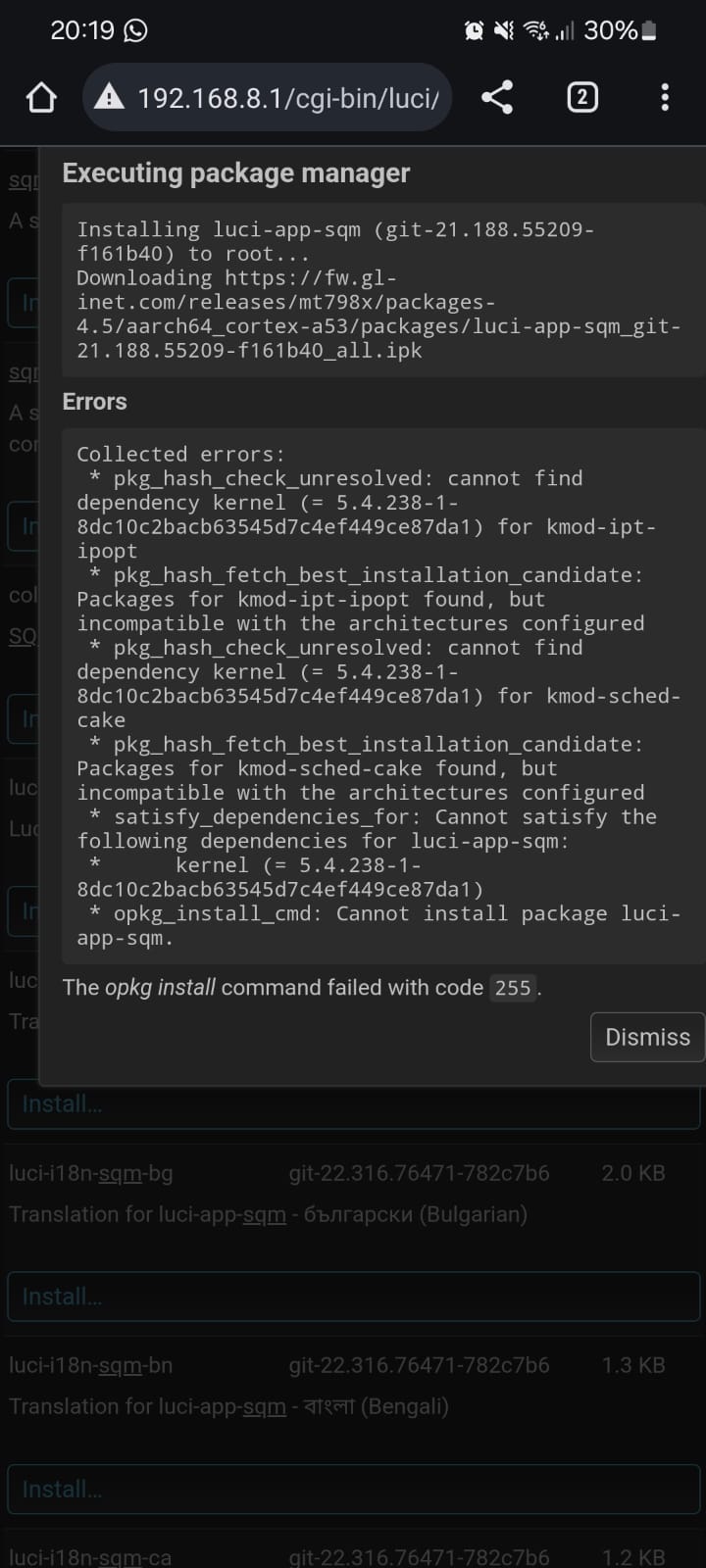
the 21.02 packages, whether in the beta or in the last snapshot 02/27, have problems because they are not compatible, I have already reported this from the beginning…
version 5.4.238 compiled in the firmware is different from version 5.4.238 in the packages.
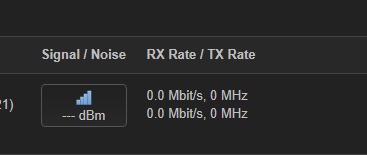
it is not showing the wifi power signals on the luci, either from the connected wifi clients or from the 2.4ghz and 5ghz driver itself
the wifi region change package is missing as is done on the mt3000, something simple that can be changed even by winscp but not for laypeople, a good idea would be to put this region change directly in the gl webui in the wifi settings… …
possibility of updating the Adguard package as it is in version .26 while it is already in .44, I say this because you updated the tailscale package in the snapshot versions.
edit: the other bugs I reported to you were fixed, fullconenat working on pppoe connections, irq-smp-affinity being directed to the correct cores,
If I find any more bugs, I’ll report them to you either here or via direct message.
When i read the topic for OpenWrt support on the OpenWrt forums for asus ax6000 with very similar hardware and same wifi chip.
I read next release might be planned for OpenWrt 24.x.
So it depends what they are aiming at here, maybe they will release pre-release candidates, but in the worst it may be next year.
it doesn’t mean it still come to 23.05.3 as a release or pre release, but from how i assume how it has been put it looks like the devs then find it stable enough to call it a stable release for this platform on 24.x.
But this is about a different router with alot of commonalities in hardware👍, except the emmc space, and how the wireless driver works with it.
Hi, is there any progress on this issue?
Thanks