Running the latest firmware, noticed the Custom Rules Tab for Firewall Settings is missing in Luci. Was this moved elsewhere?
It’s not under Network → Firewall → Custom rules anymore? That’s how it is on Slate AX’s firmware 4.4.6-release1/OWR 21.02. Can you get output fr cat /etc/firewall.user?
… I wonder if this is related to mainline OWRT now using nftables but Flint v2 has ‘mixed mode’/shim iptables packages to maintain backwards compatibility.
opkg list-installed | grep iptableopkg list-installed | grep nft
I am not sure what kind of settings should be located under Custom Rules but Traffic rules should be all you need, no?
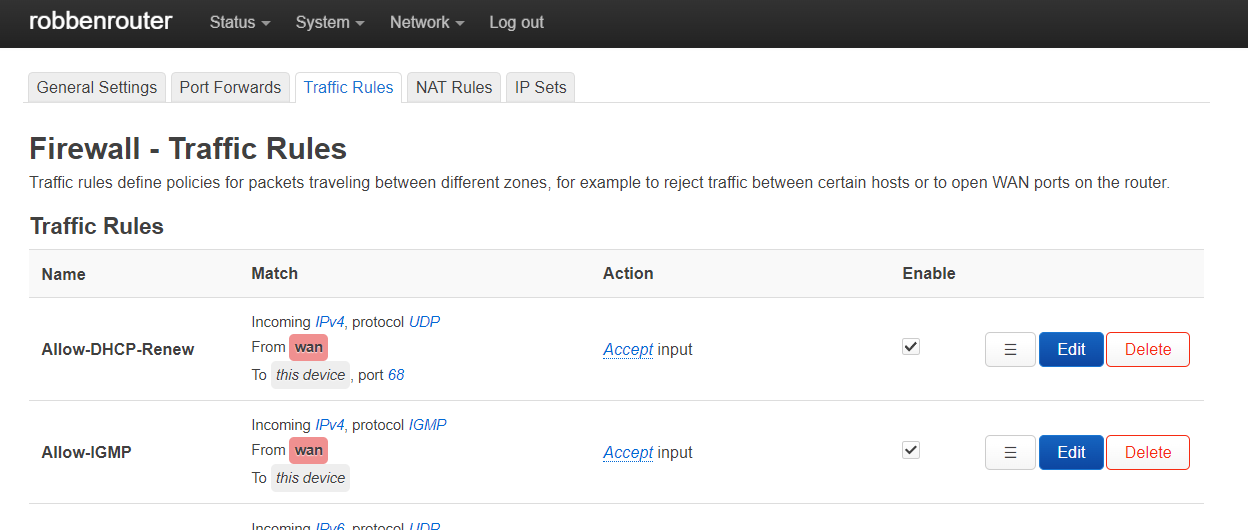
https://[router]/cgi-bin/luci/admin/network/firewall/rules
cat: can’t open ‘/etc/firewall.user’: No such file or directory
root@GL-MT6000:~# opkg list-installed | grep iptable
iptables-mod-conntrack-extra - 1.8.8-2
iptables-mod-extra - 1.8.8-2
iptables-mod-fullconenat - 2023-01-01-74c5e6f3-1
iptables-nft - 1.8.8-2
root@GL-MT6000:~# opkg list-installed | grep nft
ip6tables-nft - 1.8.8-2
iptables-nft - 1.8.8-2
kmod-nft-compat - 5.15.139-1
kmod-nft-core - 5.15.139-1
kmod-nft-fib - 5.15.139-1
kmod-nft-nat - 5.15.139-1
kmod-nft-offload - 5.15.139-1
libiptext-nft0 - 1.8.8-2
libnftnl11 - 1.2.6-1
nftables-json - 1.0.8-1
xtables-nft - 1.8.8-2
root@GL-MT6000:~#
I’m just looking to adjust the TTL for my tethered phone, as I have done with other glInet routers with the custom rule:
iptables -t mangle -I POSTROUTING 1 -j TTL --ttl-set 65
Seems it’s gone because of nftables as @bring.fringe18 already suggested.
Try tossing it it /etc/rc.local after executing directly, testing. I think there’s suppose to be a ‘iptables-to-nft’ translating ‘shim’. I’m probably wrong though.
This worked for me. For someone who comes here later, you can update rc.local in both the UI and via ssh and editing the file directly. This file is stored permanently so survives a reboot.
