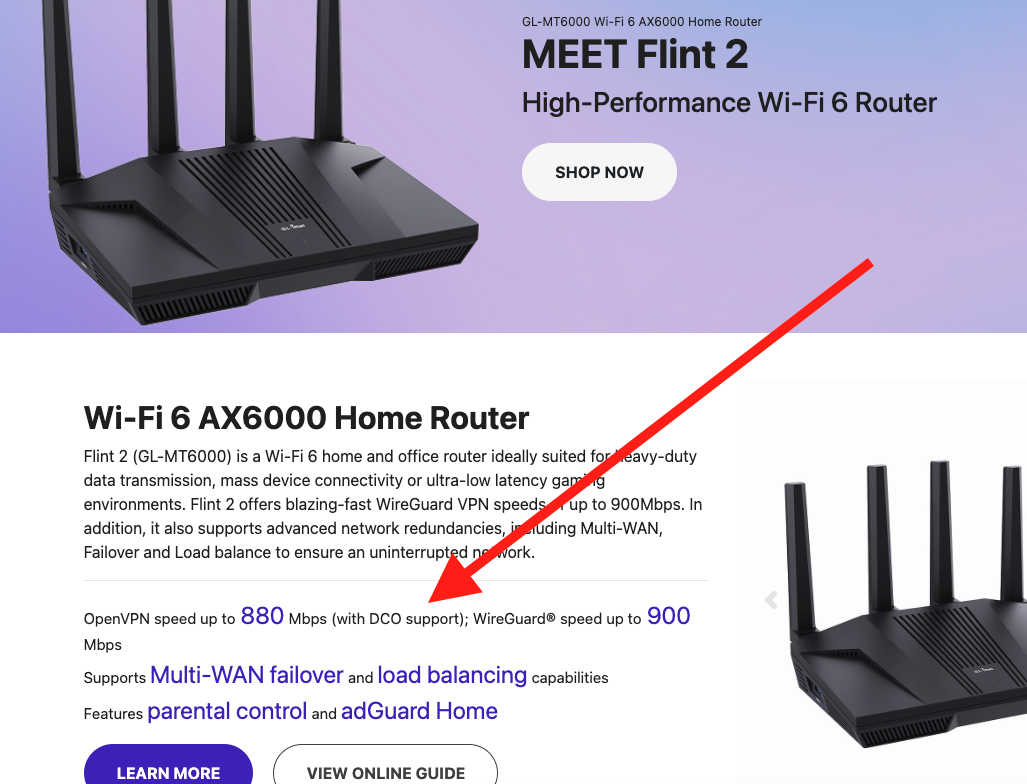
Please upgrade to the latest v4.8.3 firmware for Flint2 and it supports DCO of OpenVPN, which is pre-installed in the firmware.
The VPN server still needs to support DCO in order to enable DCO on the tunnel to increase speed, I mean if the Flint 2 works as VPN client.
You can consult with VPN providers, if you are using public VPN services.
If you own a self-hosted VPN server, please upgrade the OpenVPN software to version 2.6.0 or above, use AES-GCM or CHACHA20-POLY1305, and the disable-dco and compress parameters do not exist in the server push or client profile.
As far as is known, they appear to be supported. We tested in Hong Kong with Mullvad server before, it is good about 0.9 or 1 Gbps in Flint2 with DCO, but for NordVPN and Surfshark, even though DCO is supported in server and client (Flint2), the speedtest is not fast which taking about the VPN tunnel. This may be related to server load, server resource allocation, and account level (traffic priority). The speed is similar to ordinary OpenVPN.
If you want the ultimate DCO speed, like the lab, we recommend self-hosting the OpenVPN DCO server.
Or consider using WireGuard. Its speed performance is usually better than OpenVPN. Of course, it also depends on the service providers. More and more service providers prefer server resources to WireGuard.
I've also used WireGuard, but strangely enough, there are situations where I have problems with WireGuard but not with OpenVPN, even though it's the same server.
There is no need to configure the OpenVPN in Luci, please configure in the GL GUI.
If the VPN server supports DCO, Flint2 will automatically enable DCO support.
This is the case, after configuring the OpenVPN in the GL GUI, it will be able to work. Please ignore Luci that it is not compatible with newer versions of the OpenVPN program.
I think the speed is not as expected due to high VPN server resources or overload. How about other VPN servers?
Hello, access is currently not possible (for various reasons).
Since I had the flu over Christmas, I had plenty of time to test.
So, with the stable version 4.8.3, OpenVPN only ever works up to a maximum of 180 Mbps and no more.
Regardless of the server or provider.
(NordVPN or Surfshark)
I also tested the beta, the snapshot, and OpenWRT24.
Only the snapshot 4.8.4 (2026-01-01 16:11:15) worked. With that version, OpenVPN went up to the full bandwidth of 350-450 Mbps.
I noticed that, for example, when streaming Disney+, the picture becomes out of sync after a while or freezes completely. This phenomenon only occurs with OpenVPN; when I switch to WireGuard, it disappears.
Let’s keep using the snapshot version for now.
BTW, may I know whether IPv6 is enabled on the router?
When this issue reproduces, how is the network condition (e.g., fast.com, speedtest.net)? Is the ping google.com stable? If re-enable the OpenVPN tunnel and how is going?