KrZ
December 27, 2025, 11:07pm
1
I previously had an Asus AX3000 v2 router and achieved 750Mbps Wi-Fi speeds. I recently purchased a Flint 2 router, and the maximum I could achieve over Wi-Fi was 550Mbps on each client (AX200, Honor Magic 6 Pro, Mediatek Wi-Fi 6E MT7922). I have firmware version 4.8.3. I'm running 160Mhz on the 5GHz band, and the devices connect at 2402/2402 (Mbps). I can achieve maximum throughput over Wi-Fi on my LAN, but the internet speeds are poor.
My connection is 1000/300Mbps PPoE.
Try enabling network acceleration and setting it to hardware mode.
KrZ
December 28, 2025, 8:01pm
3
Network Acceleration → Hardwarde Mode → ON
Packet Steering → ON
and I even enabled Hardware flow offloading
I have no idea how to get higher speeds on this router
Try using the openwrt24 version. Same results??
KrZ
December 29, 2025, 6:03am
5
op24 the same result wifi speed, op24 wifi range is weak
Void
December 29, 2025, 10:53am
6
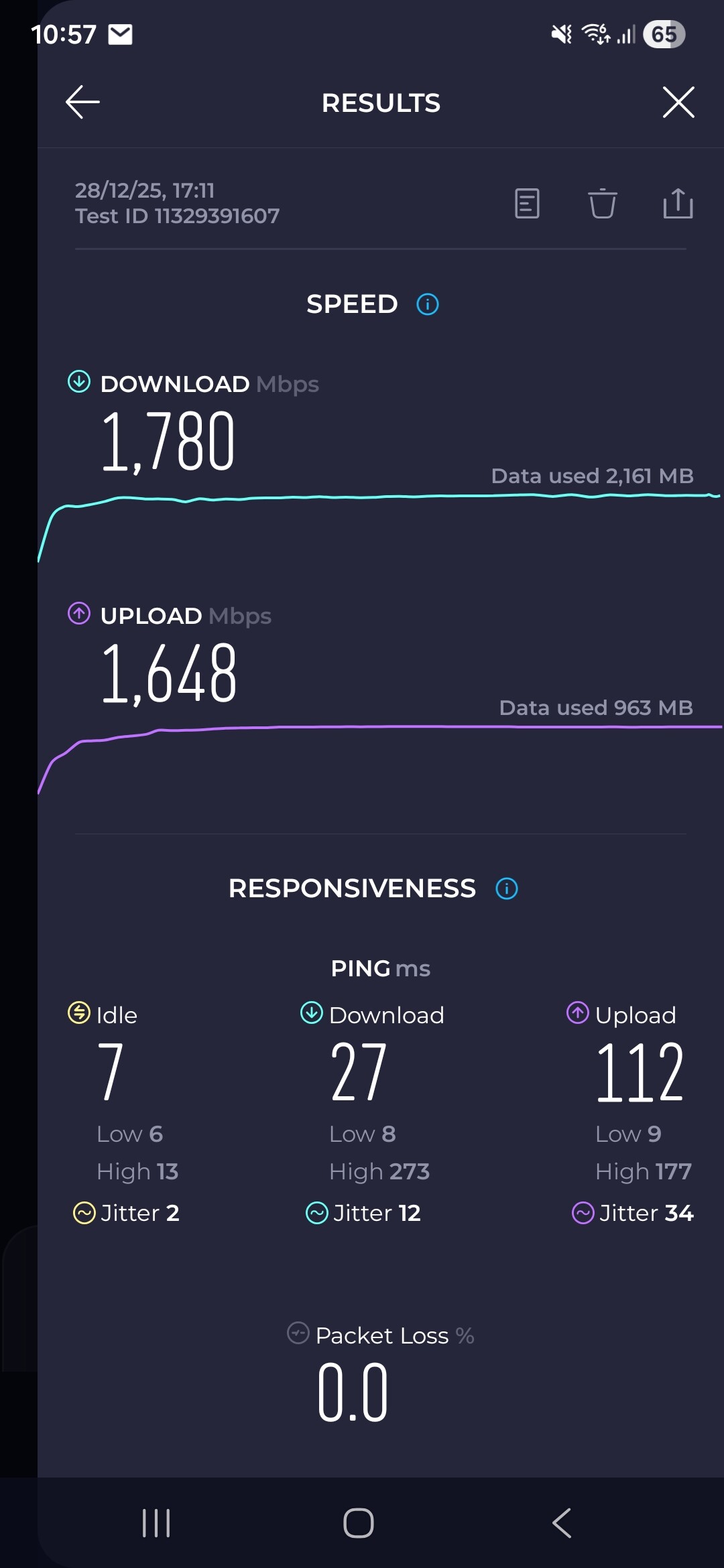
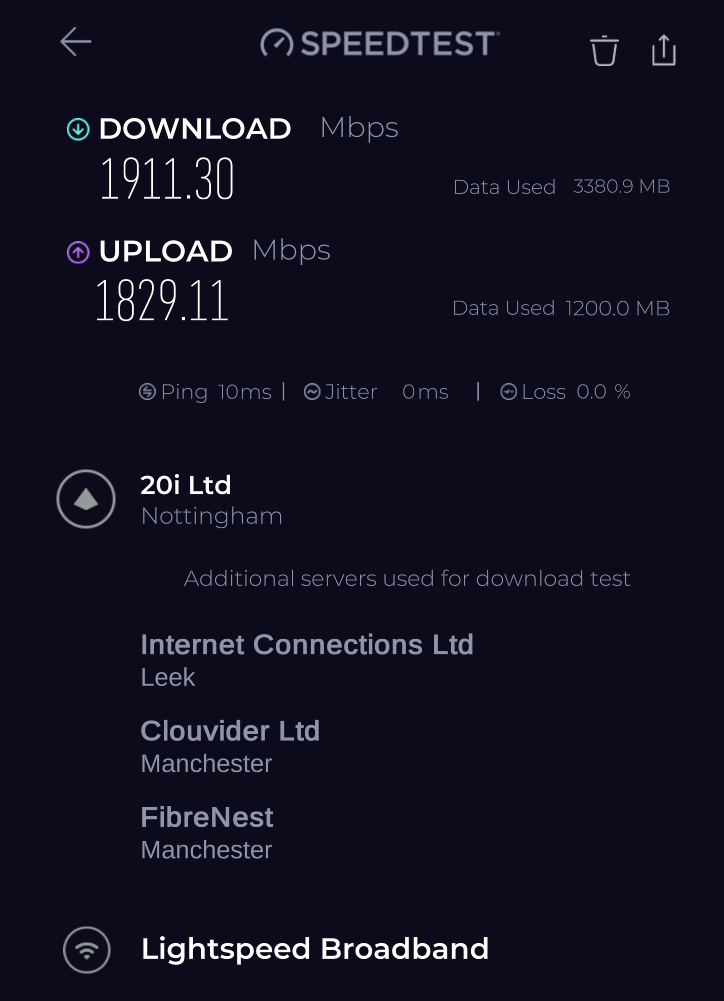
Strange, I get quite good speeds on Wi-Fi on Flint2 op24 version.
2 Gbps symmetrical.
This is PC running on Intel® Wi-Fi 7 BE202
This is S25 Ultra
KrZ
December 29, 2025, 6:24pm
7
I have no idea why mine is so bad, does anyone have any ideas on how to fix it?
Do you get higher speeds with a physical connection?
KrZ
December 29, 2025, 8:06pm
9
Ethernet LAN
WIFI 5GHz 160MHz - 1 meter from the router
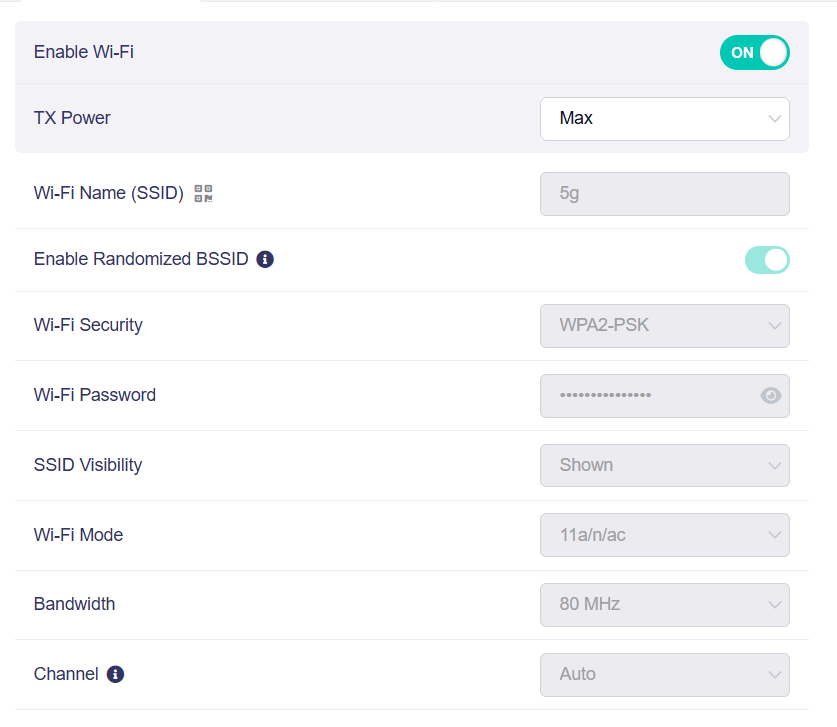
Can you once try at 80mhz mode with channel set to auto?
KrZ
December 30, 2025, 6:58pm
11
why wifi AX mode doesnt work? because the same result on 5GHz 160MHz
At this point I guess only a router firmware reset would help? This same problem is faced across all devices right?
Also for 80mhz 2x2 you can get 1200mbps link speed.
system
Closed
March 30, 2026, 7:24pm
13
This topic was automatically closed 90 days after the last reply. New replies are no longer allowed.