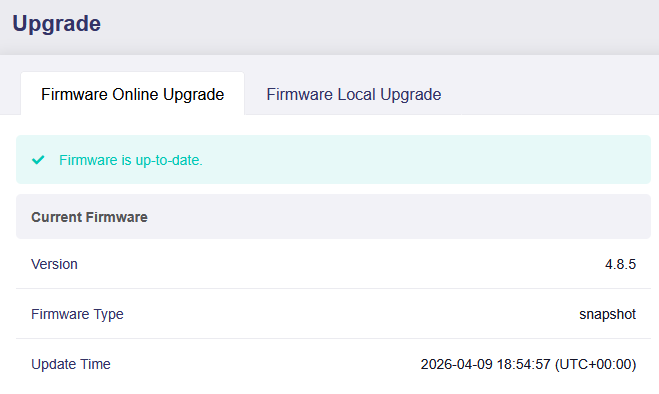
Flint 3: Error Updating Firmware 4.8.5 2026-04-02

Hi,

I currently have firmware 4.8.5 2026-04-02 installed, and now I cannot upgrade or downgrade any firmware version. Form the Web UI, the upgrade will appear to start, but then it times out without updating the firmware, plus you need to reboot to be able to access the UI again. This is a snippet from the error log that looks relevant:

Tue Apr 7 18:59:36 EDT 2026 upgrade: Commencing upgrade. Closing all shell sessions.
Command failed: ubus call system sysupgrade { "prefix": "/tmp/root", "path": "/tmp/firmware.img", "backup": "/tmp/sysupgrade.tgz", "command": "/lib/upgrade/do_stage2", "options": { "save_partitions": 1 } } (Invalid argument)
Usage: ubus [] [arguments...]
Options:
-s : Set the unix domain socket to connect to
-t : Set the timeout (in seconds) for a command to complete
-S: Use simplified output (for scripts)
-v: More verbose output
-m : (for monitor): include a specific message type
(can be used more than once)
-M <r|t> (for monitor): only capture received or transmitted traffic

Does anyone have any ideas?

To clarify, at this point I cannot update any firmware successfully, including older versions. I’m hoping there is a way to fix this without a reset.

I have the same issues as yours and need someone helping us to fix the issues.

Hi,

It looks like you're using a Snapshot build. We recommend reverting to a stable release version.

Here are the suggested steps to try:

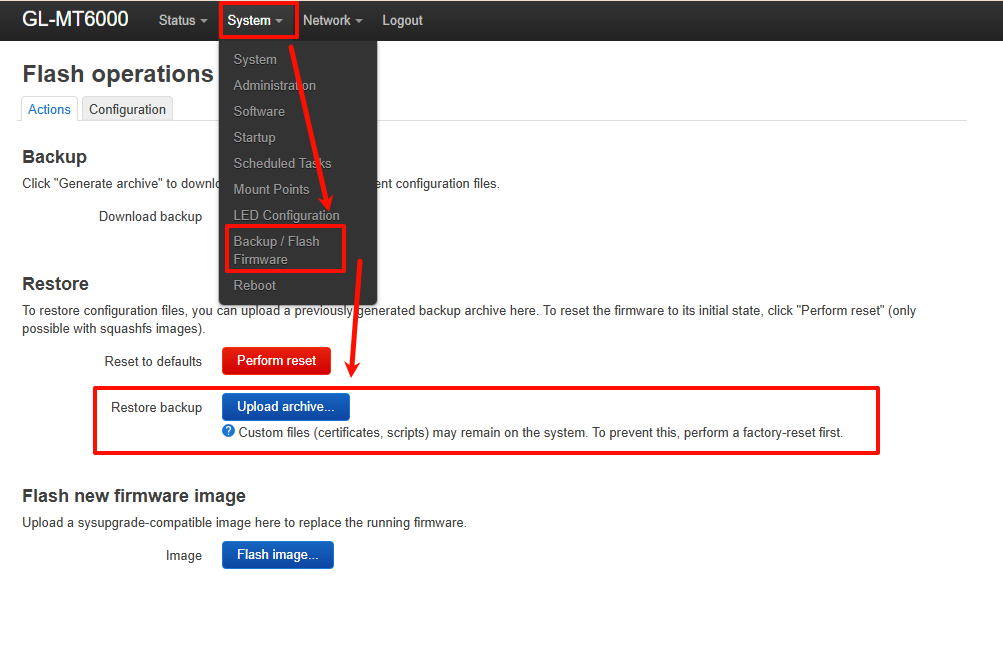
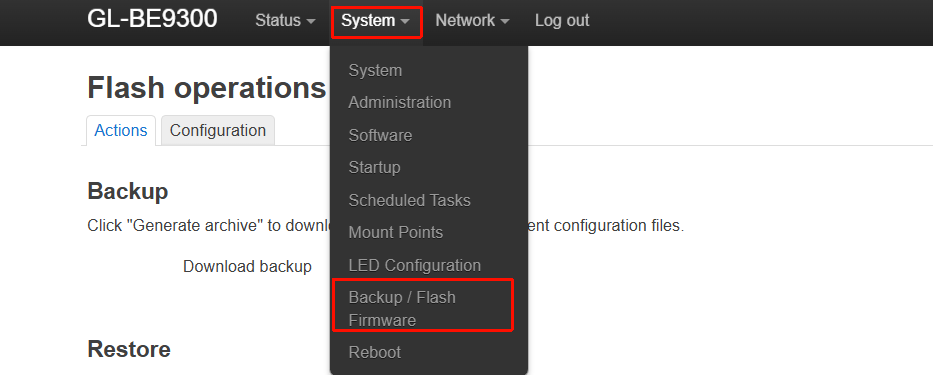
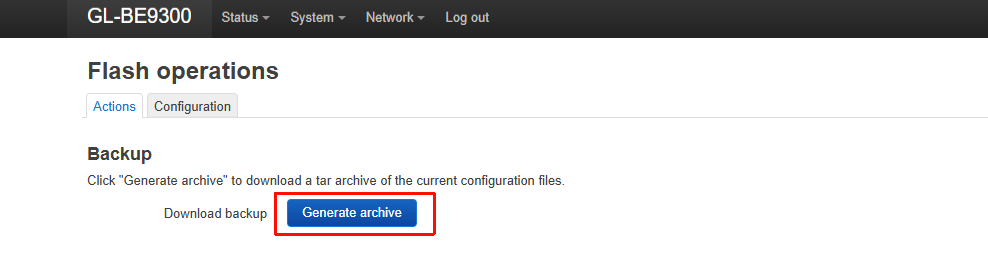
  1. Create a backup file through Luci:


  2. Upload the stable firmware version for the BE9300 to the router:
    Firmware download link: GL.iNet download center
    Upload tutorial: Use WinSCP to modify files - GL.iNet Router Docs 4

  3. Run the following command:

sysupgrade /pathto/be9300-4.8.4_release2-965-0131-1769860249.bin
  1. If the downgrade still doesn't work, follow the Uboot tutorial to reflash the firmware:
    What should I do if my router is bricked - GL.iNet Router Docs 4

  2. Afterward, you can restore the configuration by importing the backup file created in Luci. Note that this may fail or only restore part of the configuration.

1 Like

Backup, Uboot and restore resolved the issues.

1 Like

Were you able to upgrade to a later snapshot and then future upgrades worked? Also, what items do you need to reconfigure after the restore?

I'm reluctant to do a factory reset and set everything up again manually, but if the restore gets most items back, I may go for it.

Yes, I go for stable version and restore and then can update to latest snapshot version without any issues.

root@GL-BE9300:~# sysupgrade /tmp/be9300-4.8.4_release2-965-0131-1769860249.bin
Warning: optional section "sb11" missing from "/tmp/be9300-4.8.4_release2-965-0131-1769860249.bin". Continue...
Warning: optional section "sbl2" missing from "/tmp/be9300-4.8.4_release2-965-0131-1769860249.bin". Continue...
Warning: optional section "u-boot" missing from "/tmp/be9300-4.8.4_release2-965-0131-1769860249.bin". Continue...
Warning: optional section "lkboot" missing from "/tmp/be9300-4.8.4_release2-965-0131-1769860249.bin". Continue...
Warning: optional section "ddr-ap-mi01.6" missing from "/tmp/be9300-4.8.4_release2-965-0131-1769860249.bin". Continue...
Warning: optional section "tz" missing from "/tmp/be9300-4.8.4_release2-965-0131-1769860249.bin". Continue...
Warning: optional section "rpm" missing from "/tmp/be9300-4.8.4_release2-965-0131-1769860249.bin". Continue...
stat: No such file or directory
Wed Apr 15 18:50:27 CEST 2026 upgrade: Saving config files...
Wed Apr 15 18:50:28 CEST 2026 upgrade: Commencing upgrade. Closing all shell sessions.
Command failed: Not found
Command failed: Invalid argument
root@GL-BE9300:~#

I was able to successfully recover using UBoot and then upgrade to the 4.9 beta.

However, it looks like restoring my backup did something that is preventing me from configuring the new IOT wireless network option. Could someone please post their /etc/config/wireless file who is on the 4.9 beta, AND who has an IOT network configured.
Thanks!

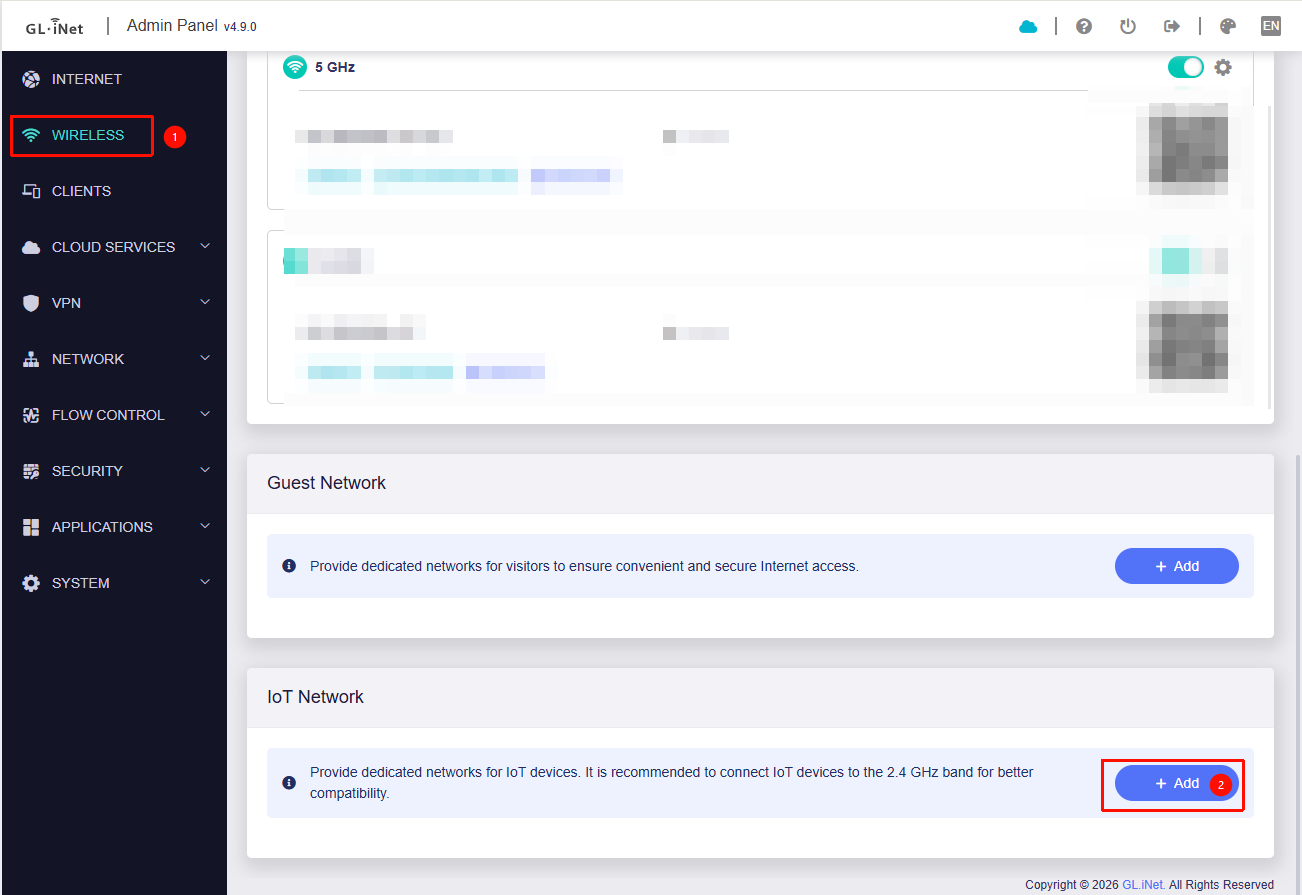
In v4.9, the IoT network is ready to use right out of the box.
You can enable it by following these steps:

Or do you need to create an additional SSID for other purposes?