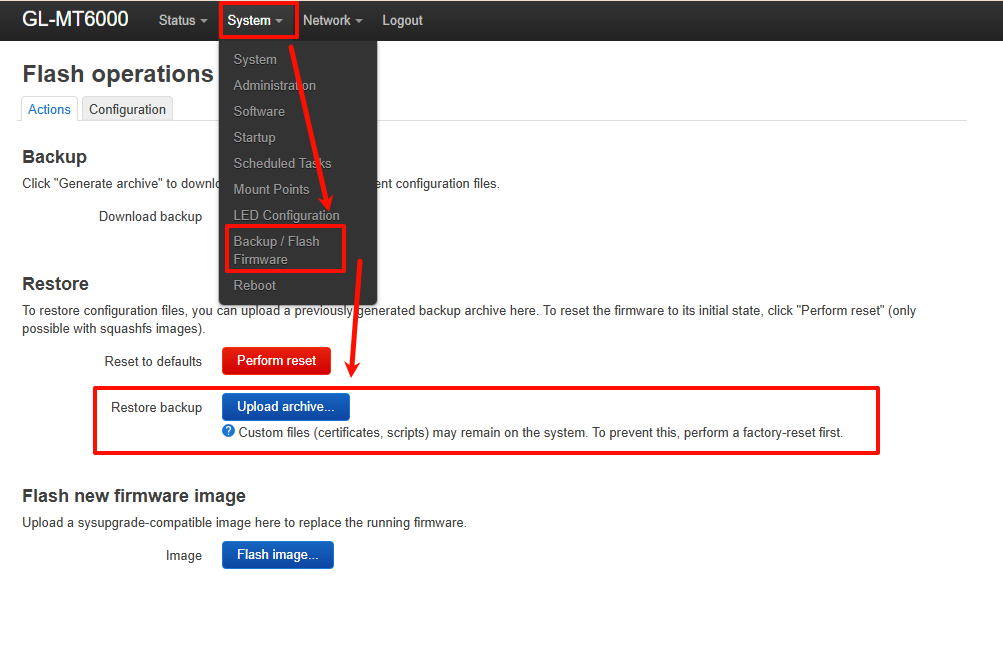
Hi,
It looks like you're using a Snapshot build. We recommend reverting to a stable release version.
Here are the suggested steps to try:
-
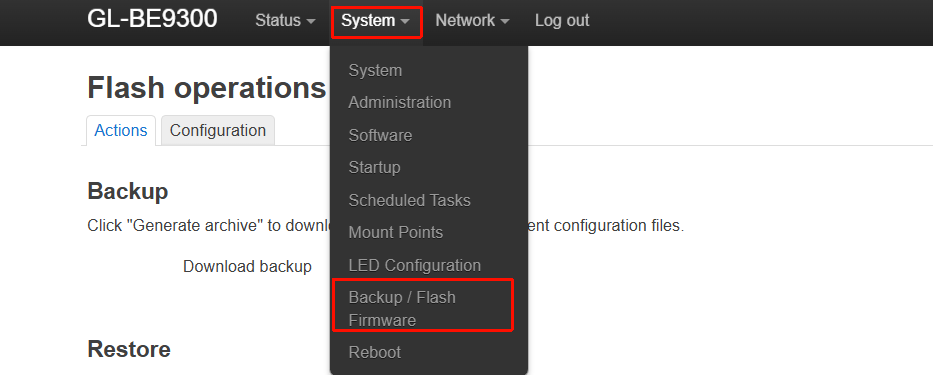
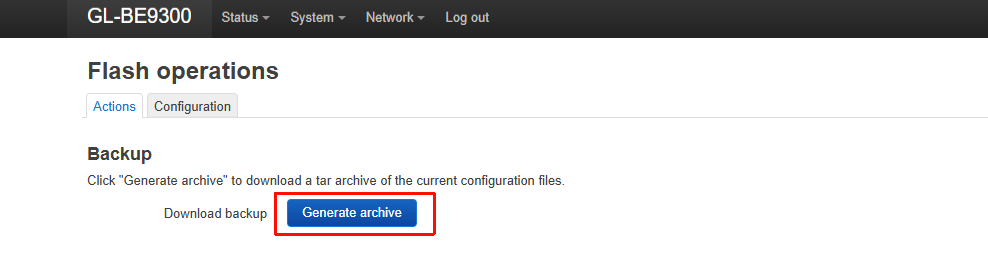
Create a backup file through Luci:
-
Upload the stable firmware version for the BE9300 to the router:
Firmware download link: GL.iNet download center
Upload tutorial: Use WinSCP to modify files - GL.iNet Router Docs 4 -
Run the following command:
sysupgrade /pathto/be9300-4.8.4_release2-965-0131-1769860249.bin
-
If the downgrade still doesn't work, follow the Uboot tutorial to reflash the firmware:
What should I do if my router is bricked - GL.iNet Router Docs 4 -
Afterward, you can restore the configuration by importing the backup file created in Luci. Note that this may fail or only restore part of the configuration.