Hi guys,
I received my Flint 3 a month ago, and I have been playing around with it. One thing I have noticed is that when I enable Network Acceleration, the devices on the network start dropping connection randomly. The overall speed does increase for the device which gets connected.
Is there a workaround or solution for this?
My current speed is 1.5Gbps up/down.
Hi,
Could you please help clarify the following details so we can better understand the issue:
-
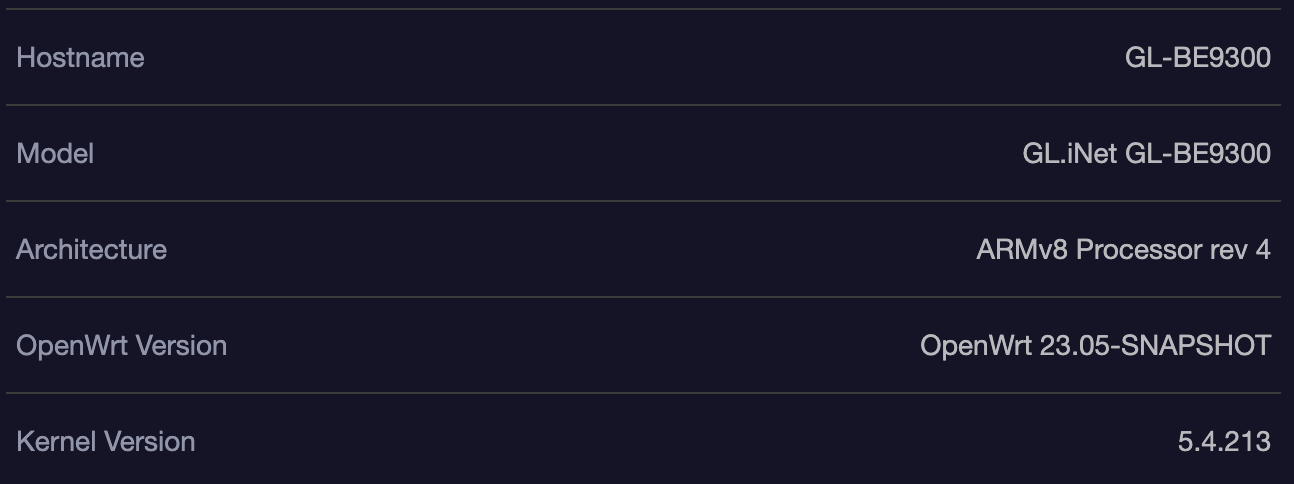
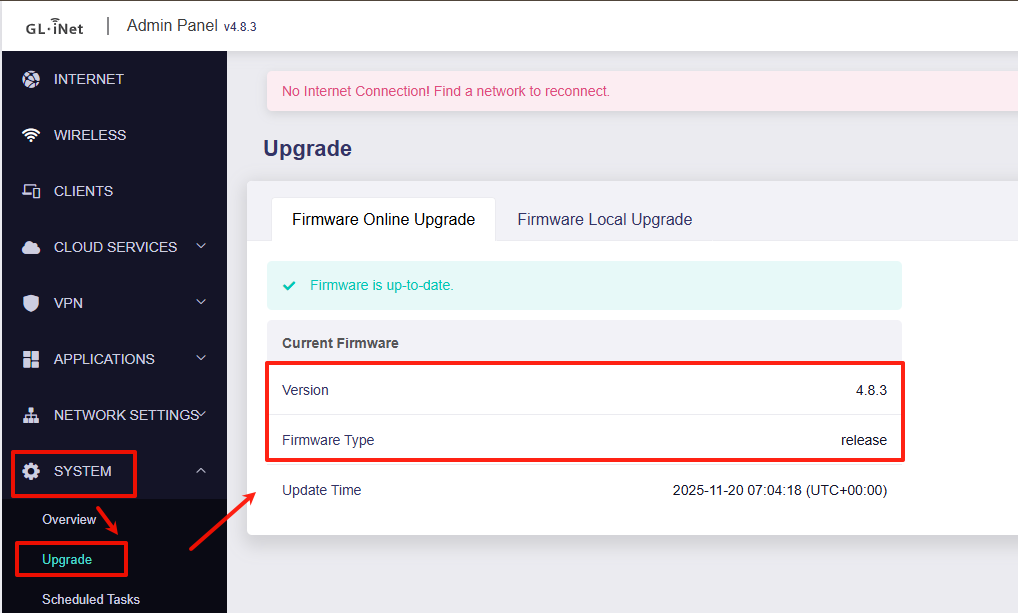
What is the current firmware version (not the OpenWrt version)? You can find this under Admin Panel > System > Upgrade.
-
Which network acceleration mode is currently enabled: hardware acceleration or software acceleration?
-
When network acceleration is enabled, which devices experience random disconnections? Please include the device model, connection type (wired or wireless), and for wireless connections, the band used (2.4 GHz / 5 GHz / 6 GHz or MLO).
Thank you for your cooperation.
In my case, I ran into web sites timing out, video streams from a Sharepoint server not loading, and it would only affect wired connections. If i Use WiFi, it works perfectly from the same machine. I tried a new NIC, new cables (even using Shielded CAT6e cables end to end), new switch (there is a switch between my desktop and the Flint 3). I also reset the Flint 3, and still.. painful over wired.
I decided to get Wireshark traces. NACKs, retransmits, repeated DHCP requests like it dropped and reconnected, and out of sequence errors all over the place in the trace. I ran across this forum and a post about it.. and sure enough, when I completely disable Network Acceleration, the problems disappeared. Wireshark traces were clean, things open like they should and it was responsive like it used to be before whatever wonked it out.
It doesn’t seem to matter if its Hardware or Software acceleration. If its on, my connection goes downhill hard. With it off, its perfect.
And it wasn’t just one desktop. ANY device connected via wired/ethernet, it would have issues until I disabled this setting. My Xbox, Roku TVs, Nintendo Switch when docked, and every desktop (A mix of Alienware, HP, and Lenovo).
I had the same issue until today. I found a comment on Reddit that explained the problem: when you have a PPPoE connection, the router defaults the MTU to 1500, which causes issues. You just need to change the PPPoE MTU to 1492. You're welcome! 
Something sounds wrong here. Even with the PPPoE interface set to 1500 on your side the PPP process will only ever negotiate 1500 byte MTU if both ends (your router and ISP router) are both advertising support for 1500 bytes. If one end doesn’t support the PPP extensions that allow 1500 bytes the MTU will be maximum of 1492, as this is the maximum allowed by the PPP negotiation process without special extensions.
If PPP is negotiating 1500 then the issue might be because both ends support it but your physical WAN interface MTU is too low. Have you tried increasing the MTU on the physical interface you use for PPPoE to 1508 rather than reducing the PPPoE interface MTU to 1492?
2 Likes
After a few hours I noticed that the issue continues in some connections with mtu 1492.. So I’m gonna try increasing mtu and back to you. Thanks for your help and time
Just to update, since I set the MTU to 1508 I haven't had any more interruptions, thank you so much for your help!
1 Like
This topic was automatically closed 90 days after the last reply. New replies are no longer allowed.