I setup the Proton VPN(pay plan) on my Flint 3 router. But it doesn’t block the ads and trackers. I followed the instructions and chose Netshield options for blocking ads when I downloaded it at my Proton account. I tried the both OpenVPN and WireGuard. It shows my ip address with the proton server but doesn’t block the ads! If I use my Proton app on my phone or pc, it blocks ads!
Hi
We tested this on Flint 3 running firmware version 4.8.1 and were unable to reproduce the issue.
Using Proton VPN profiles with and without ad filtering:
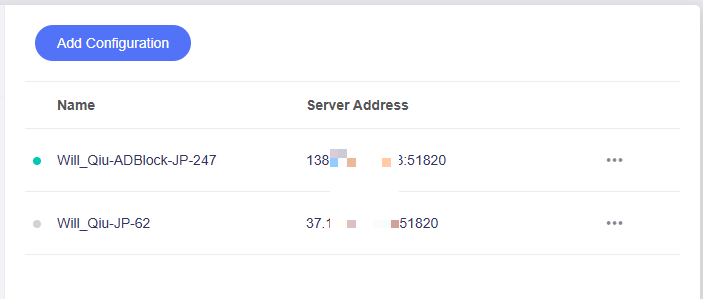
When using a VPN profile with ad filtering enabled:

When using a VPN profile without ad filtering enabled:
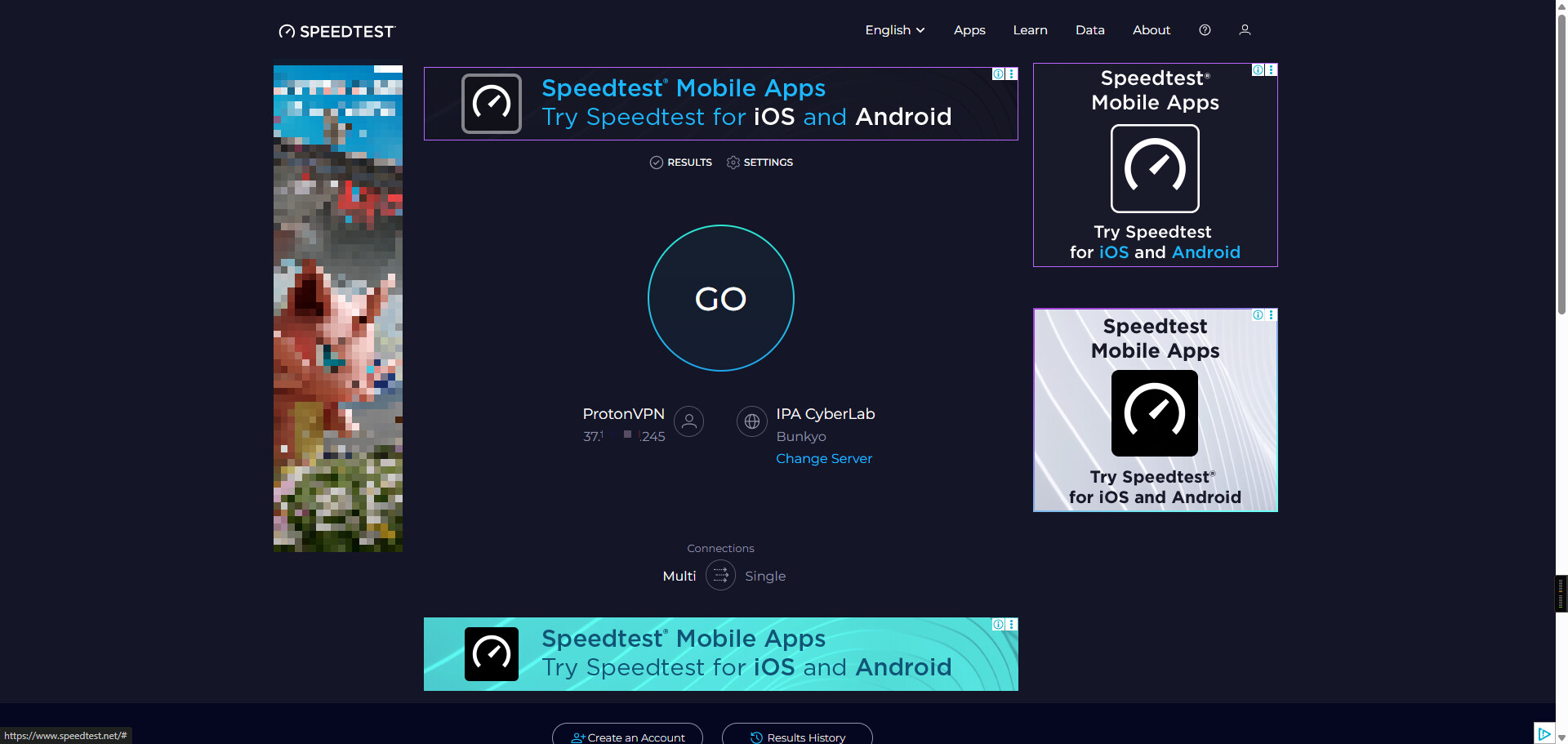
Please note that Proton performs ad filtering via DNS.
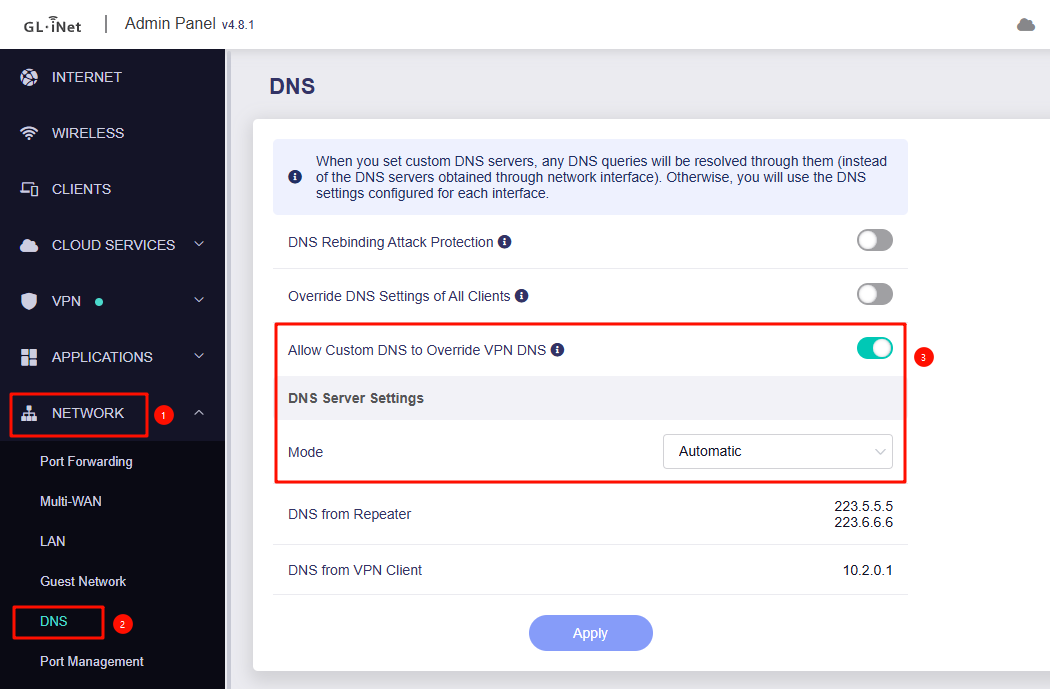
If “Allow Custom DNS to Override VPN DNS” is enabled, ensure that Network > DNS is set to Automatic in the Admin Panel.
Also, if your LAN clients are using encrypted DNS or custom DNS, Proton’s ad filtering will not work.
Please disable encrypted DNS and any custom DNS settings and use the router's LAN IP address as DNS to test again.
Additionally, it is recommended that LAN clients clear their DNS cache after enabling the VPN to ensure the changes take effect.
# For Windows CMD
ipconfig /flushdns
# For MacOS Terminal
sudo dscacheutil -flushcache; sudo killall -HUP mDNSResponder
Thank you for your help, I will try it late!
This topic was automatically closed 90 days after the last reply. New replies are no longer allowed.