I'm an early bird Flint 4 owner who pre-ordered based on "OpenWrt support" marketing which has since vanished and replaced with Multi WAN support. I have specific questions:
Can you identify from serial number whether my unit supports U-Boot web recovery or requires serial console flashing? If not, why is this unknown?
Flint 2 allows vanilla OpenWrt via web UI without verification rejection. Flint 4 blocks this from what i have read. Why is firmware access worse on a newer product can you explain this please?
What percentage of Flint 4 units succeed with U-Boot web recovery? This should be documented if it's not already.
When the Flint 4 appears on the official OpenWrt firmware selector. Will web UI accept vanilla then?
If FCC compliance drove this, why are non-US units (Australia) identically locked? Will region-specific firmware come?
Will upcoming batches remove signature verification, or is this permanent?
Early adopters deserve transparency here. Thanks I appreciate the feedback.
I think from what I readed in various forks of OpenWrt core developers and contributers, it was primarily a issue with the motorcom drivers the 10gb ethernet port and sfp, the flint 4 has two separate internal switches one from motocom, initially there was some talk of support for motorcom by upstream linux but this version was different.
Then someone posted a link to the leaked source and license, I don't know if they worked on this driver source or the now released GL-iNet drivers (between you and me I don't think this is that important).
Now GL-iNet is releasing their drivers, but there is also some porting being done either way support for OpenWrt is almost done.
GL-iNet repo:
Blogic repo one of the core devs (please see the PR by shi):
IMO, I won't worry too much I have been testing some self compiled builds and the ethernet ports work, there only need to be some more testing, like the hardware macs etc, possible hardware offloading, for me the reset logic still failed for me.
im running it now and its pretty good. no issues just a couple of little things like the blogic feed coming up when updating apk. nothing to control the screen from luci is another thing id love to implement. for now its options are easier to change via ssh
Afaik, (not tested by myself but seen on Github and forum responses).
There is no luci app for mtk, but instead the normal wireless menu item which you should expect.
Unto further reading, some reported to have no phy for 6ghz, but they confirmed that it only becomes visible if the country settings are correct, some countries don't support the full 6ghz band, I'm not sure if that is something you also are seeing in the mtk sdk, this however are completely different implementations with OpenWrt as base.
As for MLO, this is just my personal untested opinion, I think the drivers are not fully mature for it to work stable I just compare it with the history of older wifi standards here, it takes close to a new wifi standard to say all quircks and issues are gone, minimum a year or two, from now I think they already at a year or close to it, luckily the banana pi had this chip quite some time allowing developers to support things alot earlier.
So it will not be strange to experience some issues or corner cases on this field
Edit:
I didn't read properly, i didn't notice bridge issues myself with vanilla.
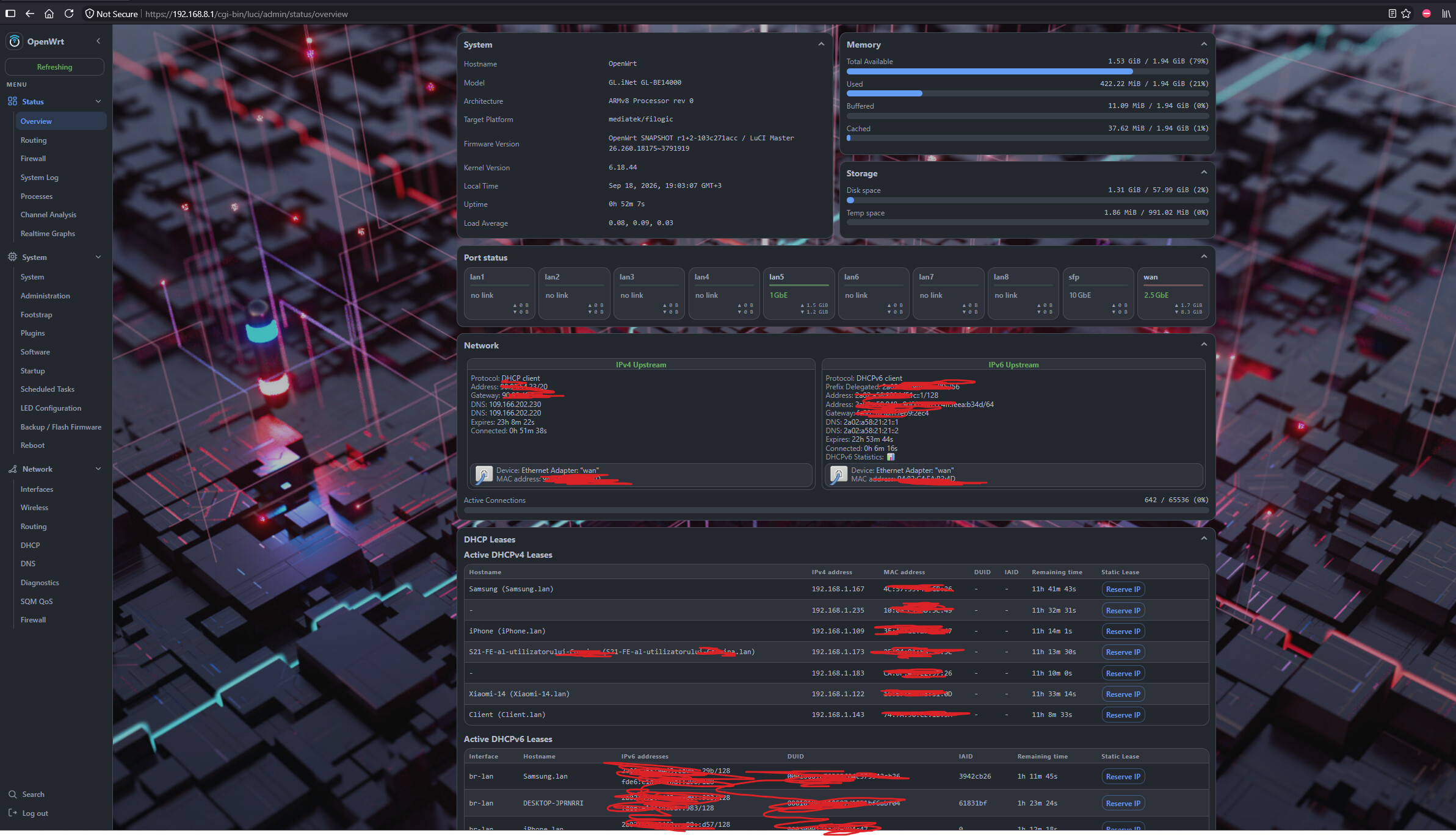
I just wanted to say a huge thank you for your vanilla OpenWrt test build for the Flint 4 (GL-BE14000), especially with the recent GMAC1 MAC address fix. I've been testing it out, and it runs incredibly well—honestly, it feels much smoother and faster than the official GL.iNet stock firmware. Excellent work, and thanks for supporting the community with these builds! [1]
After testing the vanilla OpenWrt community builds for the Flint 4 (GL-BE14000) (like the ones provided by DiGz_Au), the performance and stability differences are highly noticeable. The pure OpenWrt experience runs significantly better and smoother than the official stock software.
Please consider focusing more resources on providing or supporting pure, vanilla OpenWrt firmware images for your devices. The Flint 4 hardware is amazing.
I will flash this when i get a chance at the moment I got to much on my plate, and if i find anything wrong bugs or otherwise I'll gladly help out. Thanks again @DiGz_Au legend from one Aussie to another.
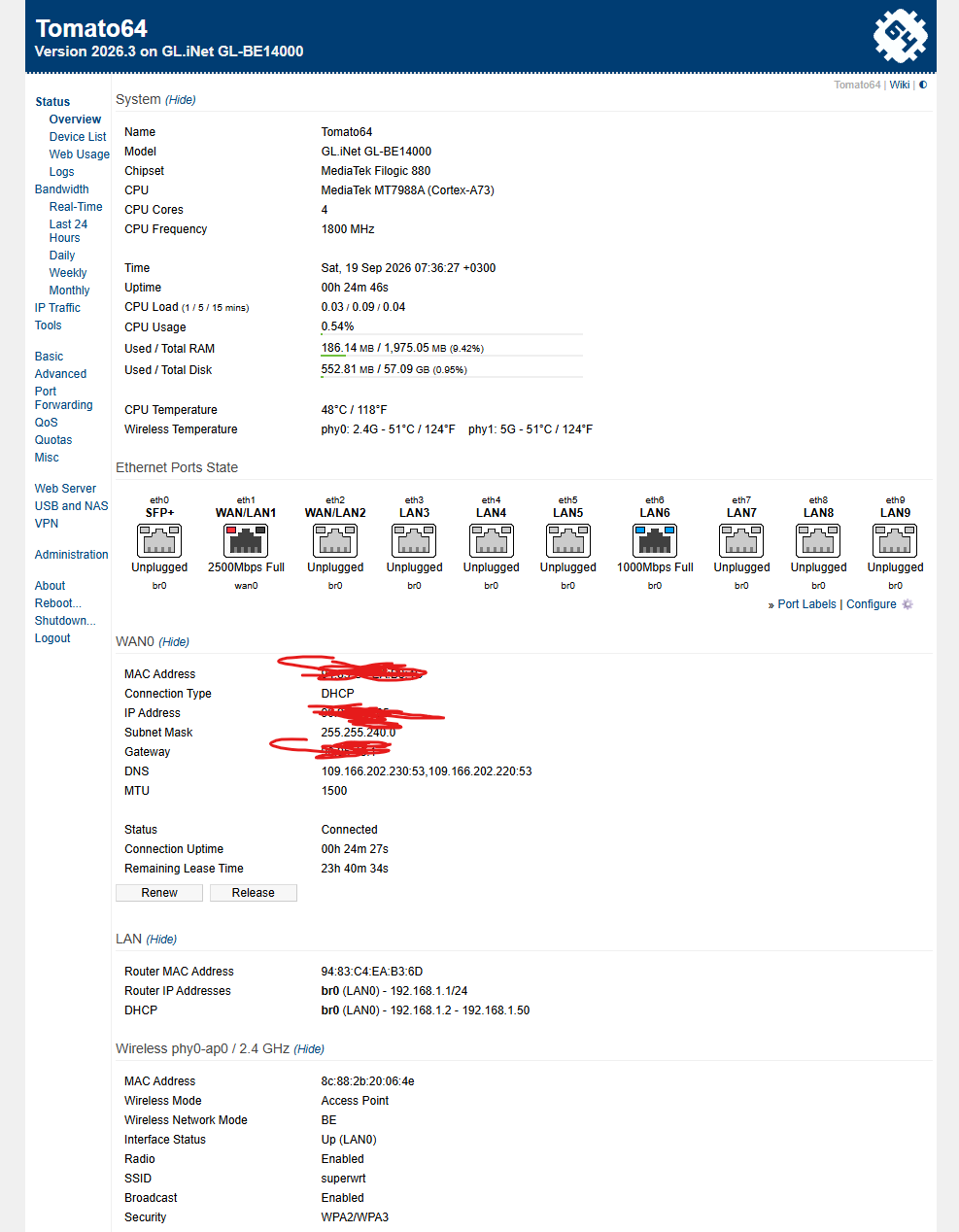
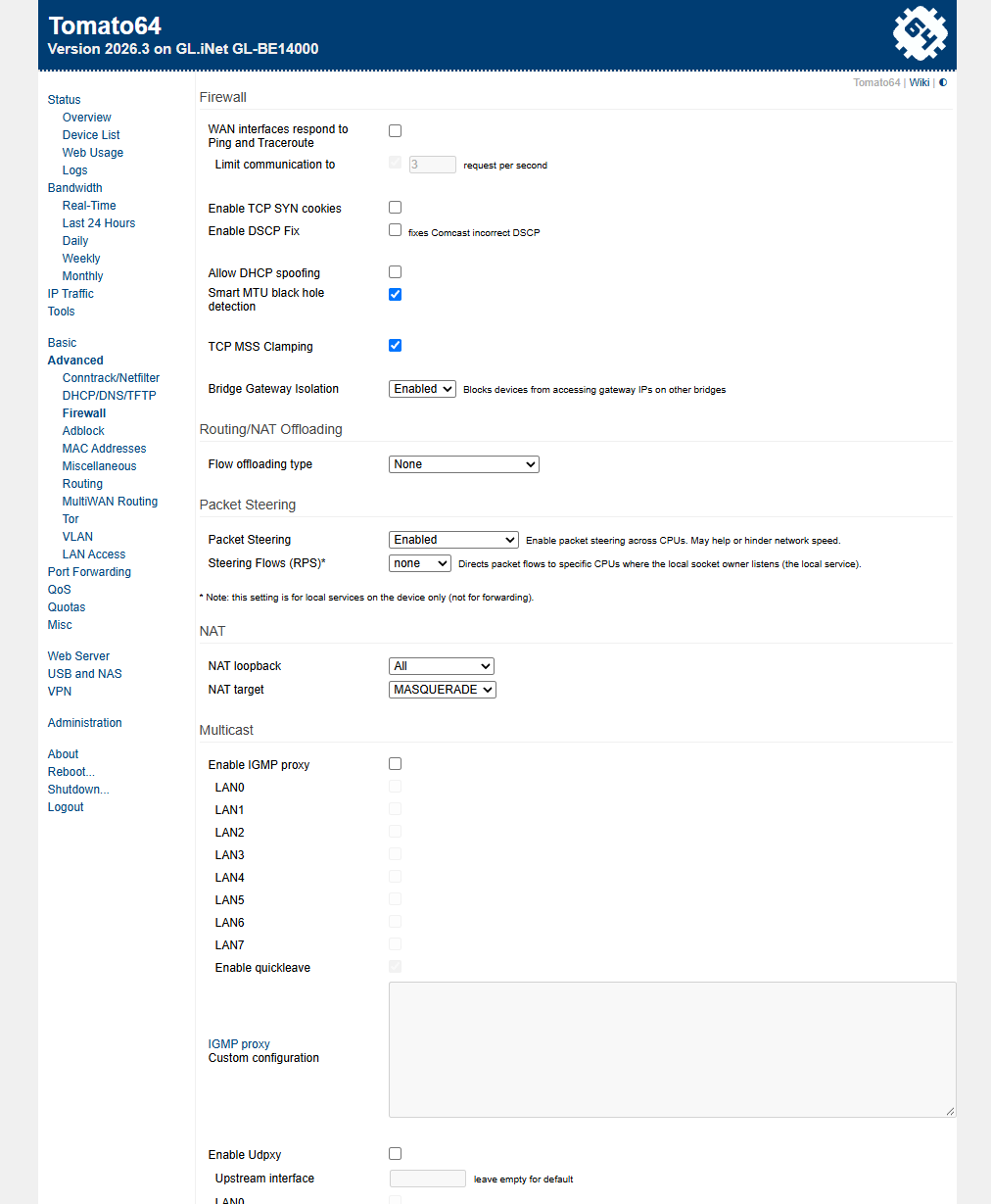
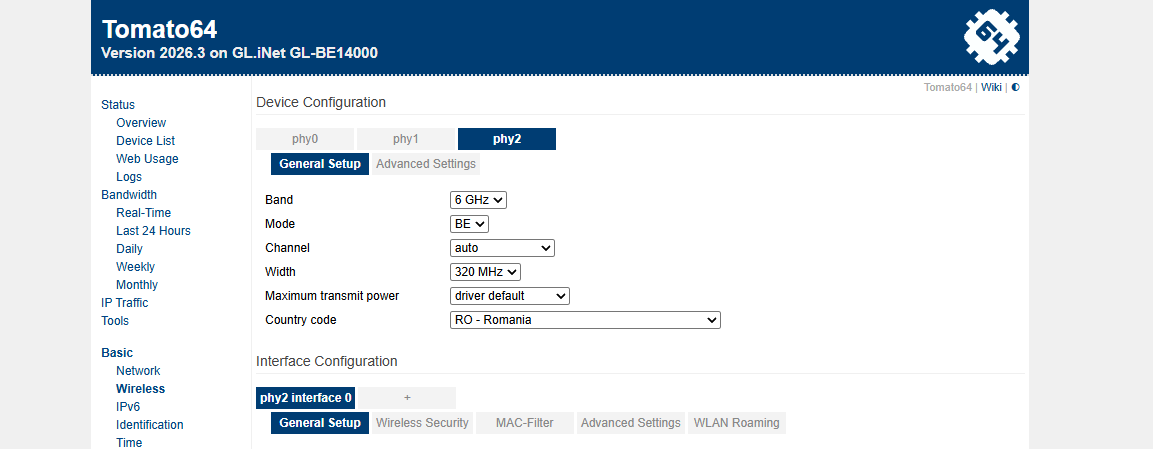
I wanted to share that I successfully flashed the Tomato64 firmware (Version 2026.3) onto a GL.iNet GL-BE14000 router (powered by the MediaTek MT7988A / Cortex-A73 chipset).
Crucially, the installation and transition were done directly from DiGz-Au's unofficial OpenWrt test build (Flint 4 OpenWrt Test Build – GMAC1 MAC Fix) available here:
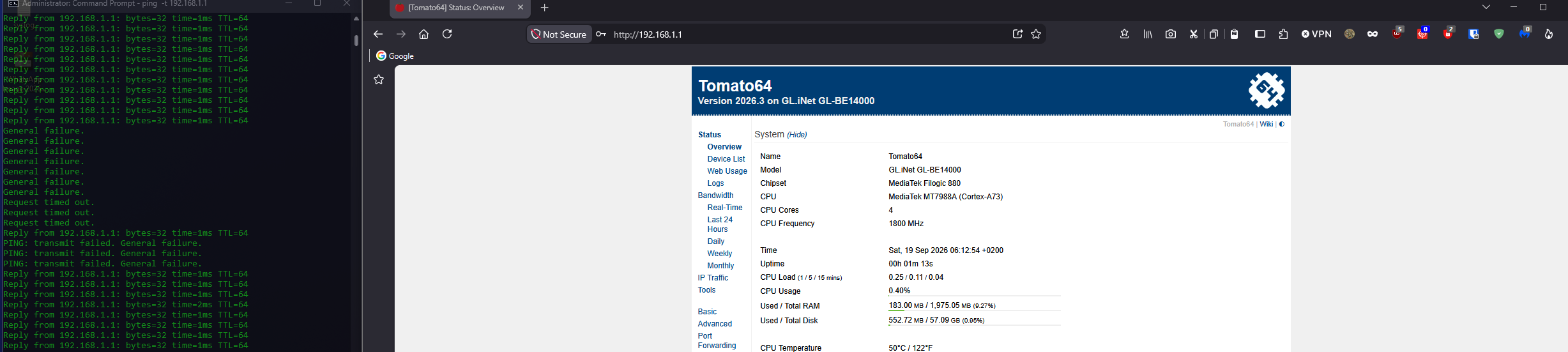
The entire upgrade process from that specific OpenWrt build to Tomato64 went completely smoothly without any flashing errors or issues.
As shown in the attached screenshot, the control panel loads correctly, the system is fully operational, and hardware resources (CPU, RAM) are being accurately recognized by the new system.
One important remark: The built-in touchscreen is currently non-functional under this build.
If anyone has any questions about the specific steps or the long-term stability of this firmware, feel free to ask below!
I saw the repo update yesterday , very nice , This is truly a humbling experience watching the opensource community and Gl.Inet developers working in perfect sync trying to achieve like mined goals its artwork, Its even better knowing others in my own country doing this also, this is a niece area and not many people truly know or appreciate it the talent it takes to do this at a high level and is very motivating experience for me, as the saying goes "iron sharpens iron". Nothing but respect.